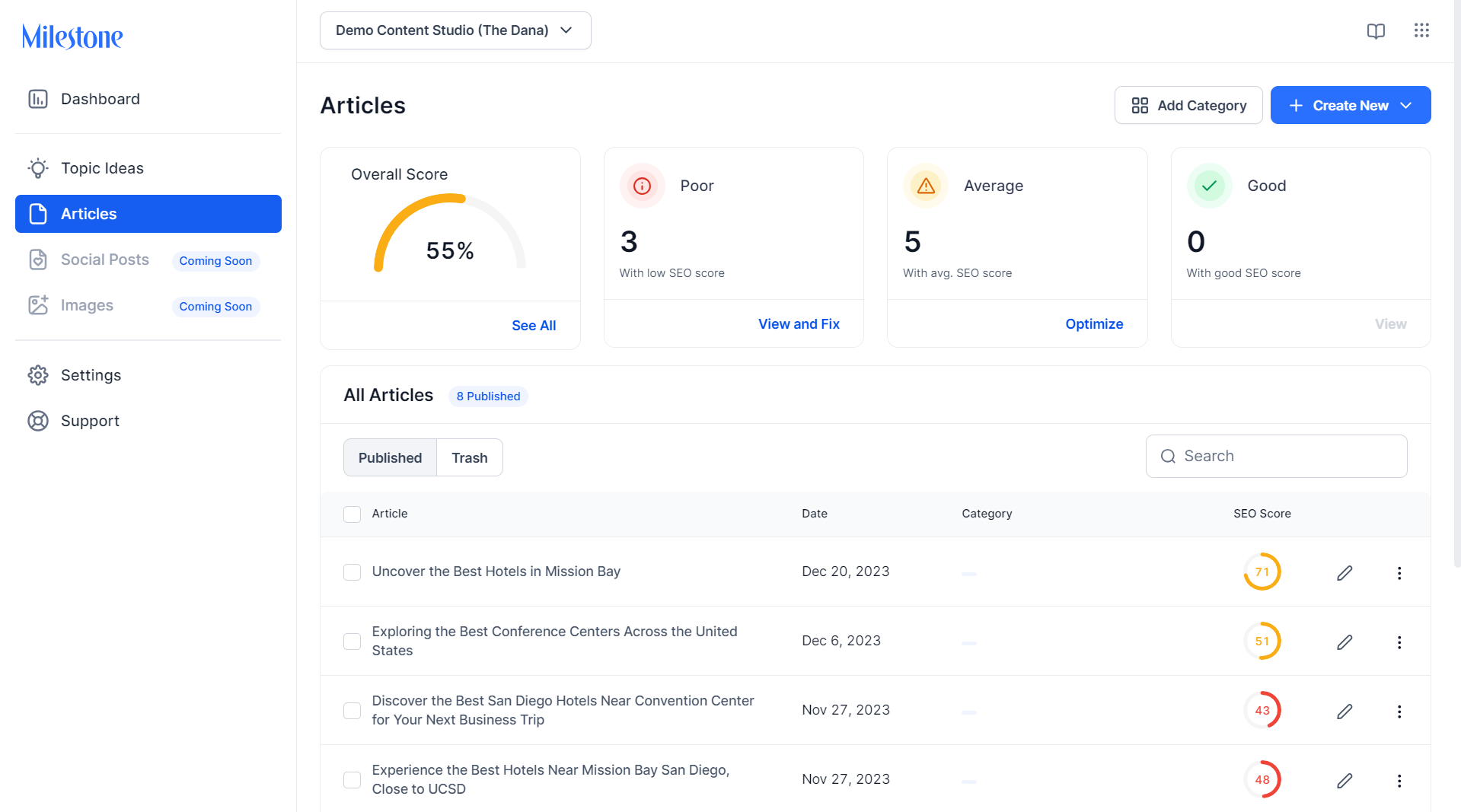
The Articles Dashboard displays an overall quality score for all the articles published, along with the number of blogs that have poor, average, and good ratings. Articles with poor and average ratings can be addressed using quick action buttons such as ‘View & Fix’, ‘Optimize’, etc.
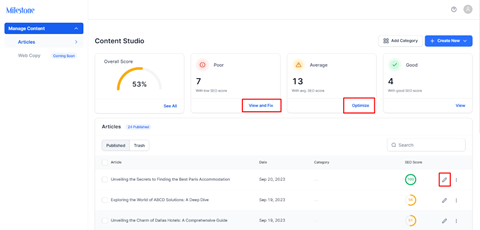
Clicking on the quick action buttons will display the articles or content that need to be taken care of. Click on the edit button to improve the score of the articles.
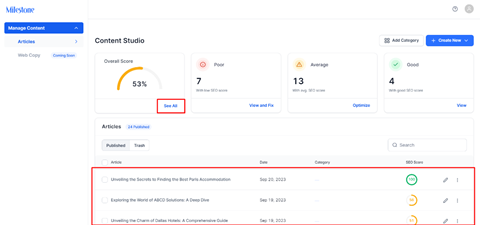
To view all the articles, click on ‘See All’. You will see the list of articles with the title, date of publication, category, SEO score, and edit functionality as well.
 ,
,
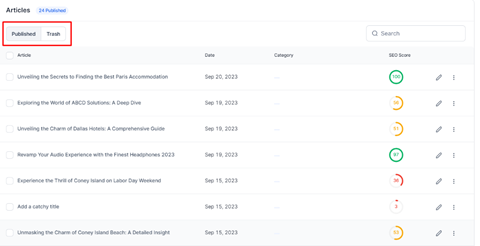
Use the filters to the top left to filter between all articles that have been published and those that have been sent to the trash folder.
Was this article helpful?
That’s Great!
Thank you for your feedback
Sorry! We couldn't be helpful
Thank you for your feedback
Feedback sent
We appreciate your effort and will try to fix the article