Milestone Site Studio lets you create websites in minutes, drastically reducing the time it takes to go to market. Deploy websites across multiple business locations and use custom themes across websites to deliver a consistent experience.
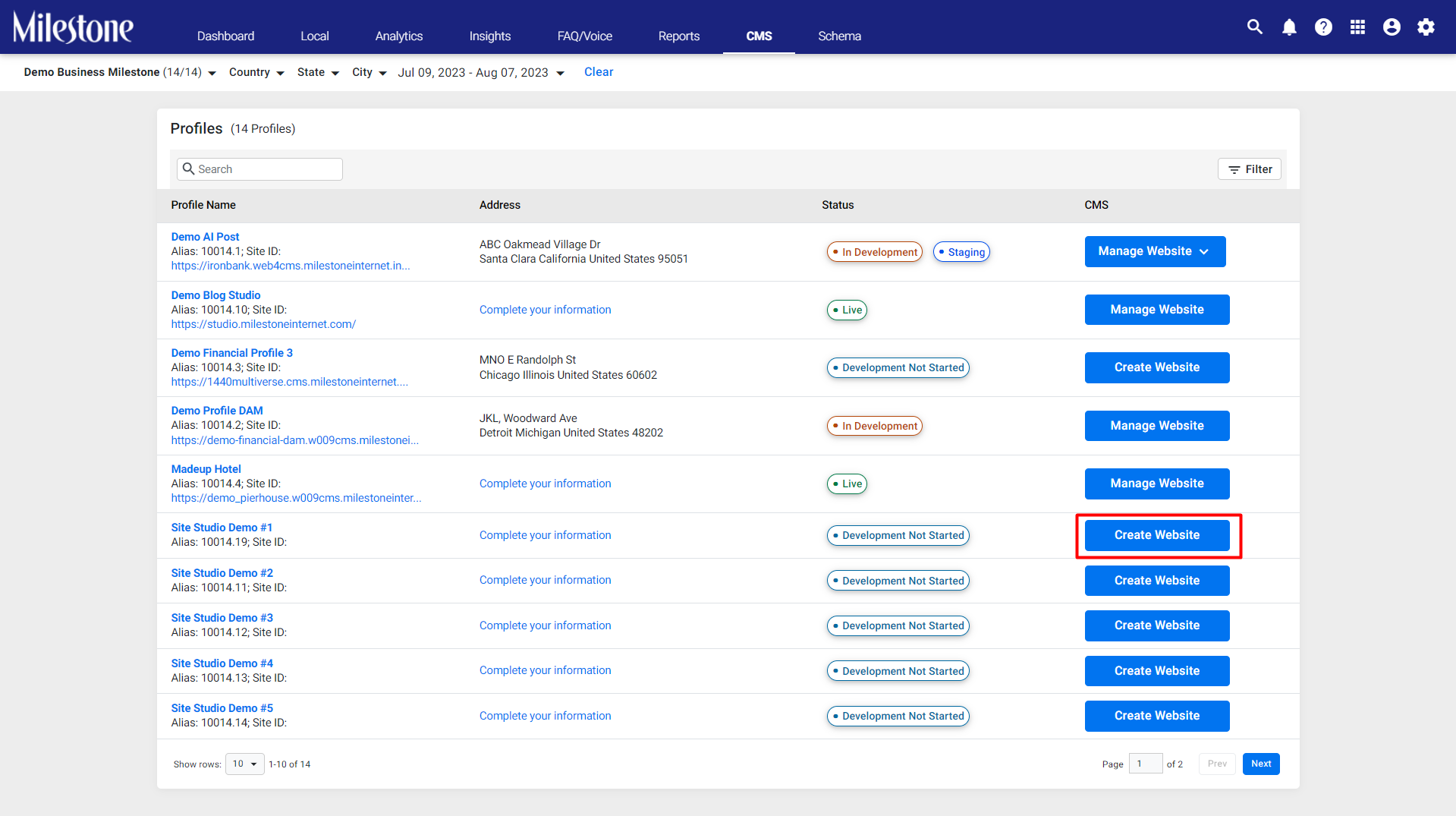
From the Portfolio Page select the profile you wish to create a website for using the ‘Create Website’ button corresponding to it.
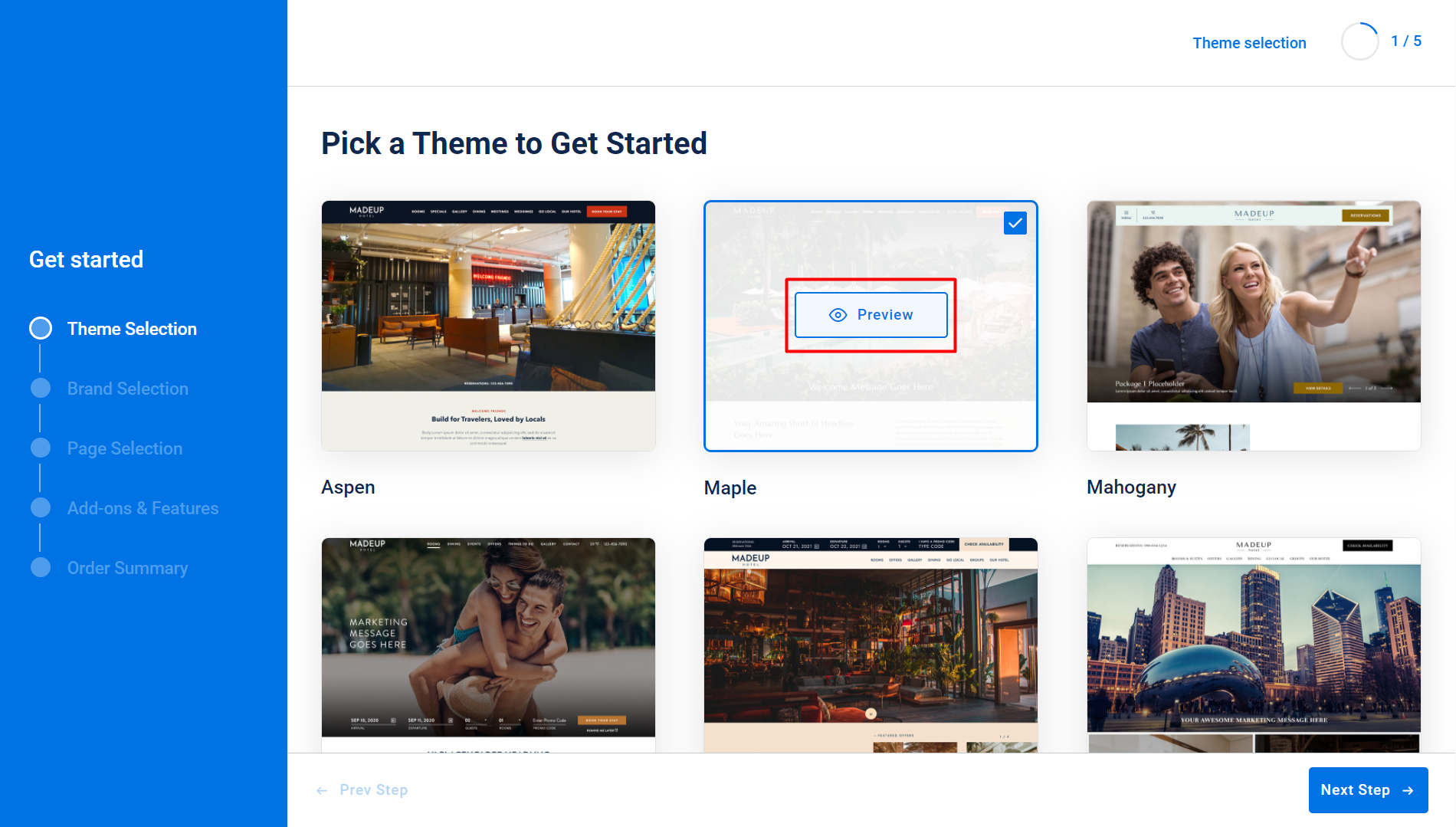
Step 1: Welcome to Milestone Site Studio! Let’s start by selecting a theme for your website. This theme will be used as the basis to create all pages for this website. Selecting a theme helps maintain consistency of design throughout your website. Click on the ‘Preview’ button at the center of a theme to preview how the website will look on desktop and mobile devices.
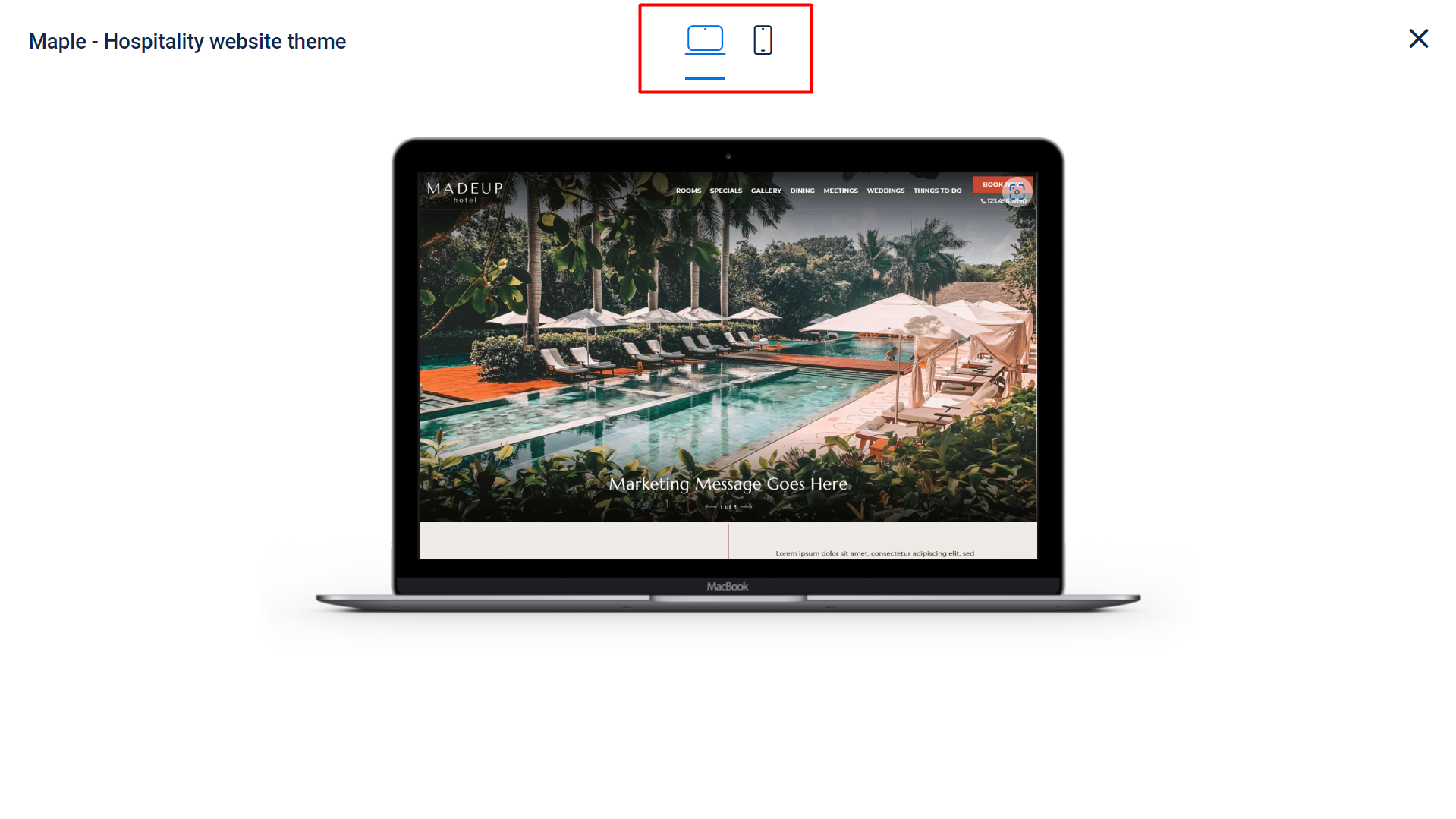
Preview desktop and mobile devices using the buttons at the top.
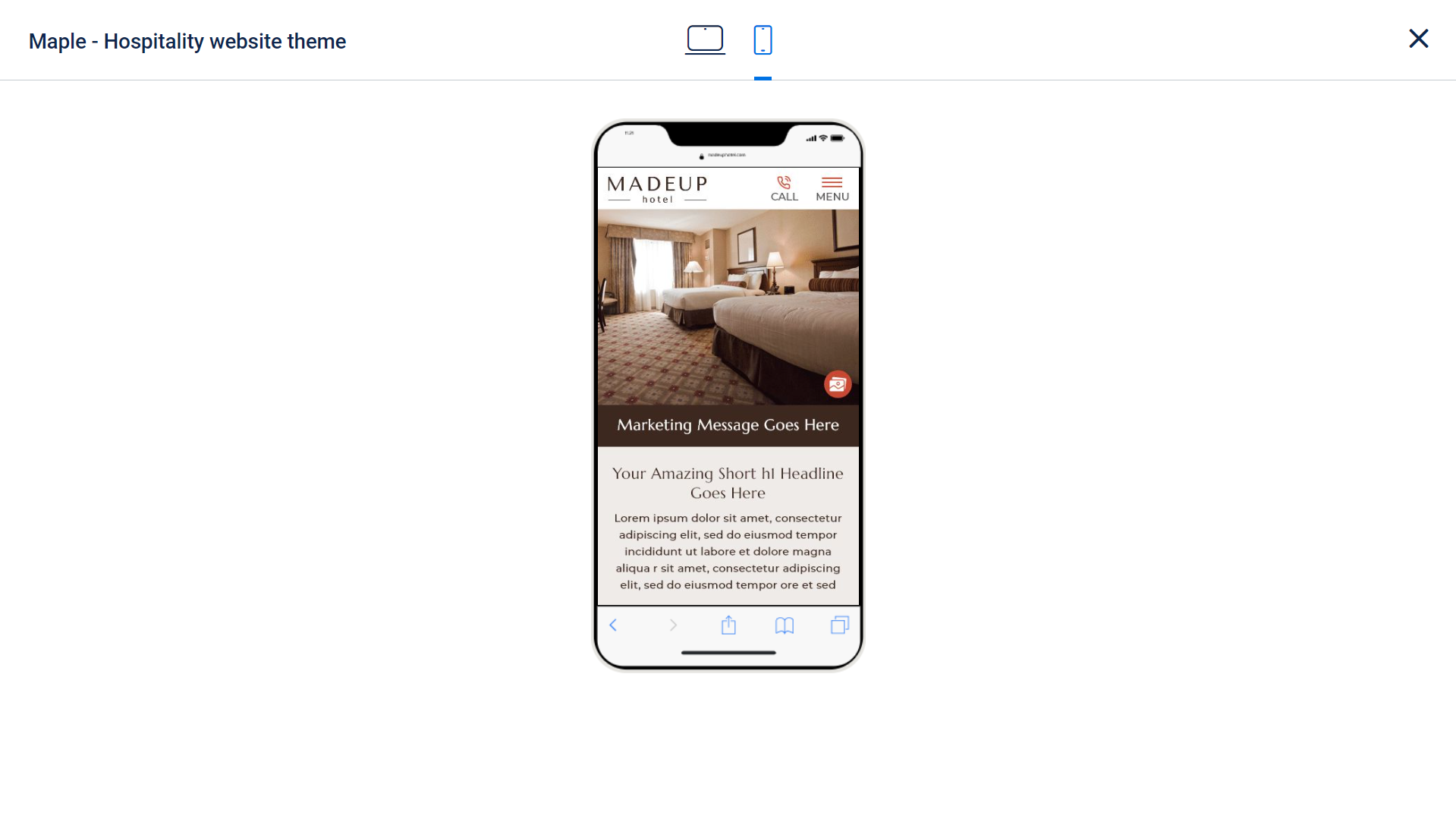
Mobile preview.
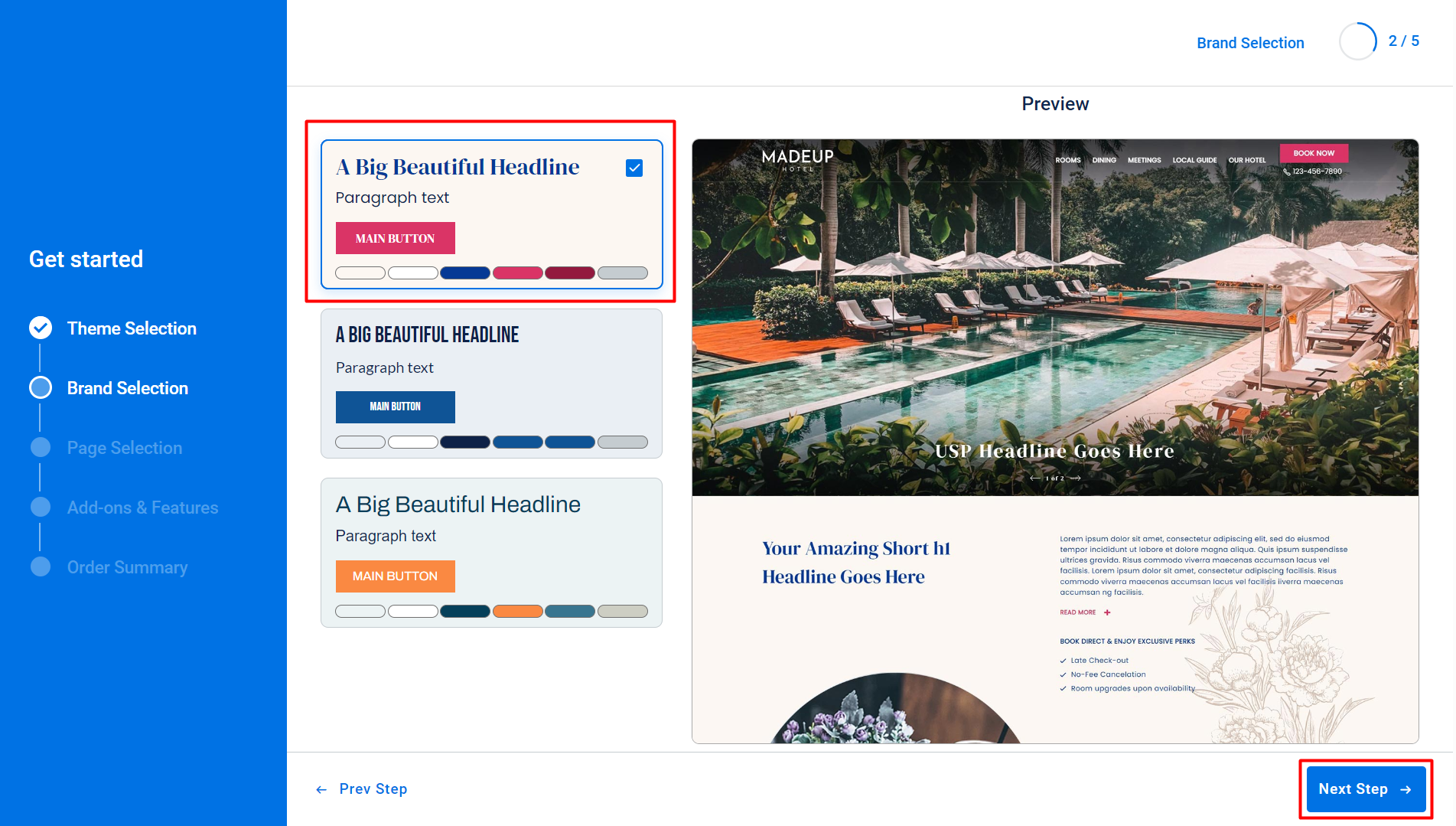
Step 2: In the ‘Brand Selection’ section you can select the fonts and colors for your website that resonate with your brand. Select from the options on the left and preview them on the right. Once you are satisfied with a selection click on ‘Next Step’.
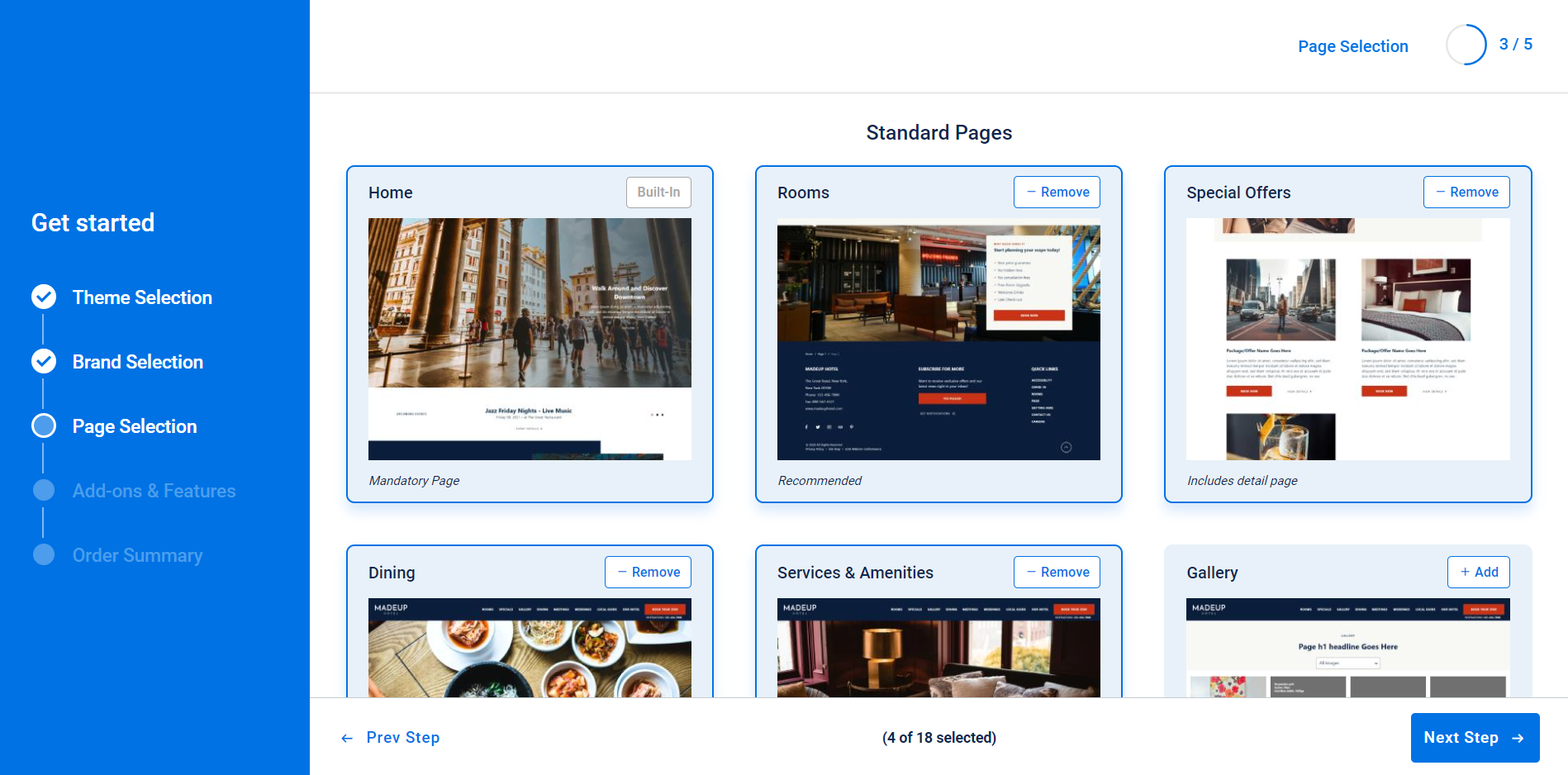
Step 3: In the ‘Page Selection’ section you can select the pages you want to deploy for your website. Select from 10 standard page types and 6 add-on pages to deploy. Mandatory footer pages for accessibility, sitemap, and privacy policy are automatically added as well.
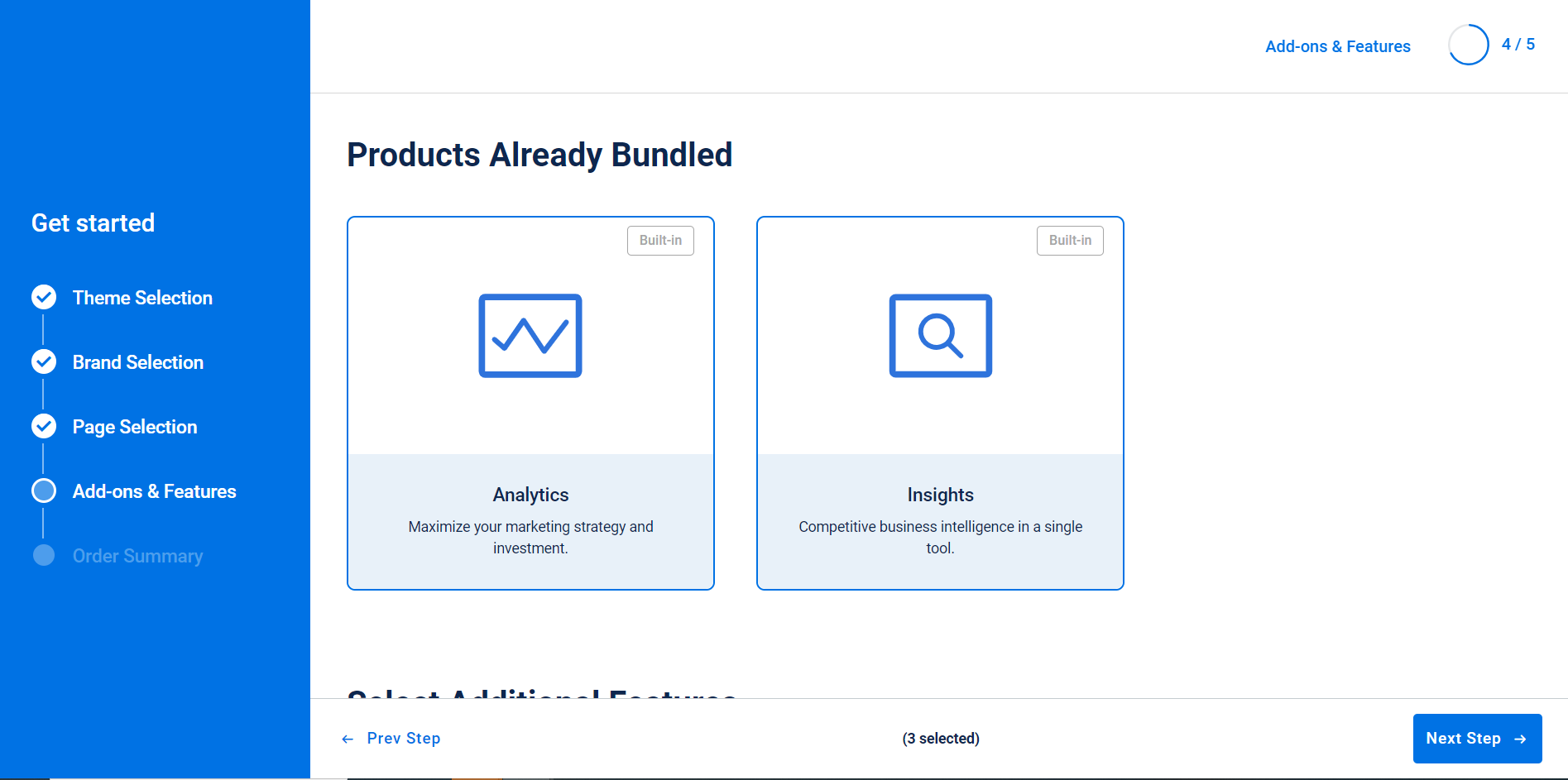
Step 4: Website add-ons help maximize the reach of your website and provide you with actionable insights to improve your overall visibility. Select the website add-ons you want and click on ‘Next Step’.
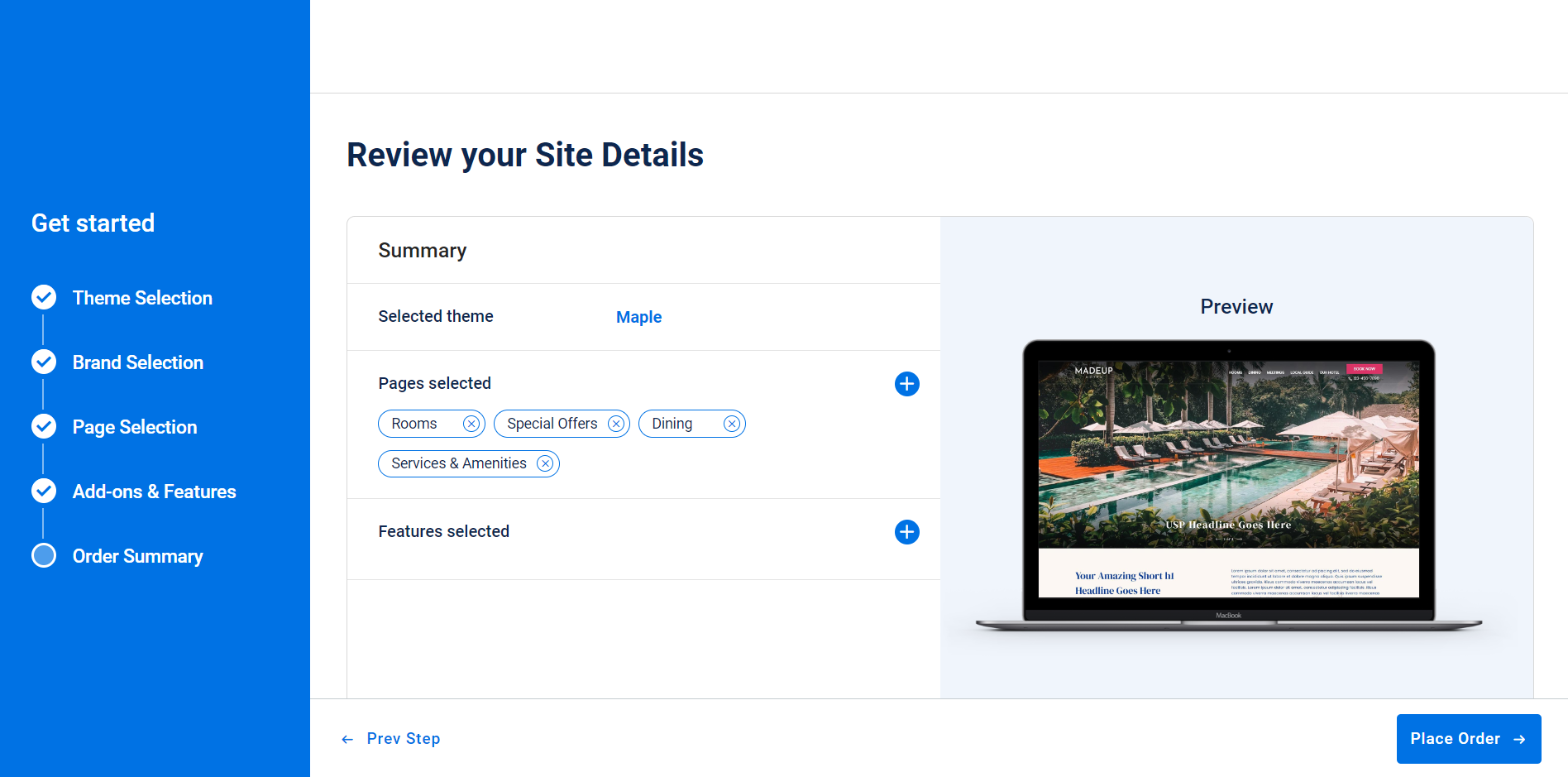
Step 5: Review your website details and if satisfied click on ‘Place Order’.
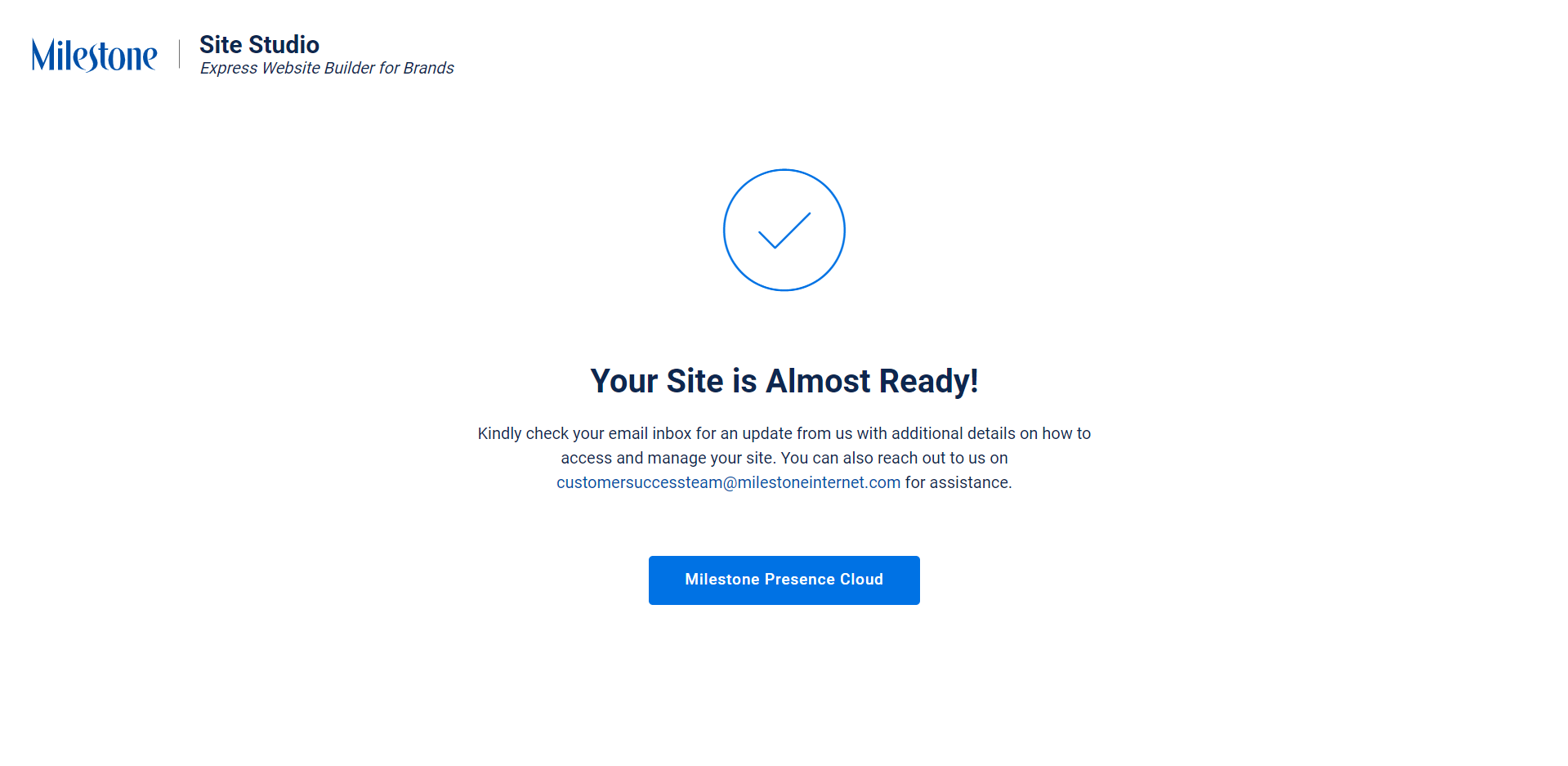
You are all set! Check your email for a notification about how you can manage this site.
Was this article helpful?
That’s Great!
Thank you for your feedback
Sorry! We couldn't be helpful
Thank you for your feedback
Feedback sent
We appreciate your effort and will try to fix the article