In some cases, a Pin Drop error can occur where there already is a location Pin available for a business.
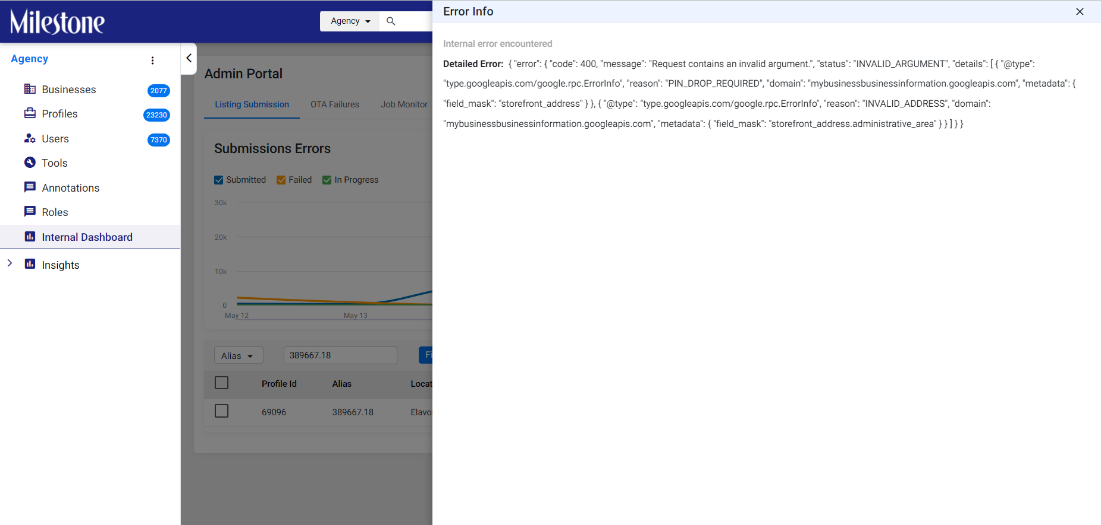
In such cases follow these steps to resolve the issue.
Step 1: Go to https://developers.google.com/maps/documentation/address-validation/demo
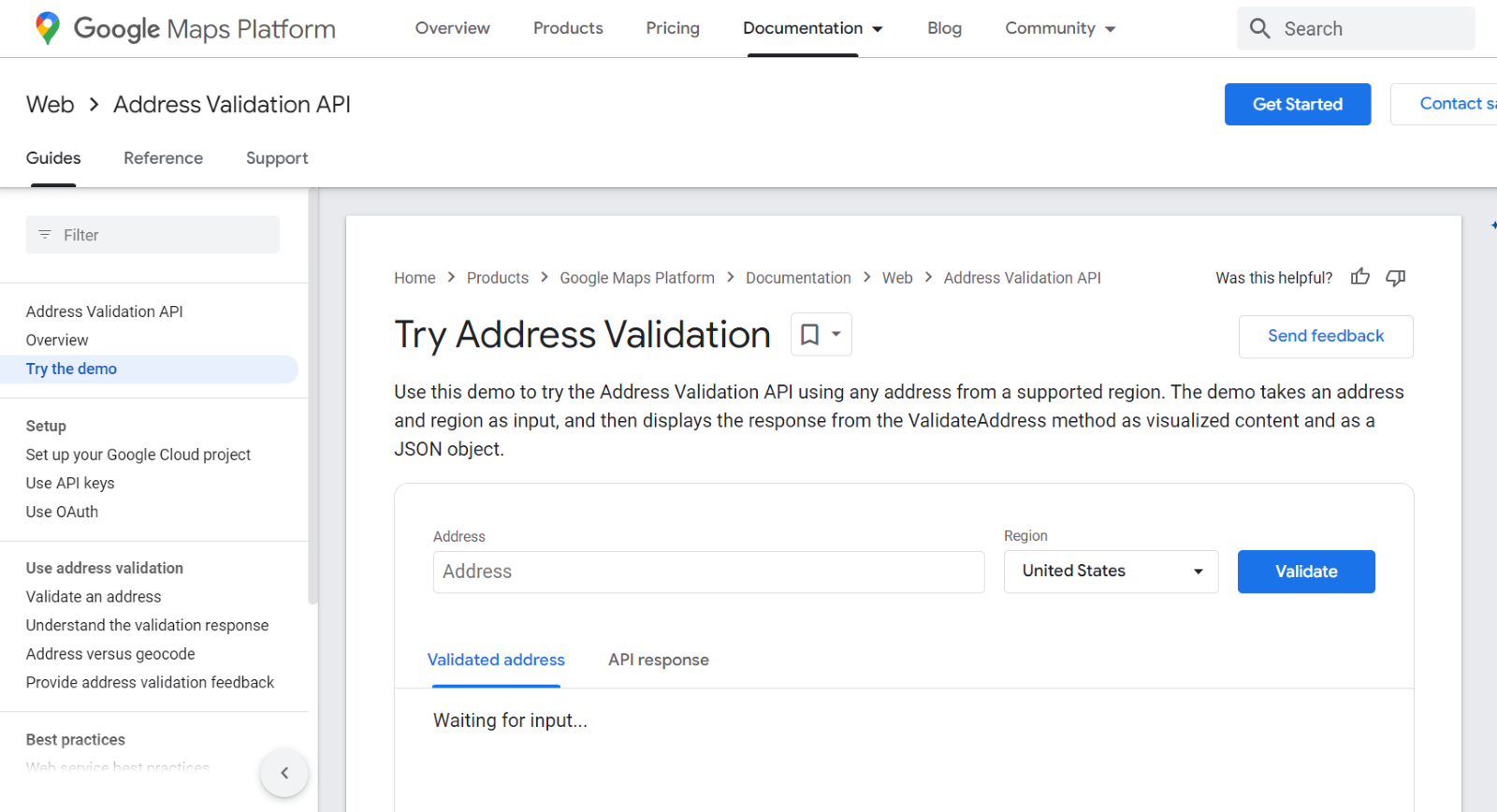
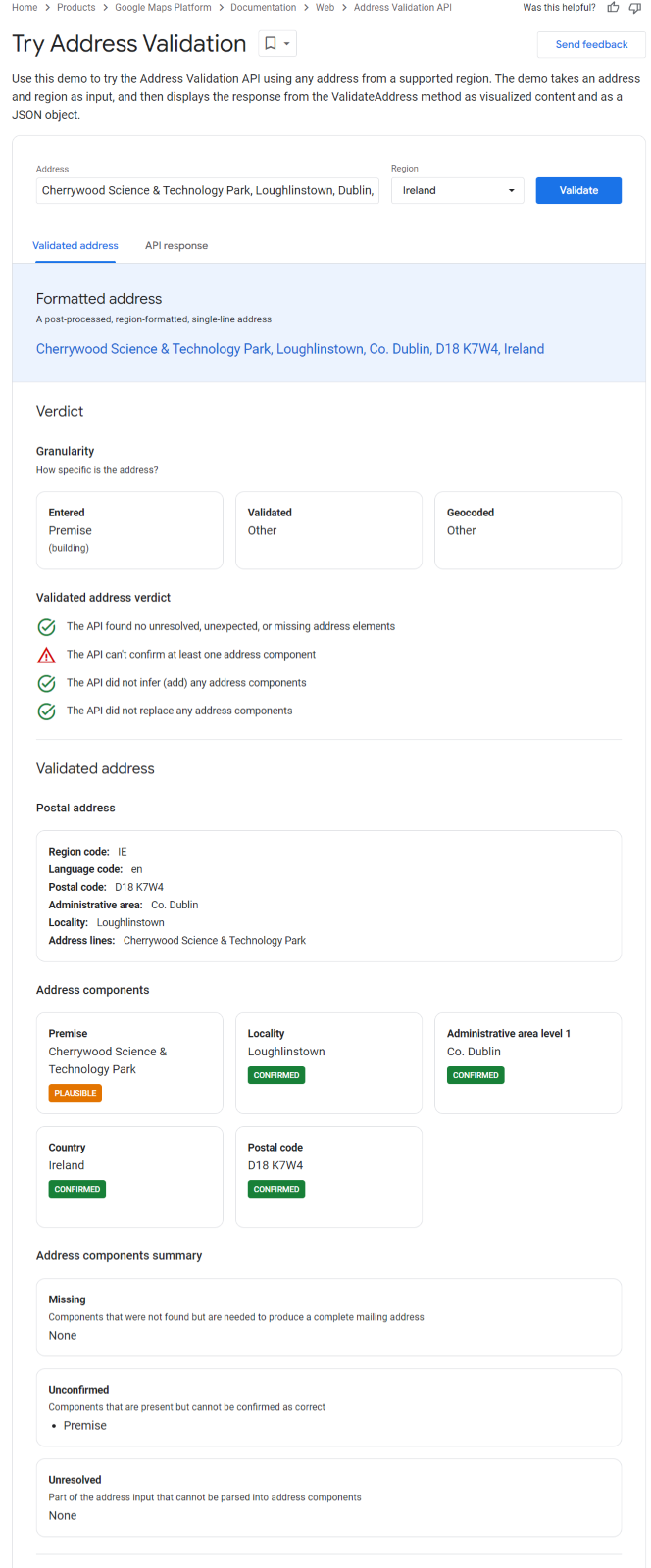
Step 2: Enter the address in the Address section and select the appropriate country from the drop-down.
- Check the address components not recognized by Google.
- Correct the address and then re-verify.
- Once Google has “confirmed” the components, update the address in the Milestone Local Profile Summary page.
Was this article helpful?
That’s Great!
Thank you for your feedback
Sorry! We couldn't be helpful
Thank you for your feedback
Feedback sent
We appreciate your effort and will try to fix the article