Milestone Local allows you to retry publishing Google posts when an internal or external error occurs.
Milestone Local > Posts Summary
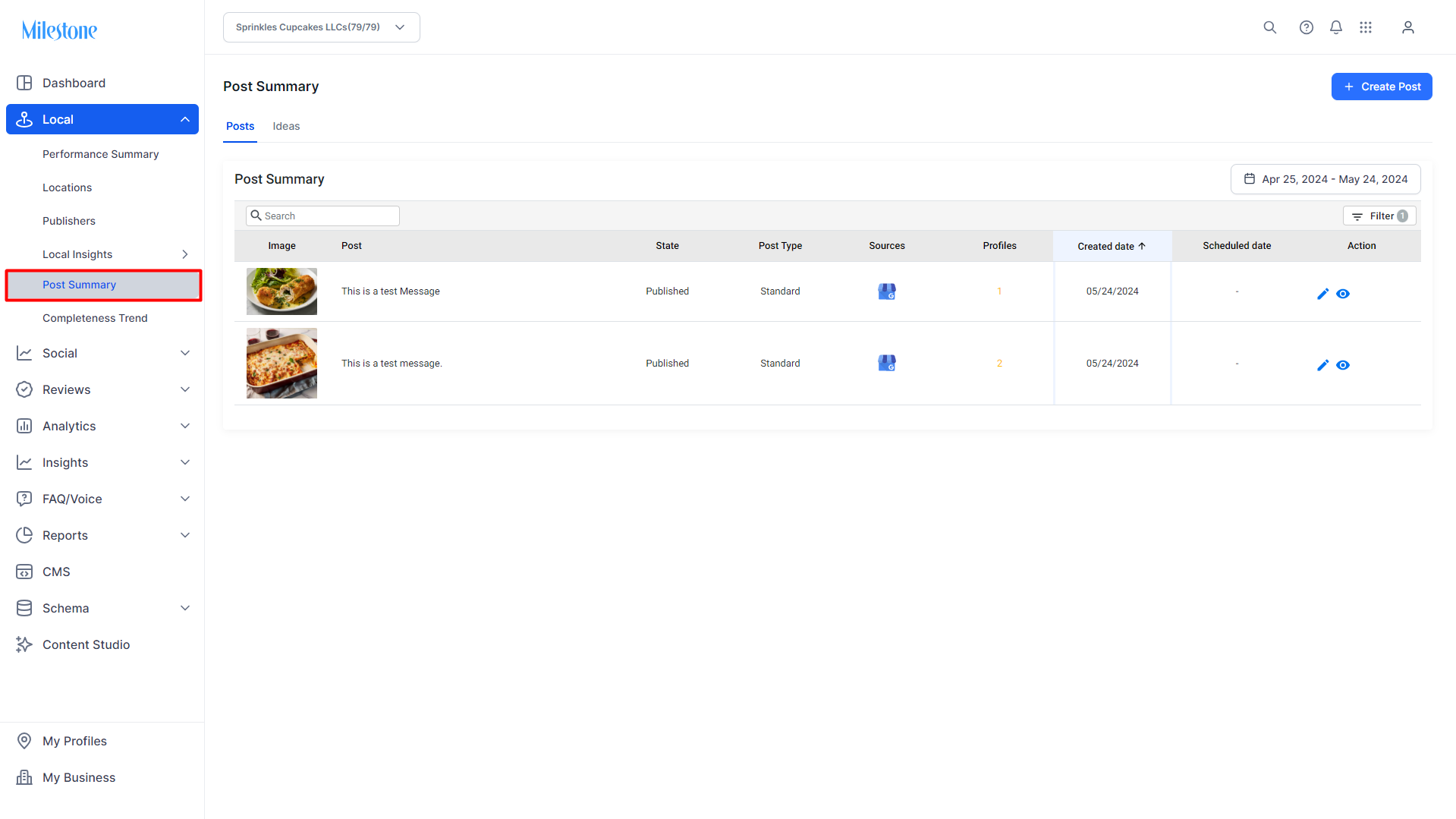
Step 1: From Milestone Local click on ‘Post Summary’ in the left navigation panel.
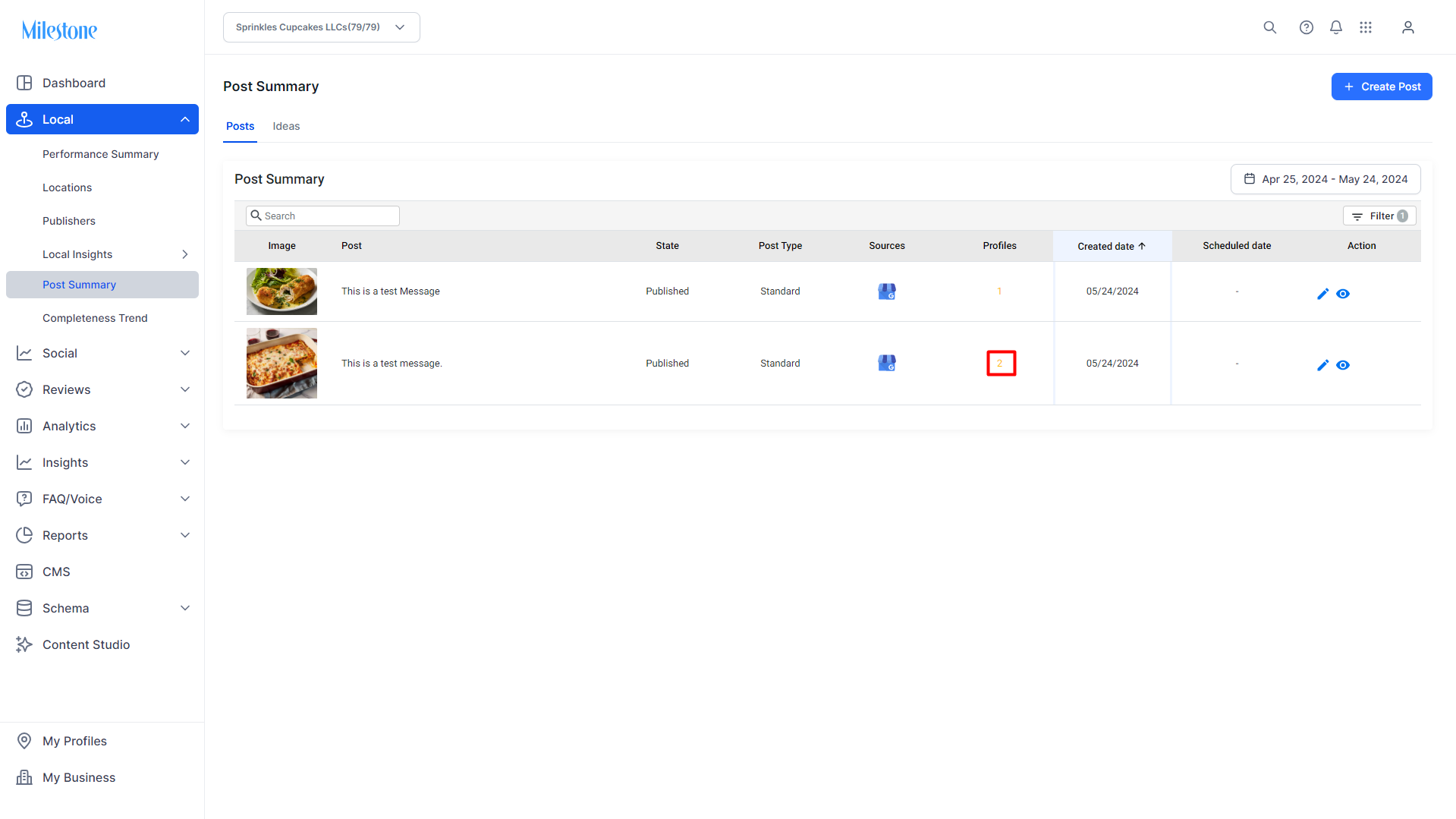
Step 2: Locations marked in red signify that an error has occurred during publishing. Click in the ‘Locations’ column to view the error.
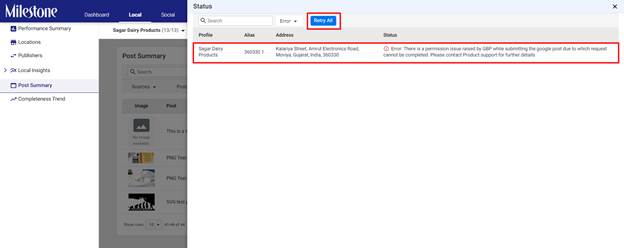
Step 3: The location, alias, address and error status will be displayed. Click on ‘Retry All’ to retry publishing
Was this article helpful?
That’s Great!
Thank you for your feedback
Sorry! We couldn't be helpful
Thank you for your feedback
Feedback sent
We appreciate your effort and will try to fix the article