Let's show you how you can publish multiple FAQs in one go:
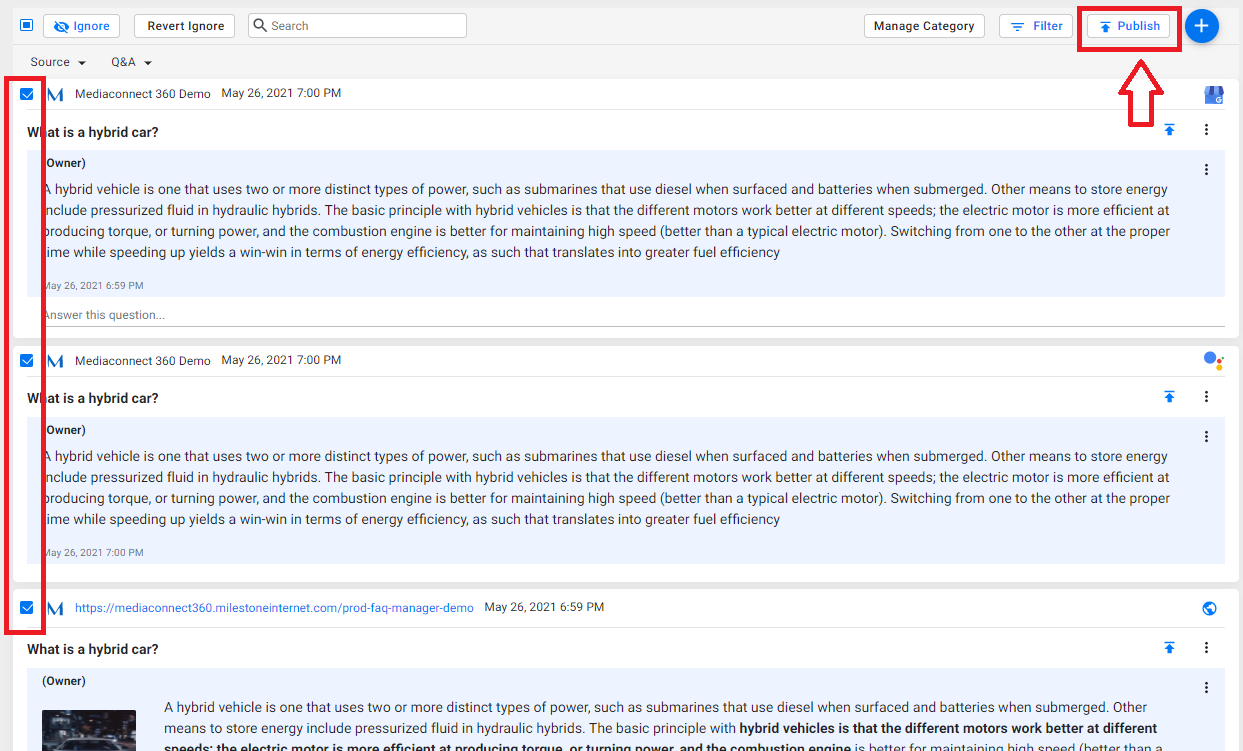
Choose multiple FAQs on the Q&A screen and click on ‘Publish’ on the top right of the widget next to the ‘ Add’ button.
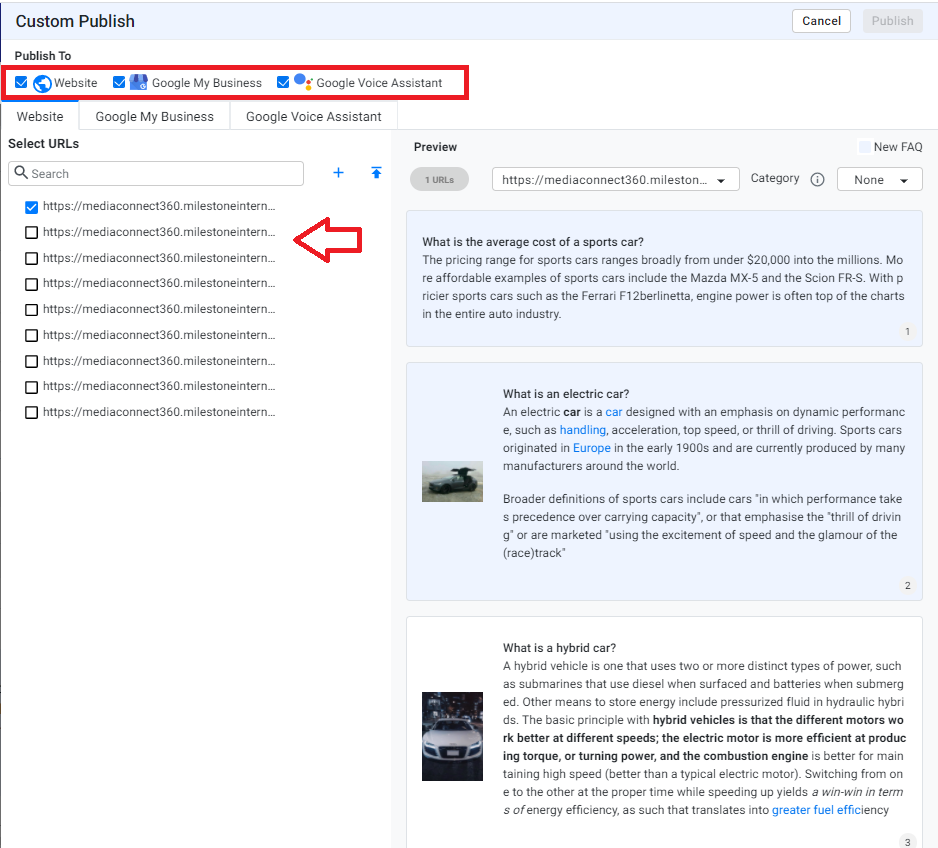
Follow the same steps, choose the sources you wish to publish the FAQs to, and select the locations you wish to publish the FAQs if you’re publishing to ‘Website’ and ‘Google My Business'.
You can edit each FAQ prior to publishing by clicking on the edit button. Once you’ve satisfied with all FAQs, click on ‘Publish’.
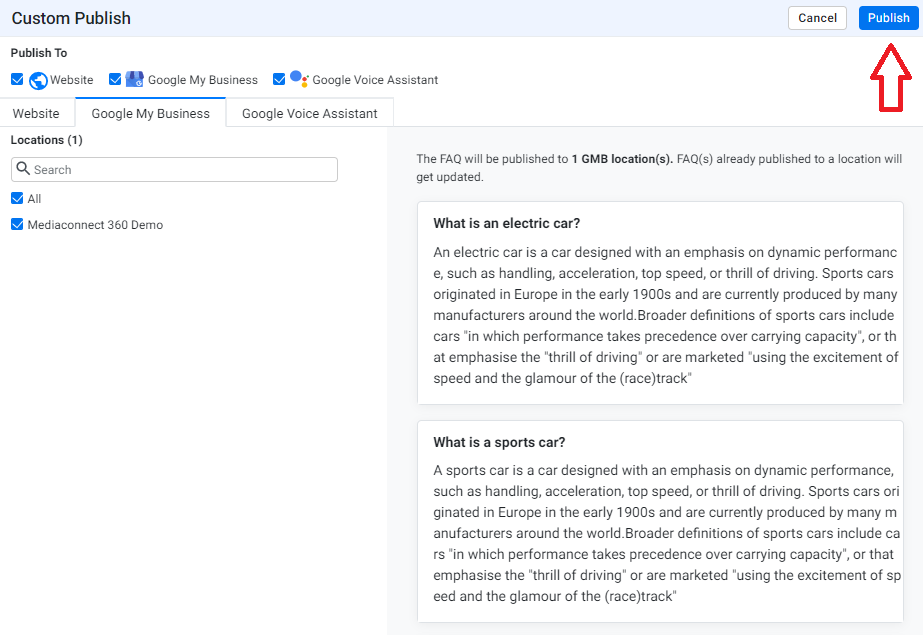
Note: If you’re not seeing all the FAQs you chose to publish on the preview screen, it is because they are in different categories. Choose other possible categories where they could be, viewed and publish.
Was this article helpful?
That’s Great!
Thank you for your feedback
Sorry! We couldn't be helpful
Thank you for your feedback
Feedback sent
We appreciate your effort and will try to fix the article