Page Studio now supports direct FAQ management, giving users full control over how FAQs are added and displayed on their web pages.
Once you have selected the template for your page, you are ready to start adding components.
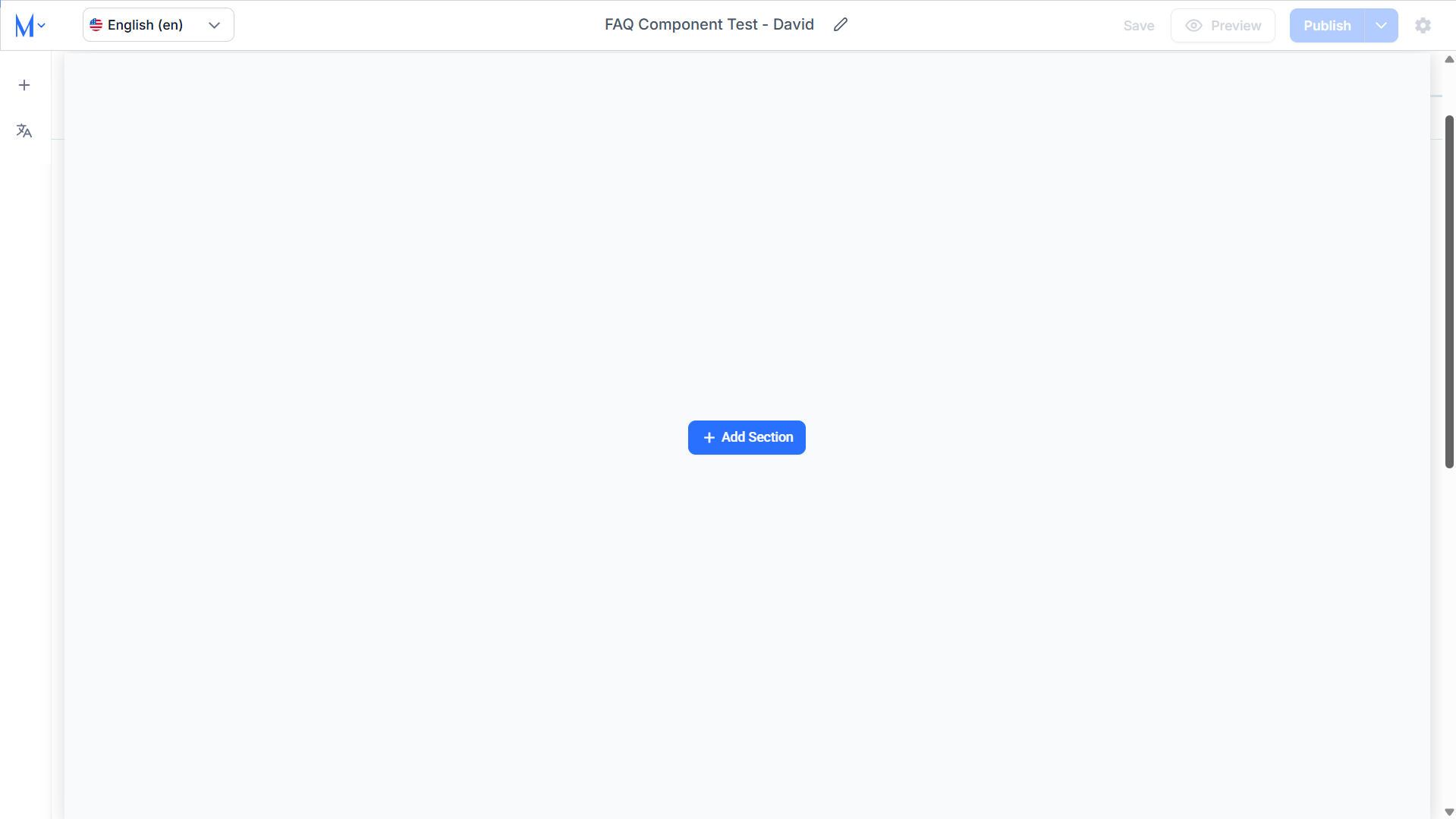
Step 1: Click on the ‘+’ icon in the left panel.
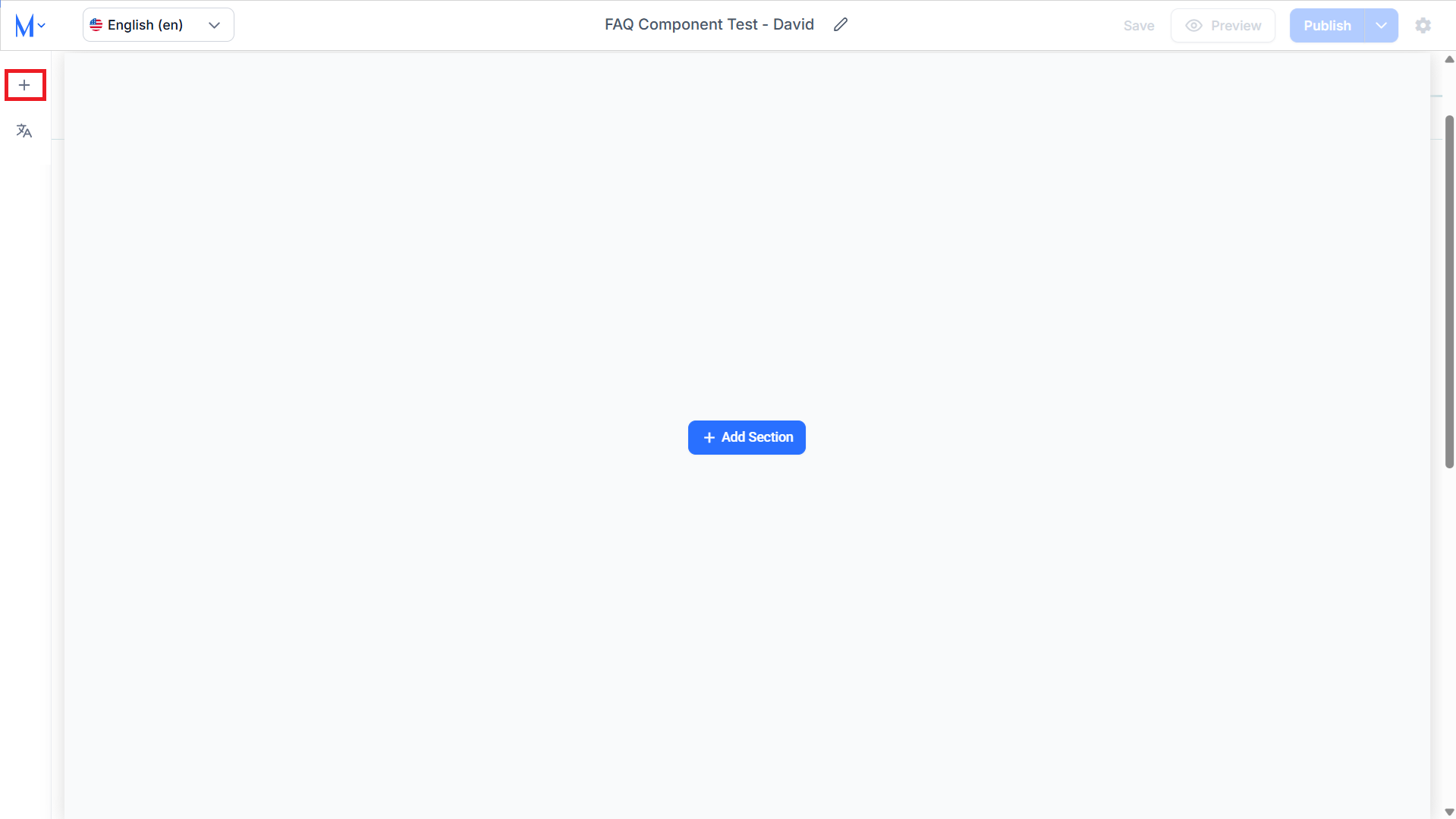
Step 2: Click on ‘FAQs’ in the ‘Add-on Components’ and select the component type.
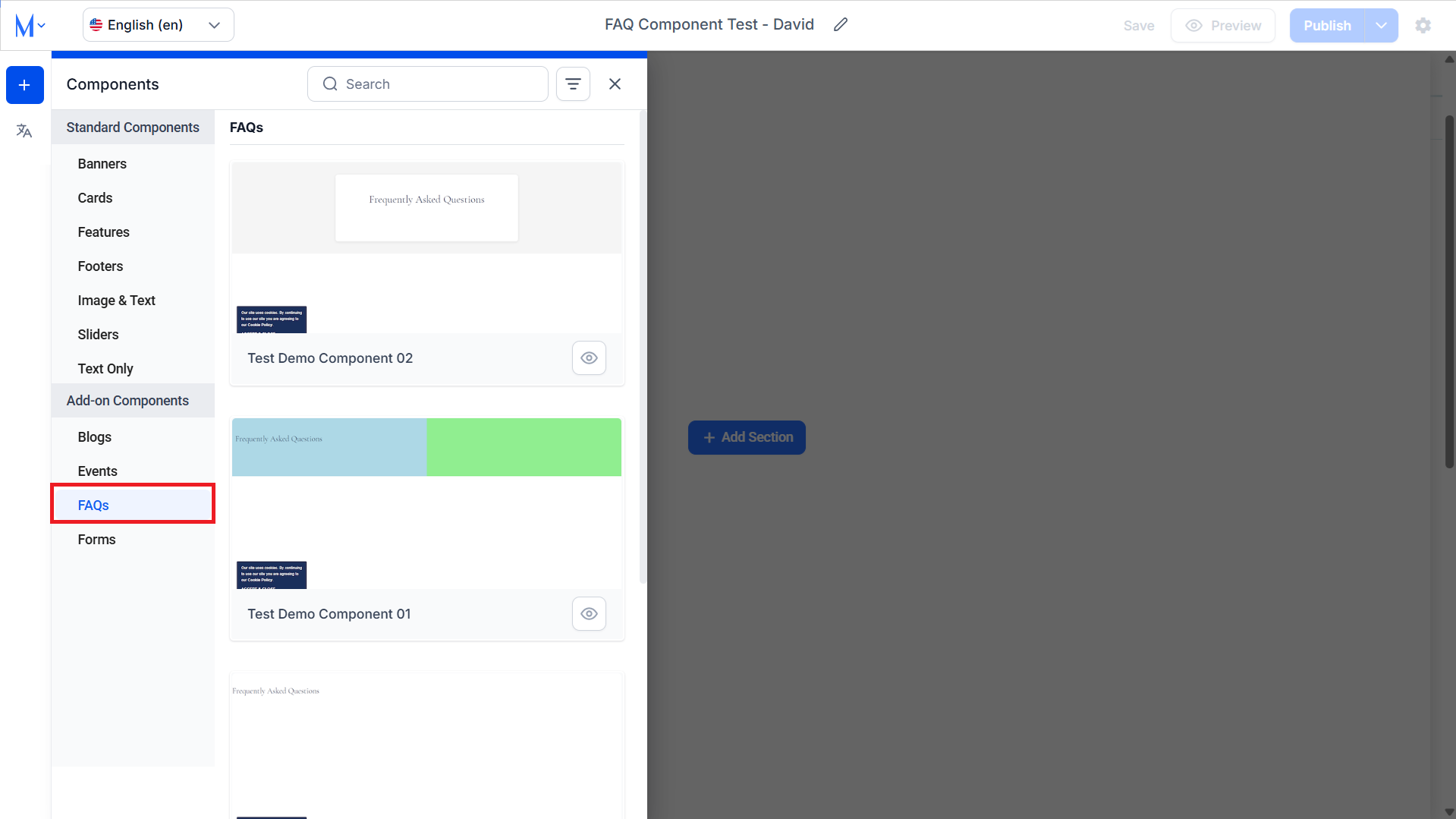
Step 3: The ‘Add FAQs from Library’ section sources its FAQs from Milestone FAQ Manager. You can choose FAQs from this section using the checkbox corresponding to them.
You can search for FAQs using keywords or phrases in the search bar to the top.
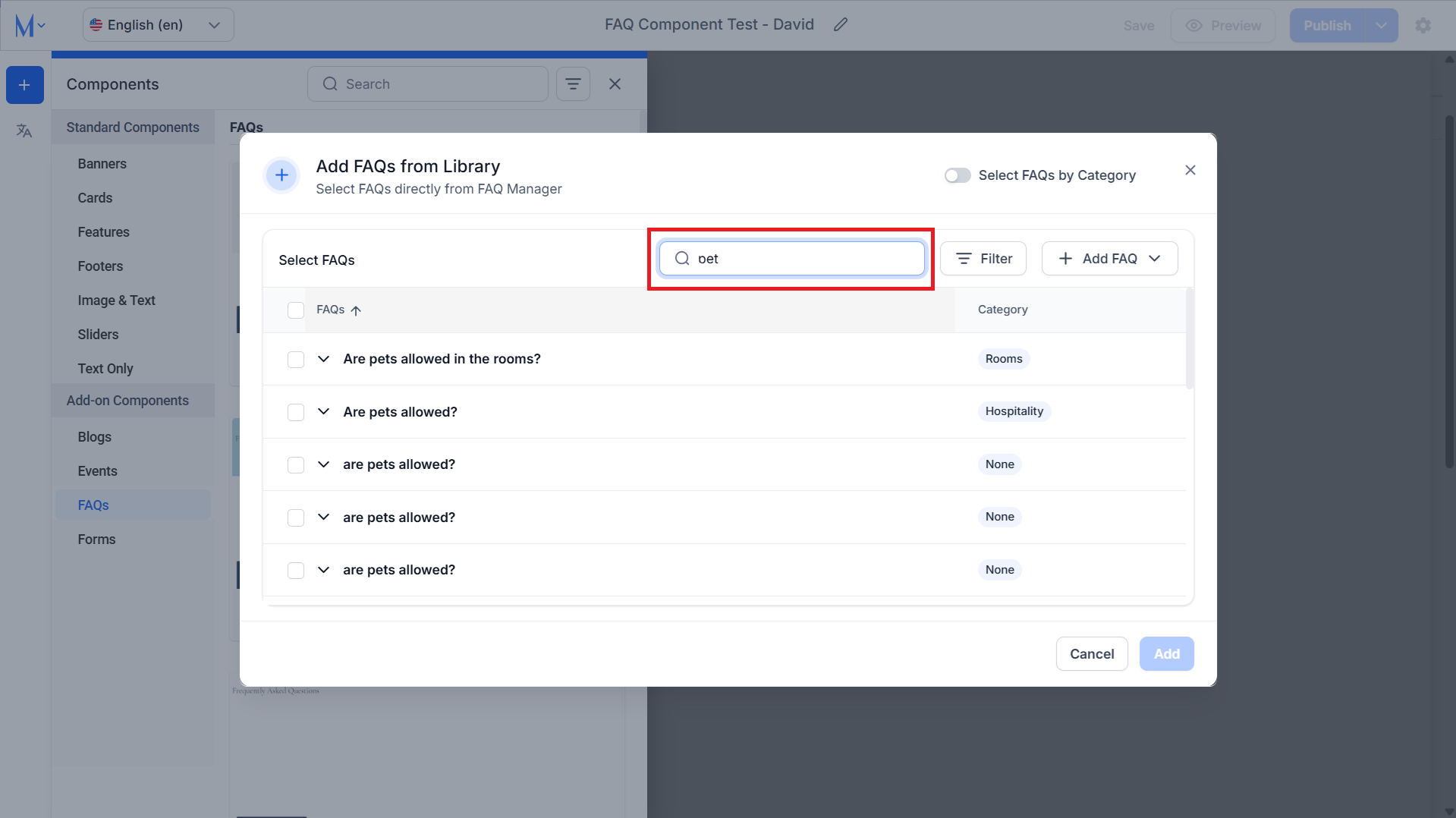
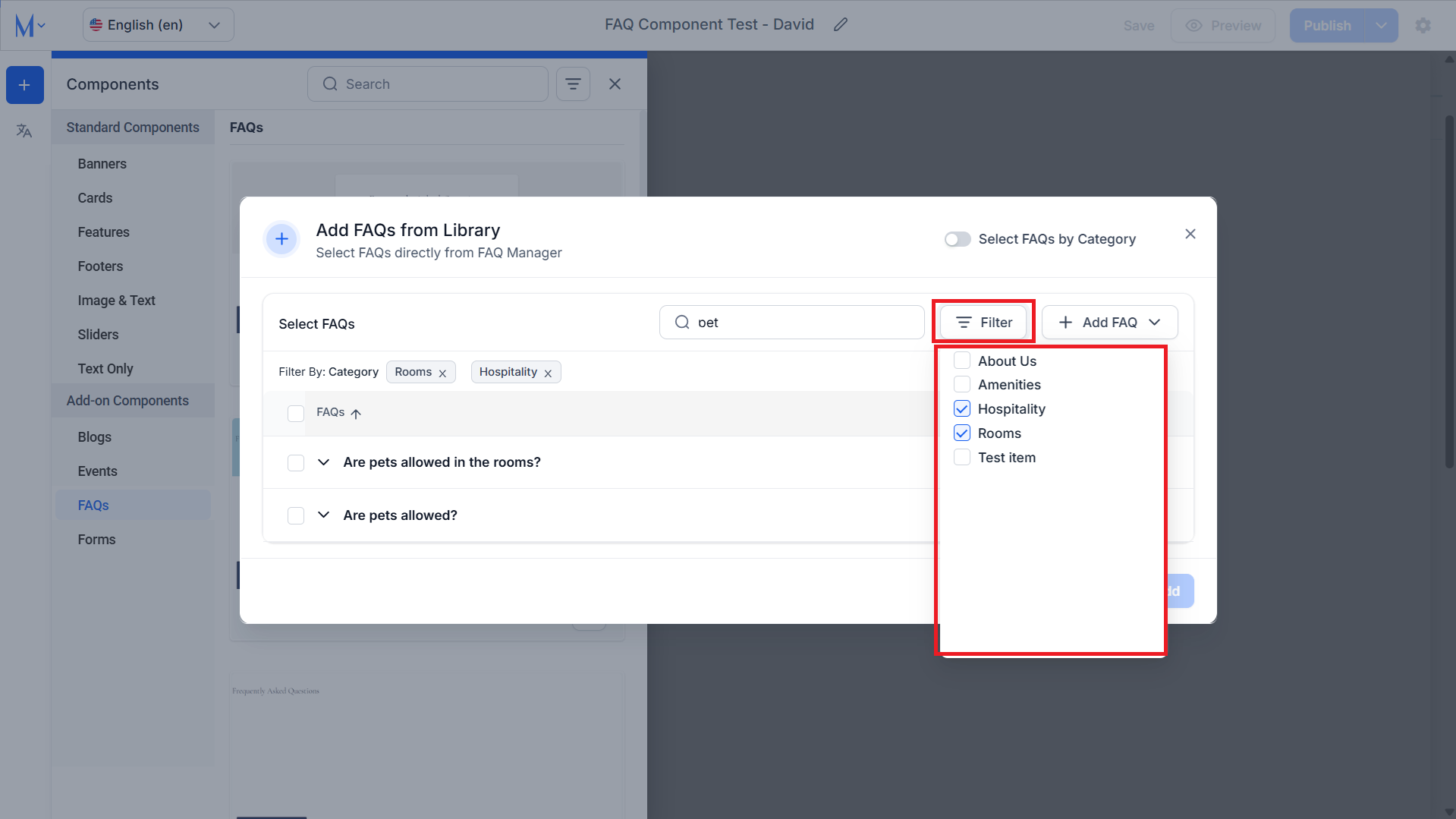
You can filter the FAQs depending on the category.
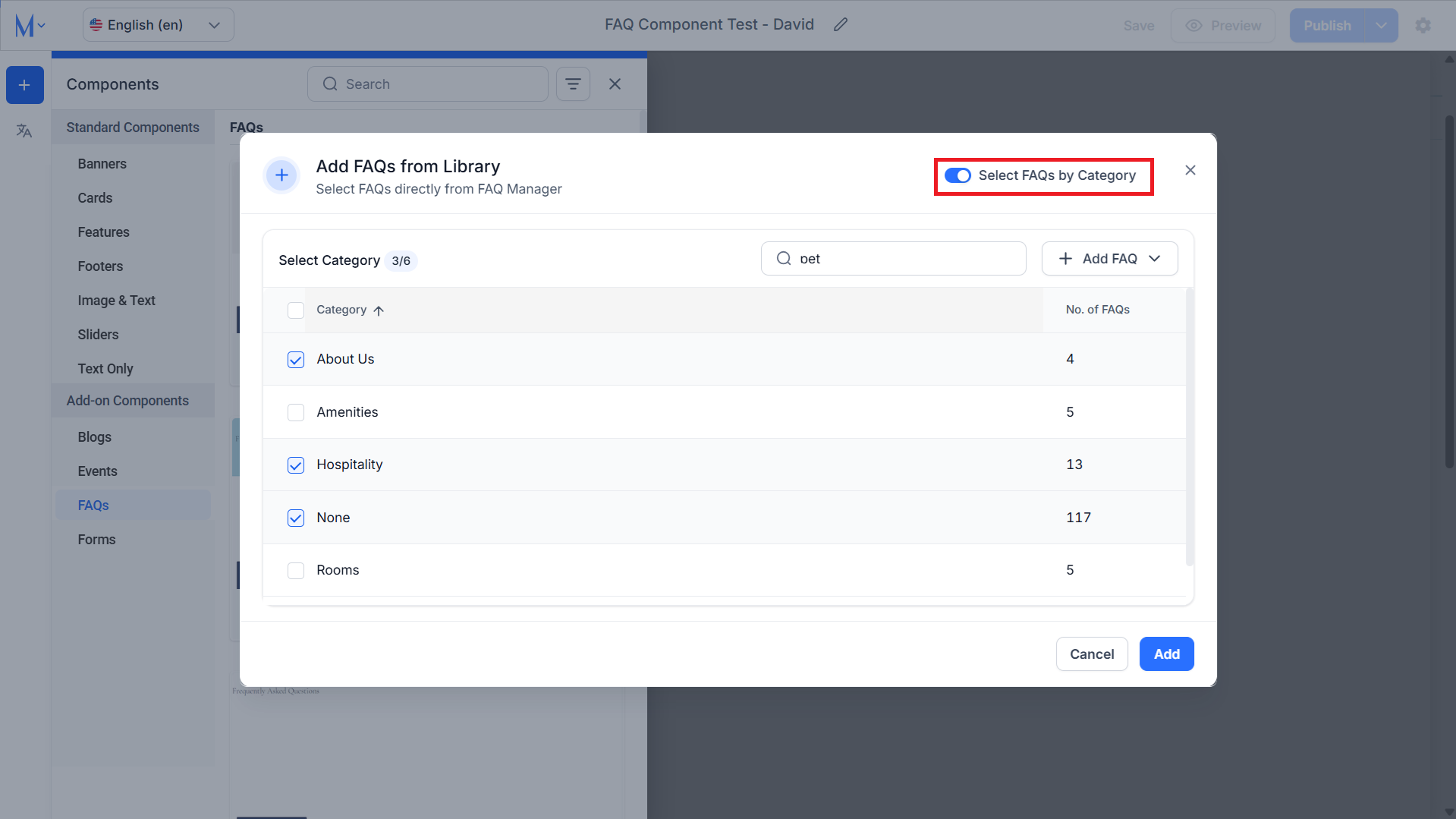
If you want to include all FAQs from a particular category use the ‘Select FAQs by Category’ toggle at the top.
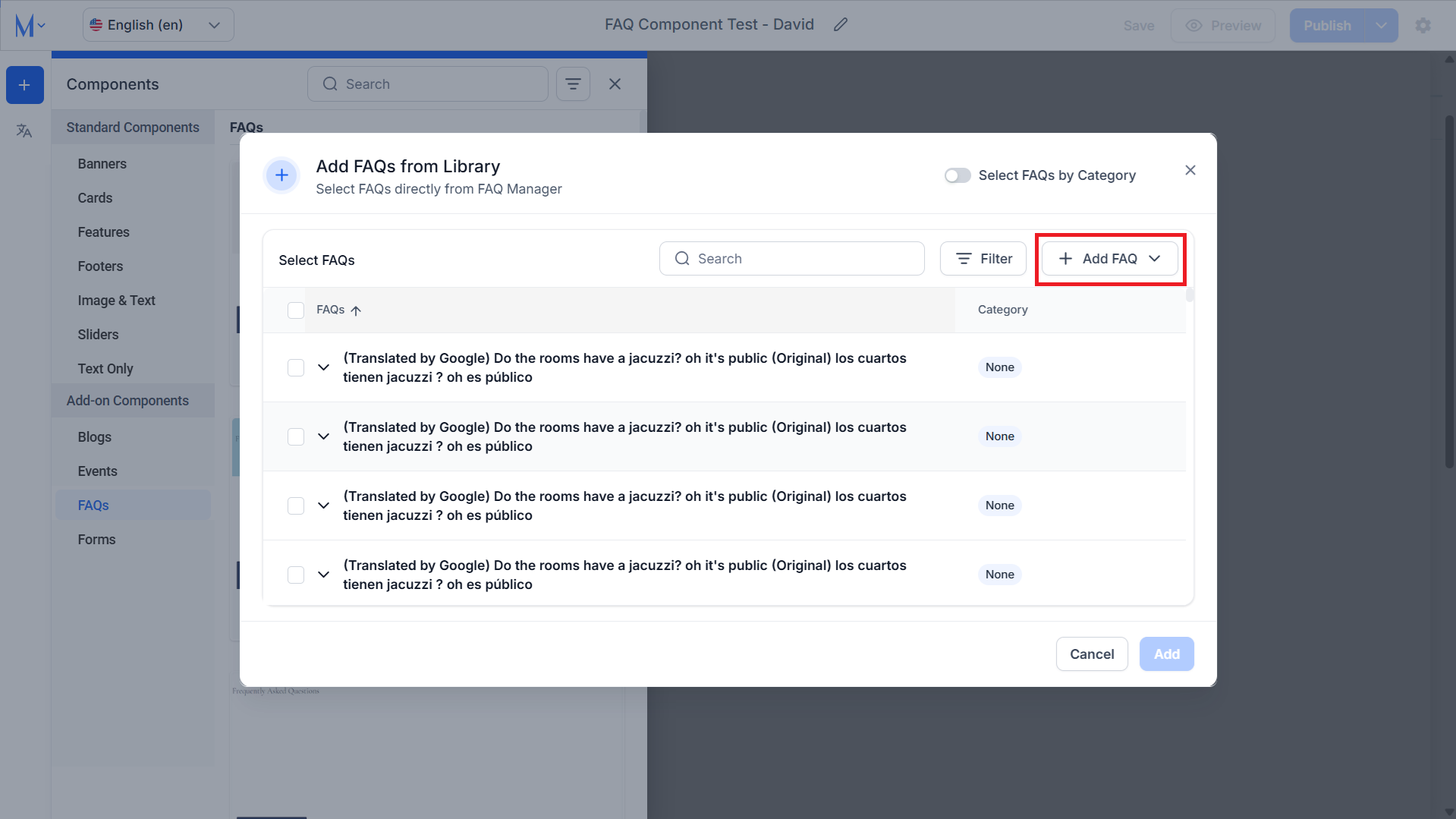
You can also add an FAQ manually by clicking on ‘Add FAQ’.
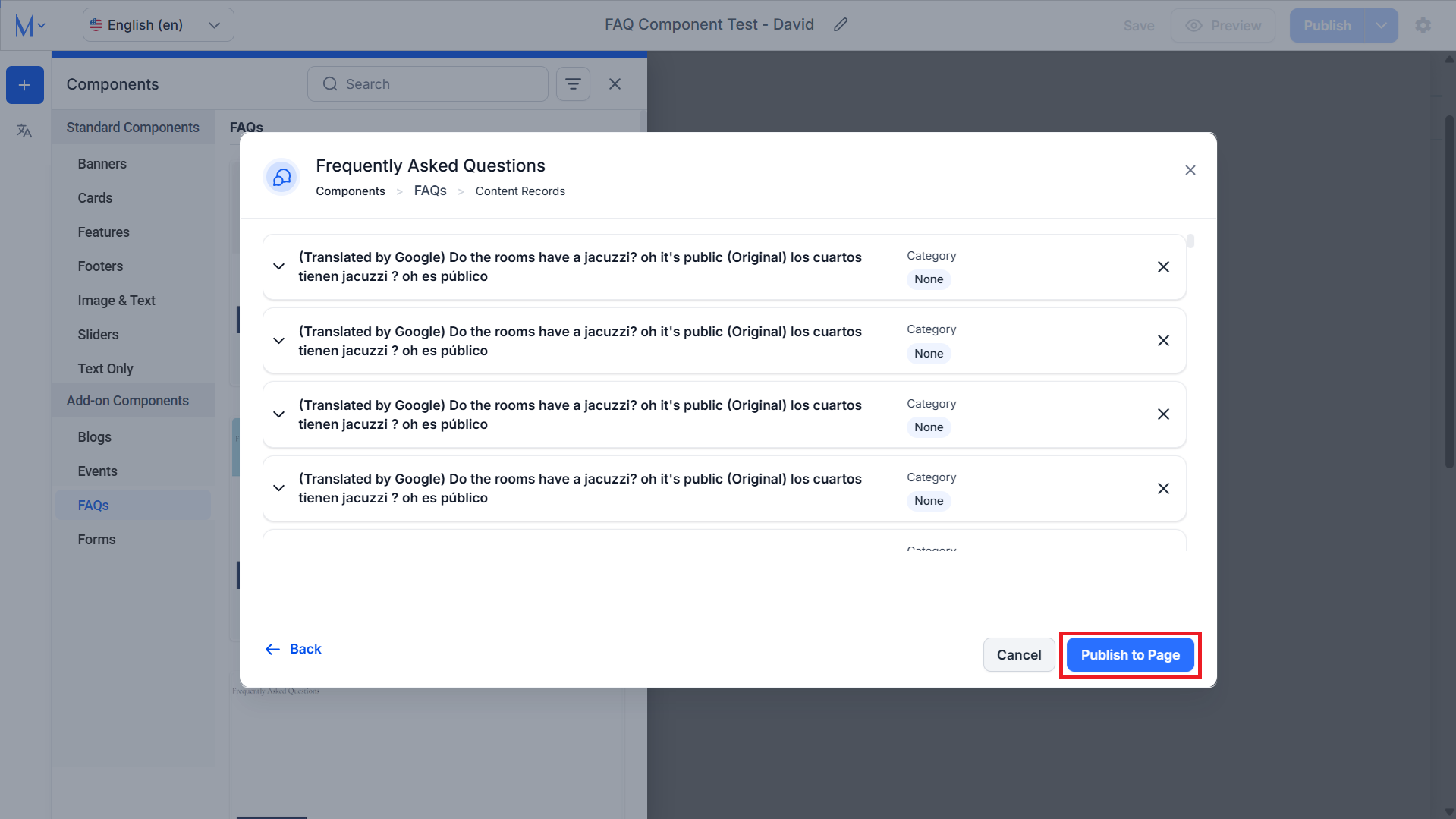
Step 3: Once you have selected the FAQs, click on ‘Publish to Page’.
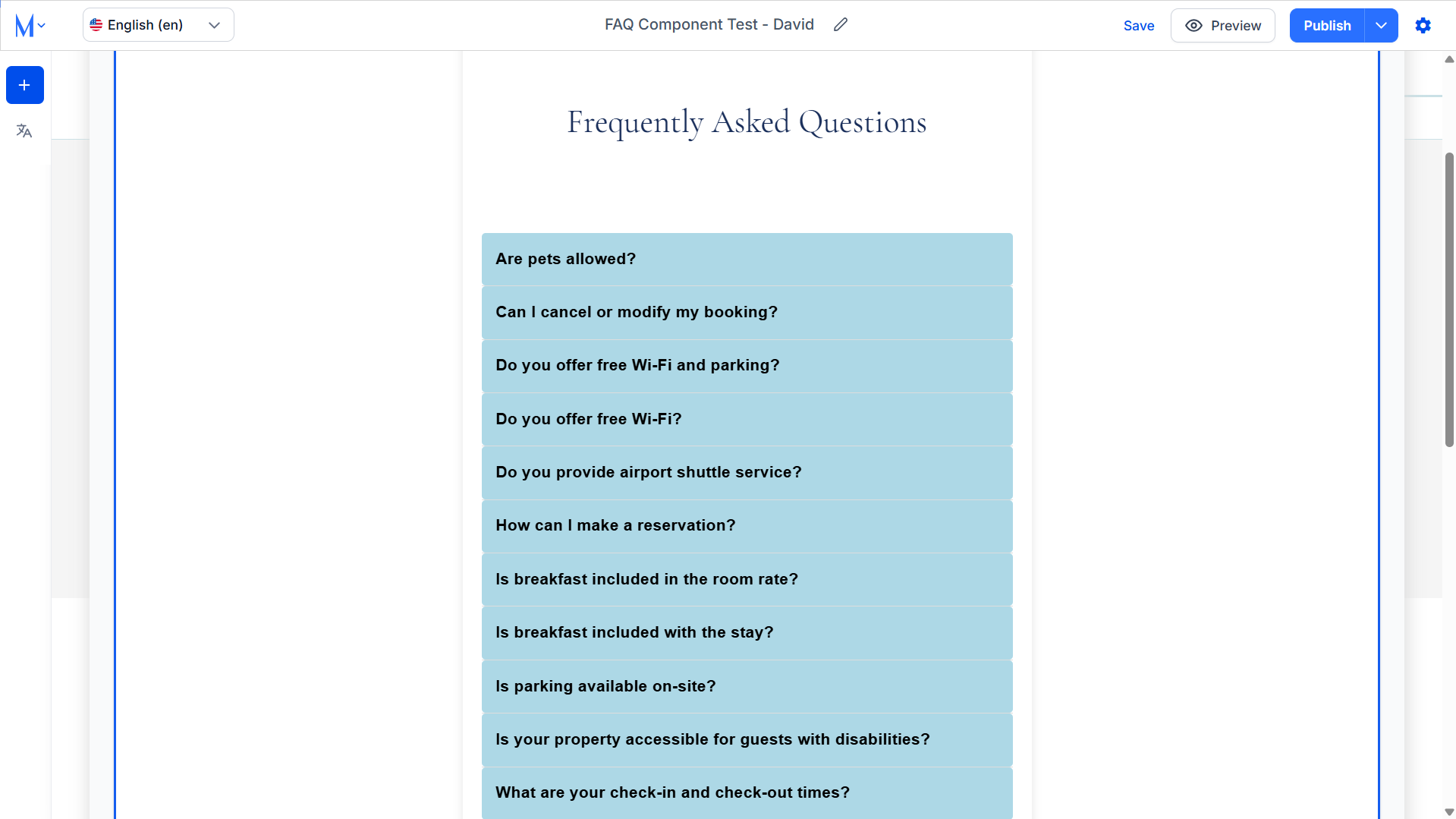
You will now see the FAQs populated in the FAQ Component.
Was this article helpful?
That’s Great!
Thank you for your feedback
Sorry! We couldn't be helpful
Thank you for your feedback
Feedback sent
We appreciate your effort and will try to fix the article