The Social Media URL Scan feature embedded directly in Milestone Local, lets you view, scan, edit, and connect all your social profiles from one place. This ensures that all online profiles stay connected, enhancing brand trust and visibility across platforms.
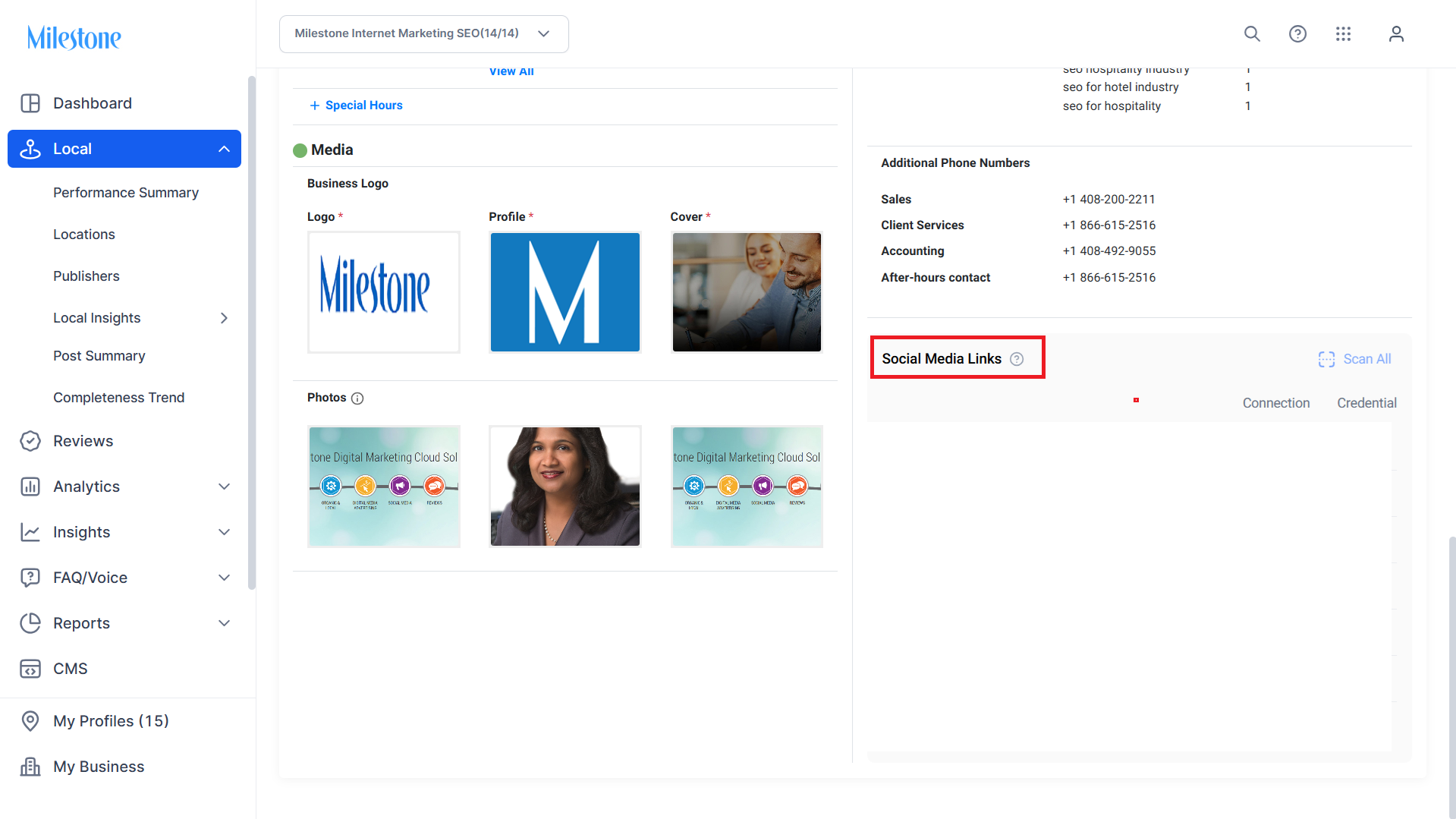
Step 1: In the Profile Summary screen, scroll down to the Social Media Links section for a location.
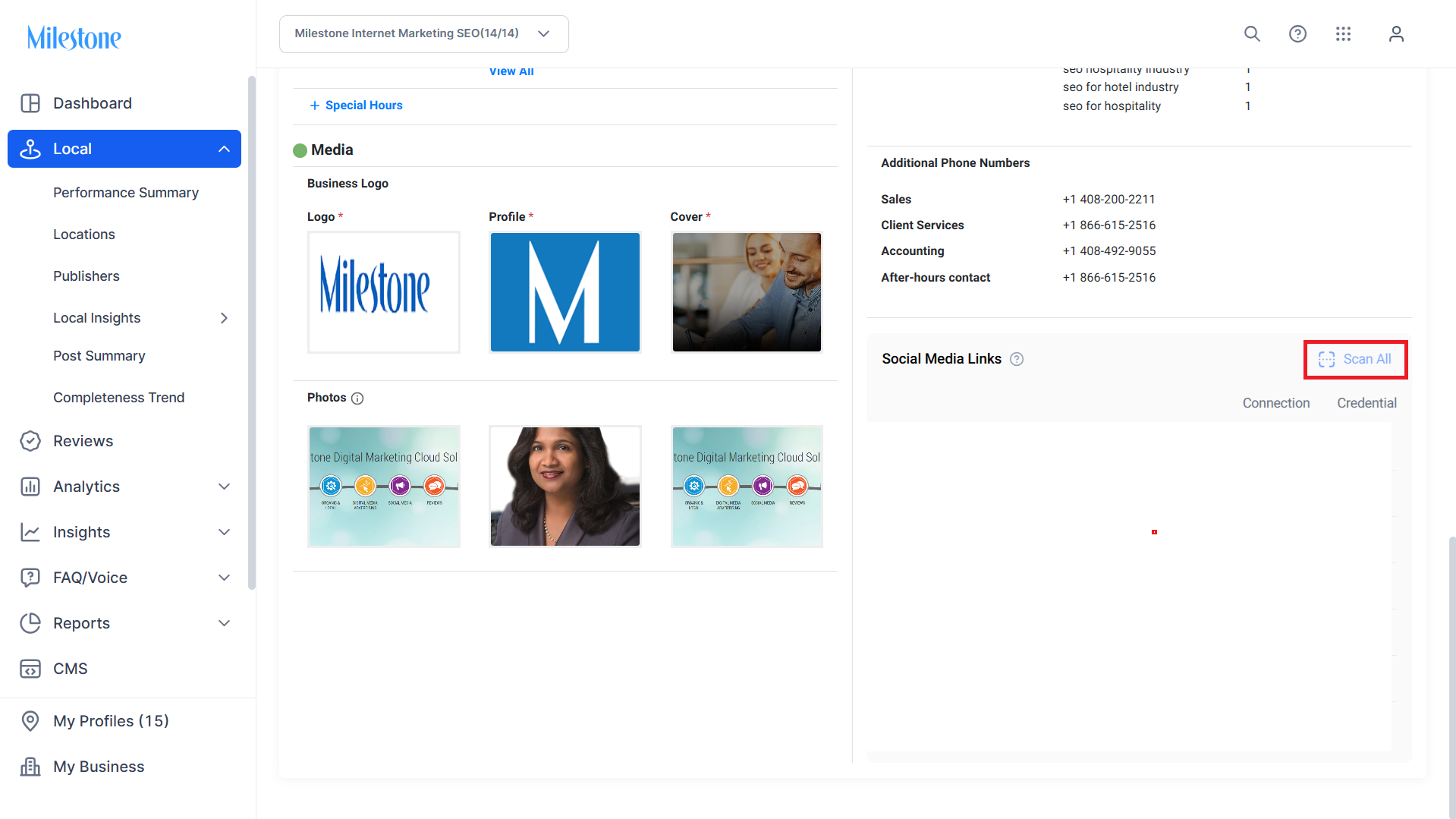
Step 2: Click on ‘Scan All’ to start fetching the social media links associated with the profile. This may take a few minutes.
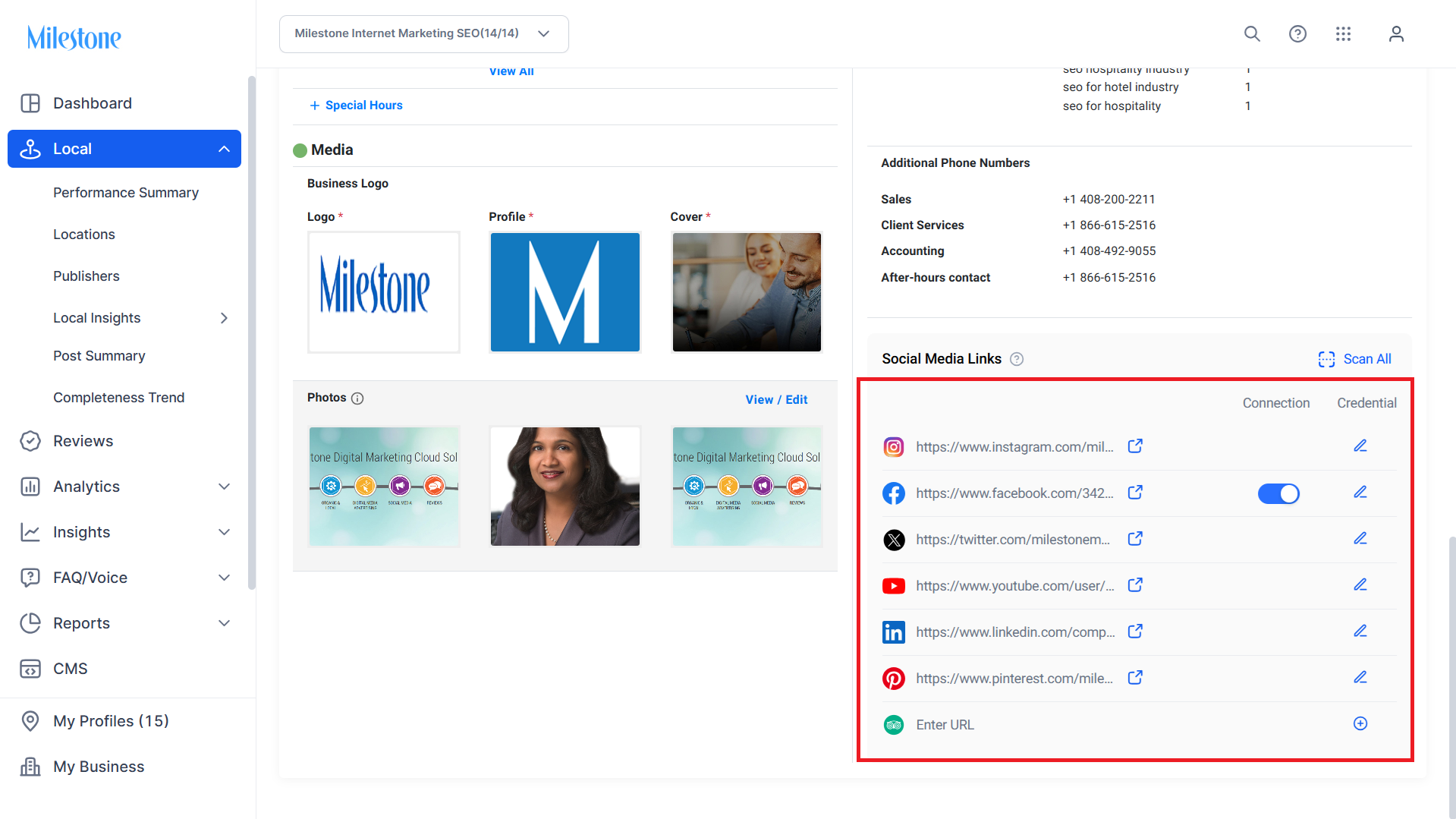
Step 3: Once the links are fetched they will populate in the Social Media Links section.
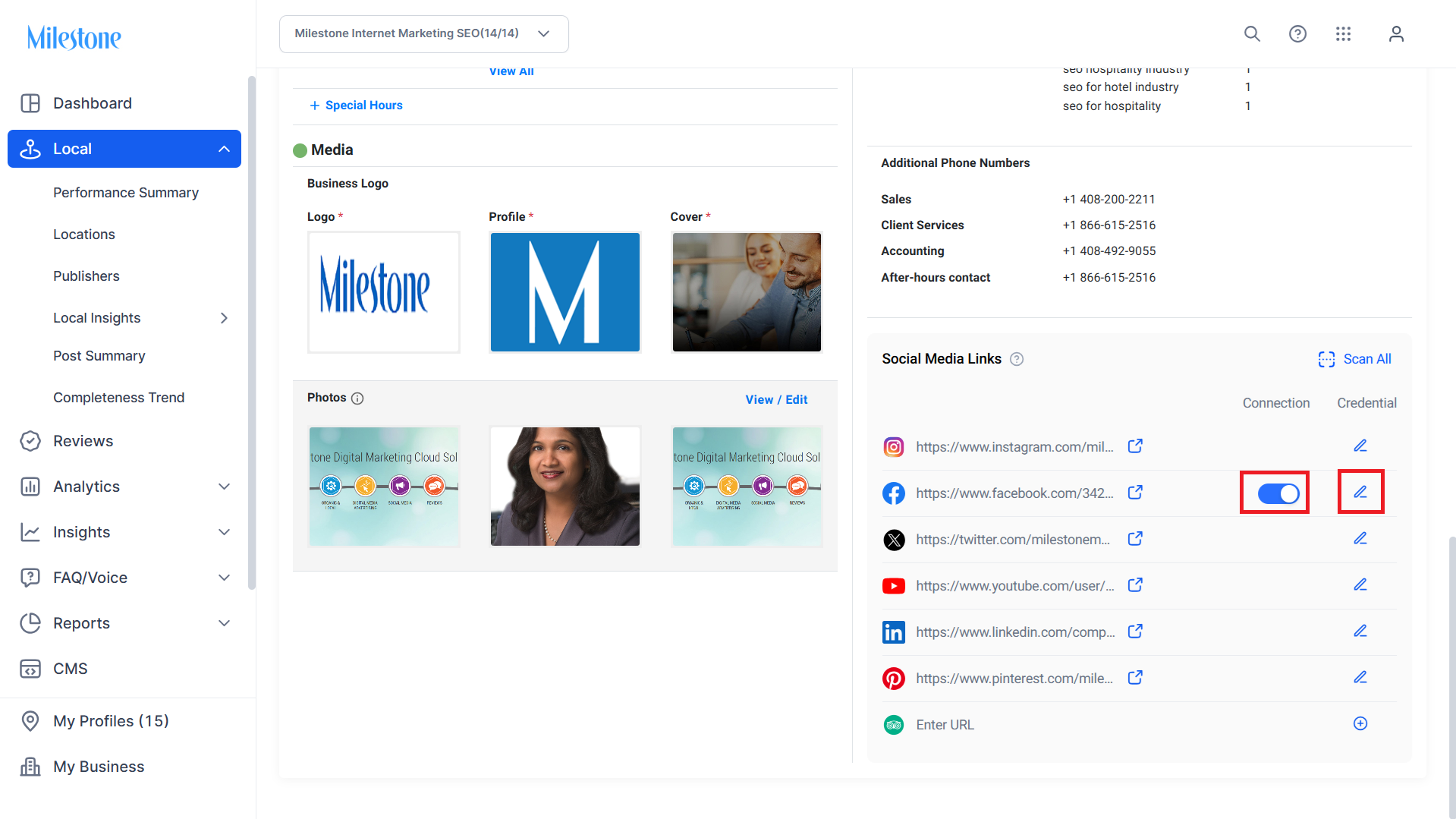
Step 4: You can enable or disable a social media connection using the toggle or change the credentials using the edit icon in the ‘Credential’ column.
Was this article helpful?
That’s Great!
Thank you for your feedback
Sorry! We couldn't be helpful
Thank you for your feedback
Feedback sent
We appreciate your effort and will try to fix the article