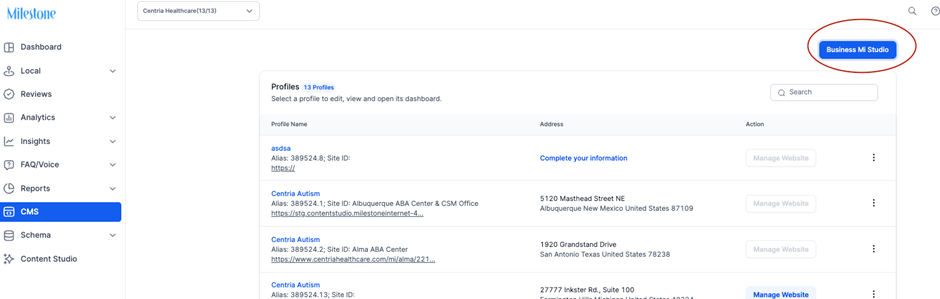
Step 1: Navigate to the Content Library via the CMS menu.
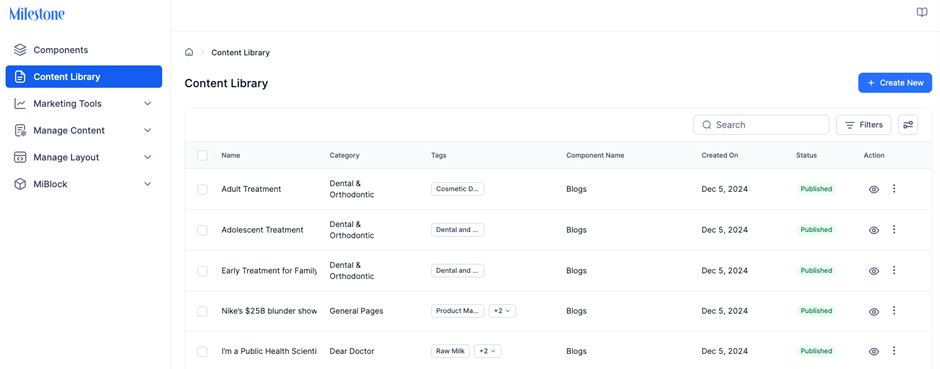
Step 2: Browse the list of content records.
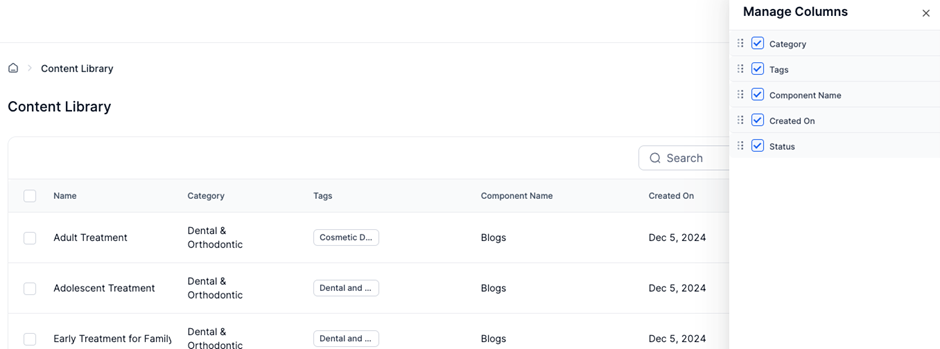
Step 3: Customize your view by selecting preferred columns to display.
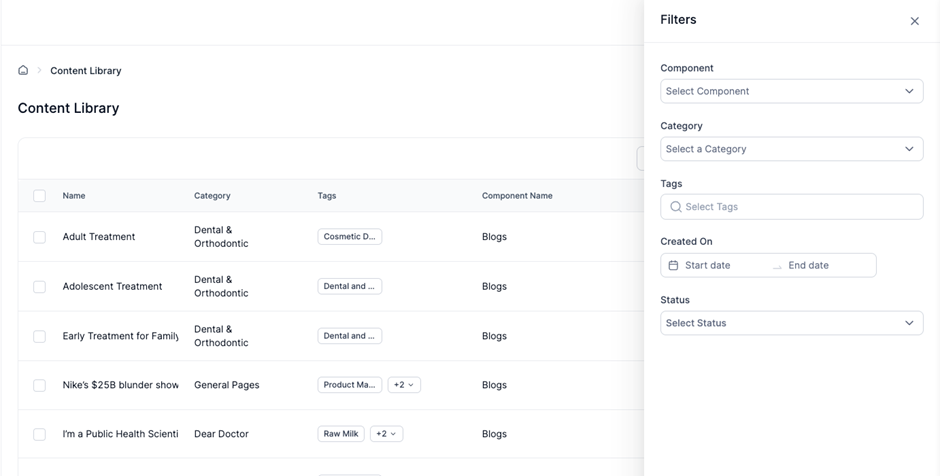
Step 4: Use the search bar to find content by name or apply filters (category, tags, or status) to refine results.
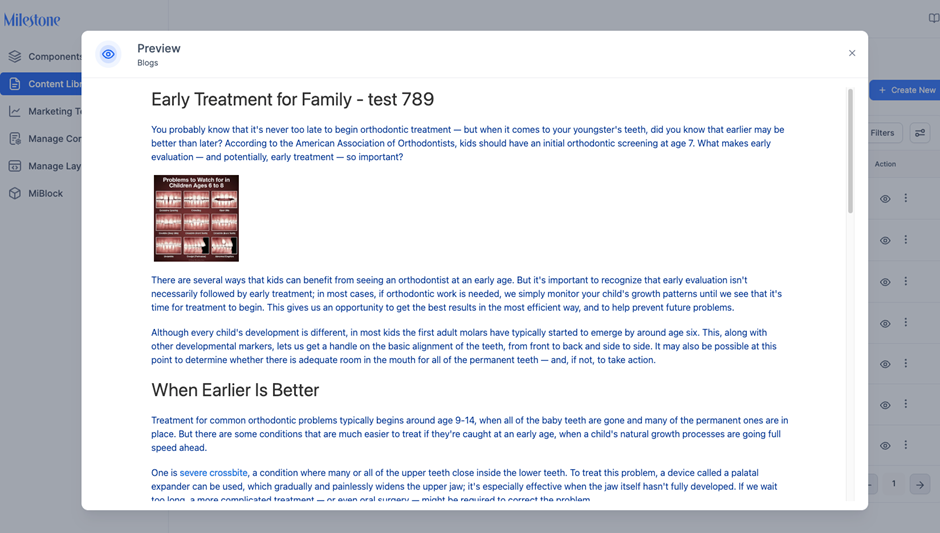
Step 5: Preview content by selecting the preview option.
Was this article helpful?
That’s Great!
Thank you for your feedback
Sorry! We couldn't be helpful
Thank you for your feedback
Feedback sent
We appreciate your effort and will try to fix the article