Unpublish Page
We are excited to introduce a new feature that enhances your content management capabilities by allowing you to unpublish a page and seamlessly redirect traffic to another page. This feature is designed to improve user experience, streamline content management, and optimize your website's SEO performance.
Path: Page List > Edit > Settings > Unpublish
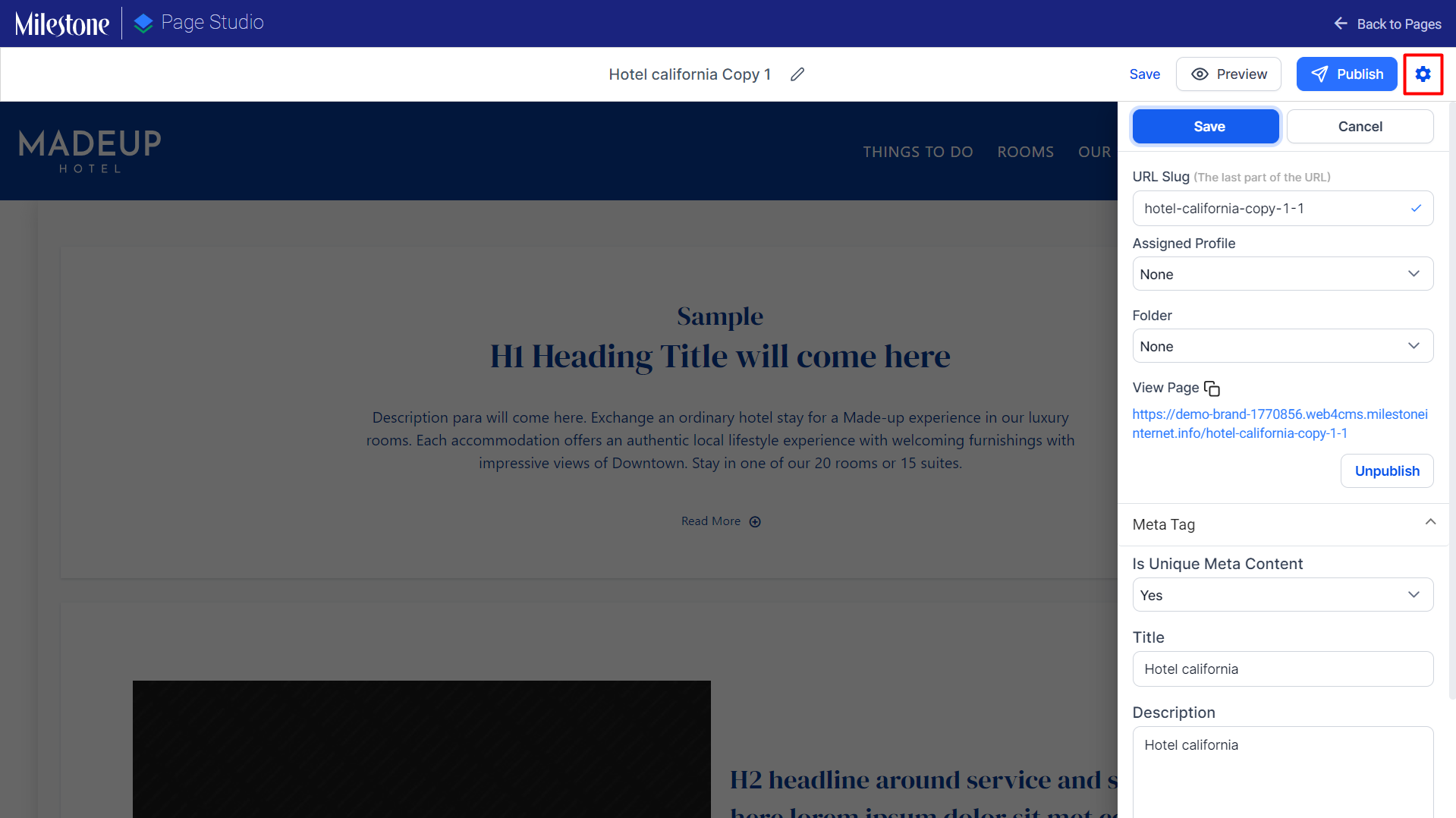
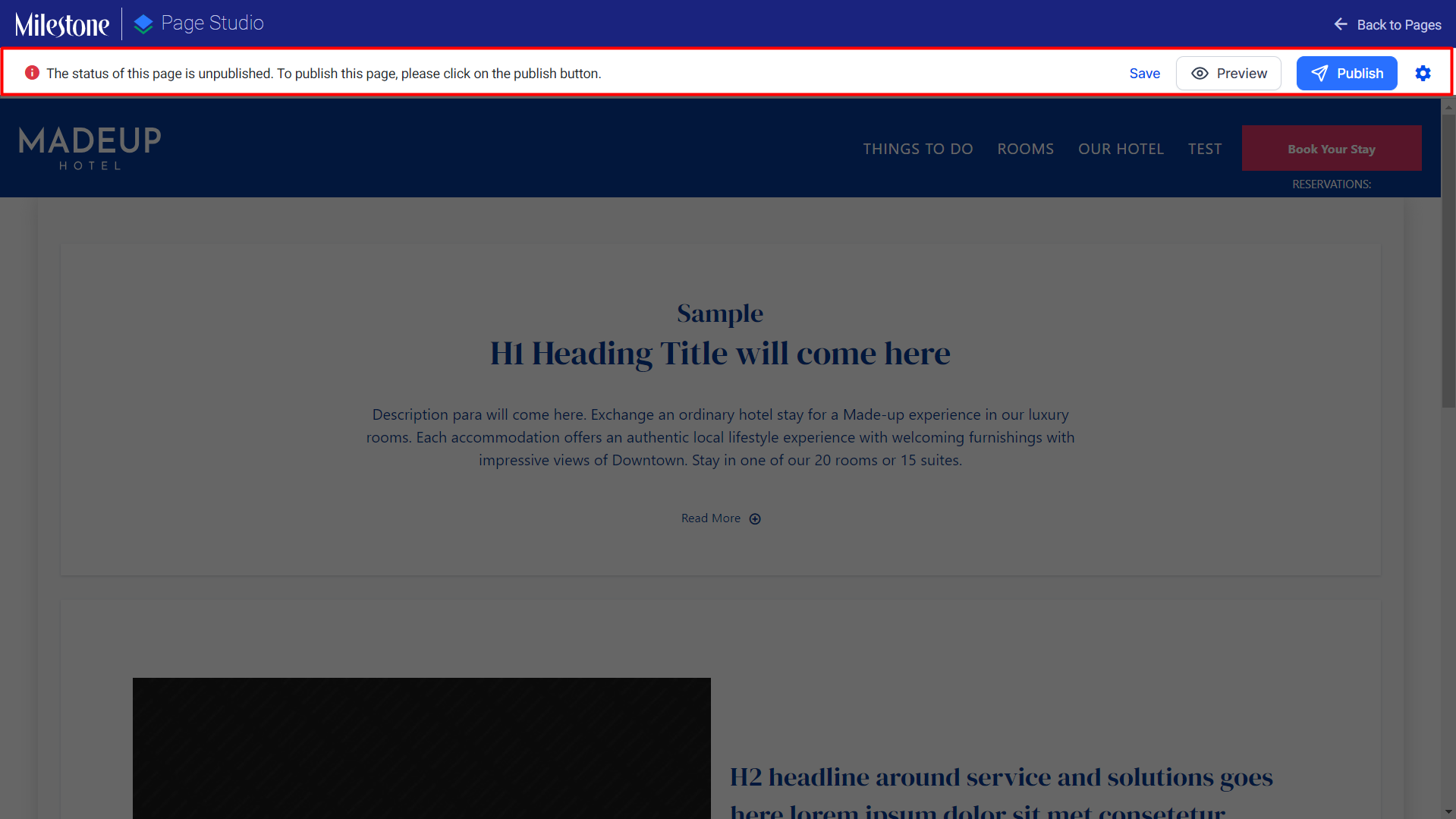
To unpublish a page that is live click on the ‘Settings’ icon to the top right of Milestone Page Studio.
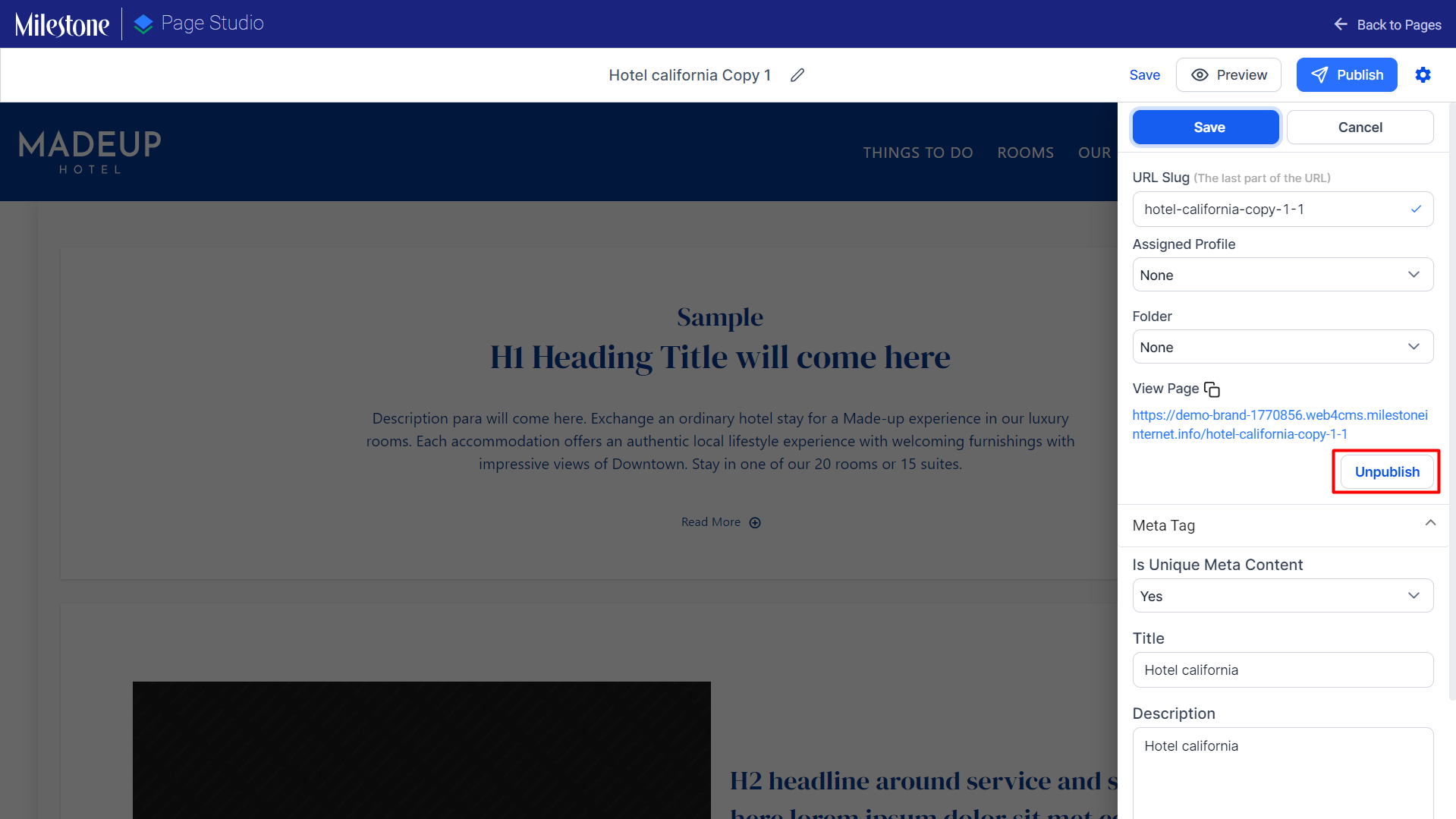
Click on the ‘Unpublish’ option in the settings menu.
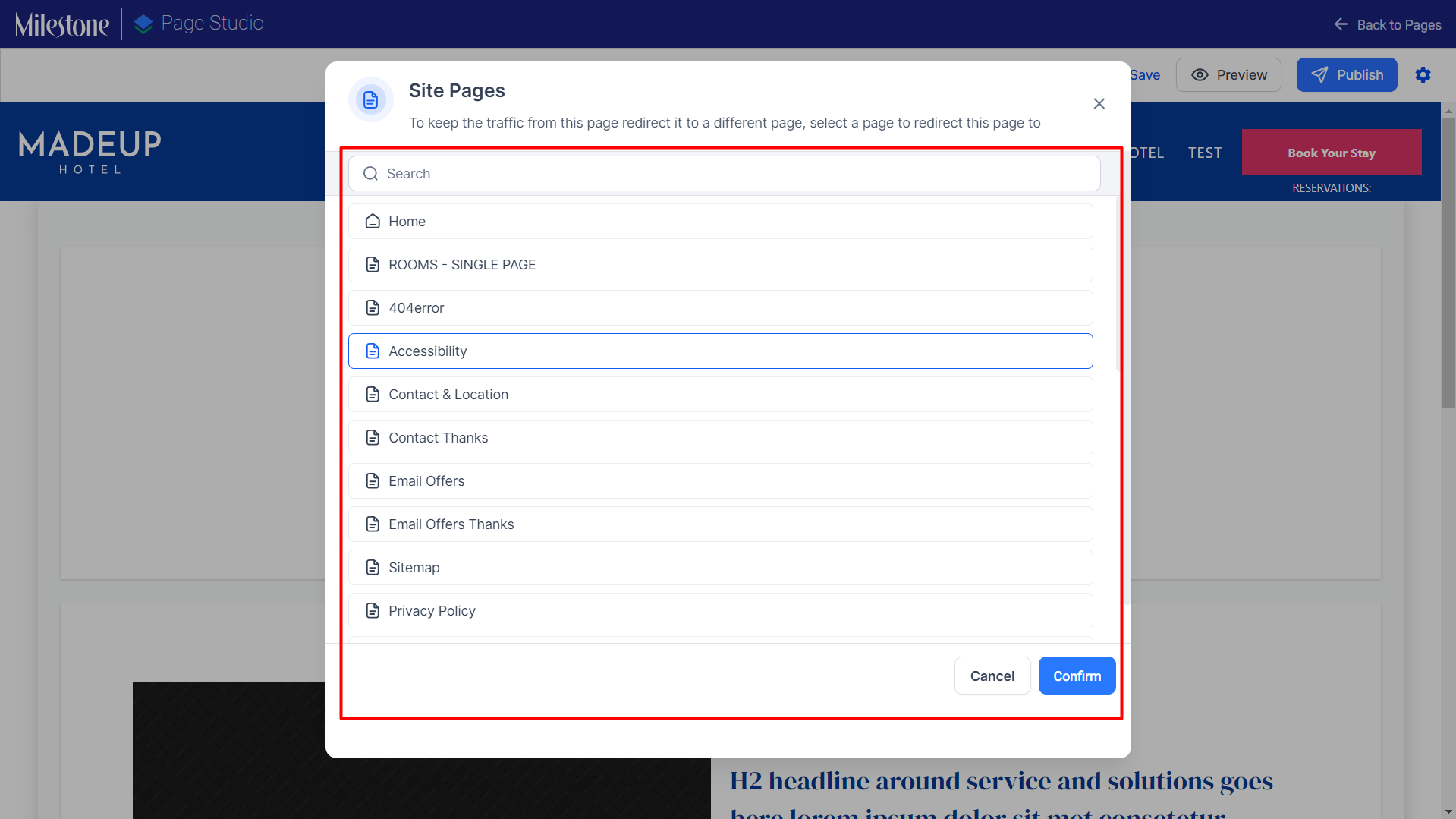
From the ‘Site Pages’ menu select the page you want to redirect the traffic to.
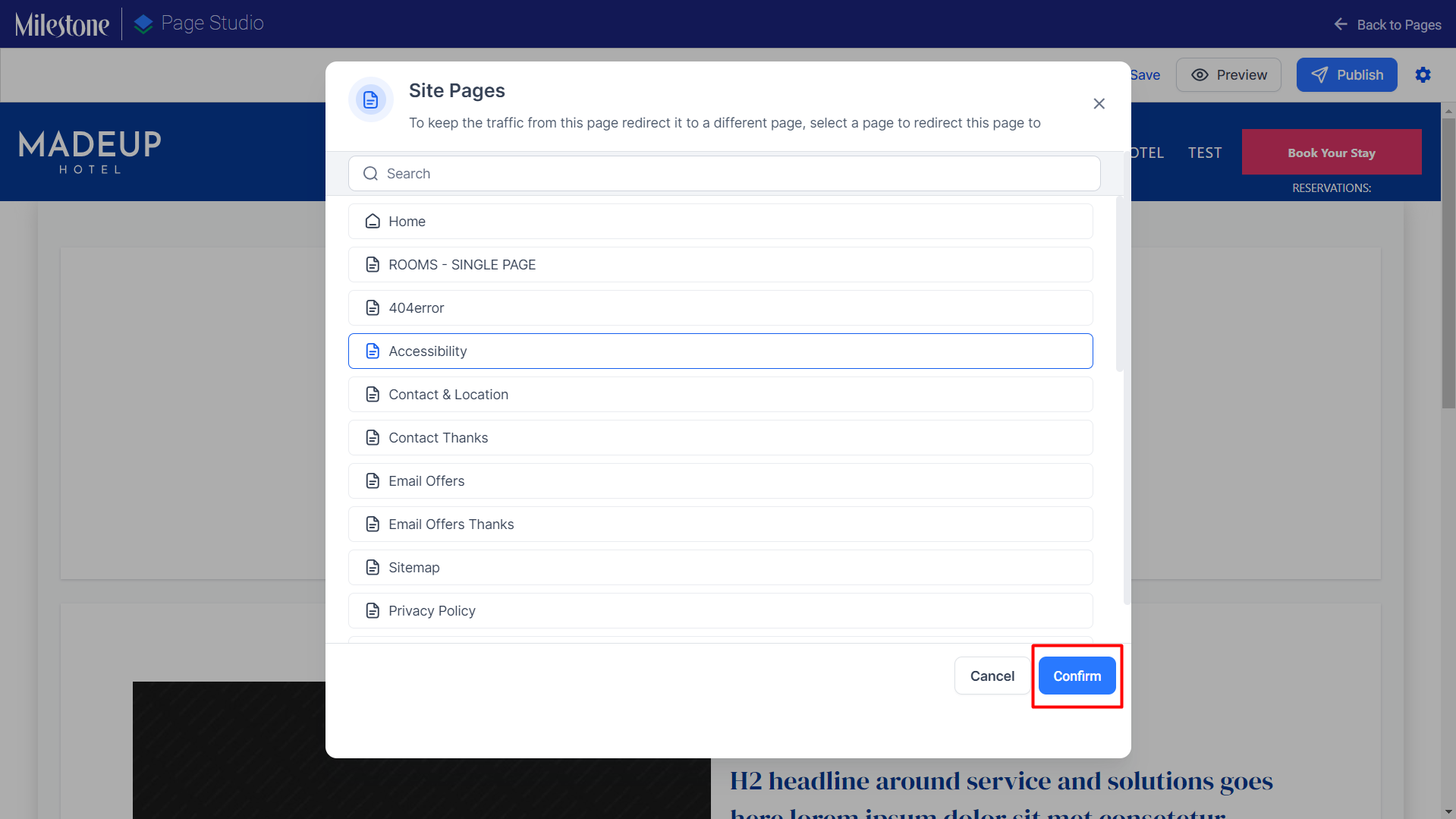
Click on ‘Confirm’ to enable a 301 redirect to the selected page.
A message at the top of the editor will confirm that the page has been unpublished.
Was this article helpful?
That’s Great!
Thank you for your feedback
Sorry! We couldn't be helpful
Thank you for your feedback
Feedback sent
We appreciate your effort and will try to fix the article