On this 'Event Calendar' tab under 'Website Performance' you can track the engagement of the events that you've set up on your website.
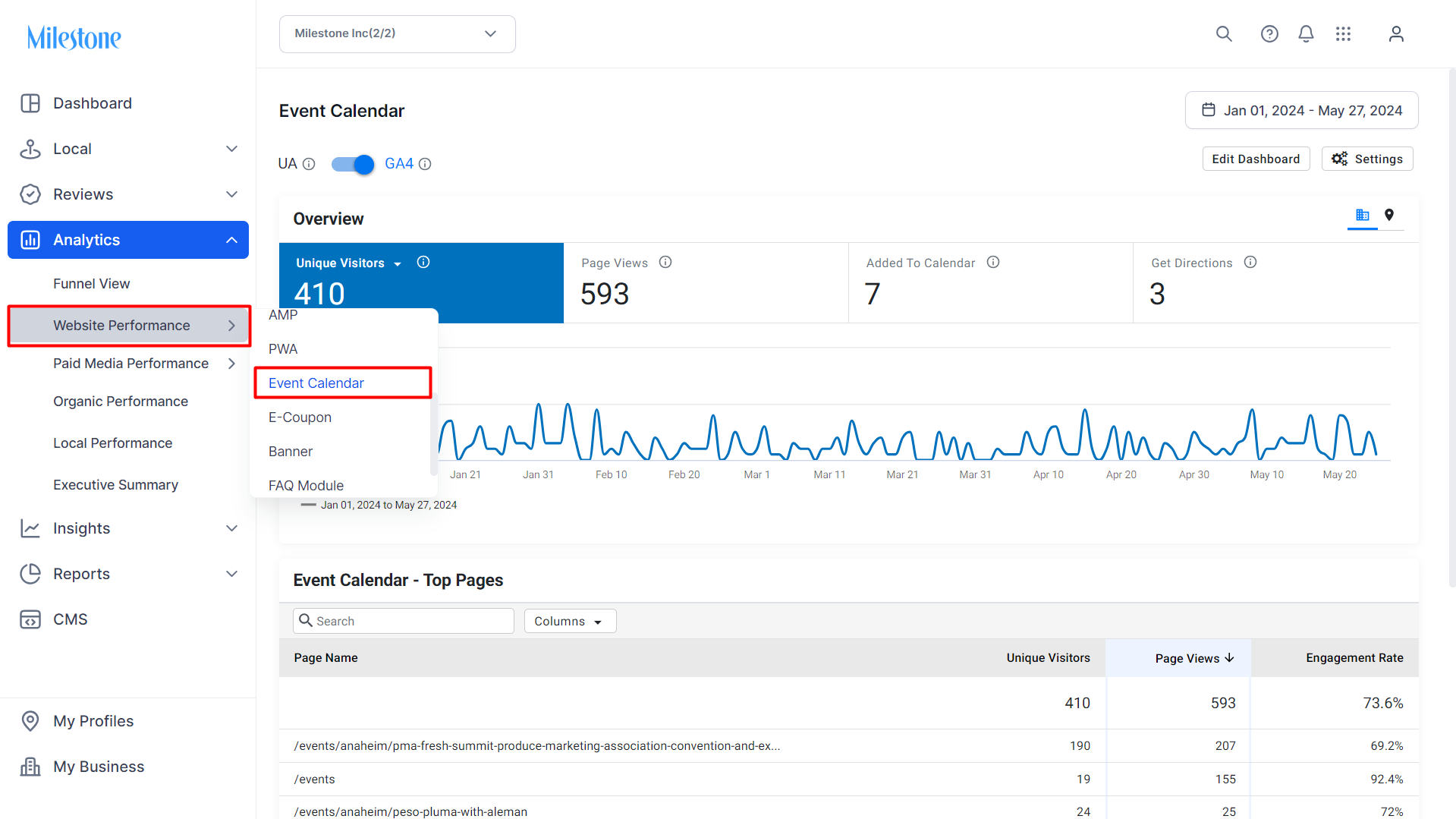
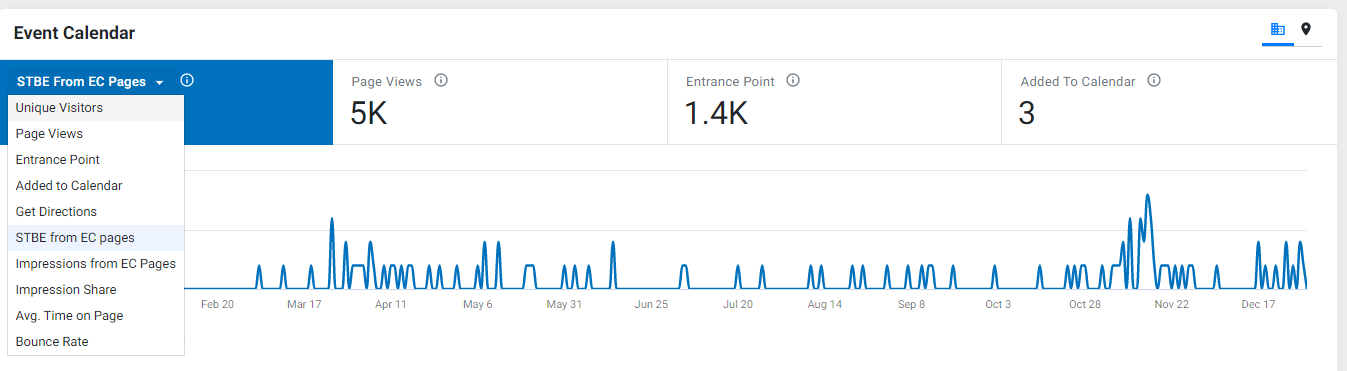
Using the drop-down, on the 'Event Calendar' widget, select the KPIs you wish to be displayed as a trend based on the date range selected. You can view KPIs such as unique visitors, page views, entrance point, added to calendar, get directions, booking from EC pages, impressions, avg. time, and bounce rate.
Using the location button, you can view the KPIs against your locations on a single screen.

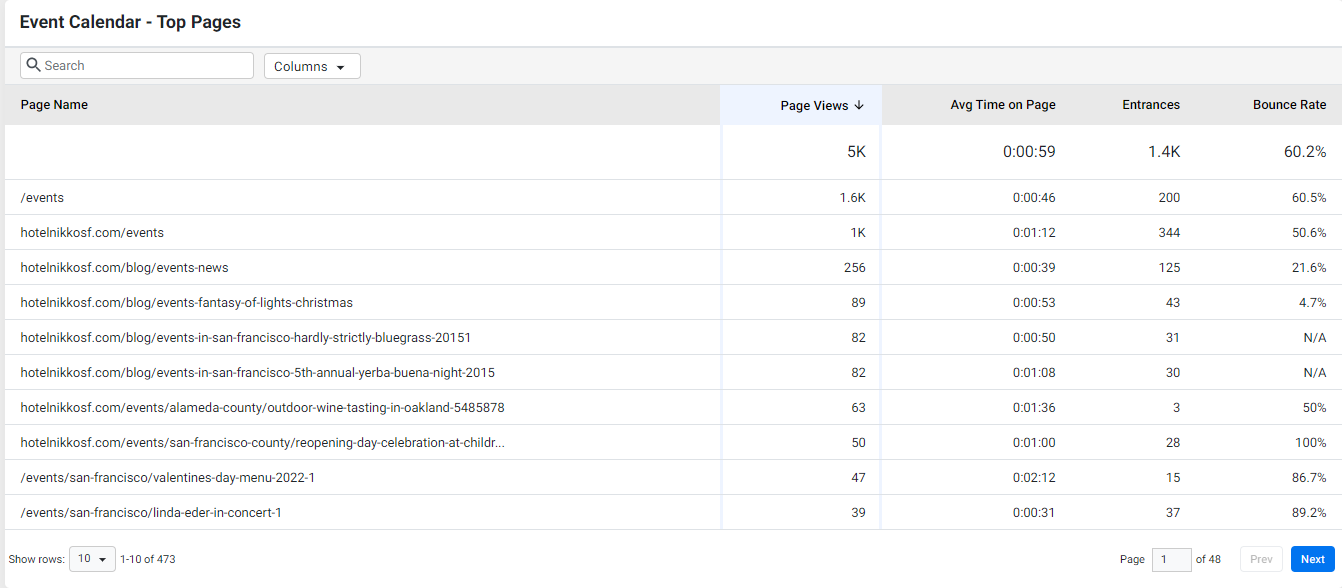
On the 'Event - Top Pages' you can view the top-performing event pages. Use the 'Columns' drop-down to view the KPIs of your choice.
Was this article helpful?
That’s Great!
Thank you for your feedback
Sorry! We couldn't be helpful
Thank you for your feedback
Feedback sent
We appreciate your effort and will try to fix the article