The Completeness Trend section displays your overall local profile completeness over time.
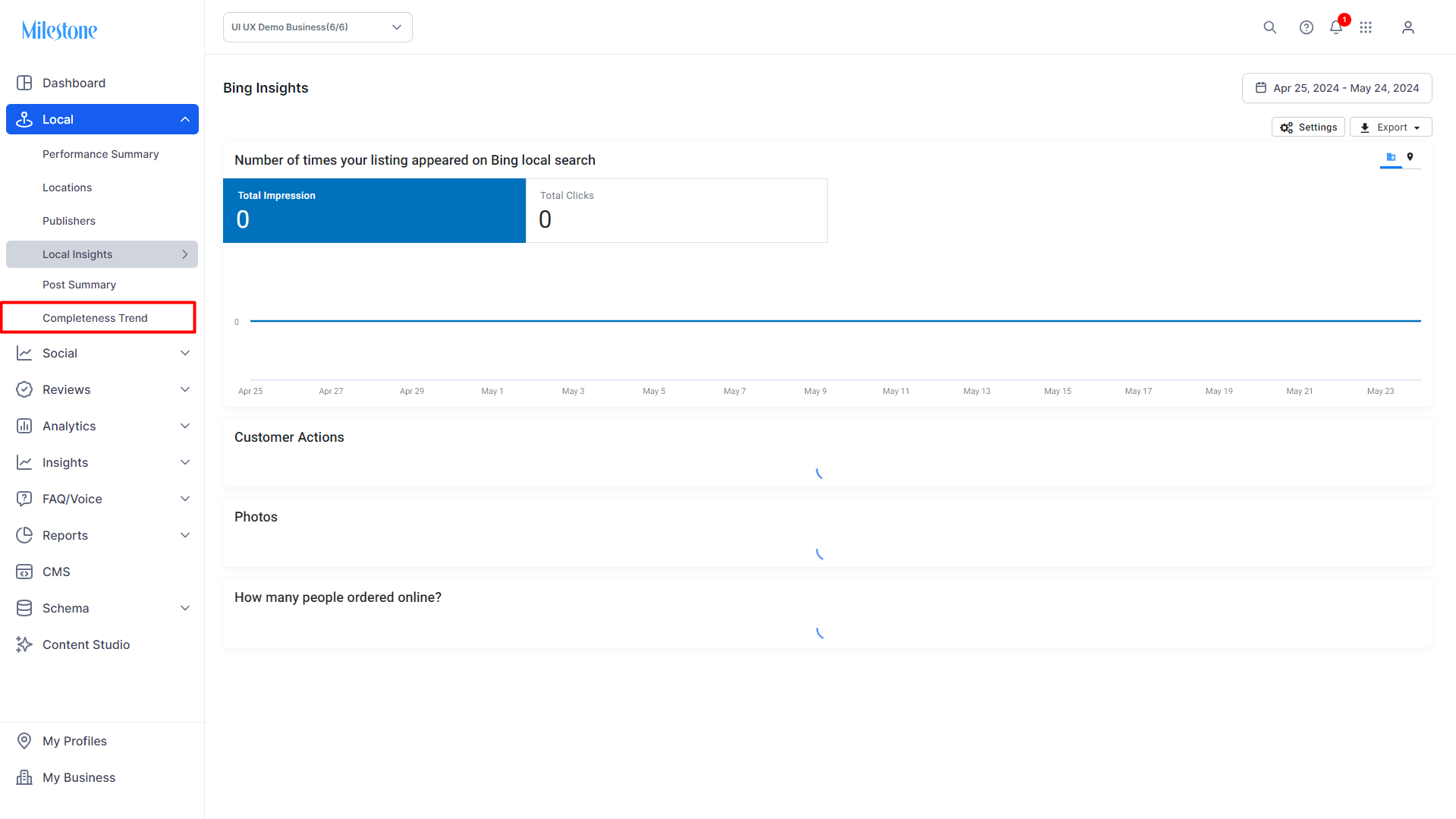
On Milestone Local click on 'Completeness Trend' in the left navigation panel.
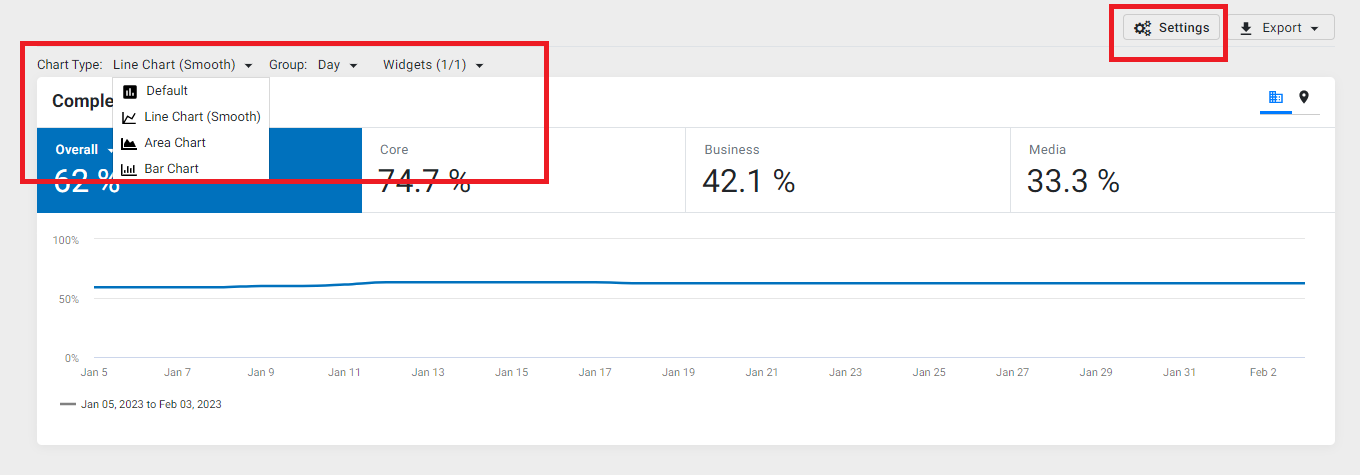
The Completeness Trend section displays local profile completeness across four data points
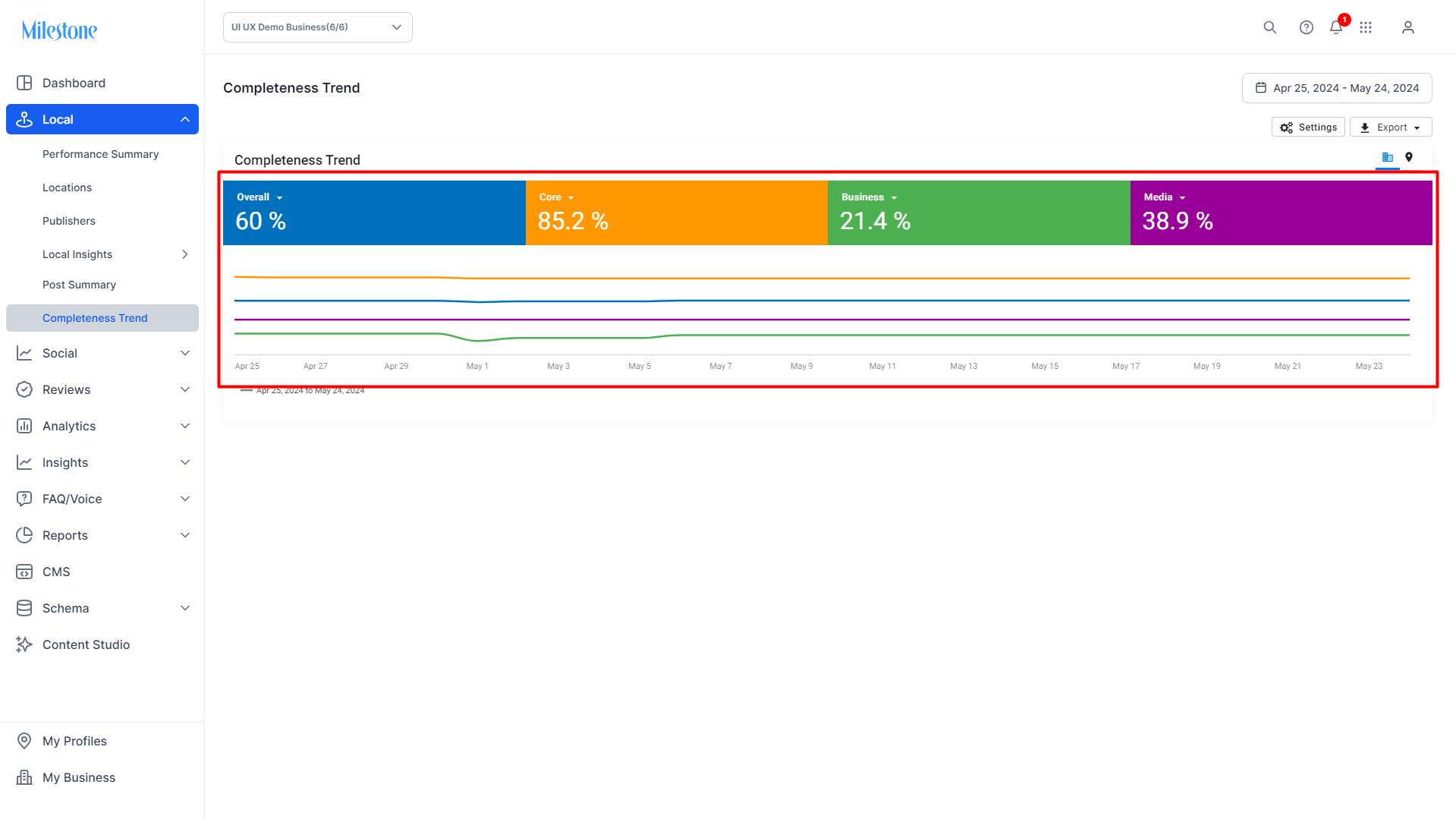
Overall: The overall percentage completeness of your local profiles across the four data points.
Core: The percentage of profiles that have their core business details updated. Details like name, business category, address, phone number, website URL, etc.
Business: The percentage of local profiles that have their business details updated. Details like services, policies, payment options, amenities, accessibility, etc.
Media: The percentage of local profiles that include media elements. Media elements like business logos, photos, etc.
Recency: The percentage of profiles that have had their special hours posted in the last month and that have made a Google Business Post in the last 6 months.
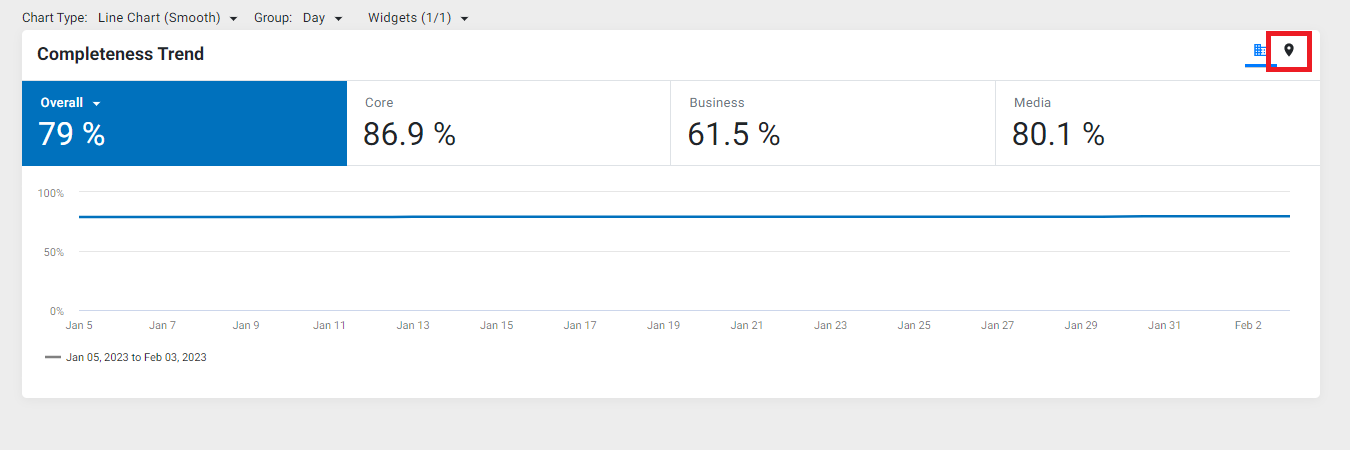
To view the completeness trend by locations, click on the location symbol.
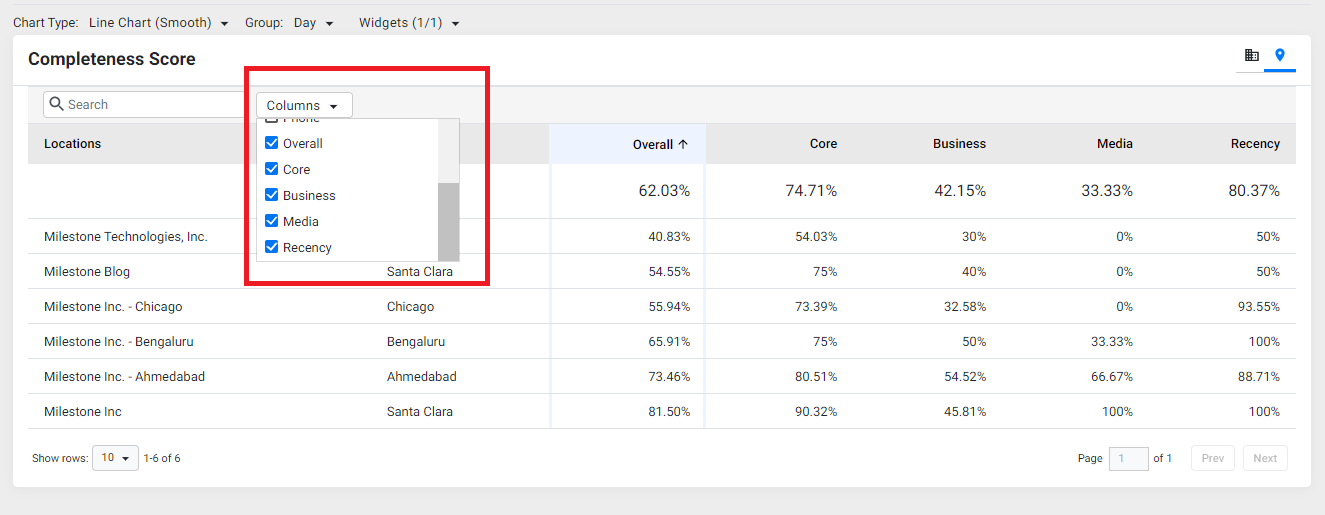
Use the 'columns' drop-down to filter your data as you'd please.
On the main screen, you can use the 'Settings' button to change chart type, data grouping and widgets.
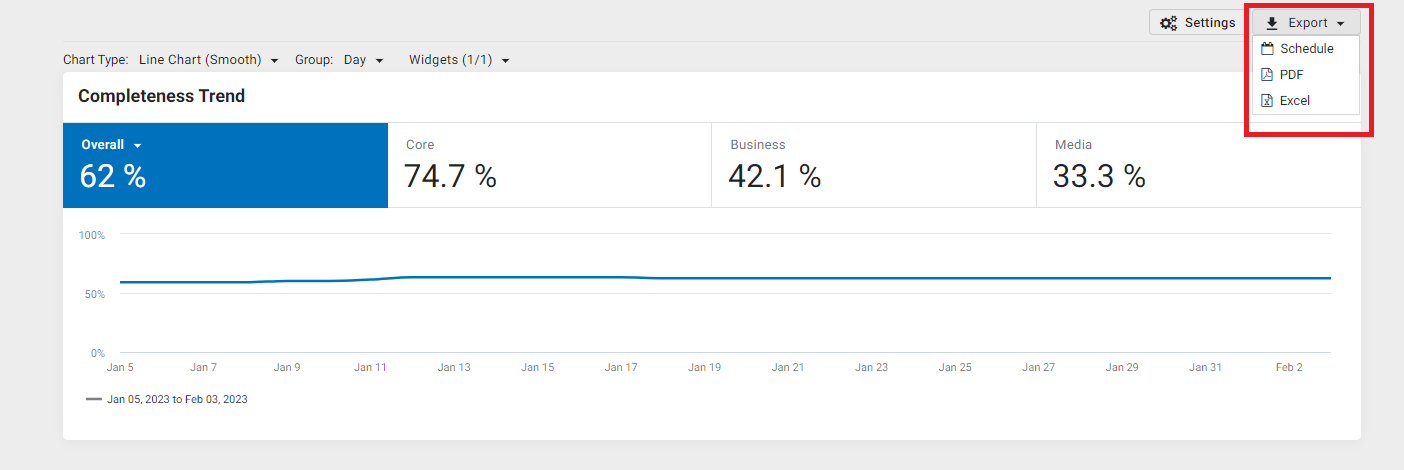
To export the completeness trend data, click on the 'export' button and choose the file type.
Was this article helpful?
That’s Great!
Thank you for your feedback
Sorry! We couldn't be helpful
Thank you for your feedback
Feedback sent
We appreciate your effort and will try to fix the article