Add Additional Phone Numbers for your business to your Apple profile from the ‘Profile Summary’ page.
Path: Dashboard > Local > Listing Status
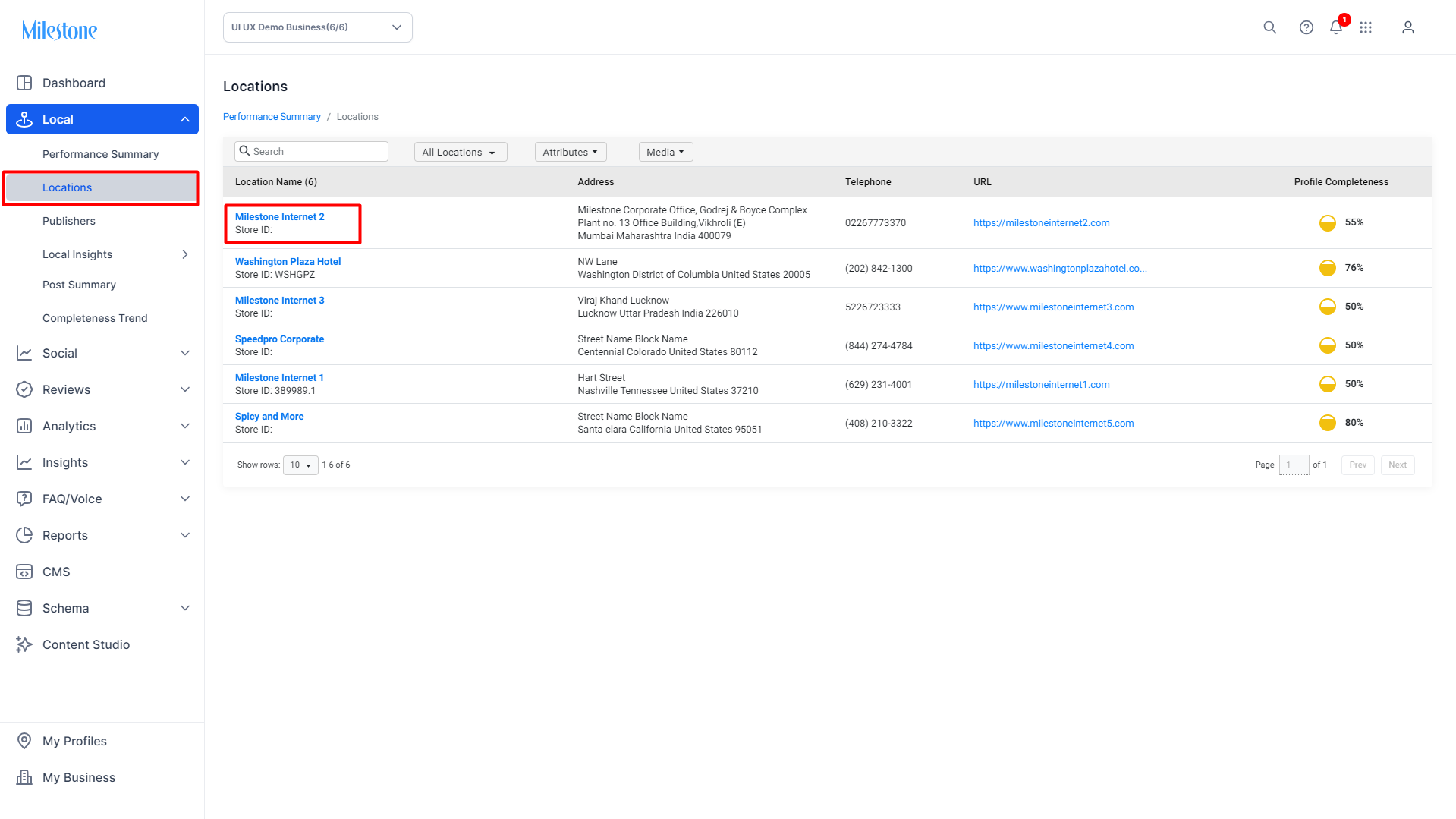
Step 1: From the ‘Locations’ section go to the profile for which you wish to update ‘Additional Phone Numbers’.
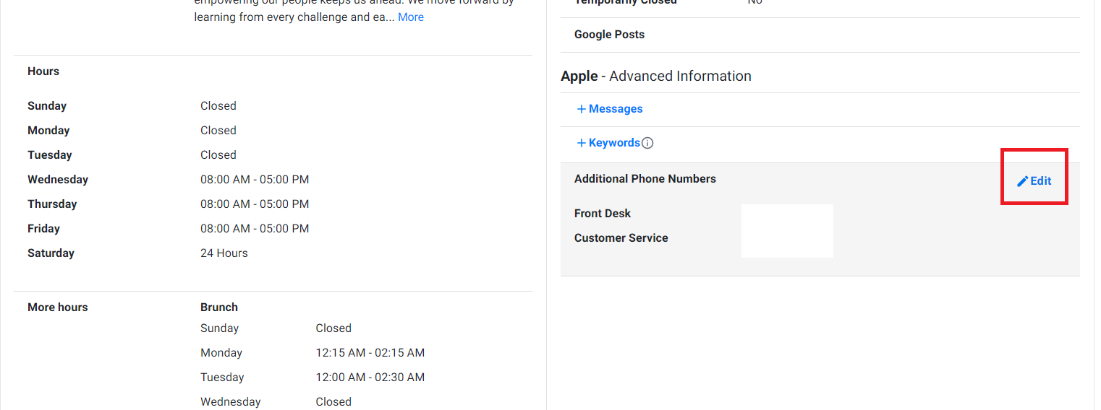
Step 2: In the ‘Profile Summary’ page go to the Apple – Advanced Information section and click on ‘Edit’ in the ‘Additional Phone Numbers’ section
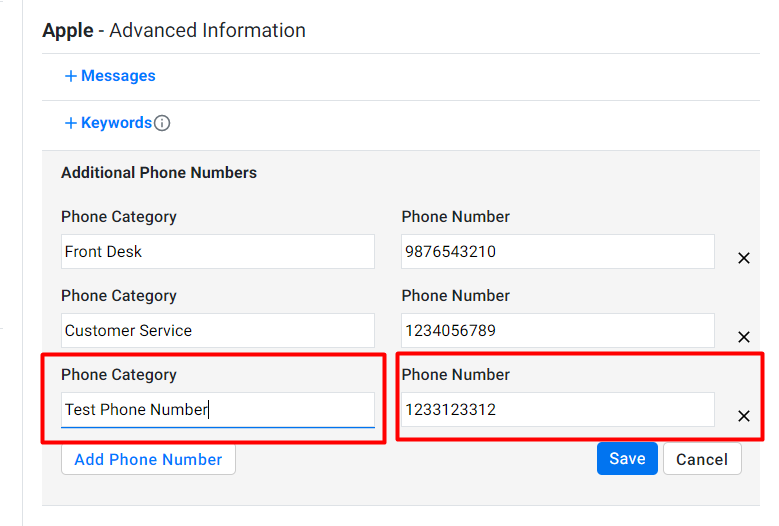
Step 3: Click on ‘Add Phone Number’. Enter the ‘Phone Category’ and the ‘Phone Number’ and click on ‘Save’
Was this article helpful?
That’s Great!
Thank you for your feedback
Sorry! We couldn't be helpful
Thank you for your feedback
Feedback sent
We appreciate your effort and will try to fix the article