Welcome to Milestone Presence Cloud.
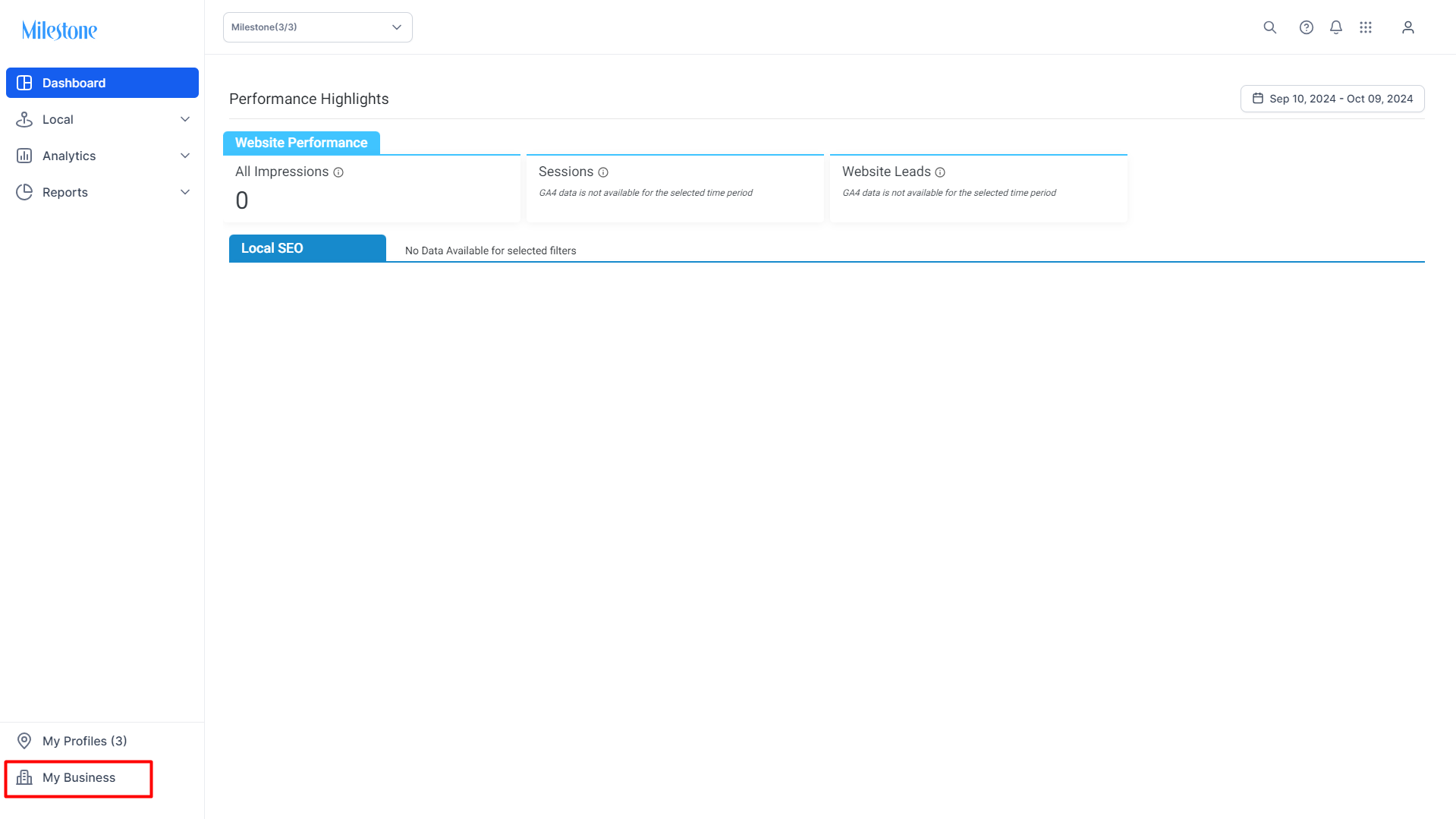
To access your business details click on the ‘My Busiess’ button on in the left navigation panel.
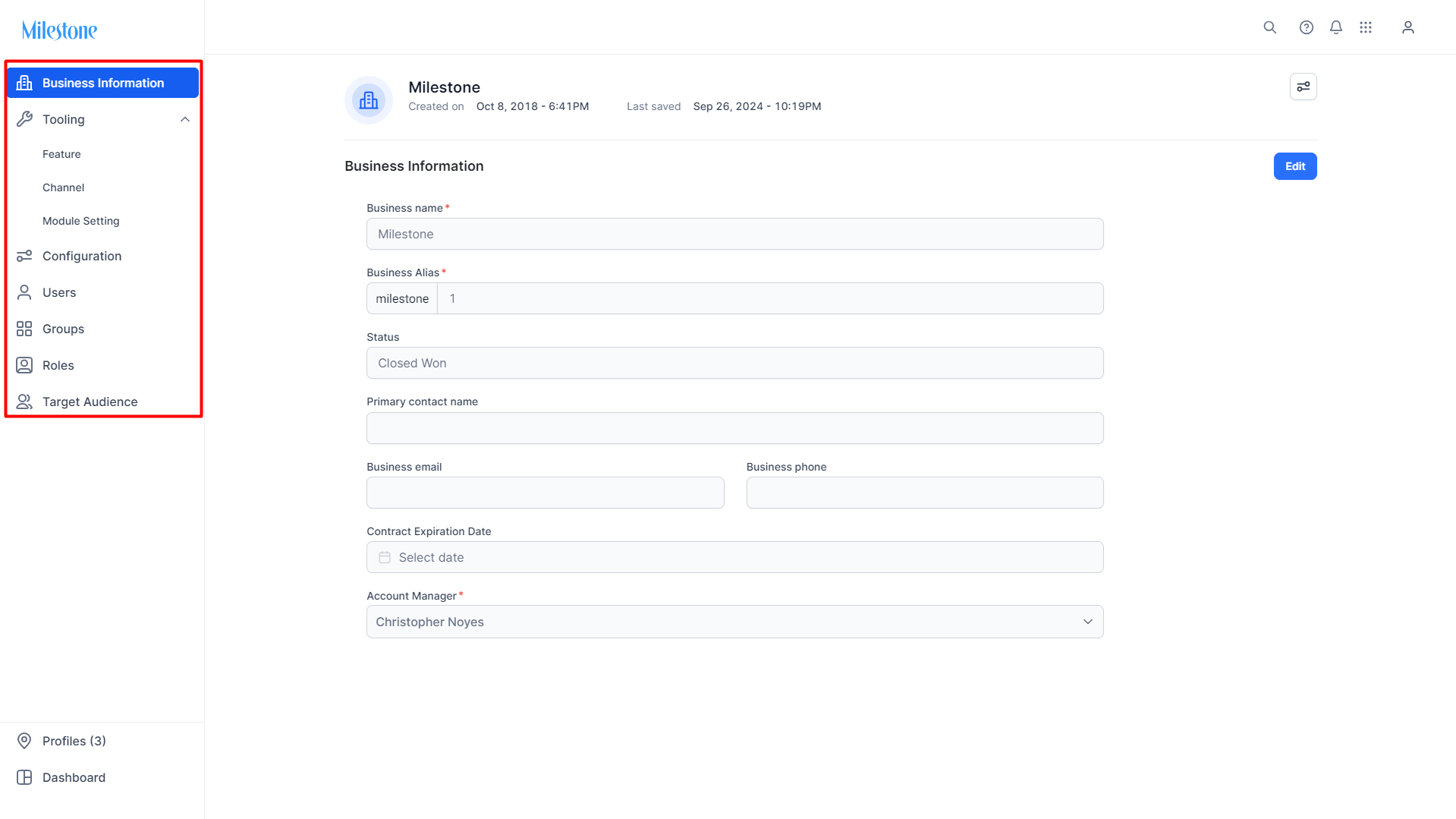
Here you can update business information, tooling, configurations, users, groups, user roles, and target audience information for your business from the left navigation panel.
Was this article helpful?
That’s Great!
Thank you for your feedback
Sorry! We couldn't be helpful
Thank you for your feedback
Feedback sent
We appreciate your effort and will try to fix the article