Let’s now get into the key functions of the ‘Published’ screen.
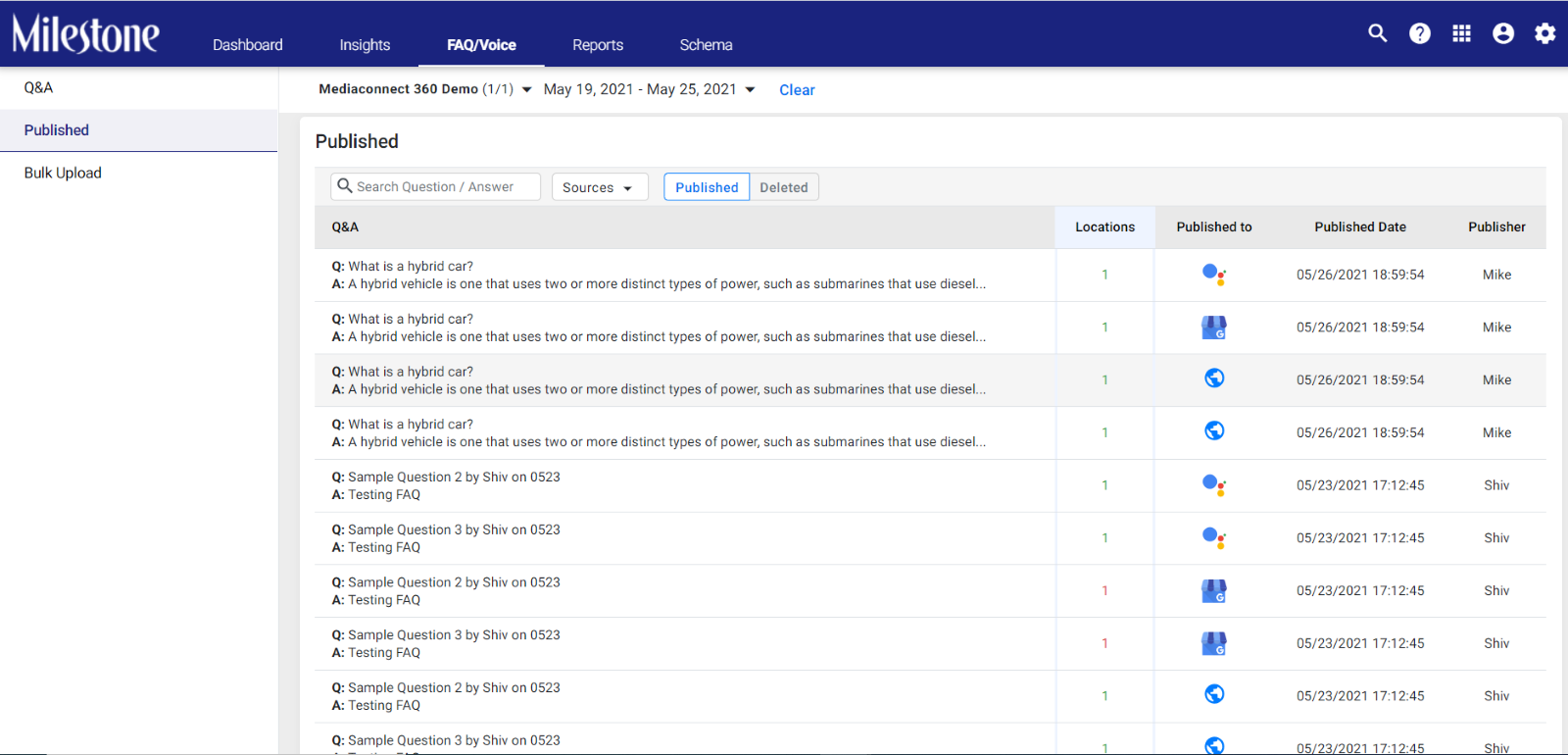
Click on the ‘Published’ tab and you will immediately see the Q&As that have been published. On the table, you will also see the locations that the FAQs have been published to, the published source, date of publishing, and the publisher.
Note: If you chose multiple sources, the FAQ will be published separately to each source. Hence, you will see repetitions of the same Q&A and the different sources that it has been published to.
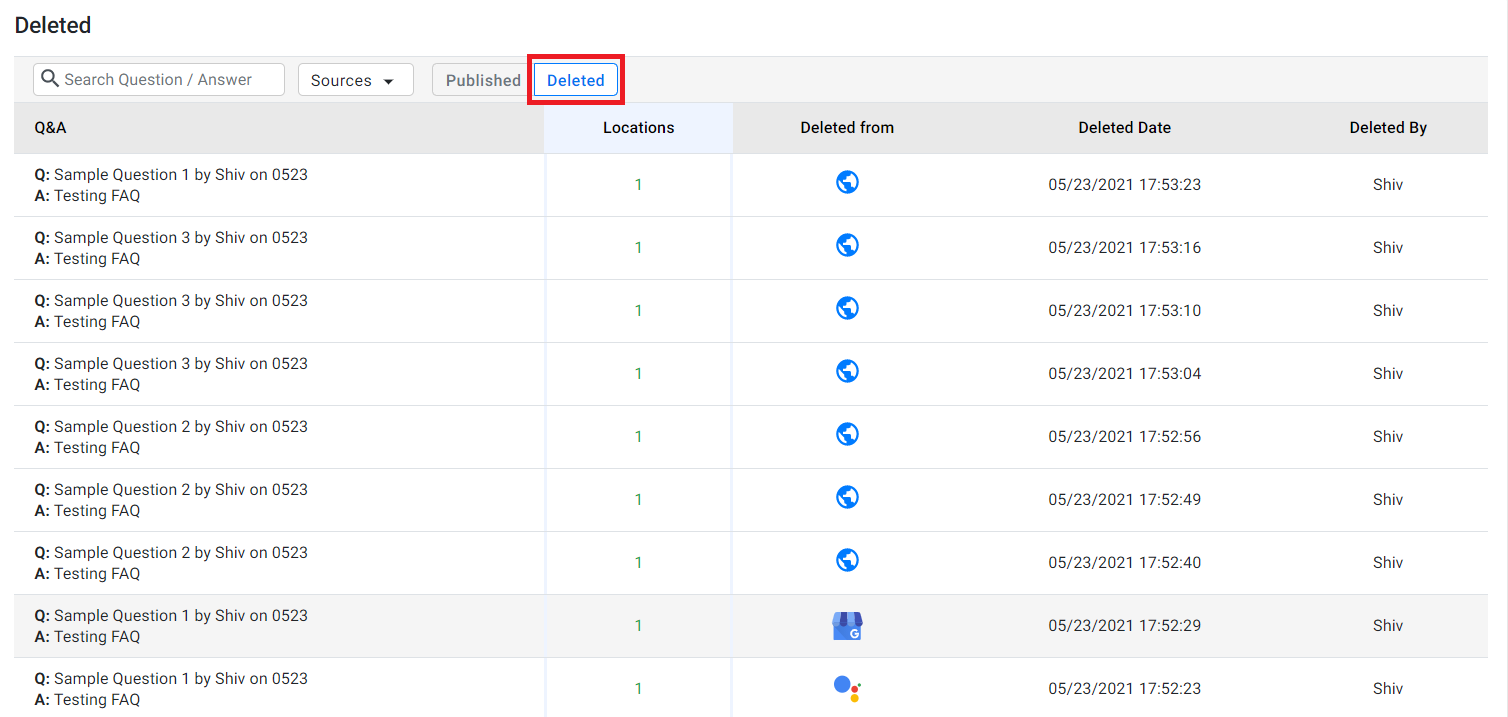
Click on the ‘Deleted’ tab to view all the FAQs that have been deleted.
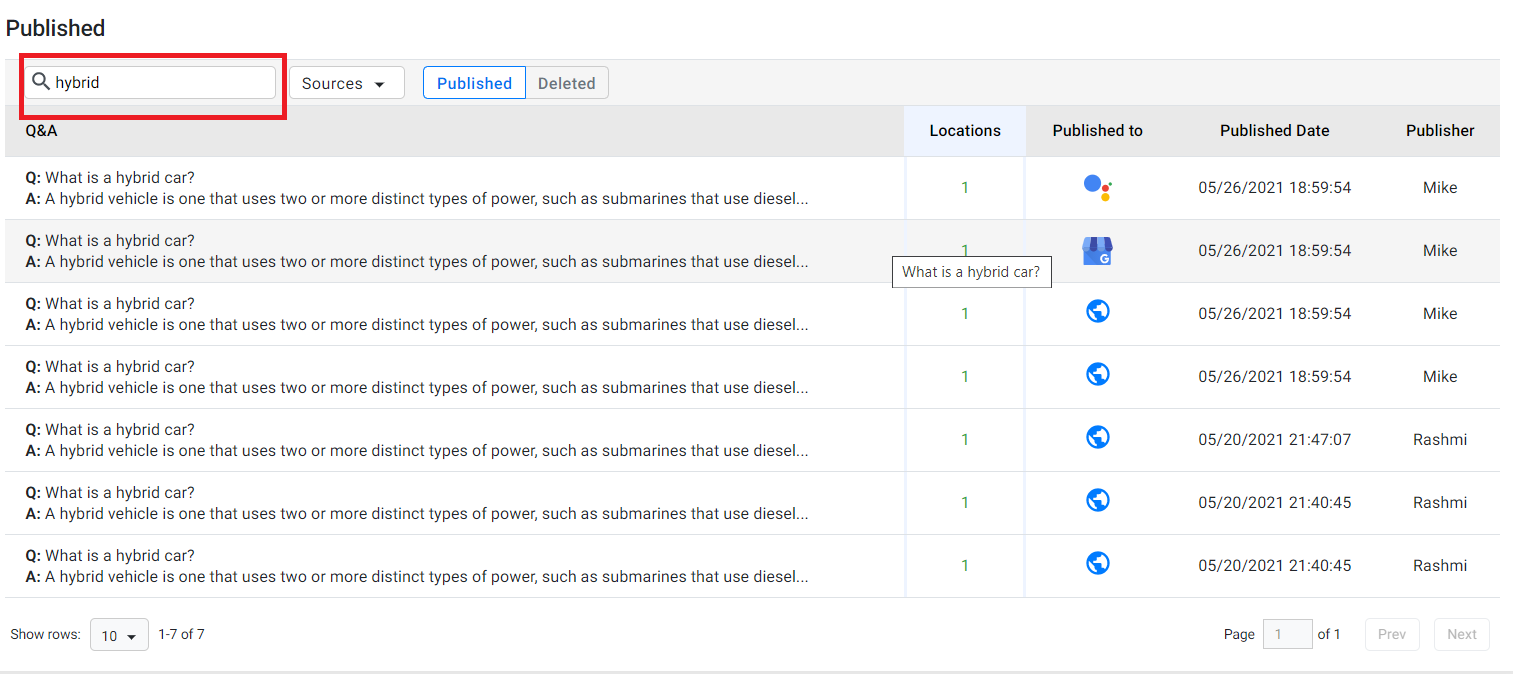
To filter your search for published FAQs, you have two options:
- You can use the search bar. Type in a keyword.
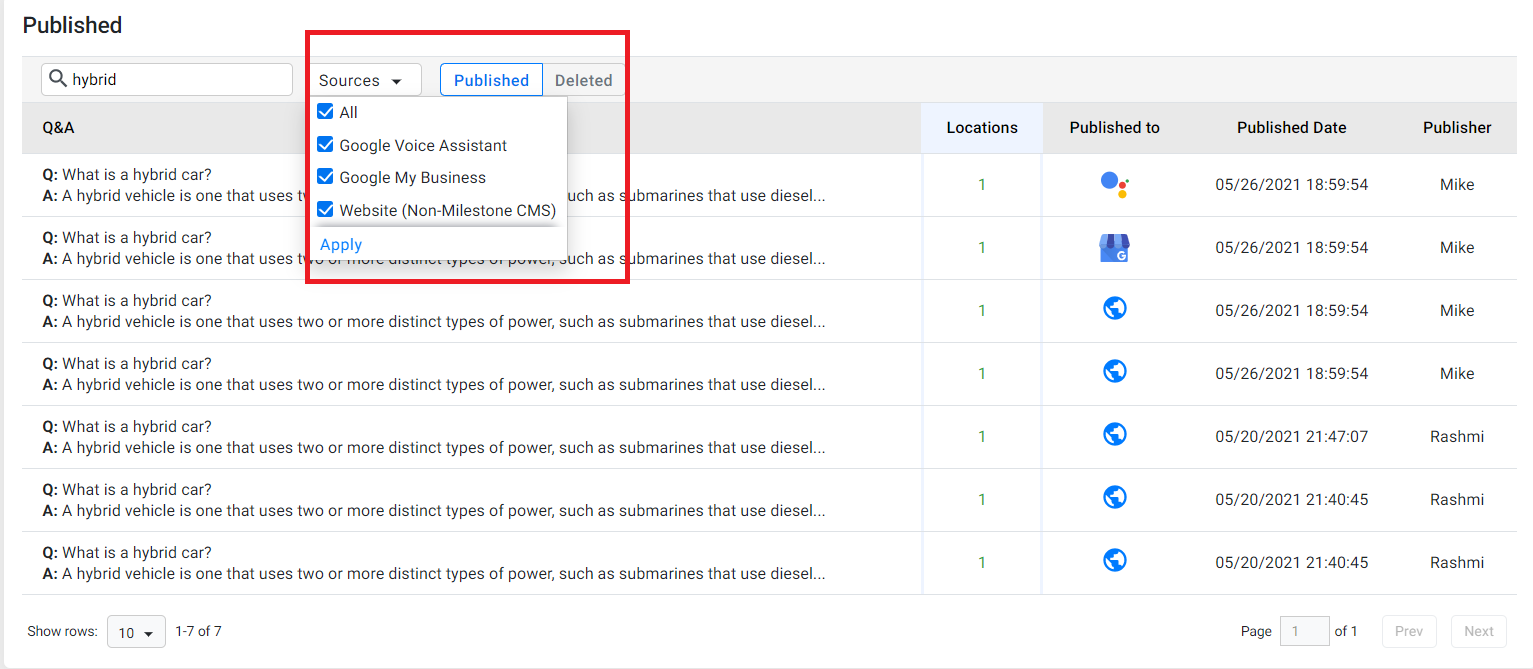
- Use the sources drop-down to filter published FAQs based on their sources.
Was this article helpful?
That’s Great!
Thank you for your feedback
Sorry! We couldn't be helpful
Thank you for your feedback
Feedback sent
We appreciate your effort and will try to fix the article