The FAQ summary and the Q&As that you will see on the screen will be based on the business profiles or locations that you have picked and the date range.
You will see the filter bar as soon as you click on the FAQ Manager tab.
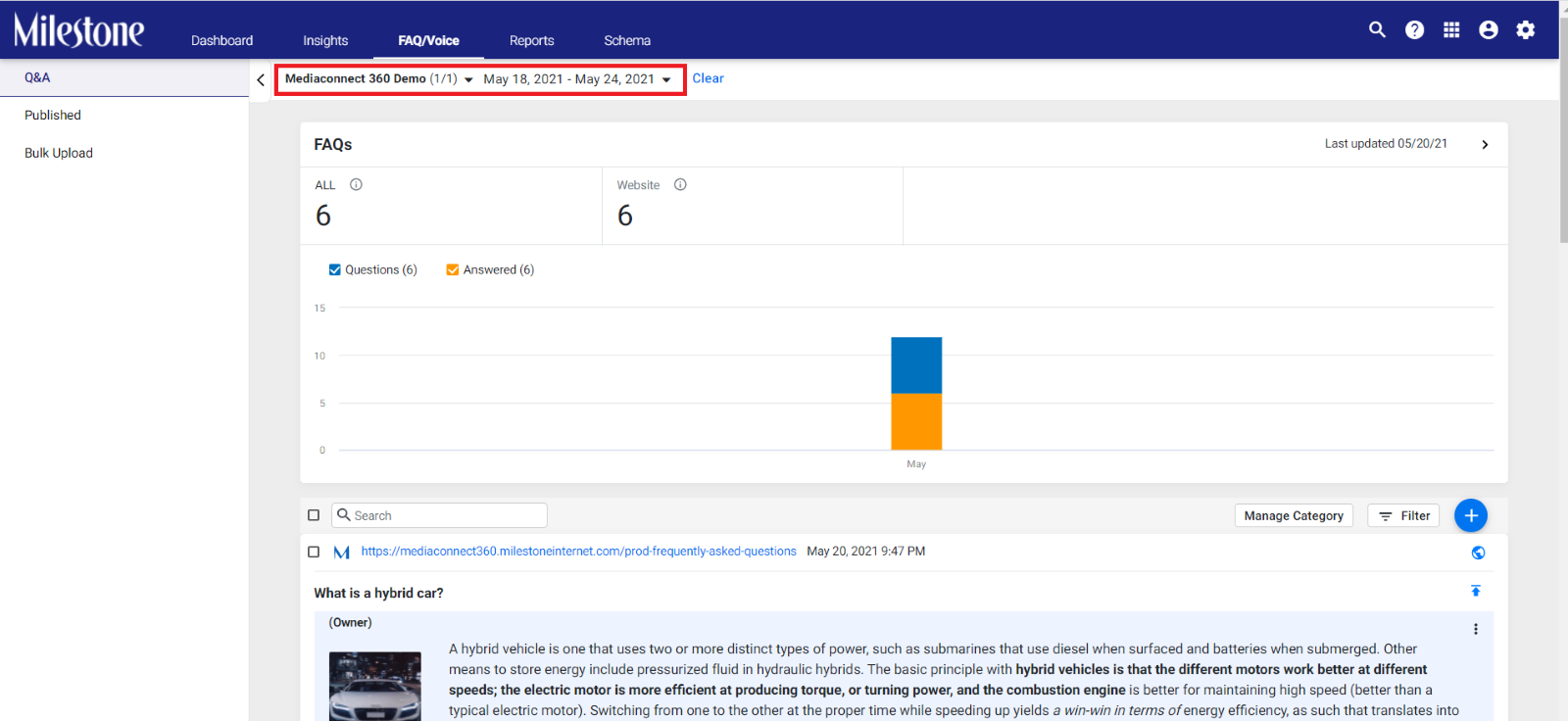
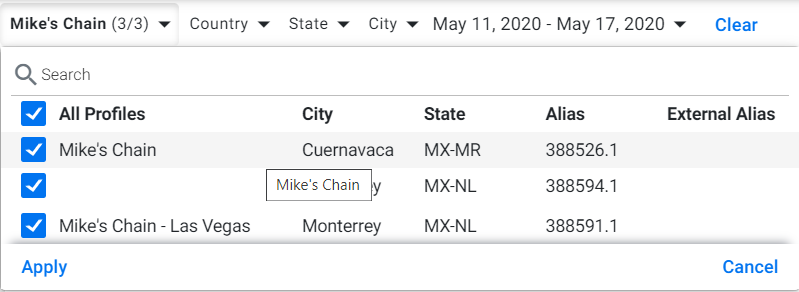
Click on the Business name dropdown and you will see the list of locations of your business. Choose ‘All’ if you want to see Q&A for all business locations, or select a certain location you wish to view Q&As. Click on ‘Apply to make the change.
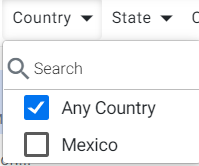
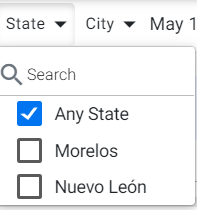
Next, you can choose a location based on Country, State, and City using the drop-down button.
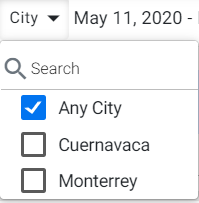
After this, you can view Q&As for a certain date range
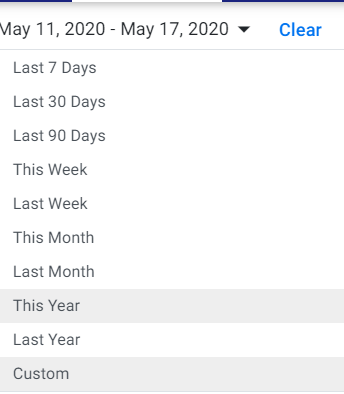
You can also choose a custom date range just by clicking on ‘Custom’. Choose the date range and click on ‘Apply’.
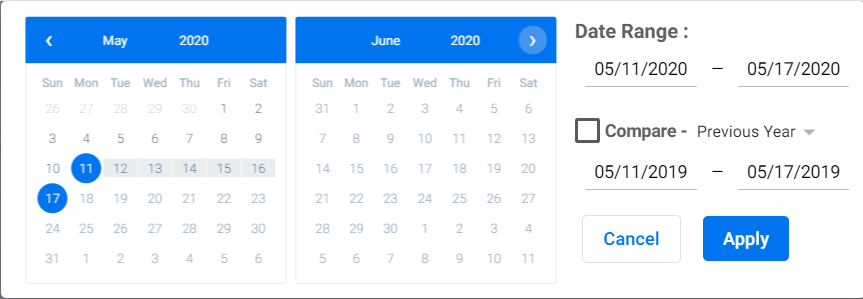
The same settings are reflected when you log in the next time. Click on ‘Clear’ to restore default settings.
Was this article helpful?
That’s Great!
Thank you for your feedback
Sorry! We couldn't be helpful
Thank you for your feedback
Feedback sent
We appreciate your effort and will try to fix the article