Follow the steps to connect Google Search Console to MPC Insights for a business profile.
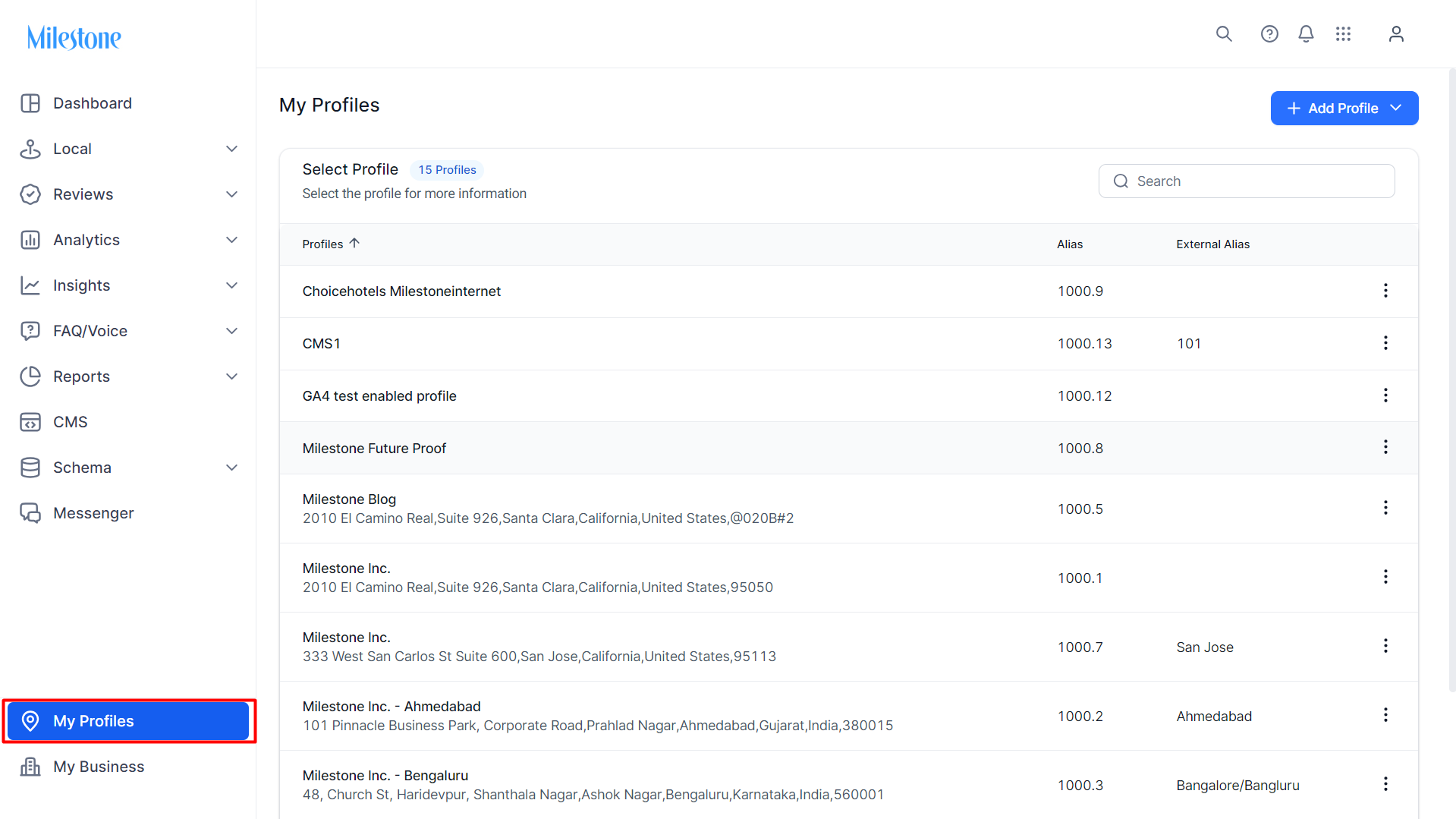
Step 1: Log in to MPC and click on the ‘settings’ button.
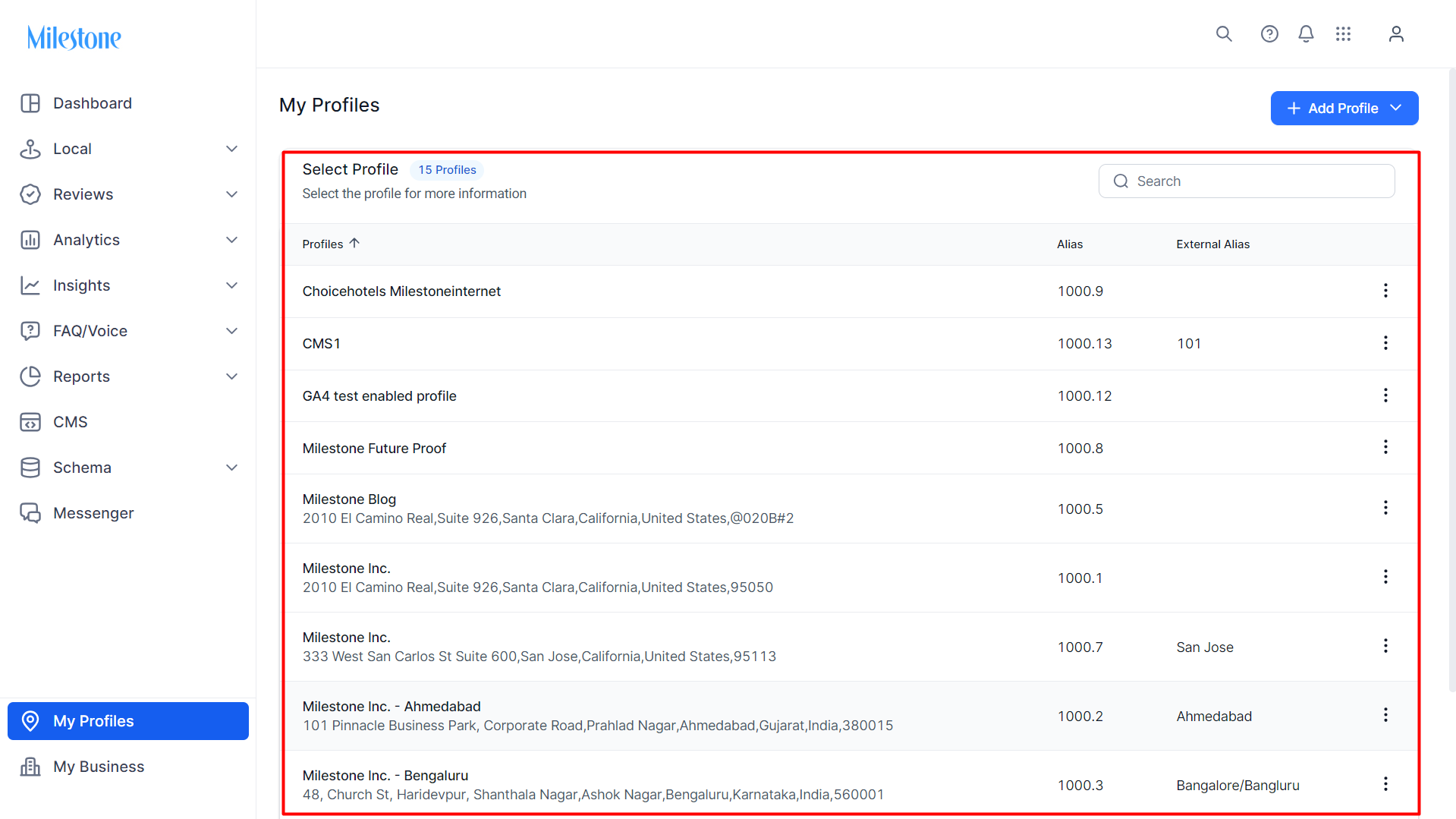
Step 2: Choose a business profile you wish to connect GSC to MPC Insights.
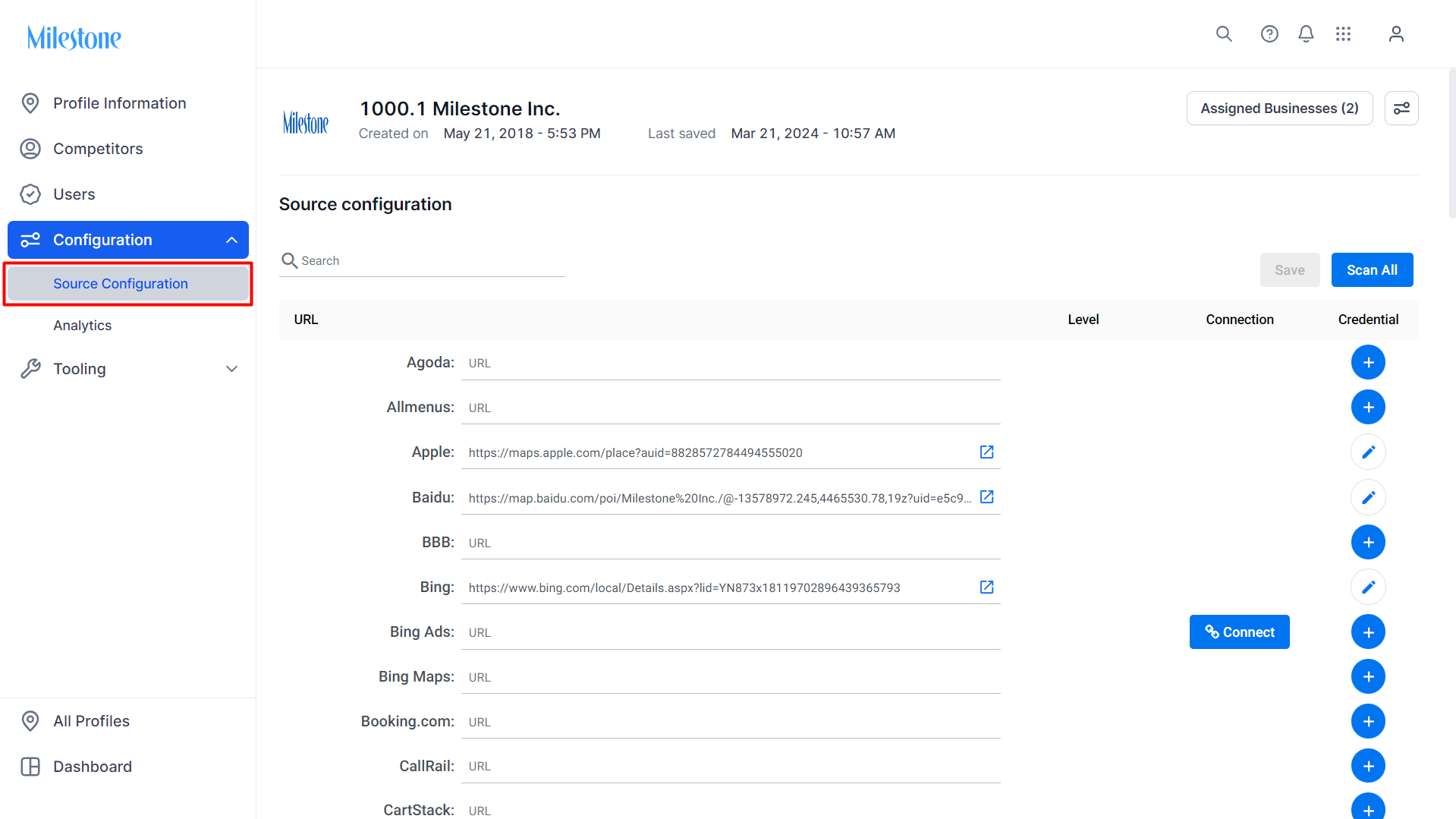
Step 3: Under the 'Configuration' menu click on ‘Source Configuration’.
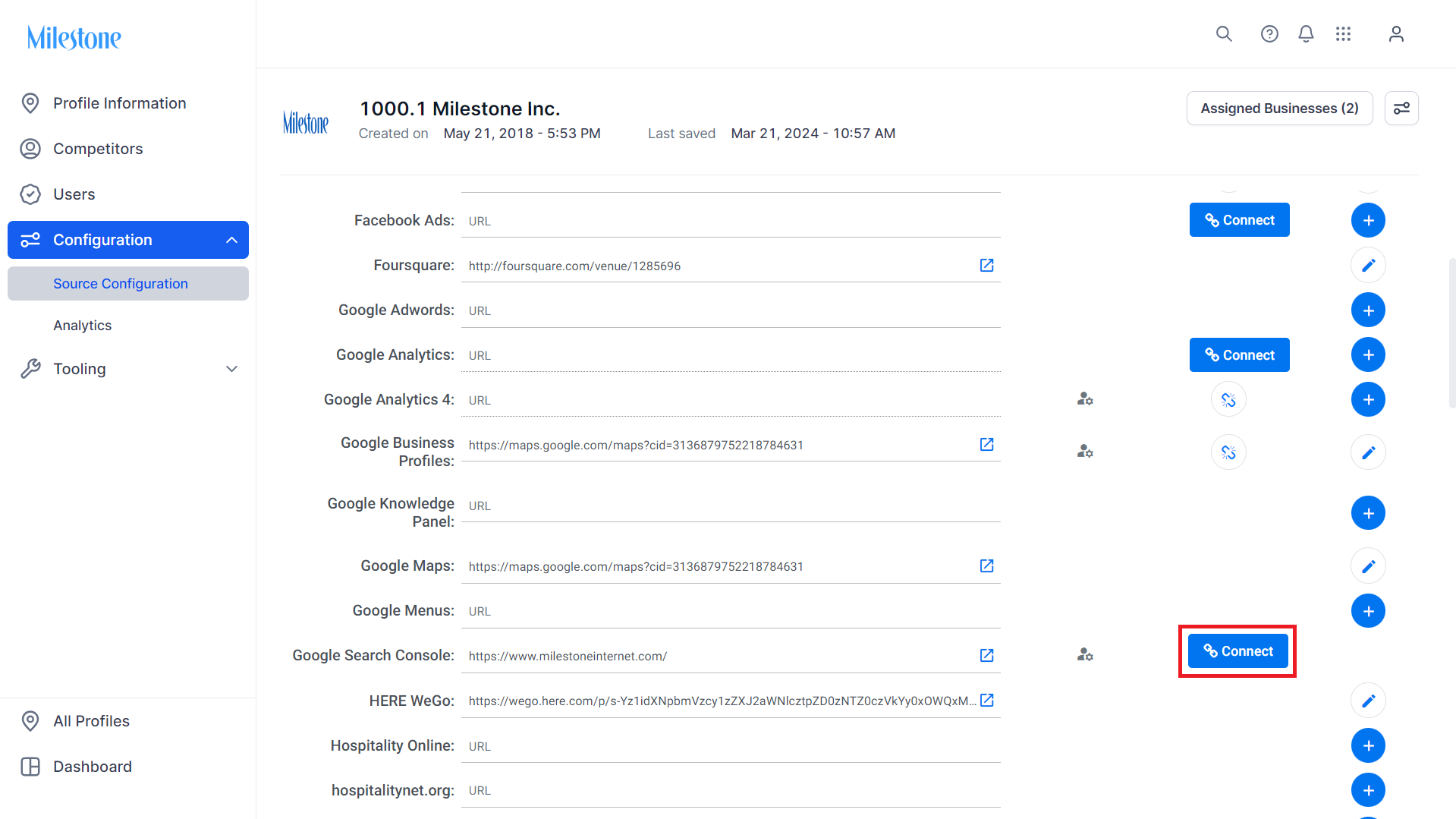
Step 4: Scroll down to Google Search Console and click on ‘Connect’.
Was this article helpful?
That’s Great!
Thank you for your feedback
Sorry! We couldn't be helpful
Thank you for your feedback
Feedback sent
We appreciate your effort and will try to fix the article