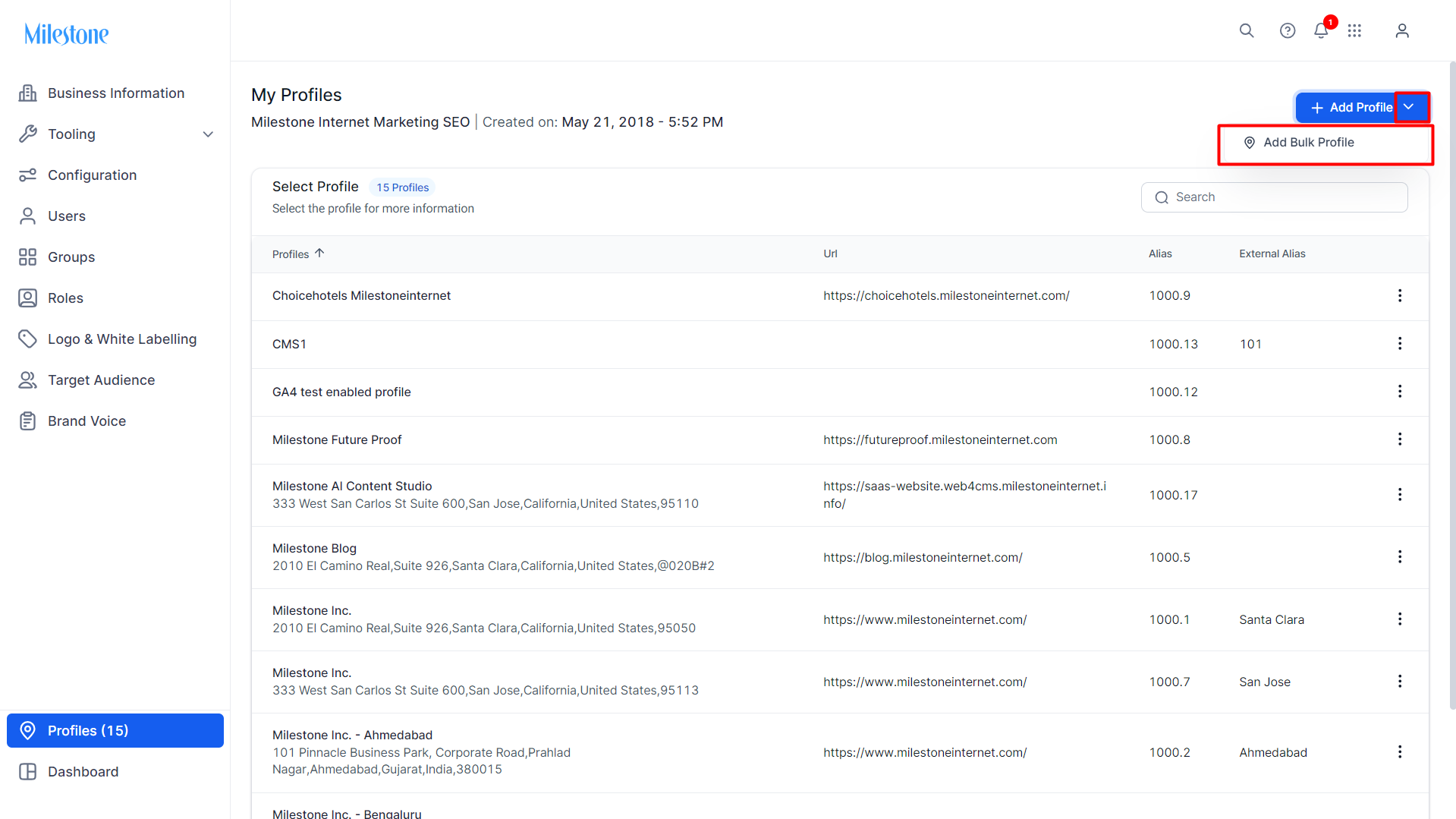
In the 'Profiles' section of Milestone Presence Cloud, click on the dropdown option next to 'Add Profile' and select 'Add Bulk Profile'.
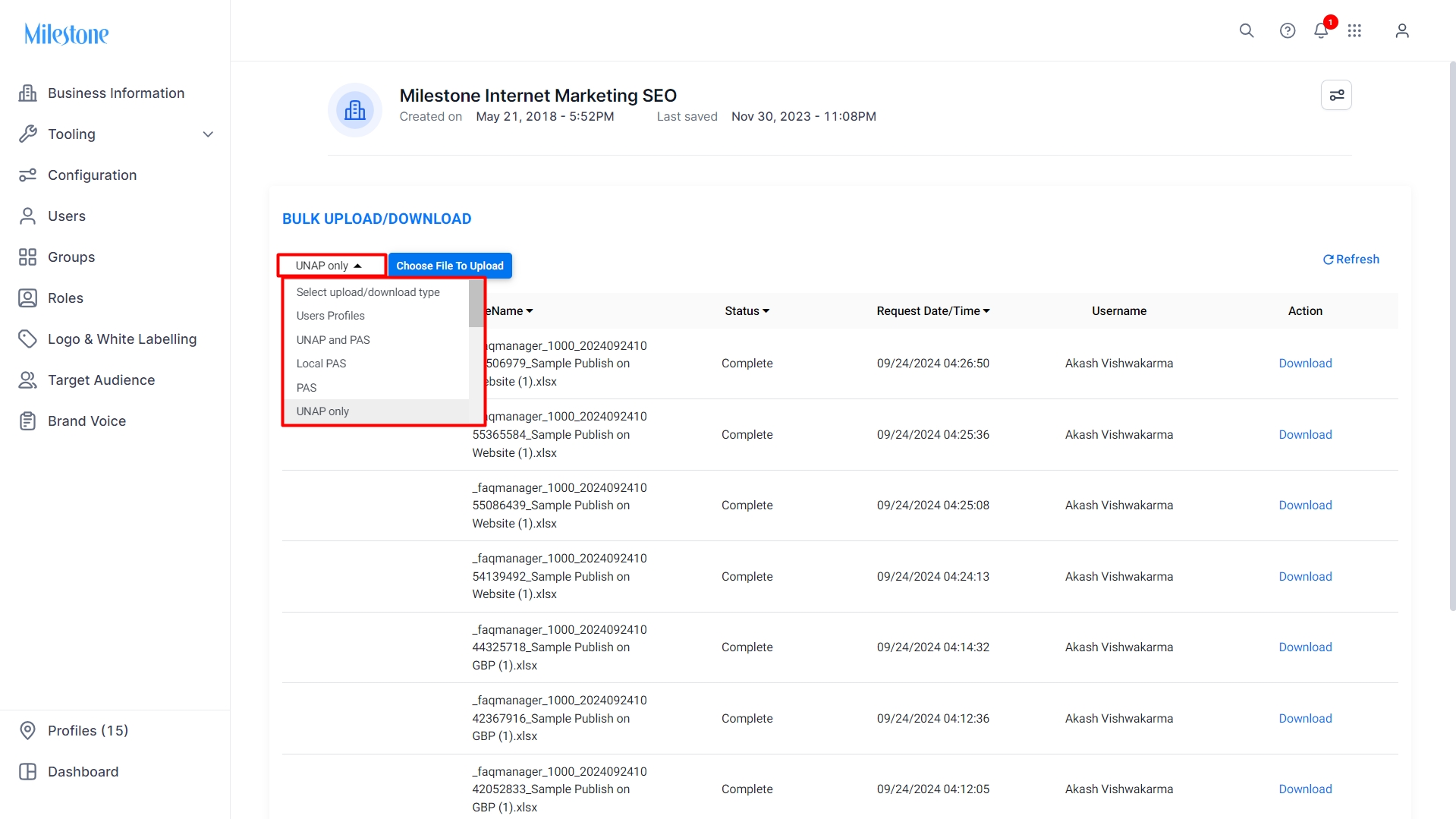
From the dropdown menu at the top left of the 'Bulk Upload/Download' section select the type of information you are adding in bulk.
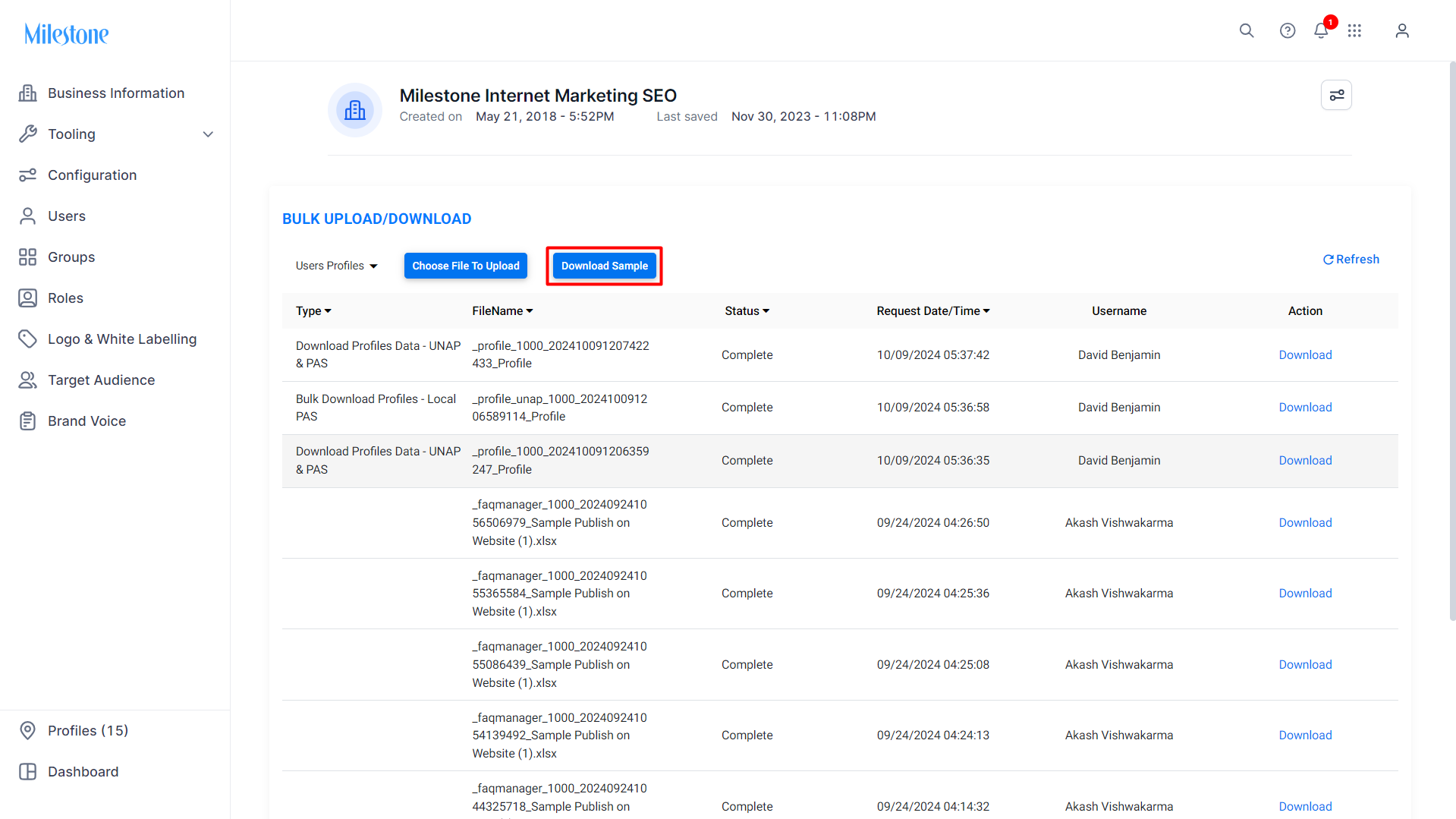
Download a sample using the 'Download Sample' button.
Fill in the details in the sample file, rename it, and save the file. Now click on 'Choose Upload File'.
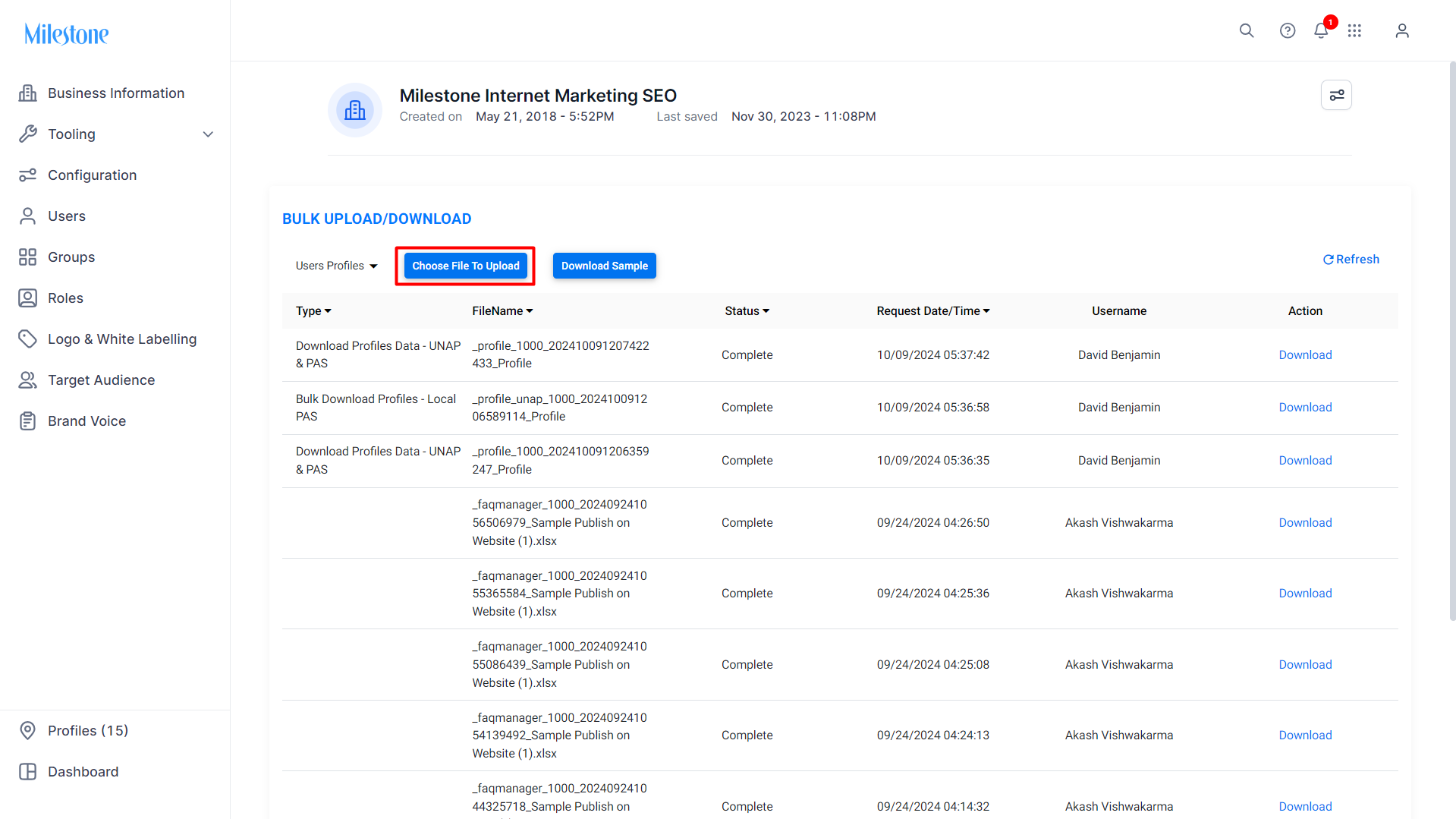
Upload the file you saved.
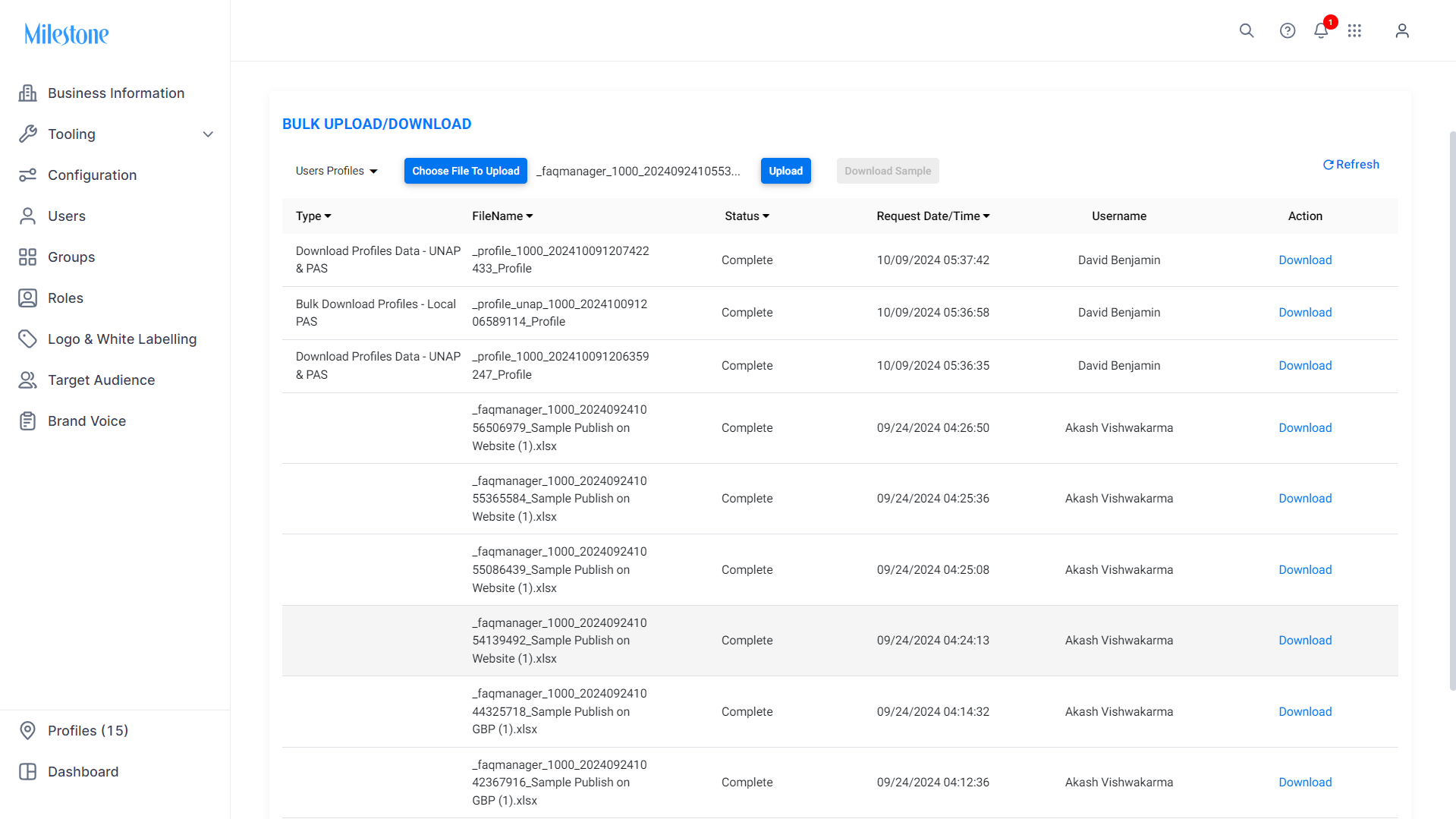
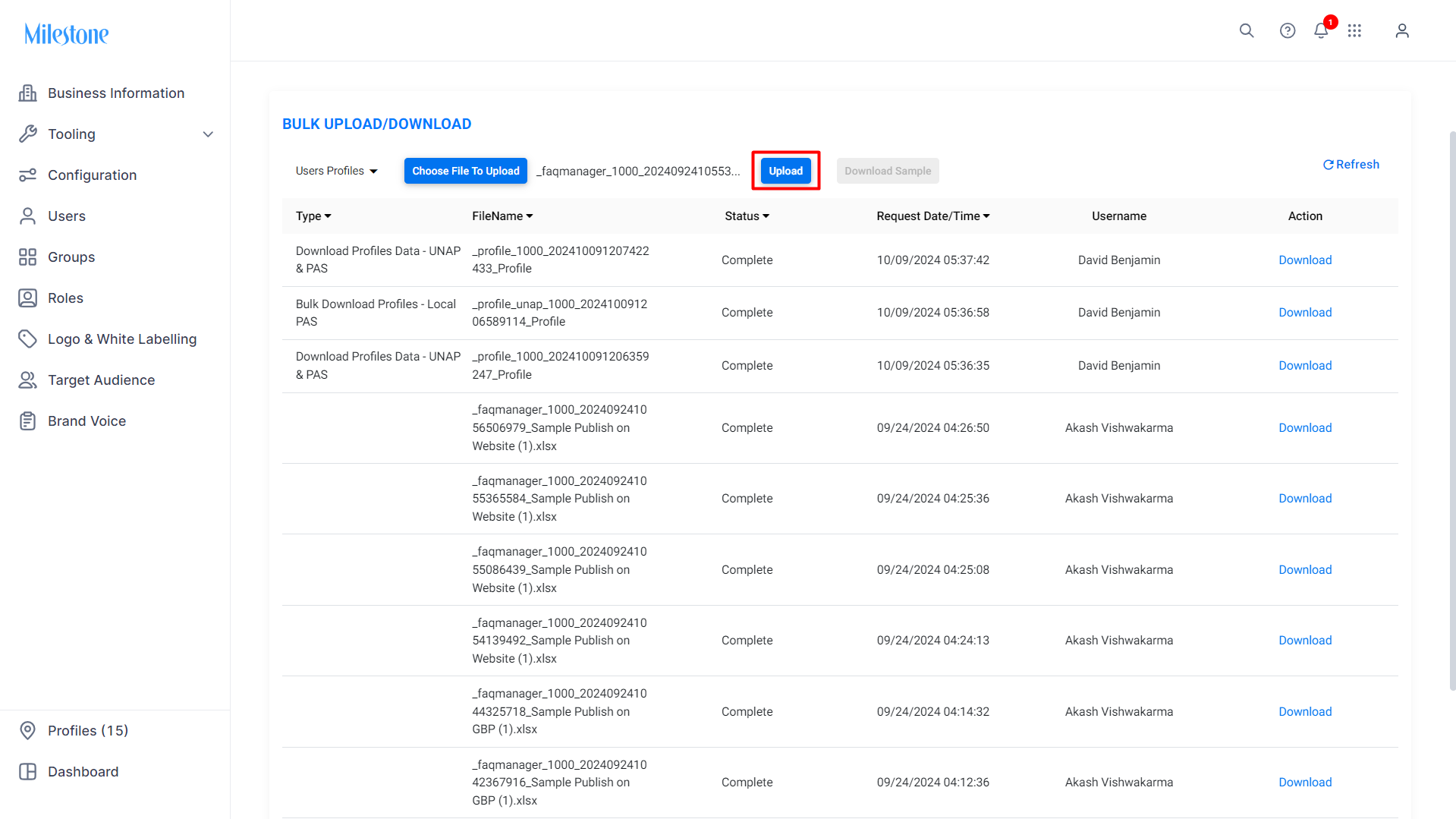
Click on 'Upload' to upload the file to MPC.
Was this article helpful?
That’s Great!
Thank you for your feedback
Sorry! We couldn't be helpful
Thank you for your feedback
Feedback sent
We appreciate your effort and will try to fix the article