If you wish to stop or edit a scheduled report, follow the steps mentioned below:
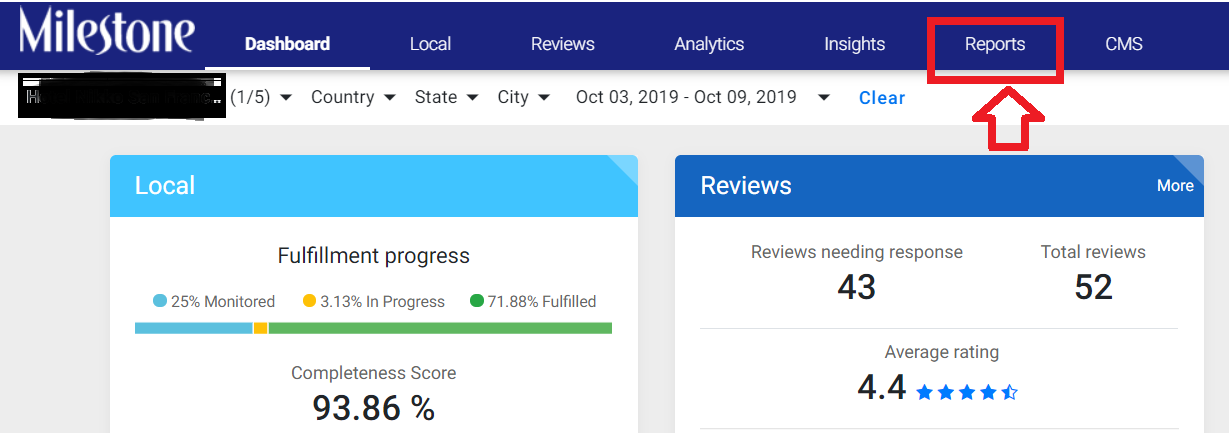
Step 1: Log in to Milestone Presence Cloud using your credentials and click on the ‘Reports’ tab.
Step 2: Click on the ‘Report Summary’ tab, and choose the scheduled report that you wish to edit or delete (stop).

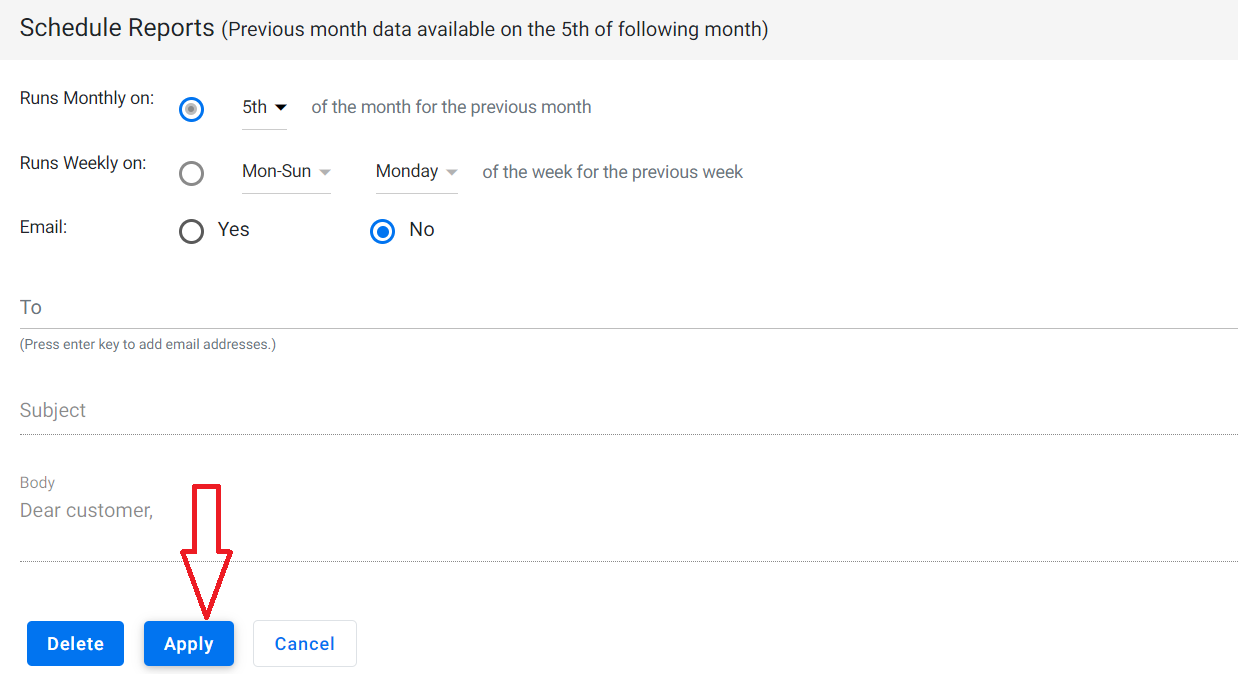
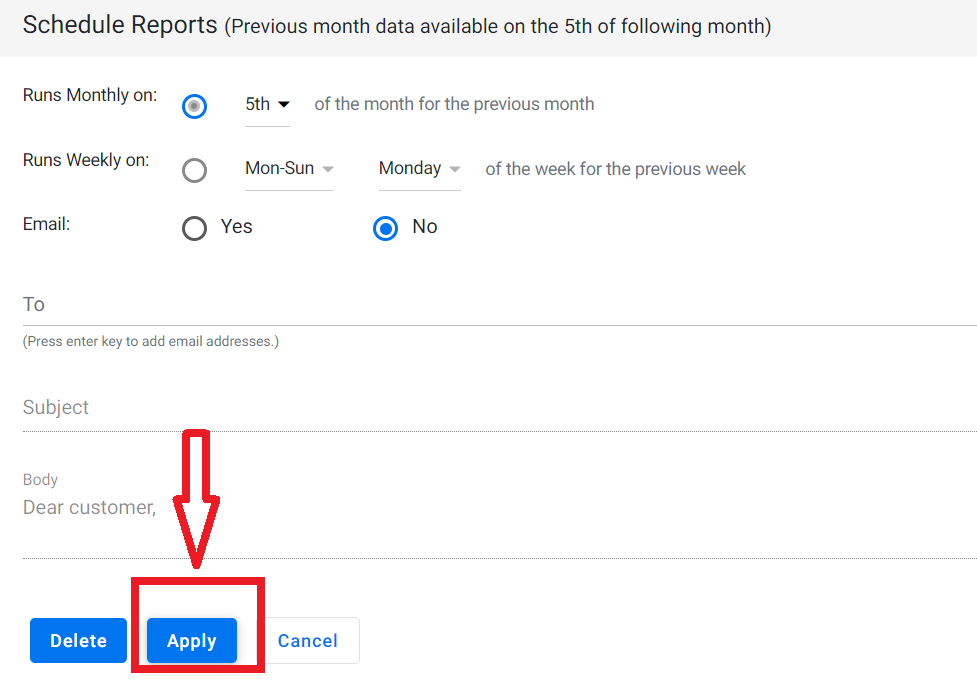
Step 3: To edit the scheduling of the report, choose whether you wish to schedule the report weekly (choose the day of the week) or monthly, click on the ‘Email’ button, enter your email ID, and click on ‘Apply’ to make the edit.
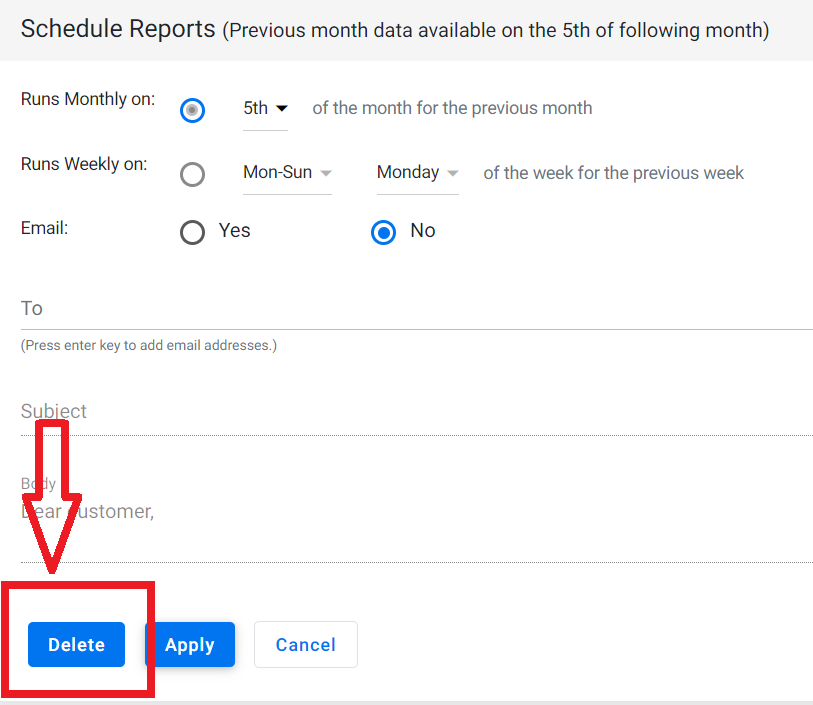
Step 4: If you wish to stop or delete the schedule report, directly click on the ‘Delete’ button.
Was this article helpful?
That’s Great!
Thank you for your feedback
Sorry! We couldn't be helpful
Thank you for your feedback
Feedback sent
We appreciate your effort and will try to fix the article