Milestone Presence Cloud (MPC) has two broad user roles;
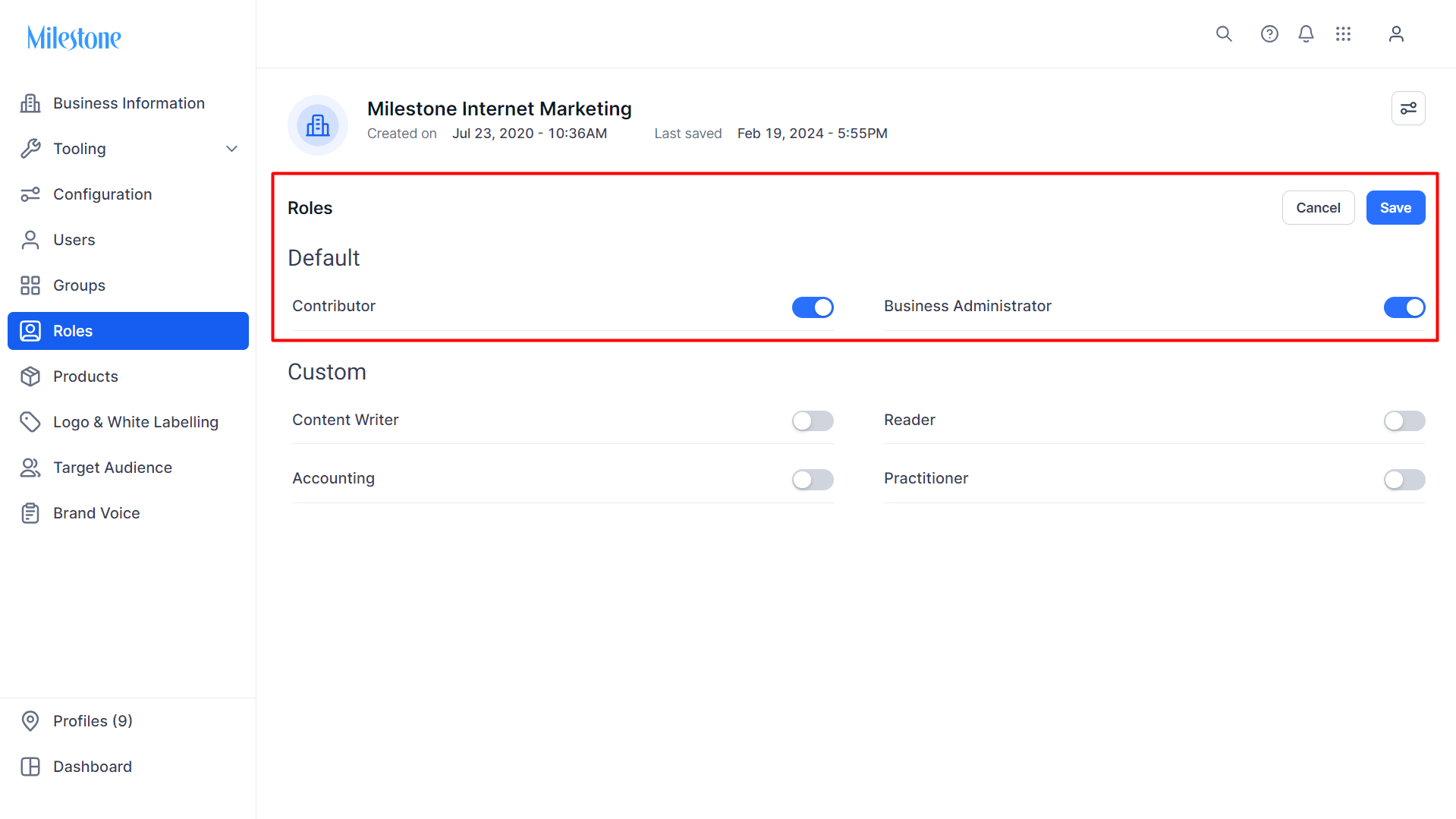
Business Administrator: As a Business Administrator, not only will you have all the read and write privileges that a Contributor has, you shall also be able to perform certain administrative tasks that you can perform beyond the ones stated under Contributor role. Some of them are:
- Add new users to your Business
- Update roles of existing users within your business
- Add or remove access of a user to a profile (i.e. location) within a business
- Add new profiles to the business
Contributor: As a Contributor, you shall have all privileges that a Reader role has, plus writer access to update various information on the Presence Cloud platform. Some of the common task you shall be able to perform:
- Main Presence Cloud Dashboard
- Analytics dashboard (if your business has subscribed for the Analytics module)
- Insights SEO Summary and other Insights tabs like Speed & Optimization, Schema, Voice, Keywords, Backlinks (if your business has subscribed for the Insights module)
- Local dashboard – Listing Status by Location, Listing Status by Source, Single Listing Status (if your business has subscribed for the Local module)
- Reviews dashboard and Competitor Reviews (if your business has subscribed for the Reviews module)
- Reports – all Local/Analytics/Schema reports
- Fill Profile Information – details about the business’s location(s)
- Make changes to Profile Summary in Local – add short/long description, business hours, images, attributes (if subscribed for Local)
- Login to CMS module (if subscribed for CMS)
- Respond to reviews from Reviews module (if subscribed for Reviews)
- Perform Source Configuration of various data sources such as Facebook, Google, Yelp, Expedia and more
- Export or Import Keywords for a profile from Profile Settings (based on your Insights plan)
- Update competitor details (if you've subscribed for Insights or Reviews)
Was this article helpful?
That’s Great!
Thank you for your feedback
Sorry! We couldn't be helpful
Thank you for your feedback
Feedback sent
We appreciate your effort and will try to fix the article