

Knowledge base
AI Agent: Insights
Overview
The AI Agent Insights Dashboard provides a centralized view of how your AI Agent is performing across customer interactions.
It helps you:
- Monitor conversation performance
- Understand user behavior and intent
- Identify gaps in agent responses
- Take action to improve outcomes
The dashboard is divided into four main tabs:
- Overview
- Engagement
- User Behavior
- Recommendations
Each tab surfaces specific insights through structured widgets.
Overview Tab
Business Overview
Executive Summary
This widget provides a high-level, AI-generated summary of your AI Agent’s performance for the selected time period.
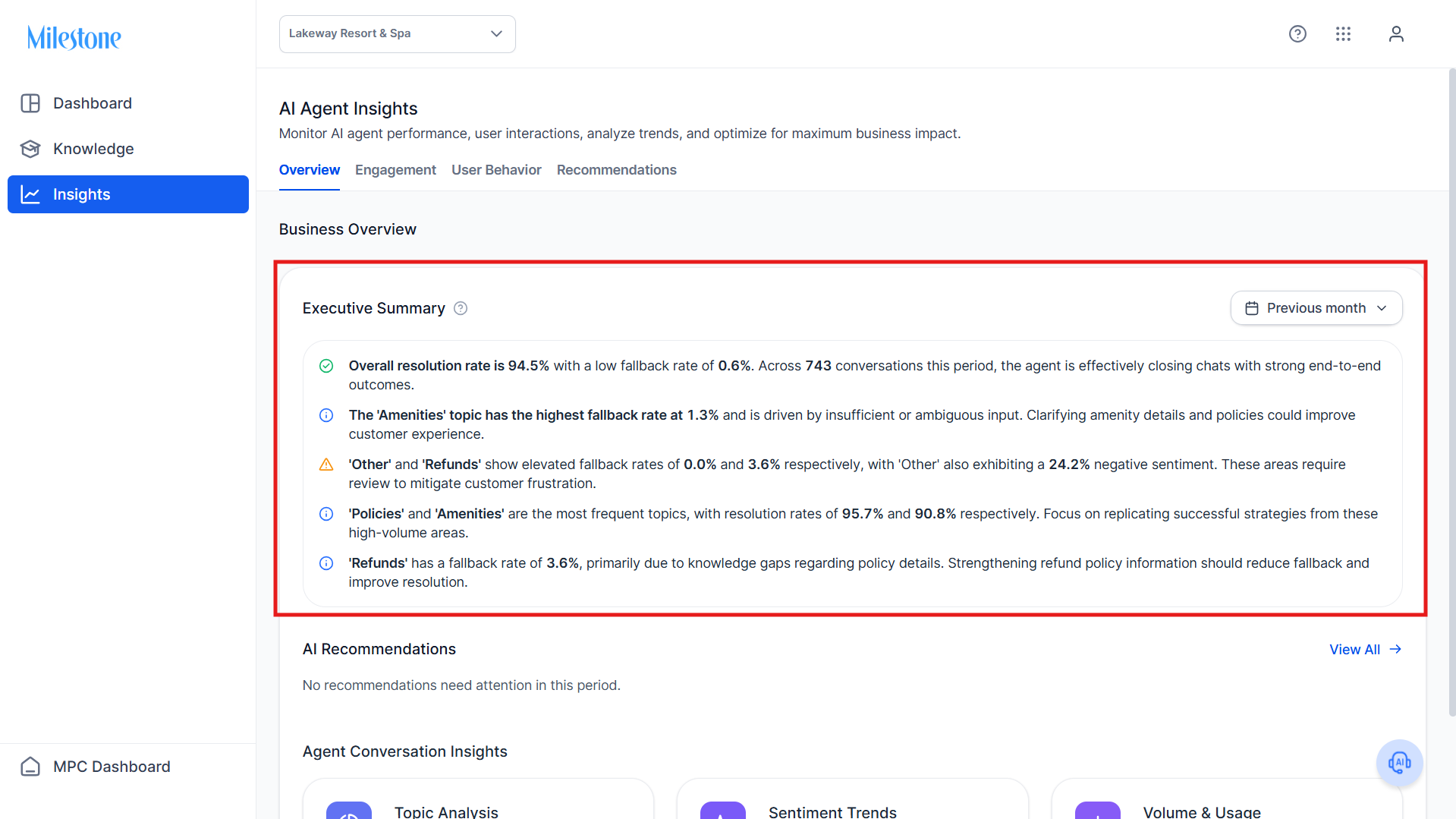
Data Provided:
- Overall resolution rate
- Fallback rate (instances where AI could not resolve queries)
- Total number of conversations
- Topic-level performance highlights
- Key problem areas (e.g., high fallback topics, negative sentiment)
- Suggested improvement areas
How to Use:
- Quickly understand overall performance without analyzing raw data
- Identify priority areas needing attention
- Guide optimization strategy
AI Recommendations
Displays a summary of actionable recommendations identified for the selected period.
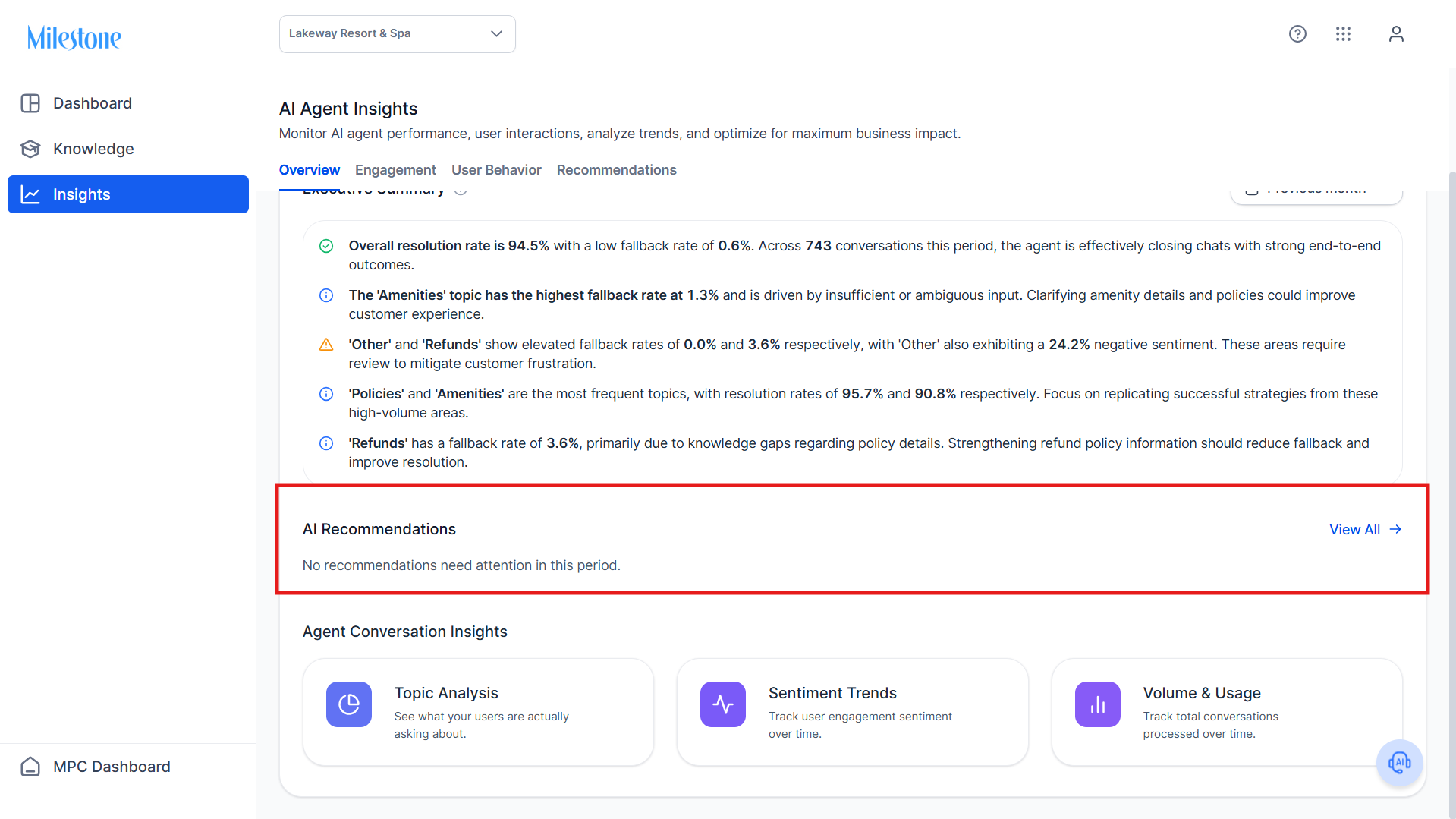
Data Provided:
- Number of recommendations requiring attention
- Quick access to detailed recommendations
How to Use:
- Determine if immediate action is required
- Navigate to the Recommendations tab for deeper analysis
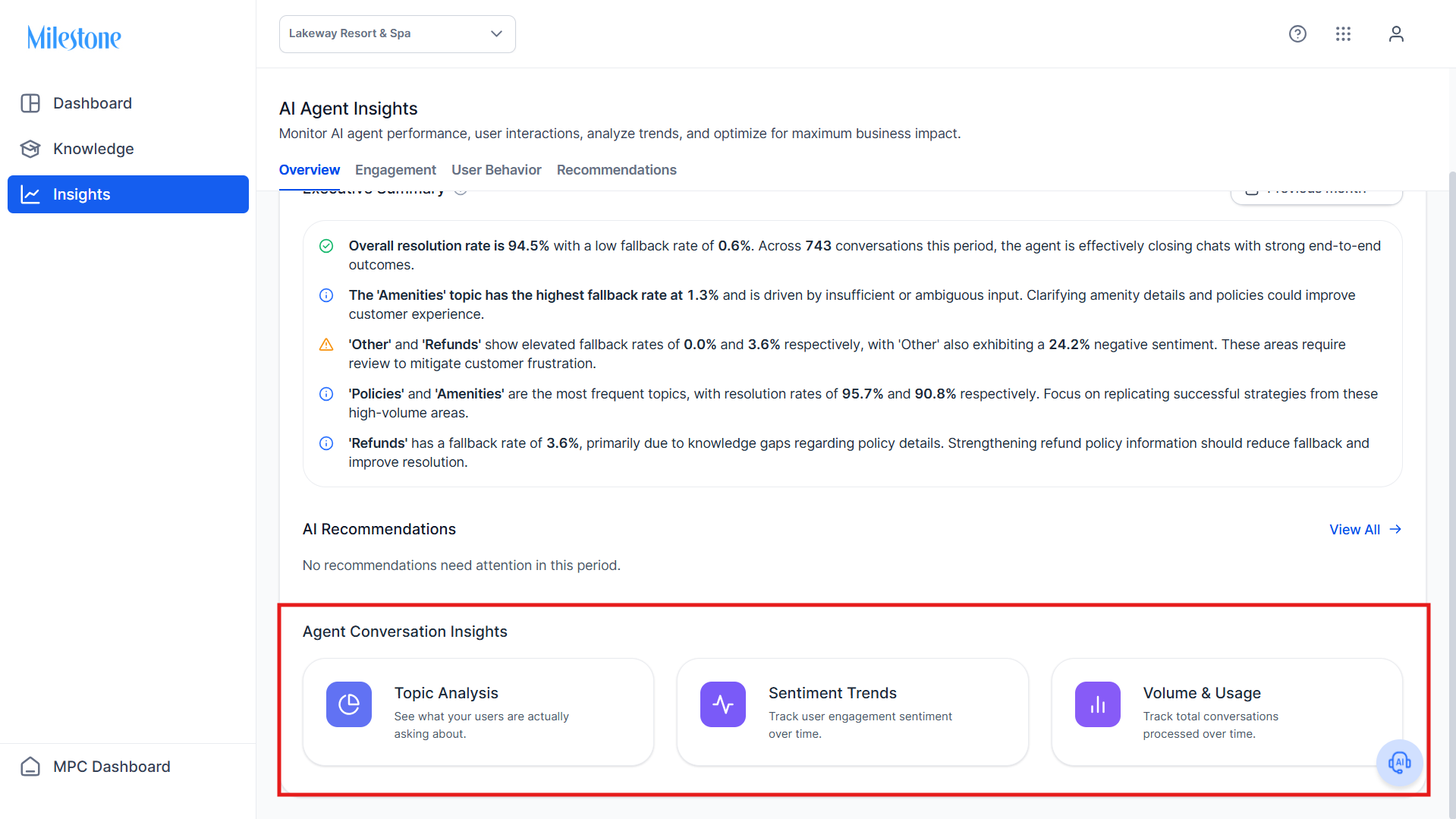
Agent Conversation Insights
This section provides quick entry points into deeper analytics:
Topic Analysis
- Shows what users are asking about
- Helps identify high-frequency topics
Sentiment Trends
- Tracks how users feel about interactions over time
Volume & Usage
- Tracks total conversations processed
Engagement Tab
Engagement Overview
Total Conversations
Definition:
Total number of conversations handled by the AI Agent during the selected time period.
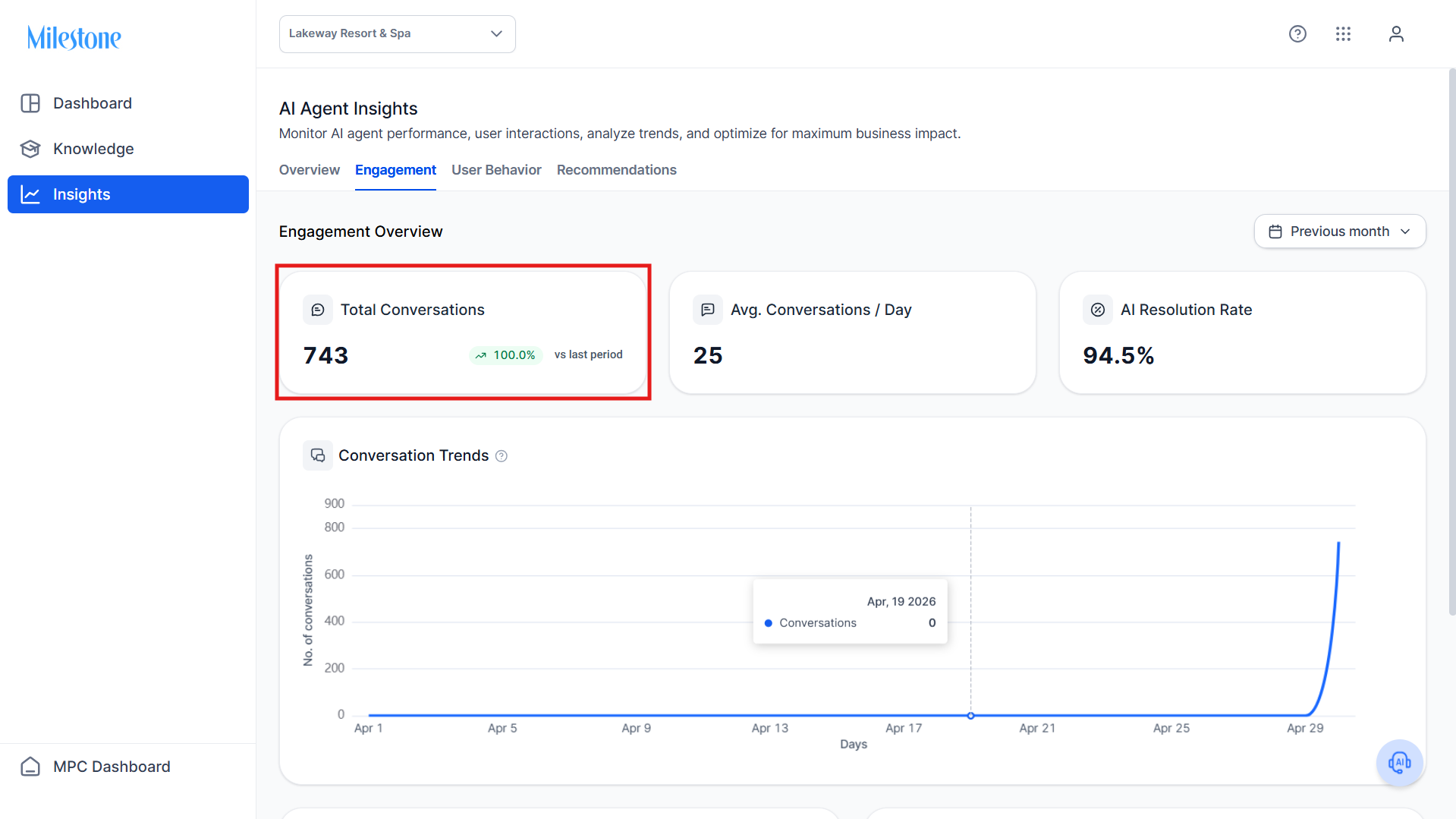
Data Provided:
- Absolute number of conversations
- Percentage change compared to the previous period
Use Case:
- Measure adoption and usage growth
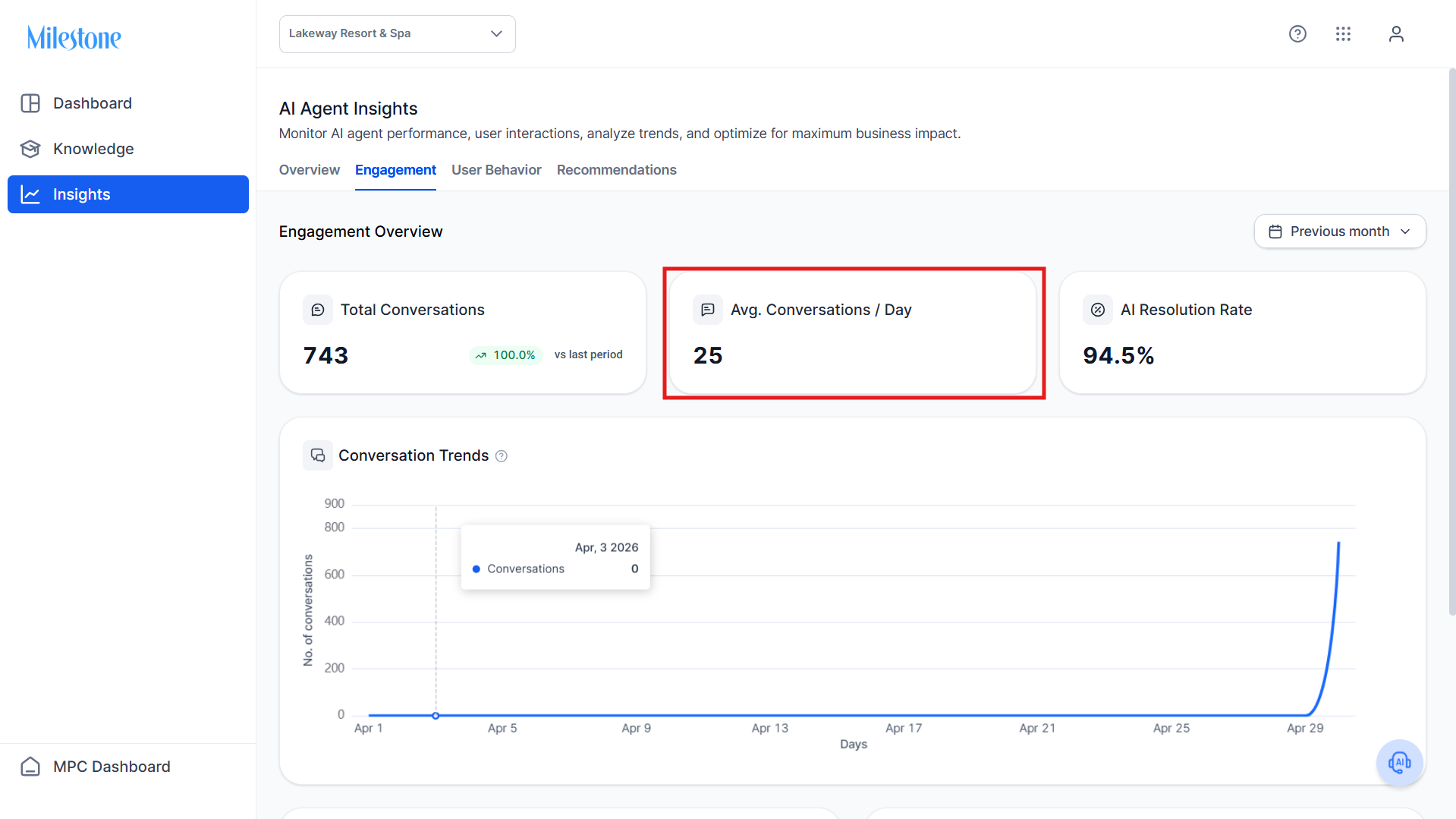
Avg. Conversations per Day
Definition: Average number of conversations handled daily.
Use Case:
- Understand daily interaction load
- Identify consistency or spikes in usage
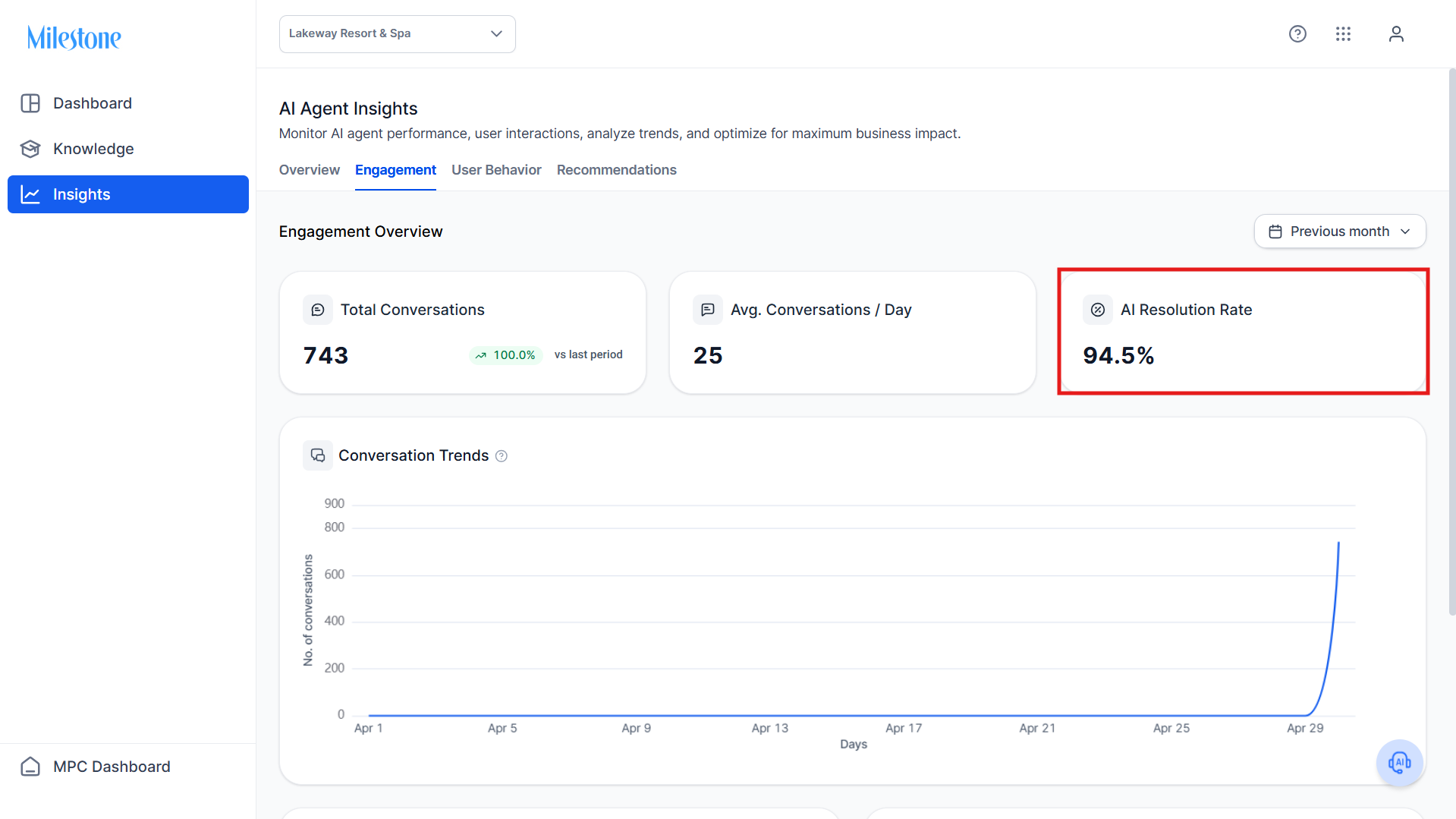
AI Resolution Rate
Definition: Percentage of conversations successfully resolved by the AI Agent without fallback.
Use Case:
- Measure the effectiveness of the AI Agent
- Track improvements over time
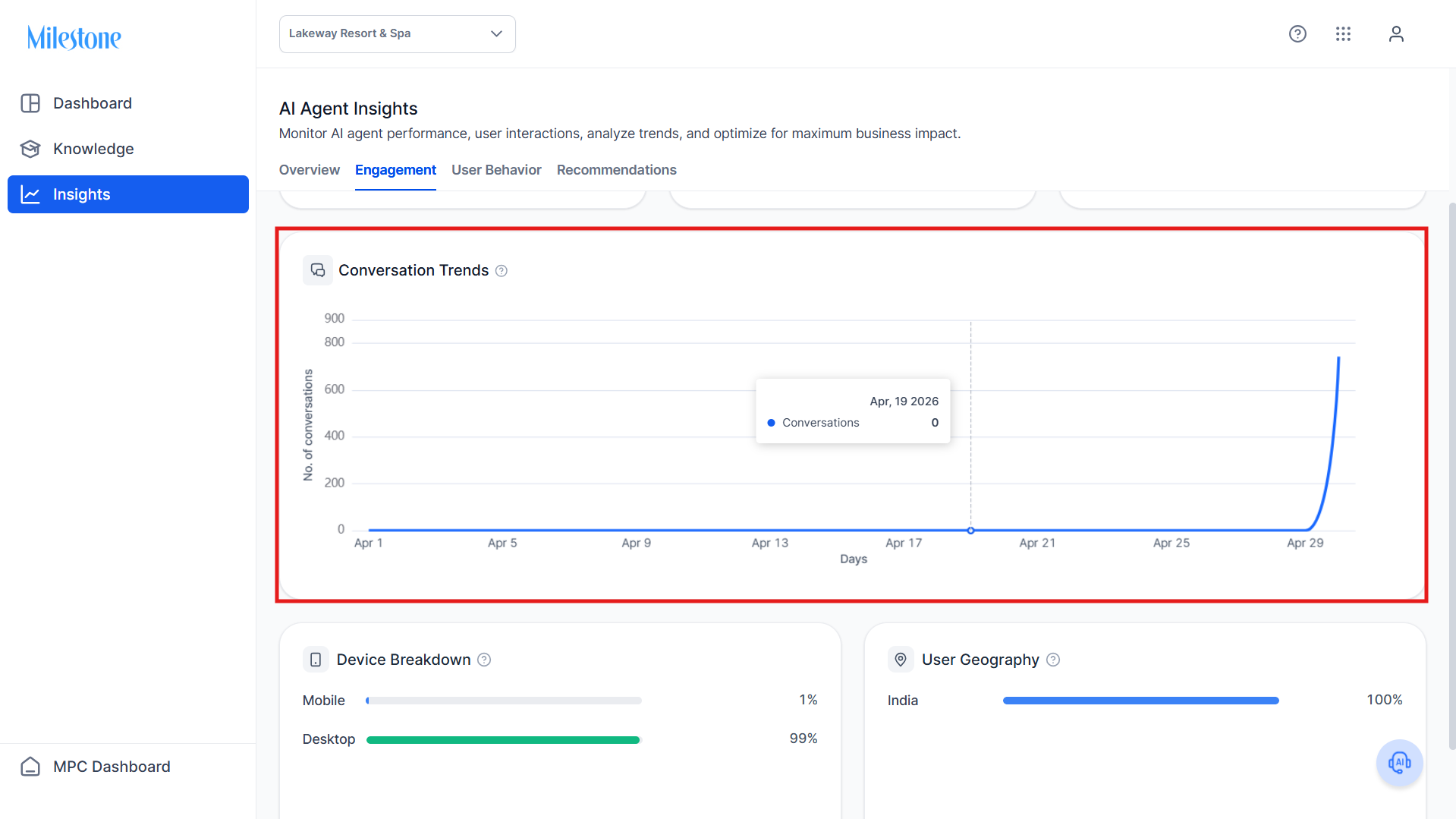
Conversation Trends
Definition: A time-series graph showing conversation volume over the selected period.
Data Provided:
- Daily conversation count
- Trends and spikes
Use Case:
- Identify peak usage periods
- Correlate spikes with campaigns or events
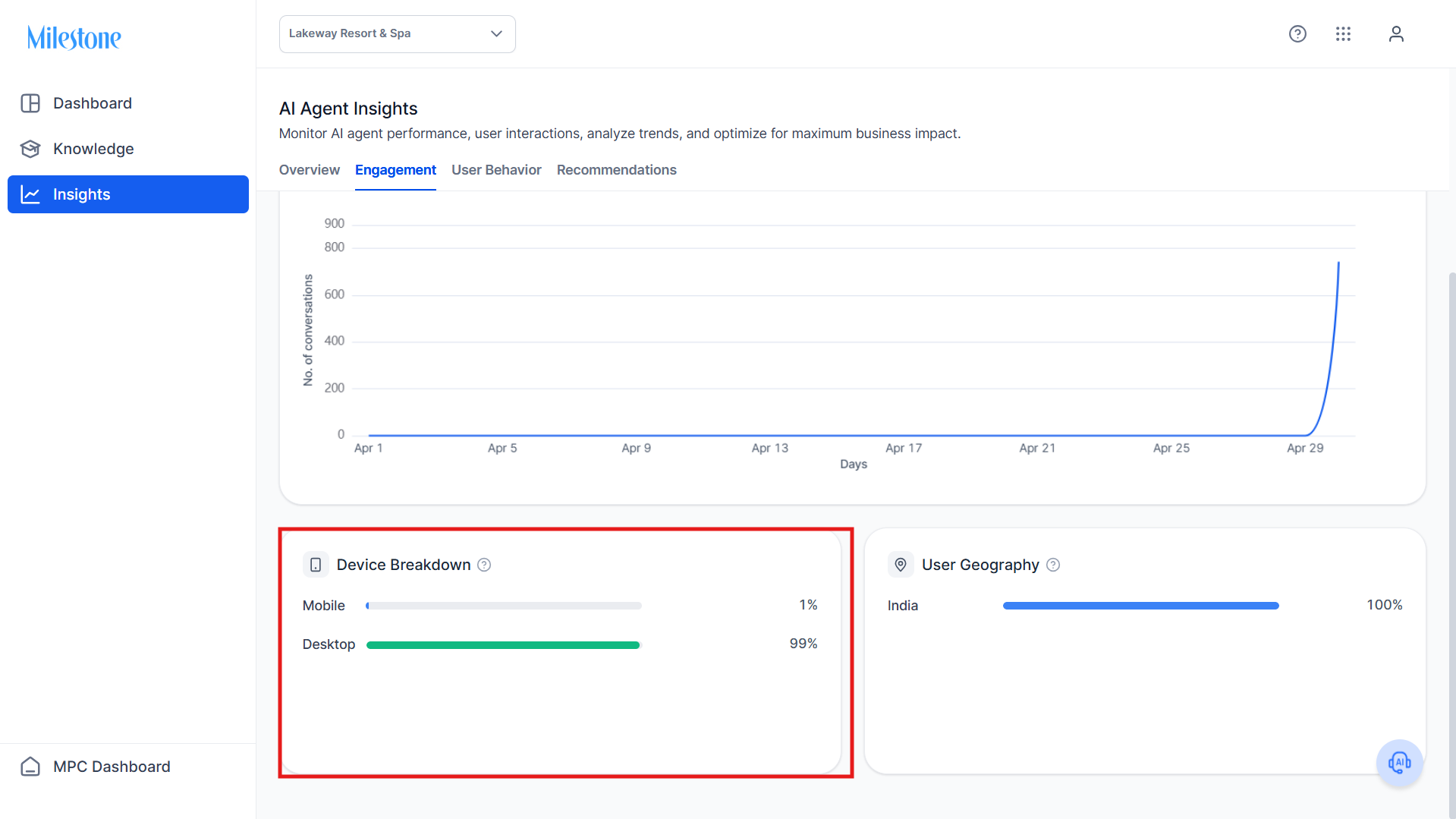
Device Breakdown
Definition: Distribution of conversations across device types.
Data Provided:
- Mobile vs Desktop usage percentages
Use Case:
- Optimize experience based on device preference
User Geography
Definition: Geographic distribution of users interacting with the AI Agent.
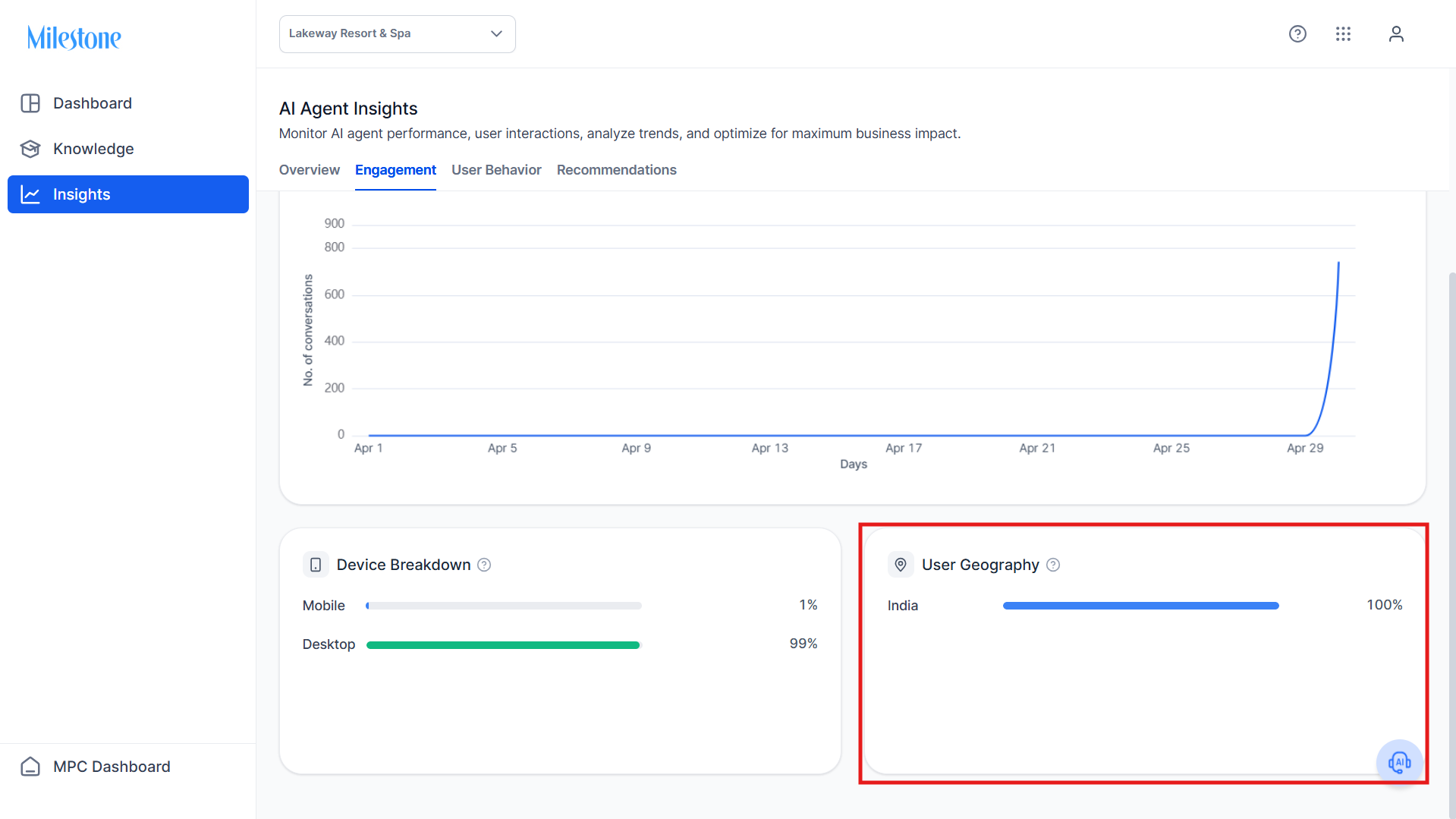
Data Provided:
- Conversations by region/country
Use Case:
- Understand where users are engaging from
- Support localization strategies
User Behavior Tab
User Sentiment Analysis
Definition: Breakdown of user sentiment across conversations.
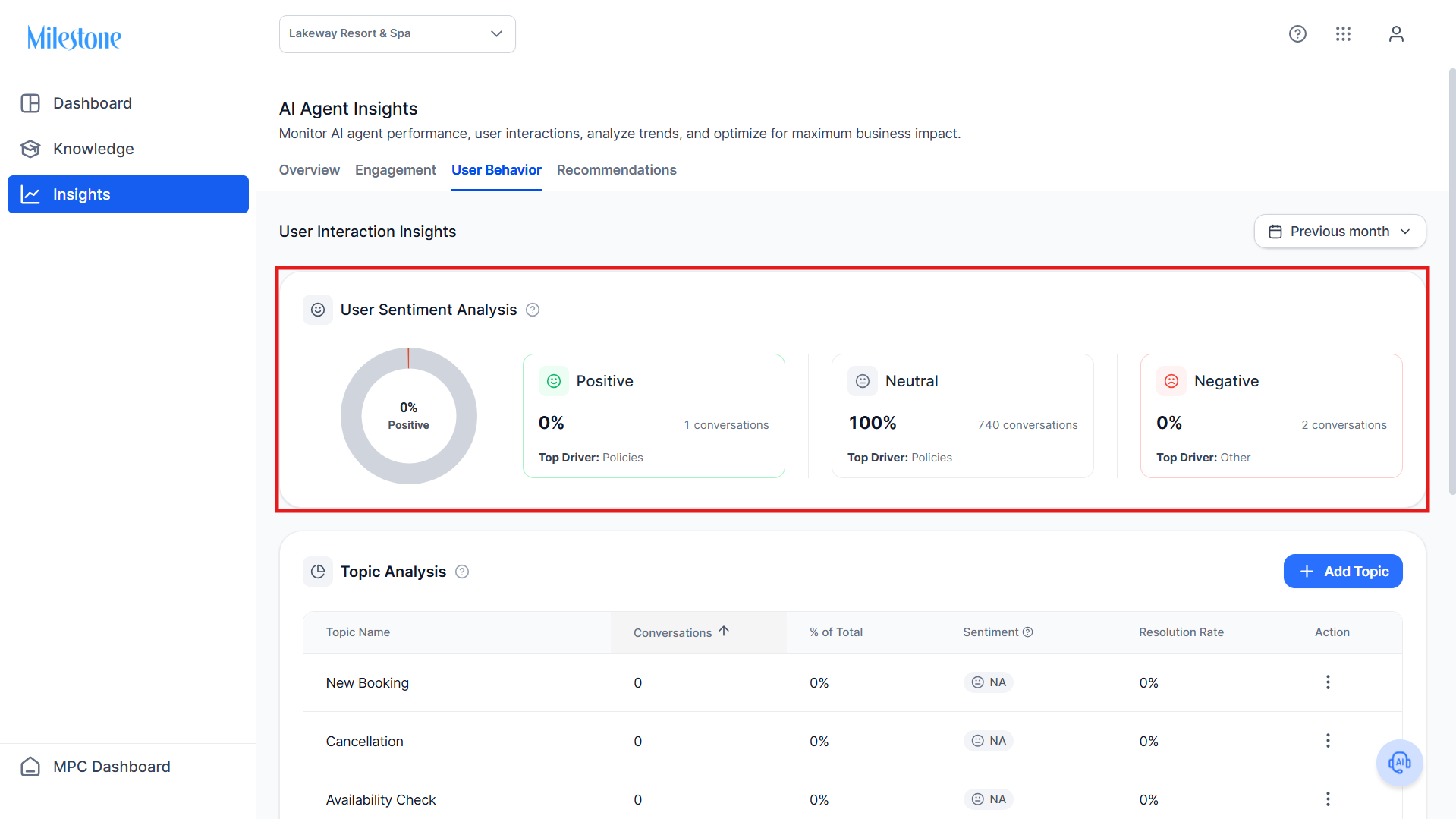
Categories:
- Positive
- Neutral
- Negative
Data Provided:
- Percentage of conversations per sentiment
- Number of conversations
- Top drivers (topics influencing sentiment)
Use Case:
- Identify experience quality
- Detect dissatisfaction or friction points
Topic Analysis
Definition: Categorizes conversations into topics to understand user intent.
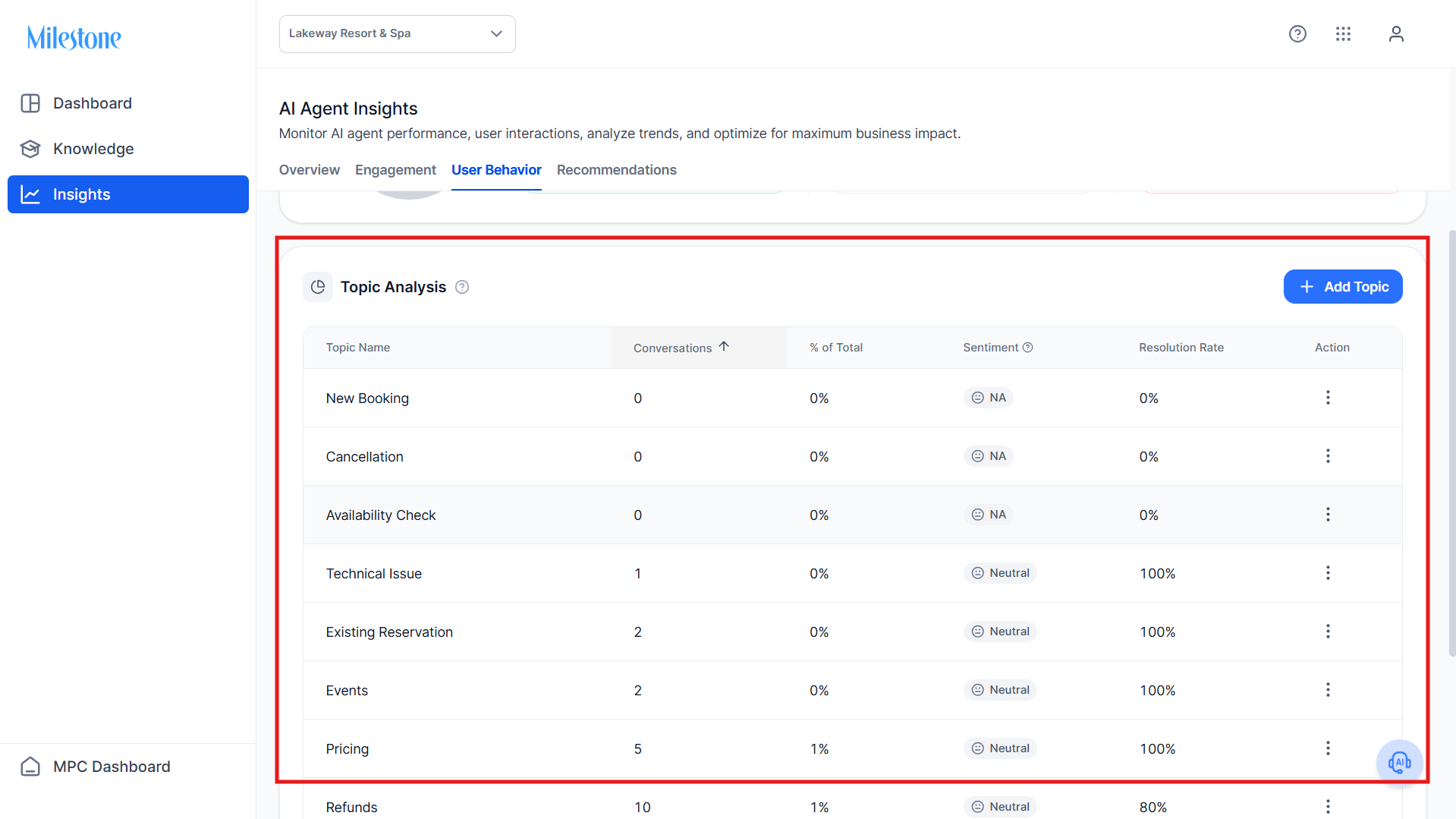
Data Provided per Topic:
- Number of conversations
- Percentage of total conversations
- Sentiment classification
- Resolution rate
Example Topics:
- Booking
- Cancellation
- Pricing
- Technical Issues
Use Case:
- Identify high-demand topics
- Understand performance per topic
- Detect gaps in knowledge
Add Topic
Users can define custom topics to improve classification.
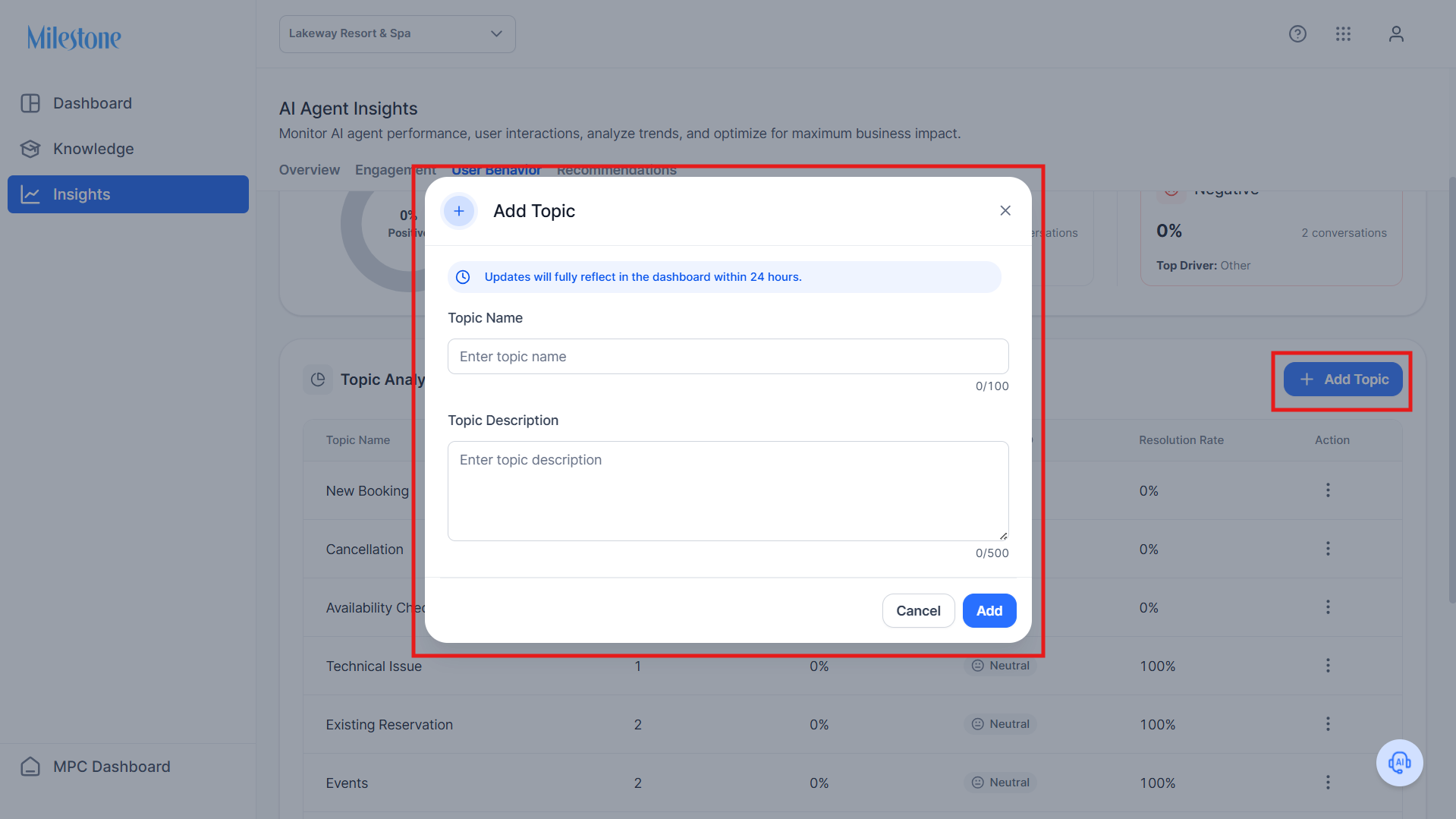
Use Case:
- Align analytics with business-specific categories
- Improve insight relevance
Recommendations Tab
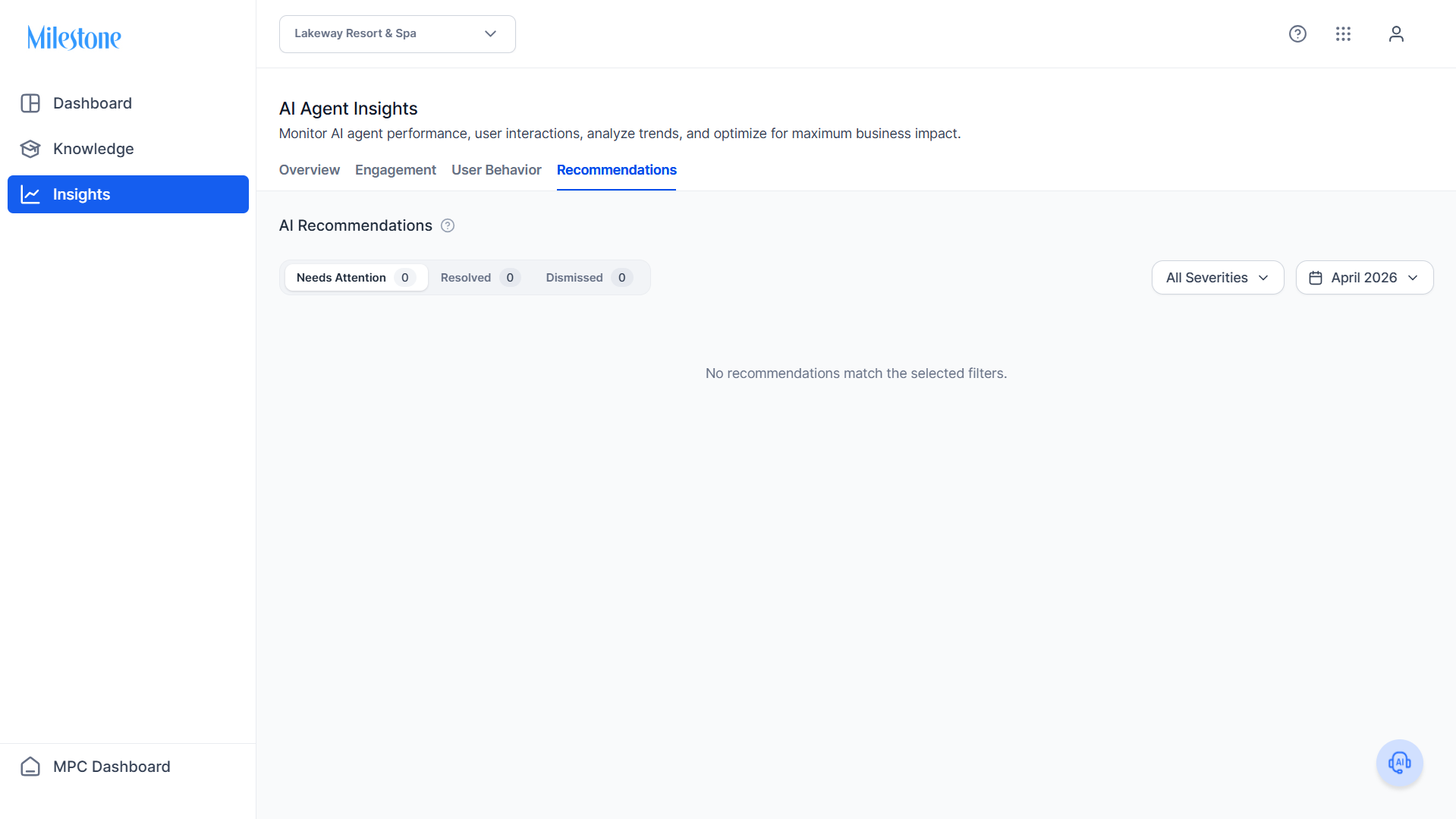
AI Recommendations
This tab surfaces actionable insights based on conversation analysis.
Recommendation States
Needs Attention
- Gaps where AI Agent could not resolve queries
- Requires user action
Resolved
- Issues that have been addressed
Dismissed
- Items marked as not relevant or duplicate
Data Provided
- Recommendation category (e.g., missing knowledge)
- Severity level
- Supporting conversation snippets
- Status (Needs Attention, Resolved, Dismissed)
- User actions taken
Filters
- Severity Filter: Prioritize critical issues
- Date Filter: Analyze recommendations by time period
Use Case
- Identify missing knowledge areas
- Improve AI response quality
- Track the resolution of issues over time
Best Practices
- Start with Executive Summary for quick insights
- Use Engagement tab to monitor performance trends
- Analyze User Behavior to understand intent and sentiment
- Regularly review Recommendations to improve the agent
- Update topics to ensure accurate classification
Was this article helpful?
That’s Great!
Thank you for your feedback
Sorry! We couldn't be helpful
Thank you for your feedback
Feedback sent
We appreciate your effort and will try to fix the article