

Knowledge base
Add Competitors for Profiles
You can add competitors for a business location to see how your locations are performing against them.
Step 1: Click on a profile in the ‘My Profiles’ section.
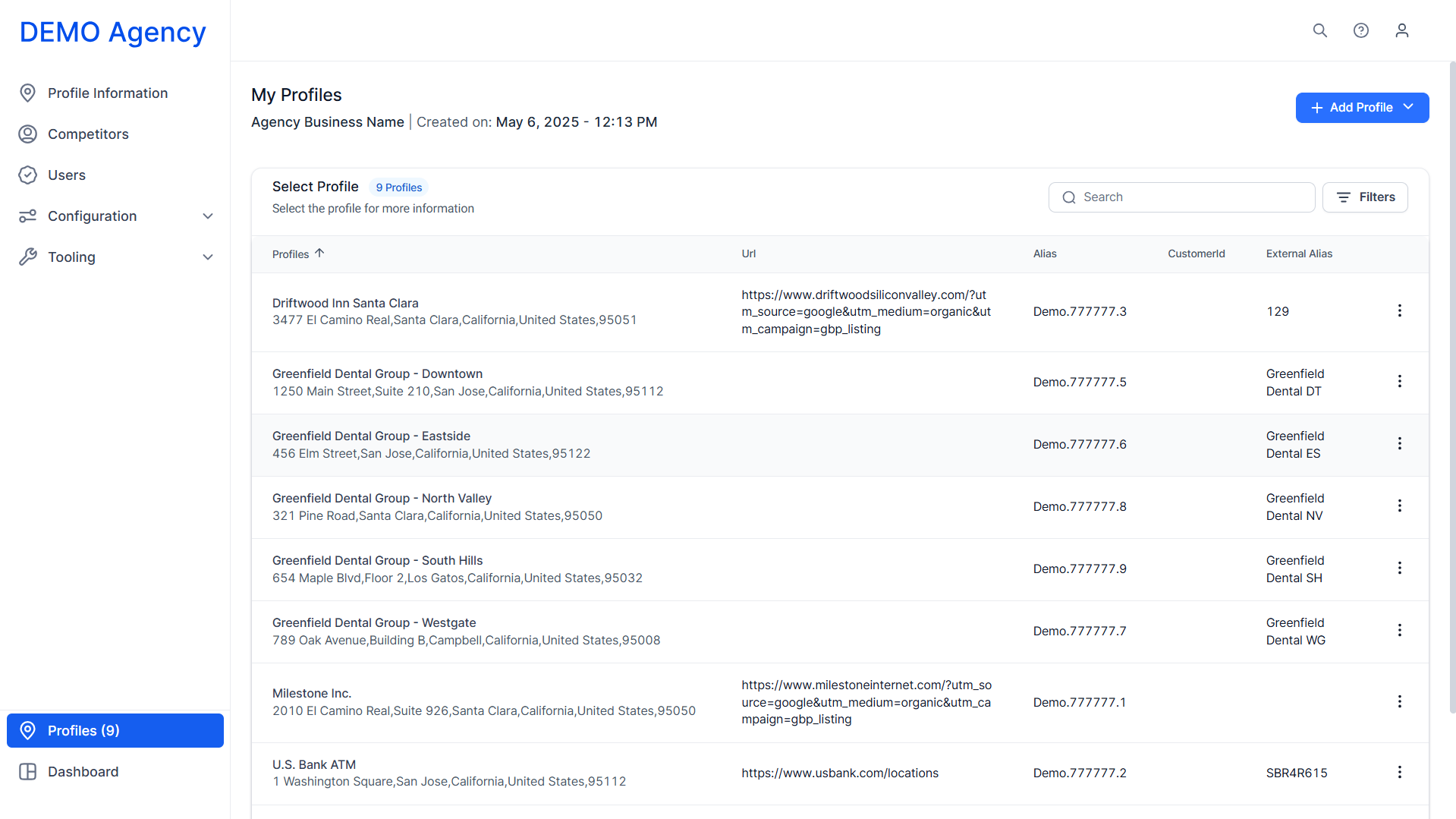
Step 2: Click on ‘Competitors’ in the left navigation panel.
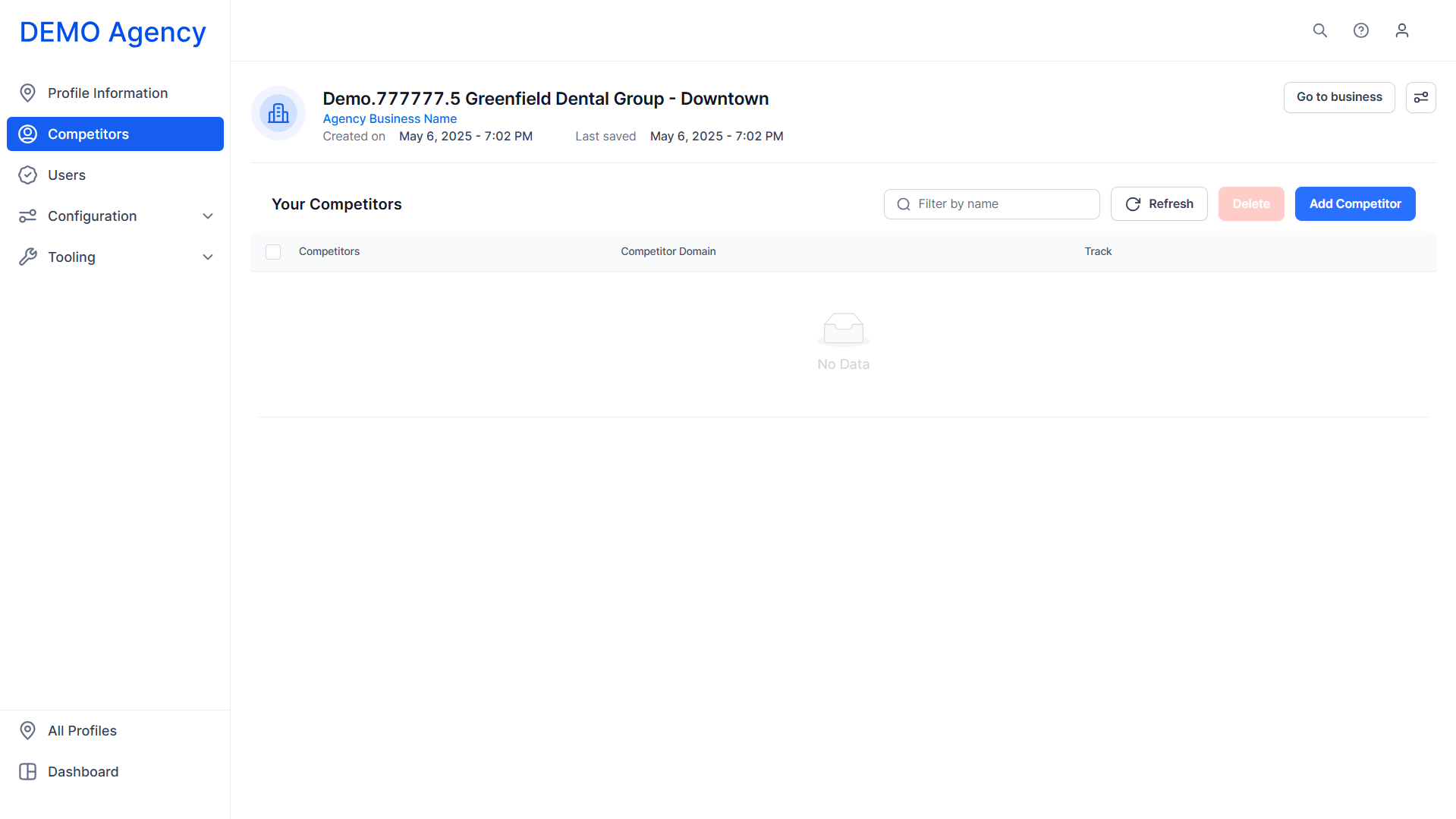
Step 3: Click on ‘Add Competitor’.
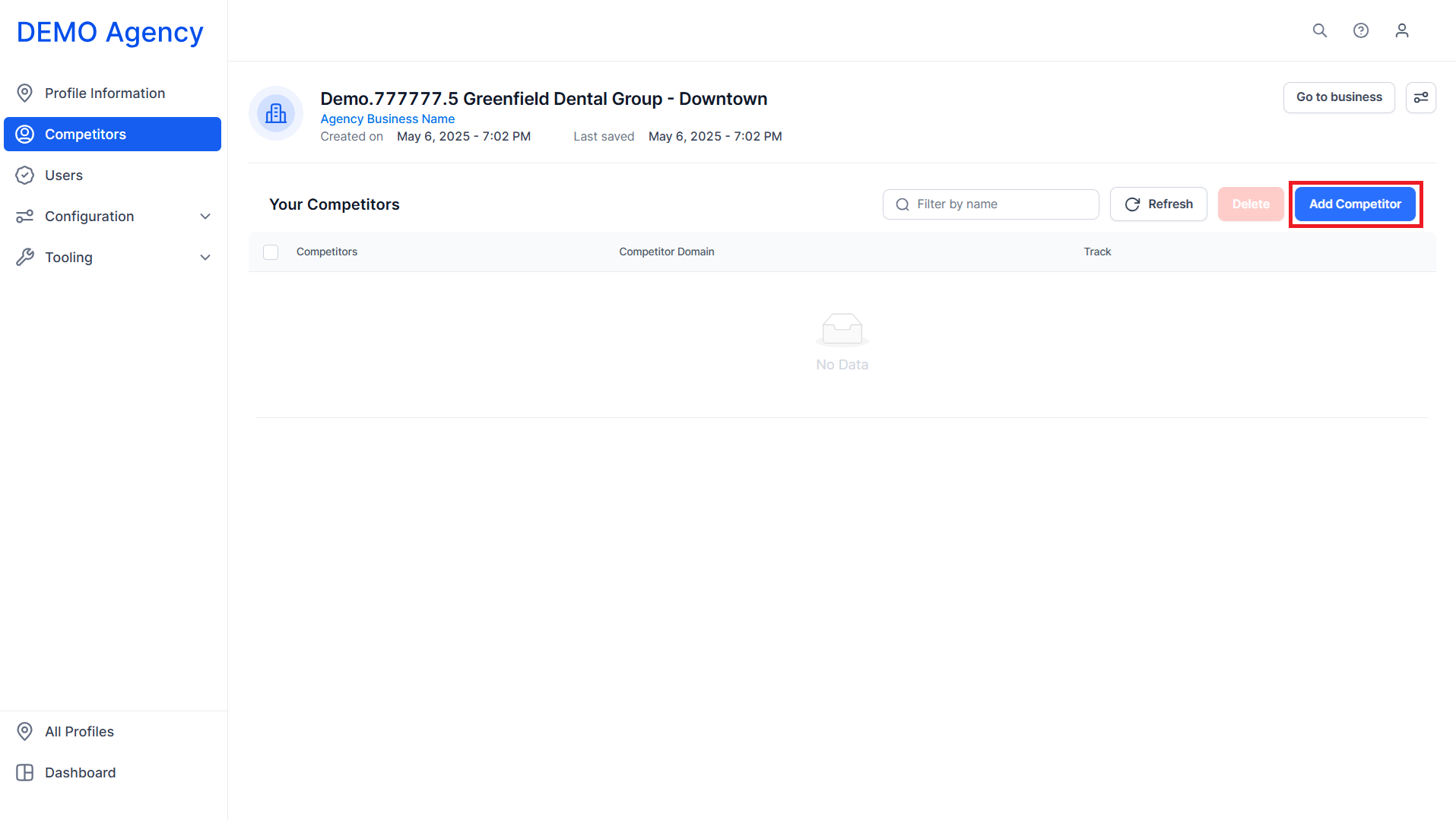
Step 4: Add the competitor details and click on ‘Add’.
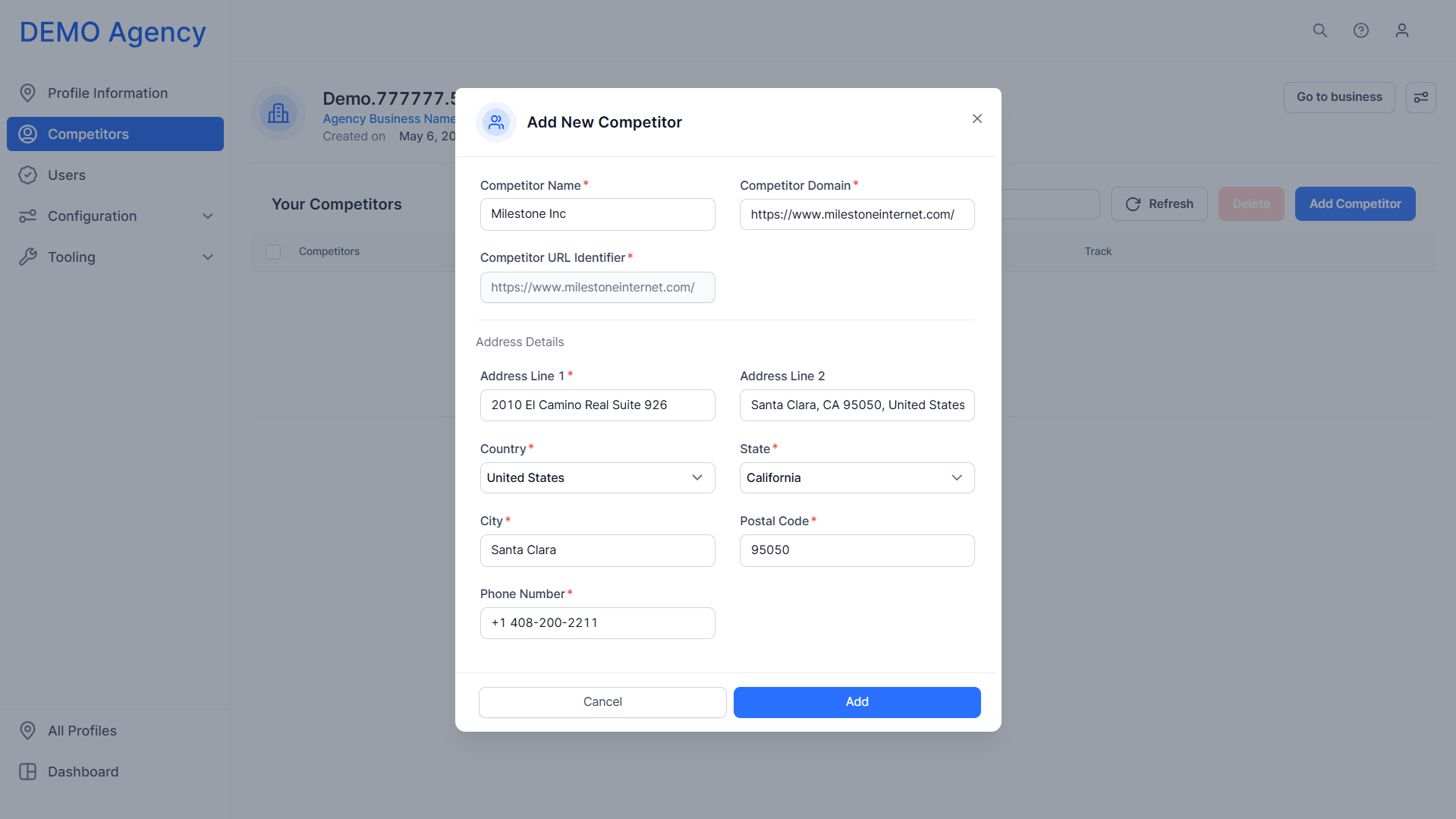
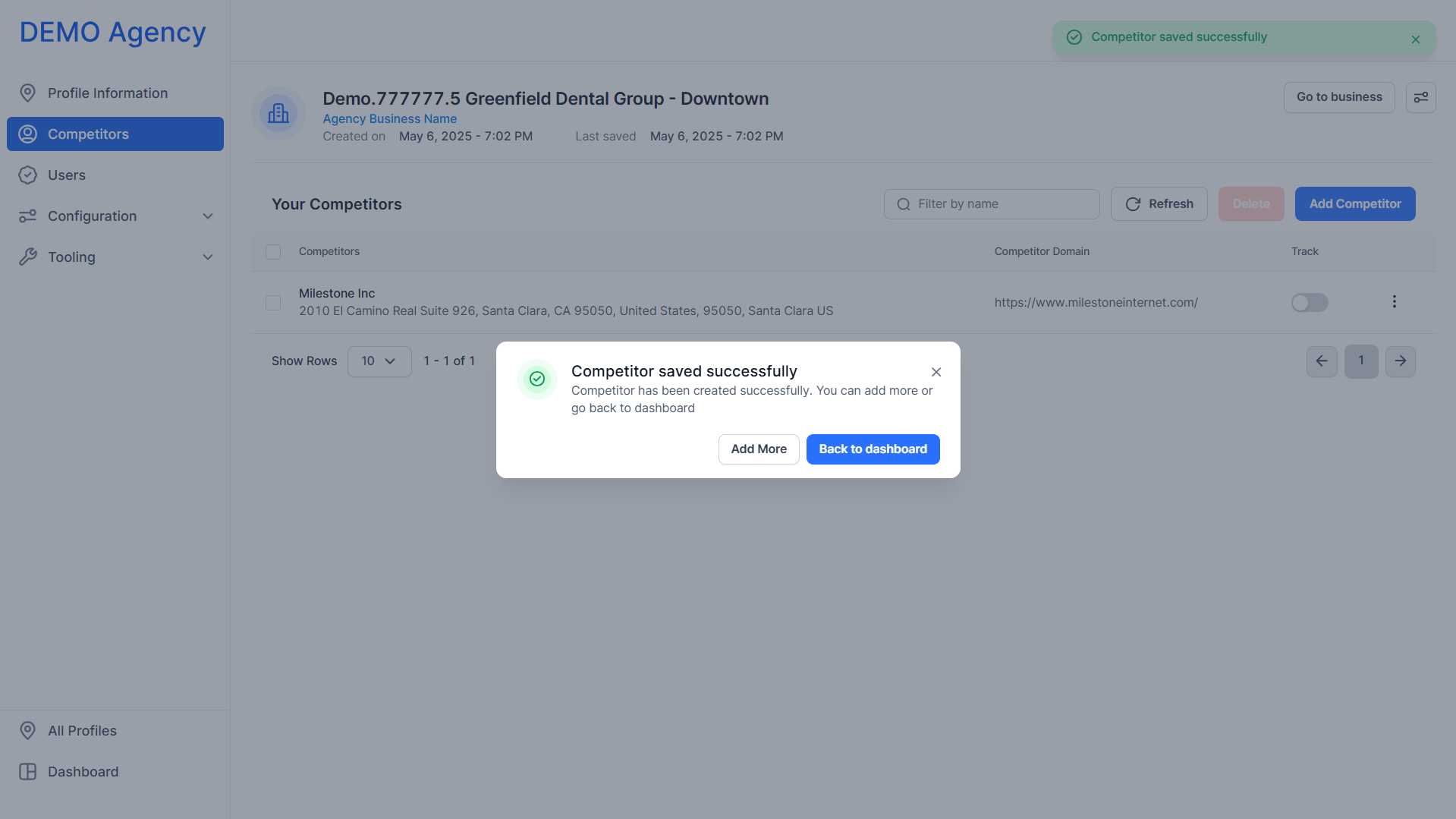
Step 5: You can now choose to add more competitors or return to the profile dashboard.
Was this article helpful?
That’s Great!
Thank you for your feedback
Sorry! We couldn't be helpful
Thank you for your feedback
Feedback sent
We appreciate your effort and will try to fix the article