

Knowledge base
Manage Business Level User Roles
The Roles section lets you activate or deactivate business roles for your business.
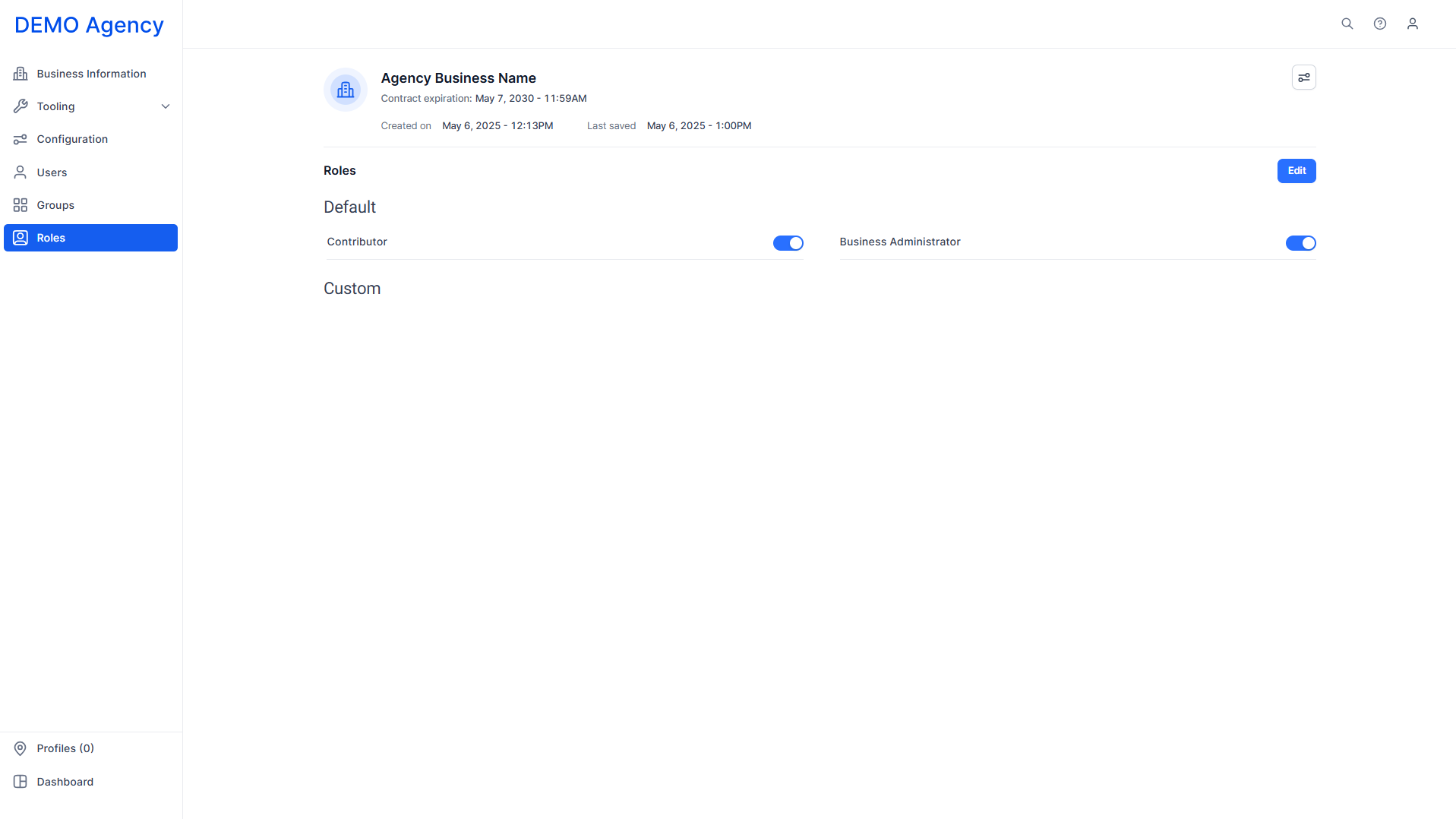
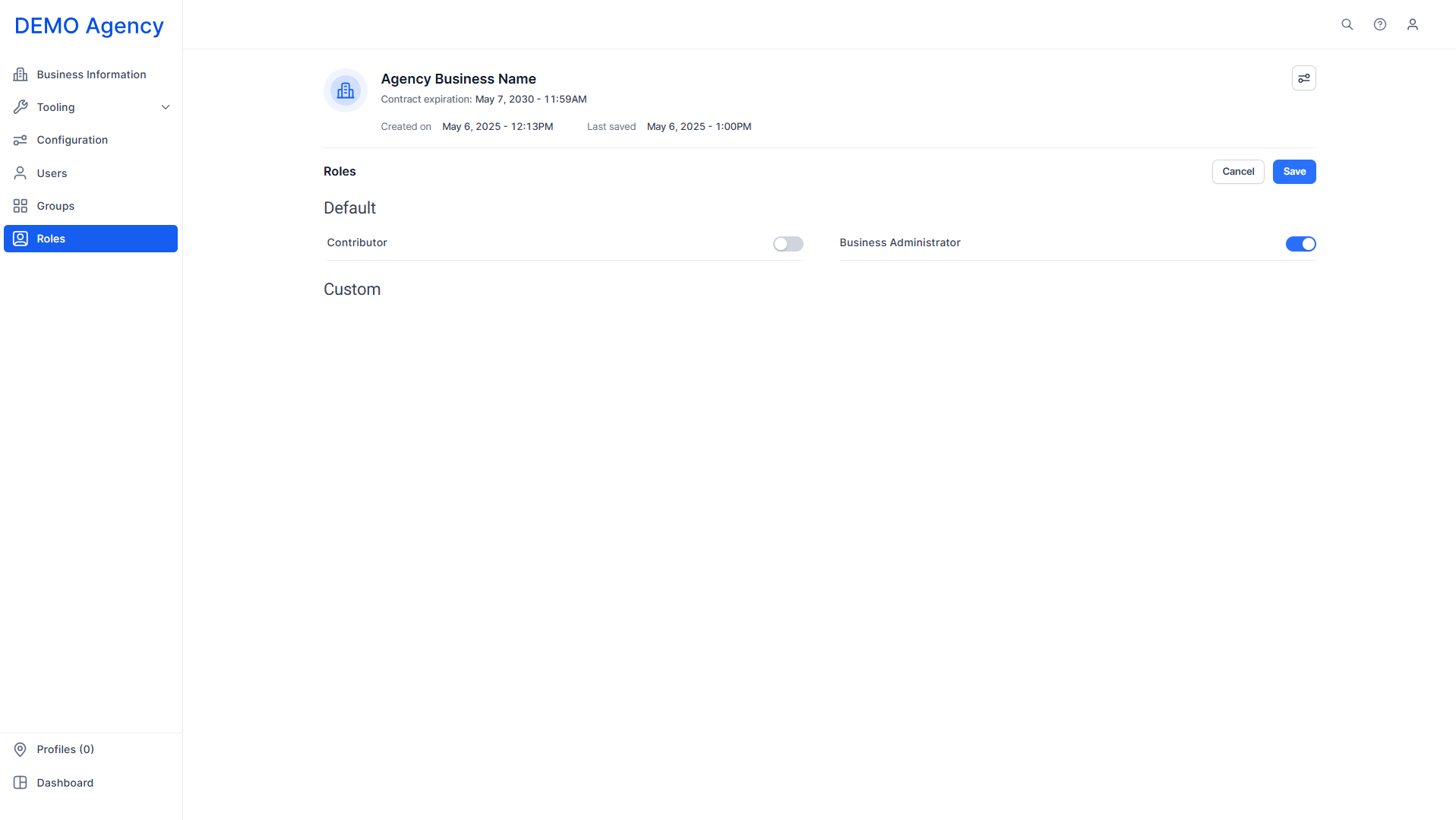
Click on ‘Edit’ at the top right and use the toggles to activate or deactivate business roles. Users attached to these business roles will not be able to carry out actions if their role has been deactivated.
Was this article helpful?
That’s Great!
Thank you for your feedback
Sorry! We couldn't be helpful
Thank you for your feedback
Feedback sent
We appreciate your effort and will try to fix the article