

Knowledge base
Temporary Closed
Navigate to the Profile Summary screen of your business profile. To set a Temporary Closed Date, click on 'Edit'.
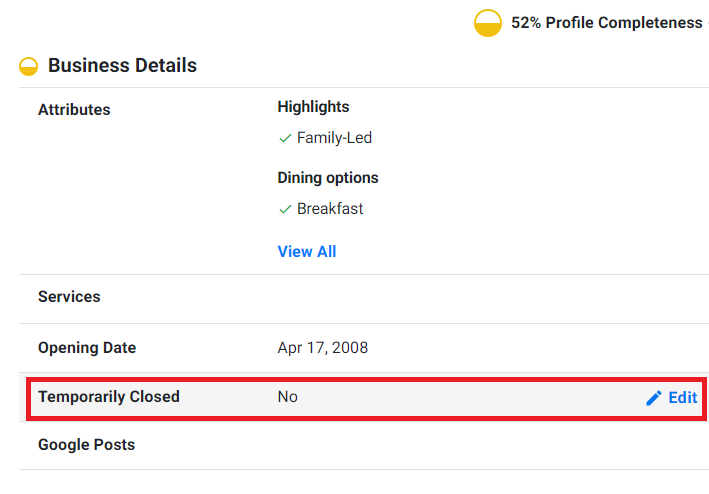
Enter the date till when the business will be closed and click on ‘Save’.

Was this article helpful?
That’s Great!
Thank you for your feedback
Sorry! We couldn't be helpful
Thank you for your feedback
Feedback sent
We appreciate your effort and will try to fix the article