You now have the capability of creating page templates on Milestone CMS and customize them to suit your style. Let's show you how.
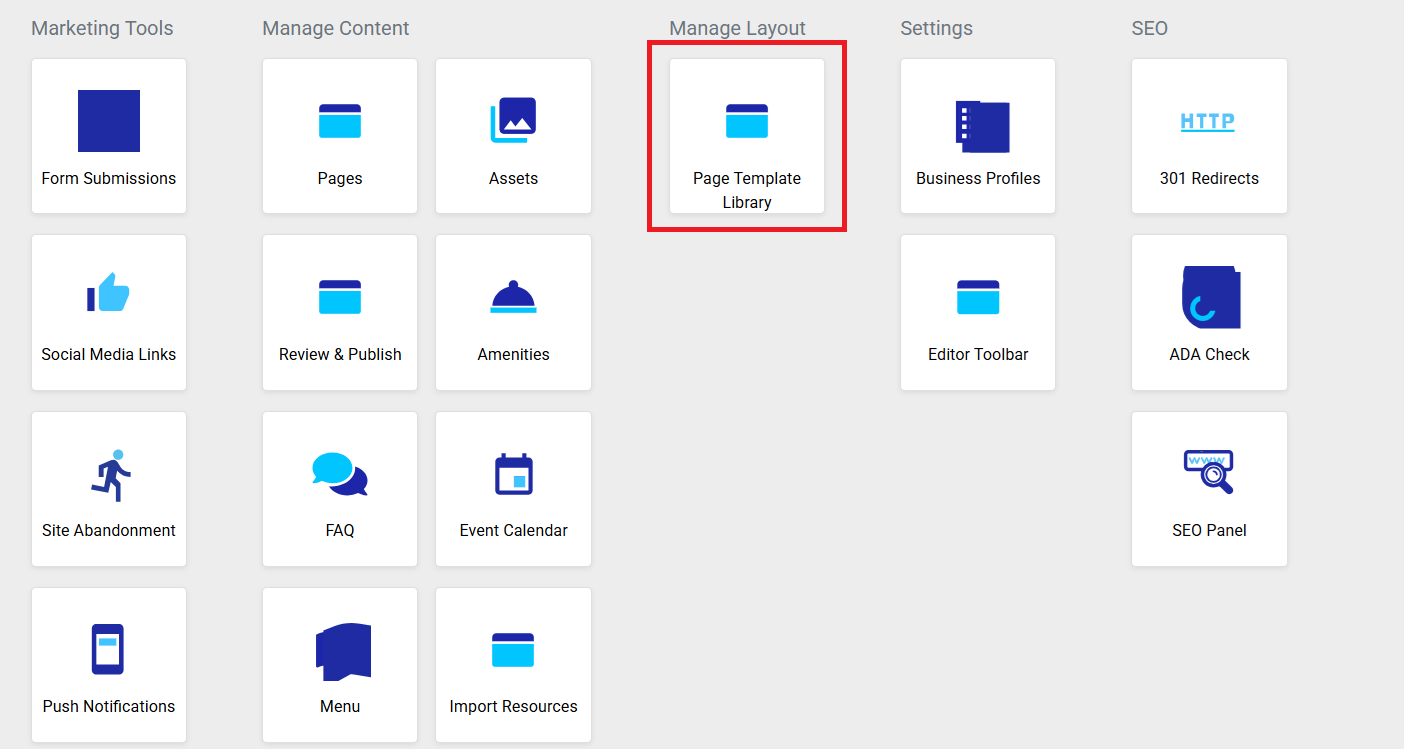
Login to CMS and on the Dashboard, click on ‘Page Template Library’ under ‘Manage Layout’.
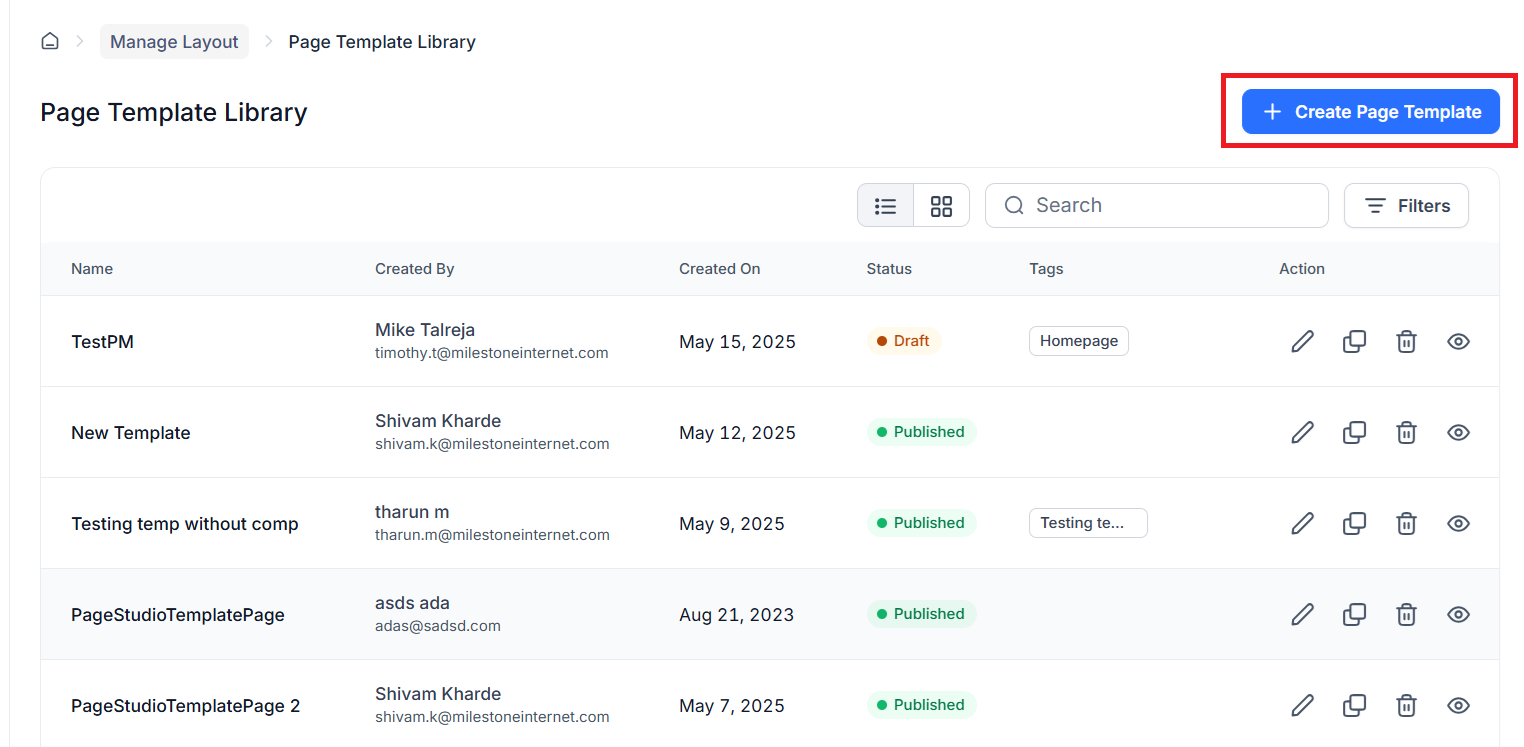
At first you'll see all the existing templates. You can choose to edit, copy, delete, or preview them. To create a new template, click on the button.
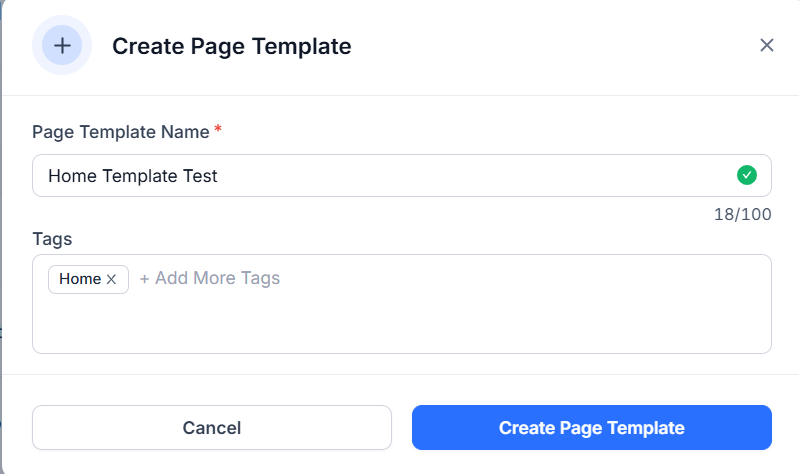
Enter the template name and add tags - which will help you locate the templates easily in the future.
Click on ‘Add Section’ and select the components you wish to use for the template on the right.
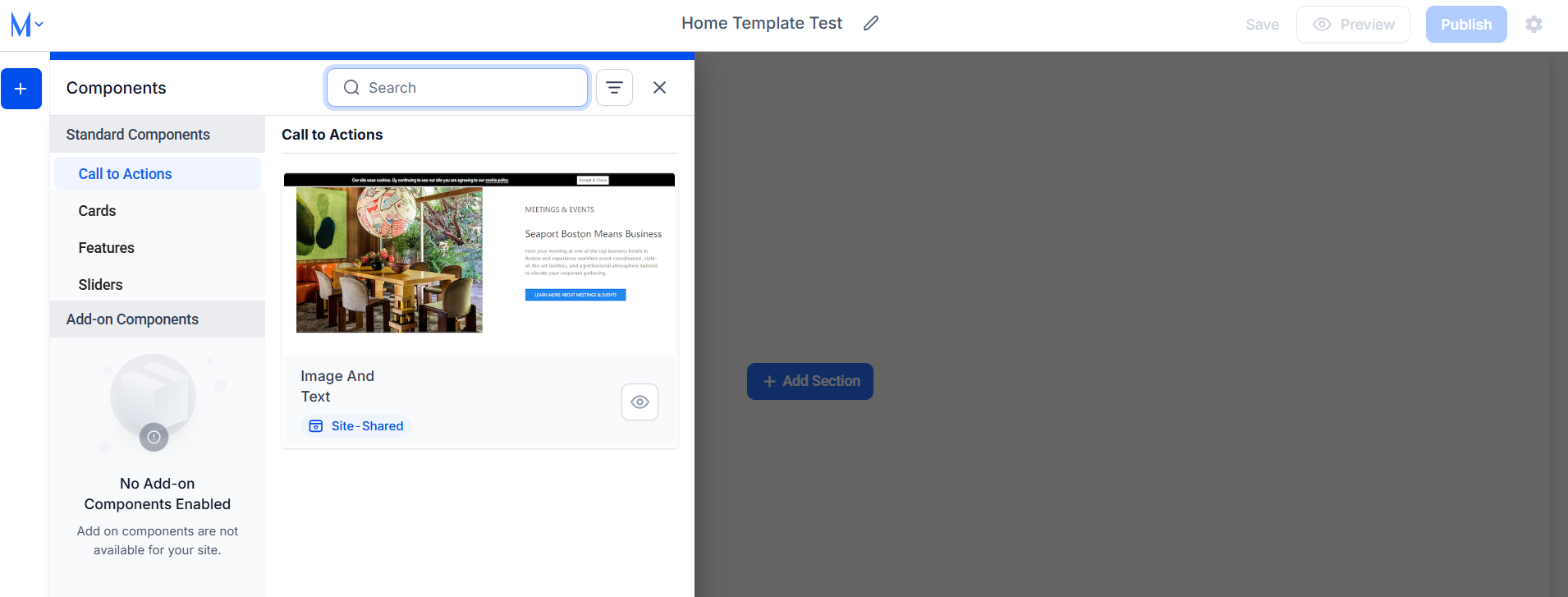
Once you've chosen all the components, click on ‘Save’ if you wish to make edits to it further or publish the template.
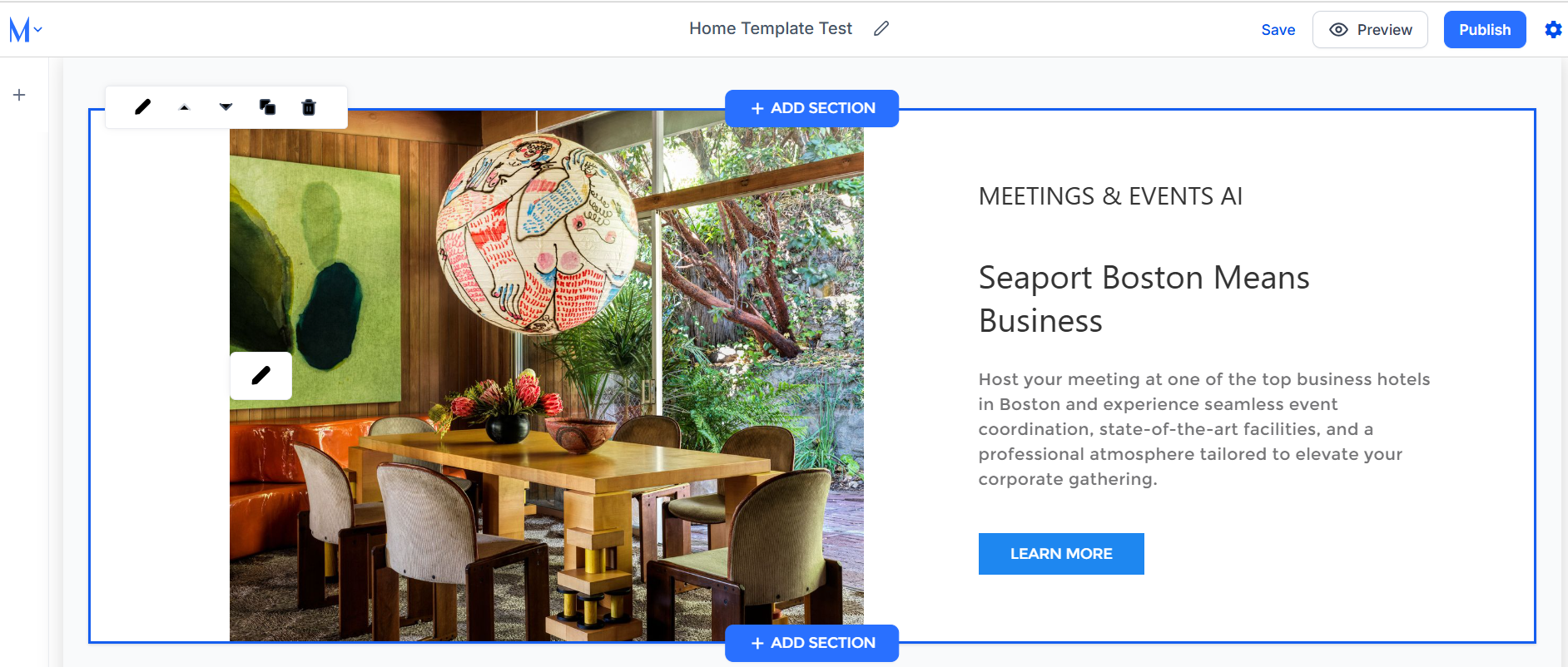
Once published, you can choose the template to create pages.
Was this article helpful?
That’s Great!
Thank you for your feedback
Sorry! We couldn't be helpful
Thank you for your feedback
Feedback sent
We appreciate your effort and will try to fix the article