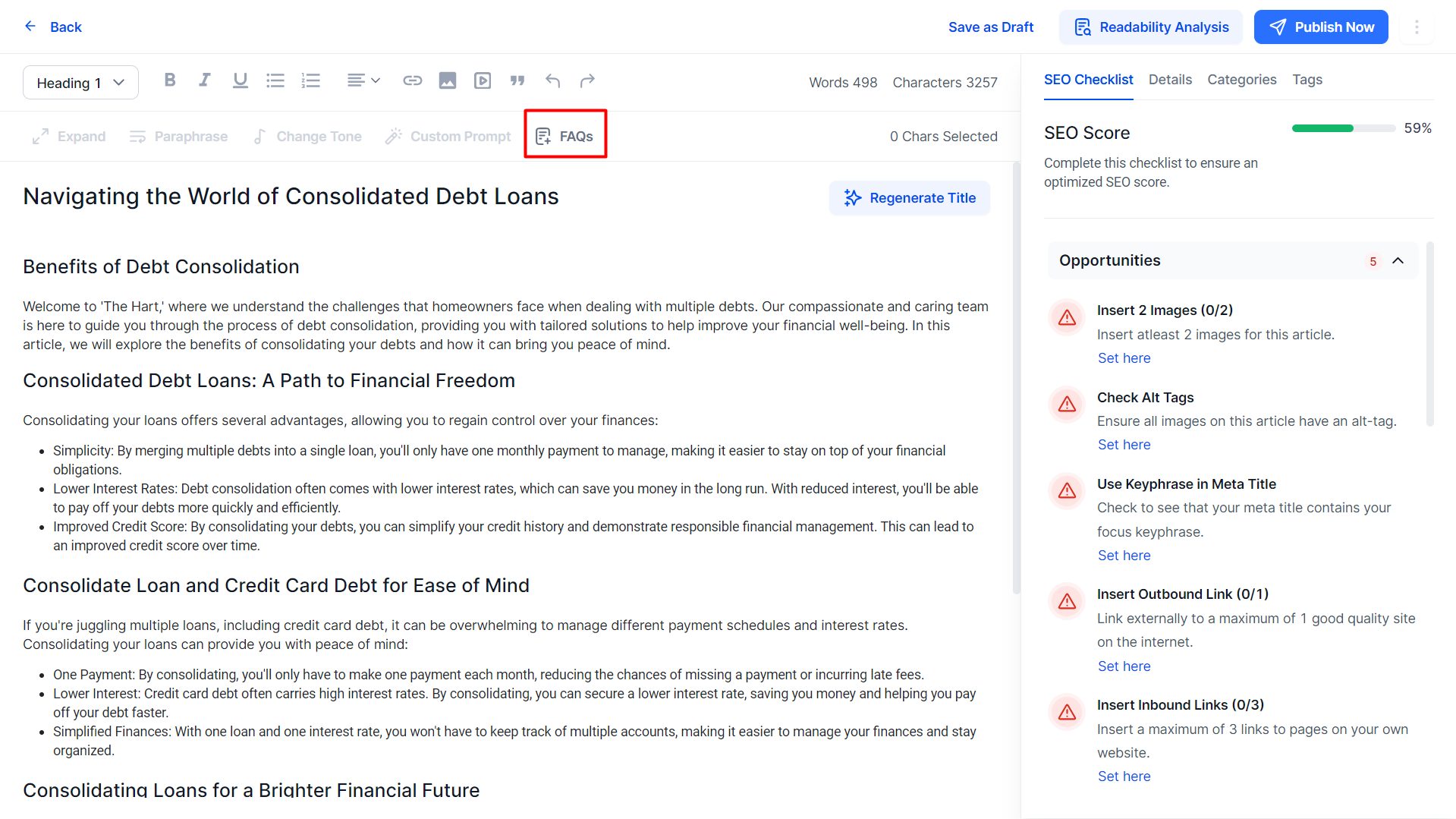
Milestone AI Content Studio allows you to generate and publish FAQs for generated articles in no time. Once you generate an article on AI Content Studio simply click on the ‘FAQs’ option to the top of the editor to generate FAQs for the article.
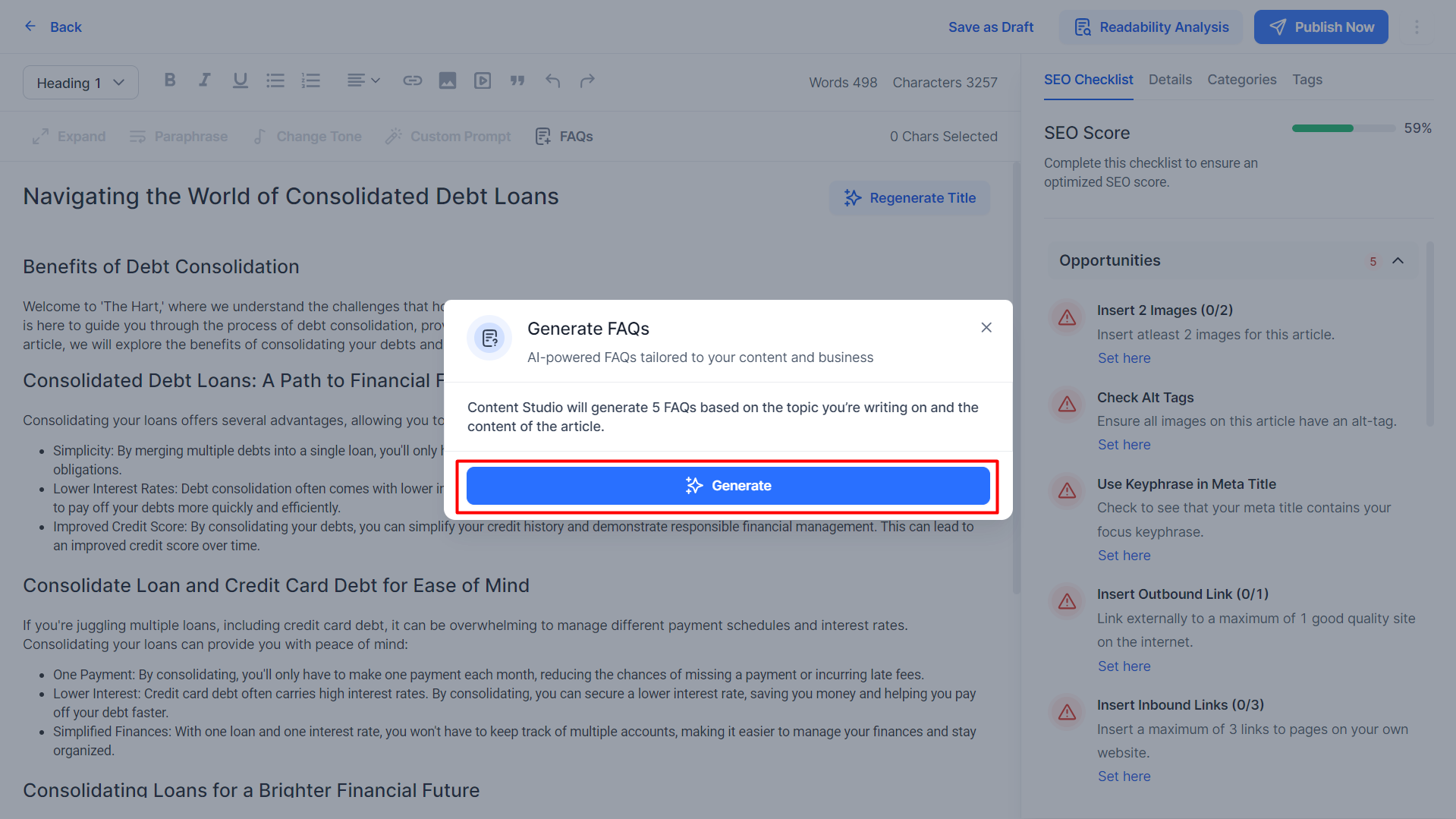
Upon clicking on ‘Generate’, 5 FAQs will be generated for the article.
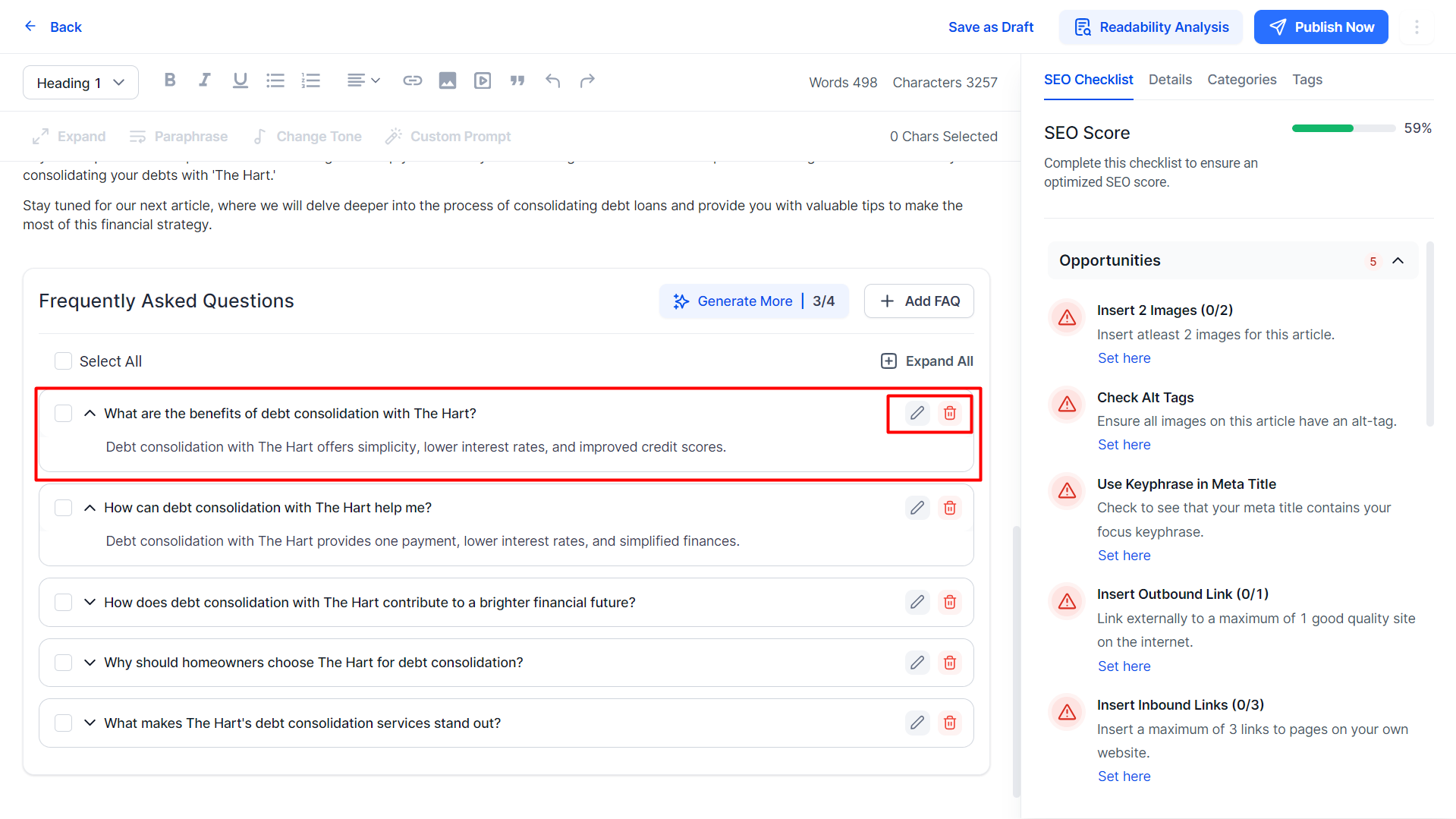
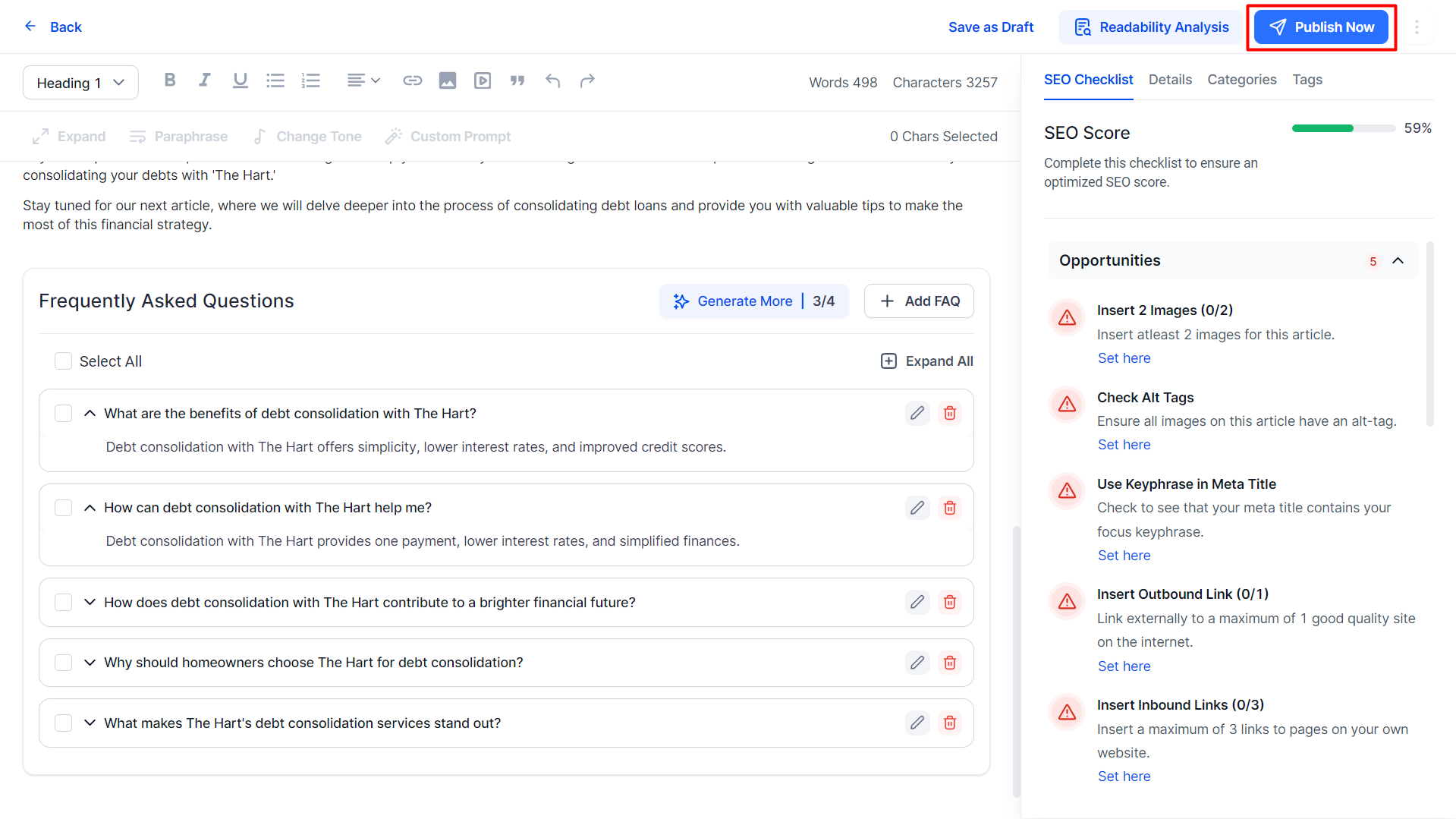
The FAQs will appear to the bottom of the editor. You can expand each FAQ to view the answers provided and choose to delete or edit them from the options on the right.
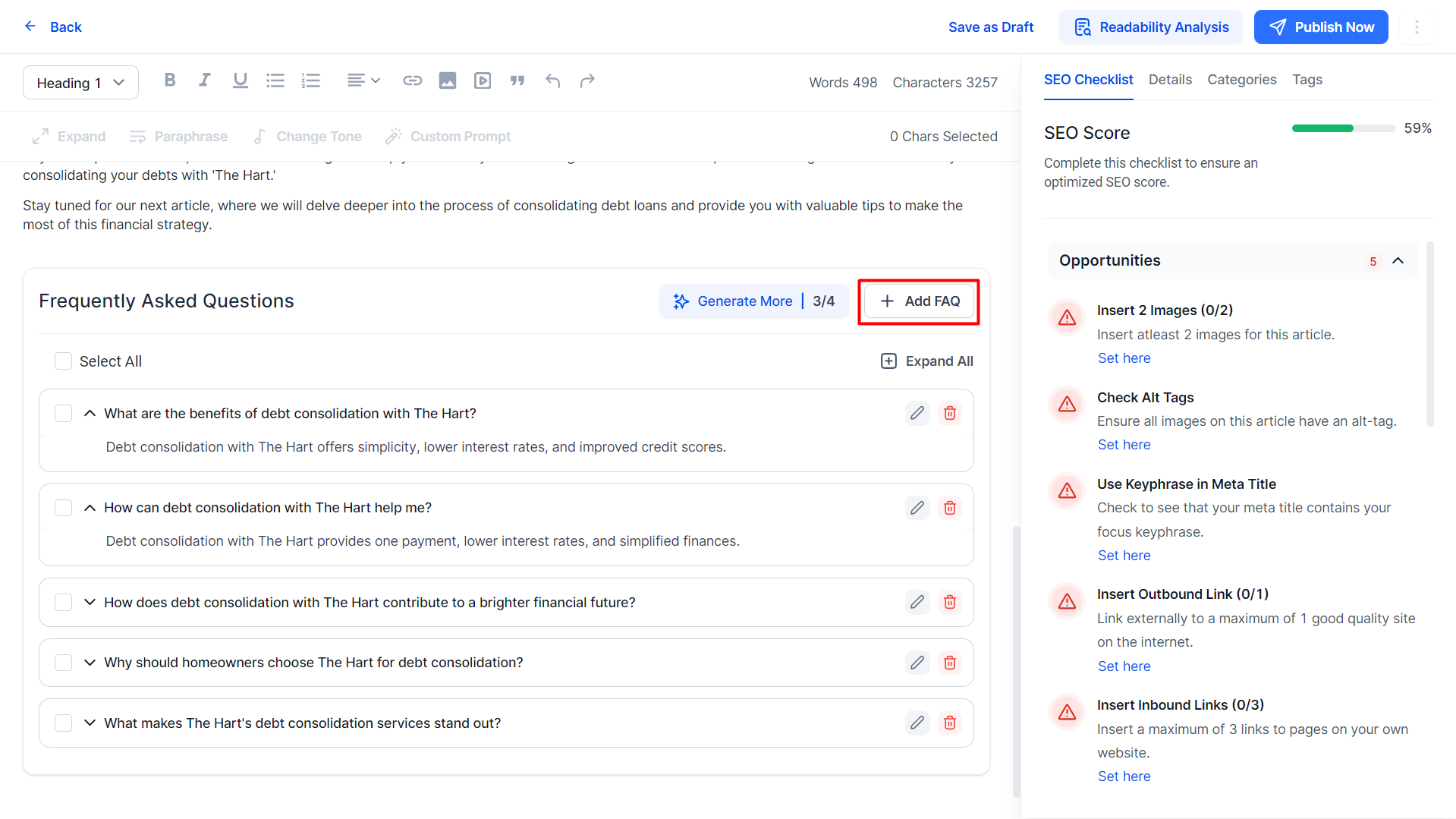
You can also add FAQs manually using the ‘Add FAQ’ option here.
Once satisfied click on Publish to publish the article to the channel you wish.
Was this article helpful?
That’s Great!
Thank you for your feedback
Sorry! We couldn't be helpful
Thank you for your feedback
Feedback sent
We appreciate your effort and will try to fix the article