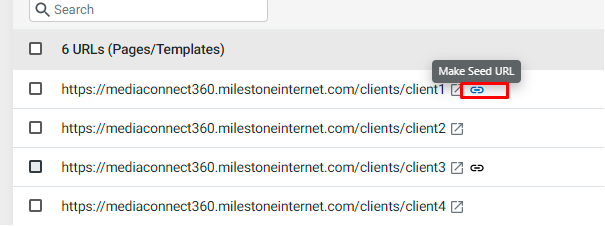
In the following example, “../client 3” URL is the existing seed URL. Upon hovered against another “../client 1” URL and you are shown a blue seed icon with a tool tip “Make Seed URL”.
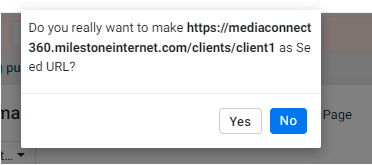
Click on the blue seed icon, a prompt for confirmation that “../client 1” will be made seed URL if you decide to go ahead with the action.
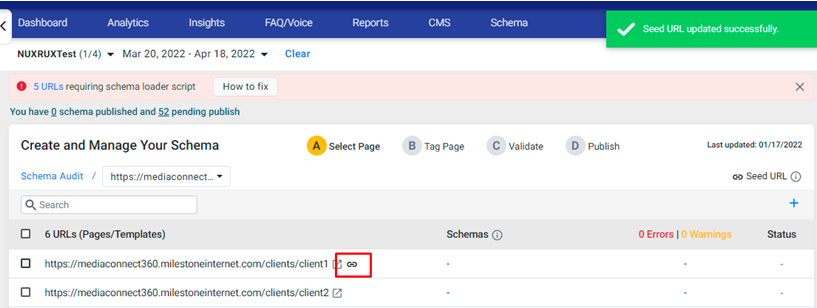
Click on Yes, and “../client 1” will now become the seed URL as seen below
Was this article helpful?
That’s Great!
Thank you for your feedback
Sorry! We couldn't be helpful
Thank you for your feedback
Feedback sent
We appreciate your effort and will try to fix the article