The website editor screen will have an all-new improved left-hand navigation that helps you find your feature and carry out your task with just a few clicks. The left-hand navigation maps the tools and features exactly in the order displayed on the main dashboard.
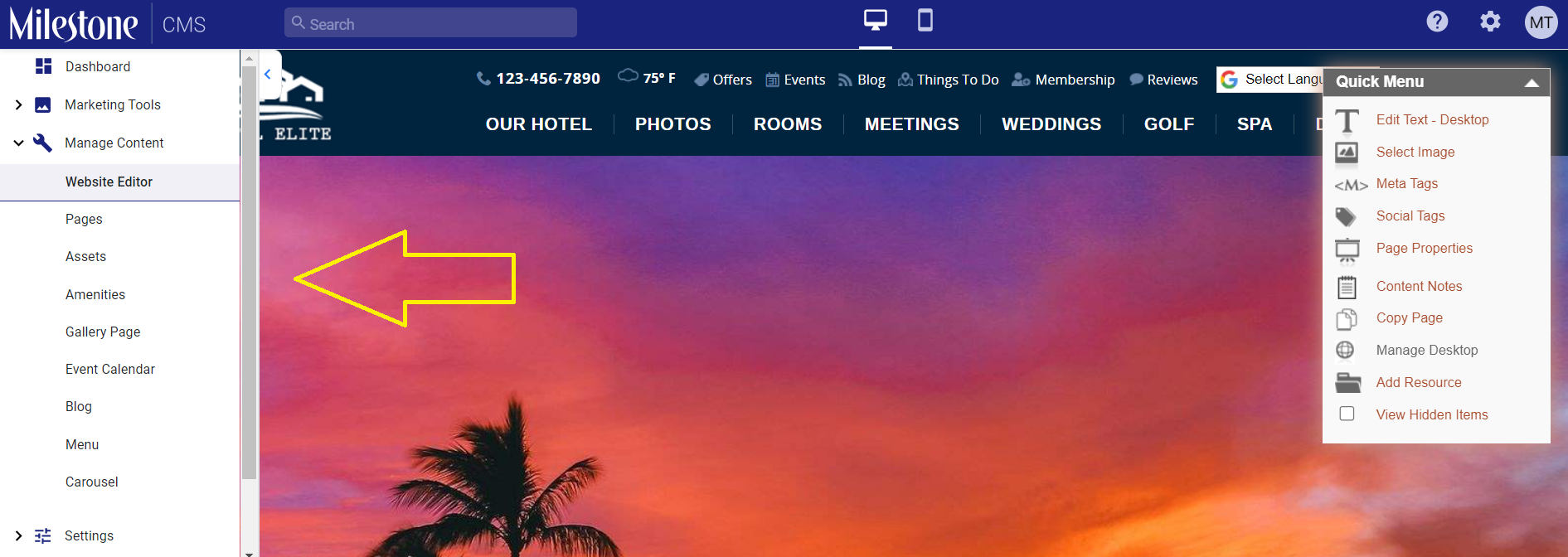
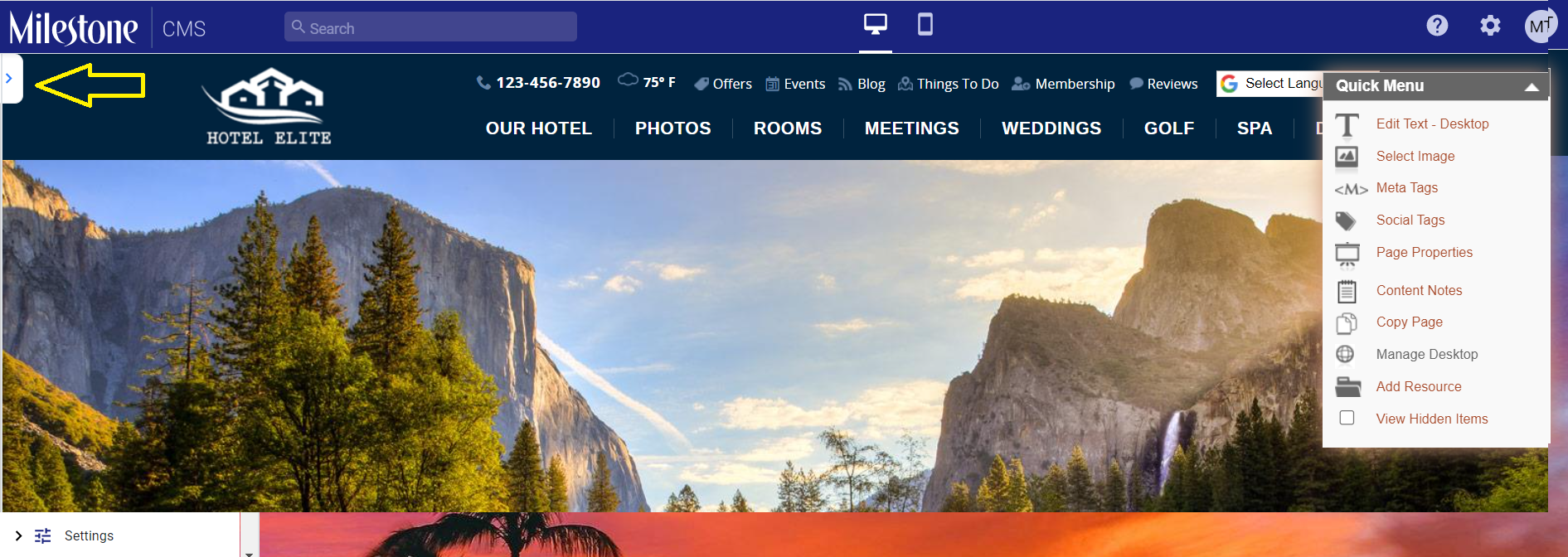
Once on the website editor screen, click on the arrow on the left-hand side of your screen to expand the navigation bar.
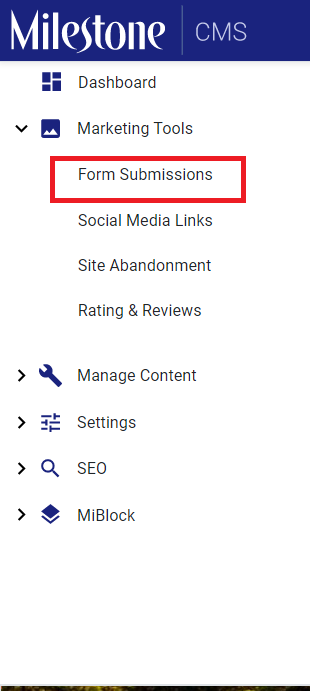
You can then access any feature of Milestone CMS available to you under the collapsible folders. For example, if you wish to view ‘Form submissions’, click on ‘Marketing Tools’ and then click on ‘Form Submissions.
Was this article helpful?
That’s Great!
Thank you for your feedback
Sorry! We couldn't be helpful
Thank you for your feedback
Feedback sent
We appreciate your effort and will try to fix the article