Once you have added the schema types and its properties and attributes, click on ‘Save & Generate’. If you do not wish to publish right away, you can choose to click on ‘Save’ or ‘Save & Exit’. Assuming that you are going to publish the schema, click on ‘Save & Generate’.
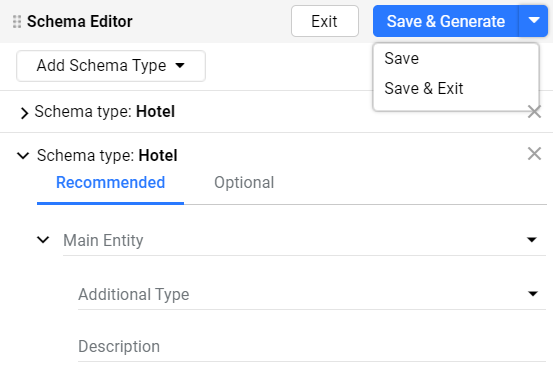
As soon as you click on ‘Save & Generate’ the tool will validate your schemas and if there are schema errors, you will see this page.
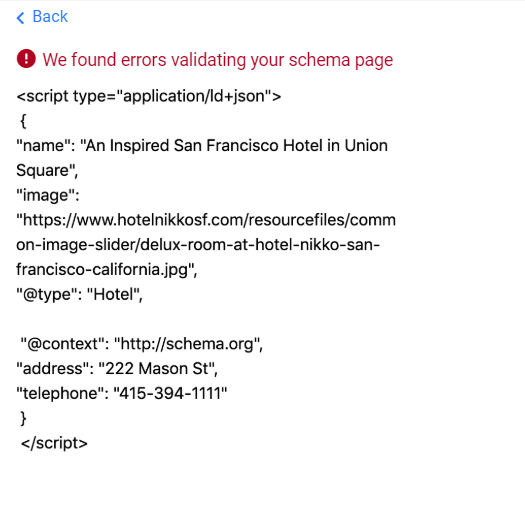
Click on ‘Back’ to go and resolve the schema errors.
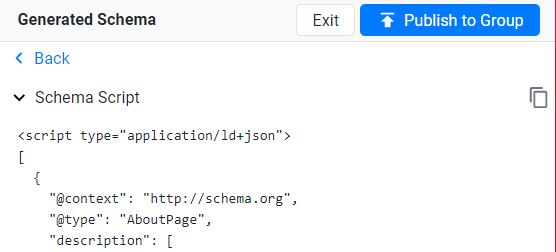
If there are no schema errors, the ‘Publish' button will be displayed. Click on it to publish schemas on the web page.
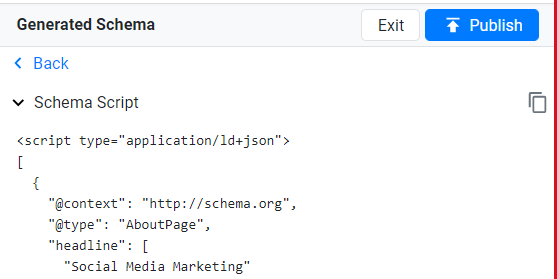
If in case the tagged values aren't showing up, click on the reload button.
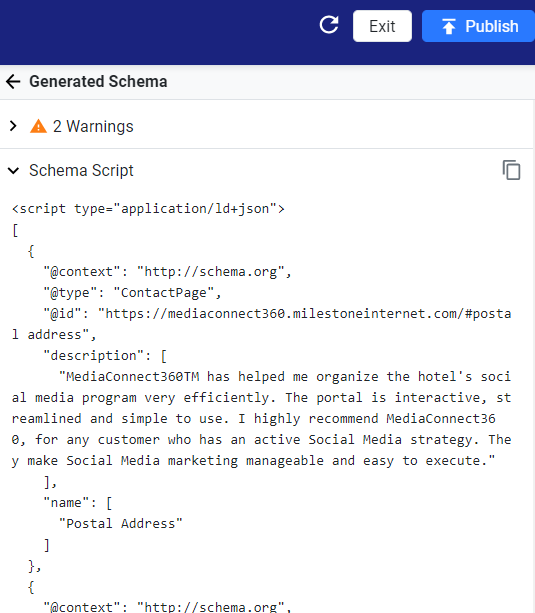
If you wish to carry out a bulk publish to all similar pages, click on ‘Publish to Group’.
Was this article helpful?
That’s Great!
Thank you for your feedback
Sorry! We couldn't be helpful
Thank you for your feedback
Feedback sent
We appreciate your effort and will try to fix the article