

Knowledge base
AI Overview Data
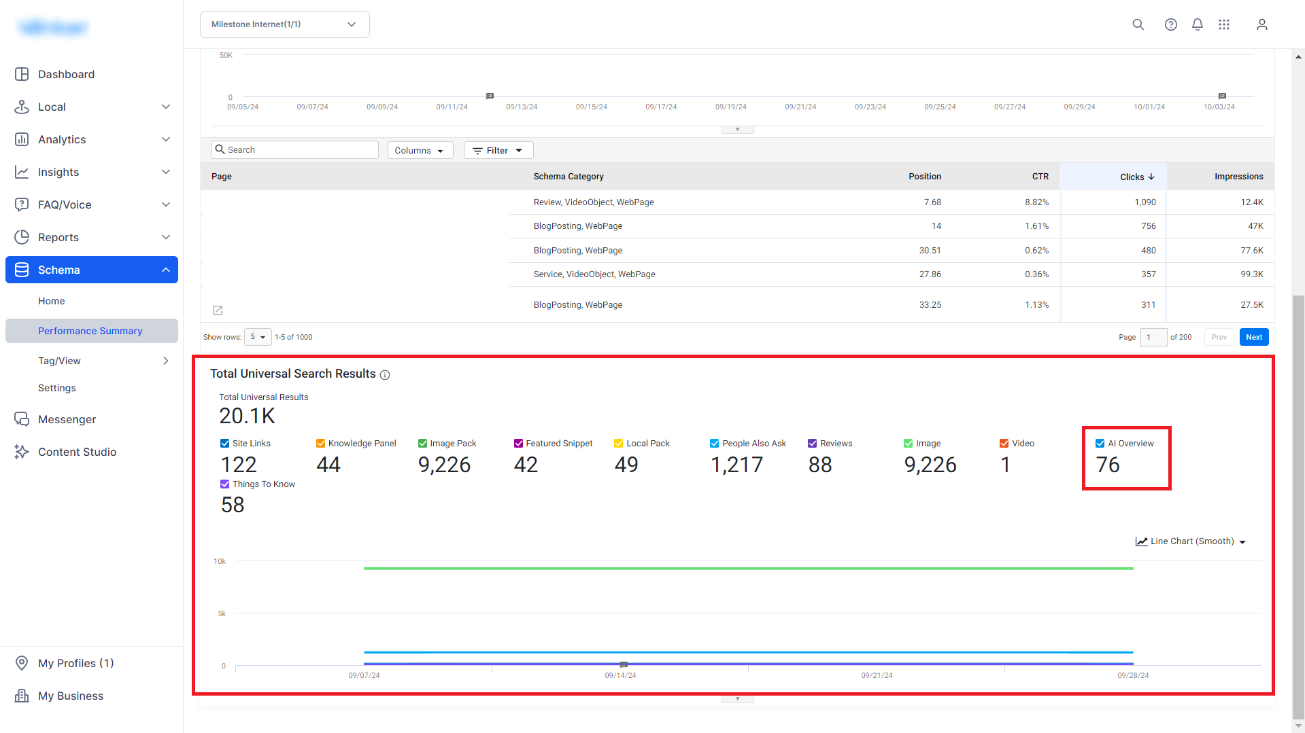
Schema Manager displays the number of times your pages have been used to provide AI-generated search results.
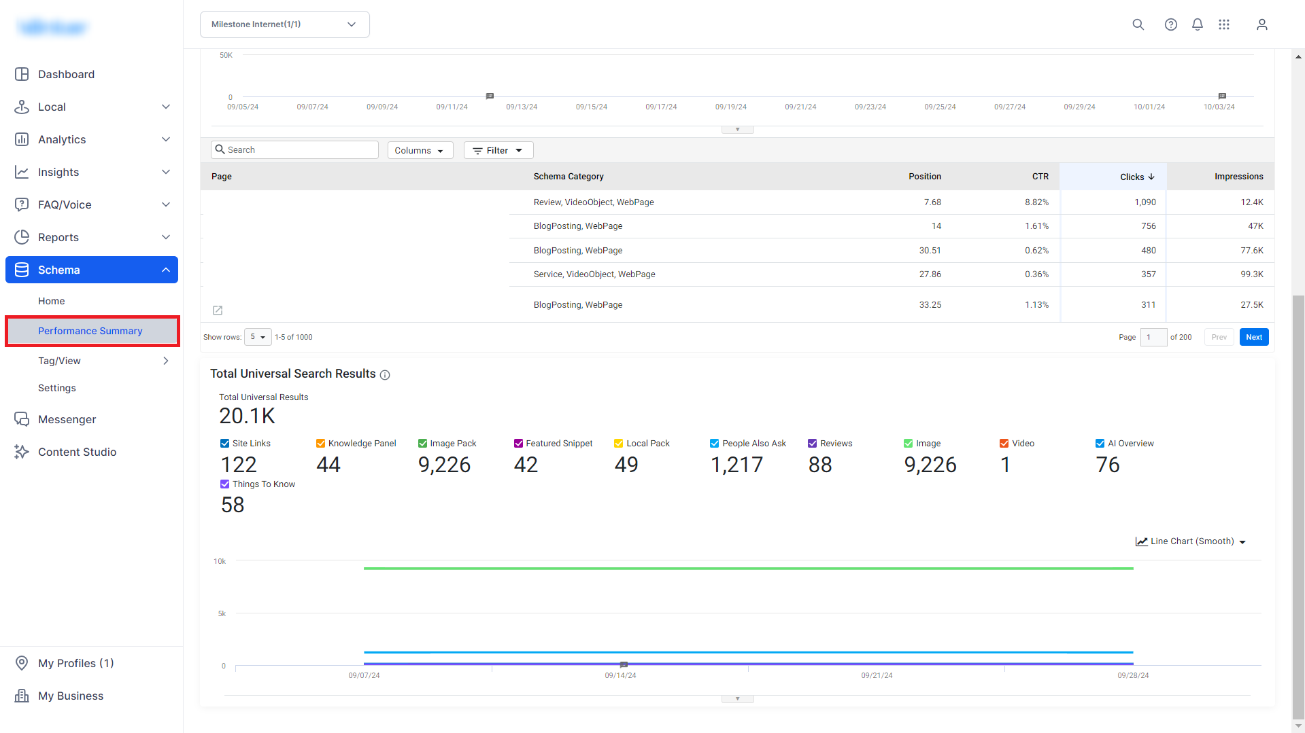
Path: Schema > Performance Summary > Total Universal Search Results
Step 1: Navigate to the ‘Performance Summary’ section in the Schema Manager.
Step 2: The ‘Total Universal Search Results’ data widget displays the AI Overview data.
Was this article helpful?
That’s Great!
Thank you for your feedback
Sorry! We couldn't be helpful
Thank you for your feedback
Feedback sent
We appreciate your effort and will try to fix the article