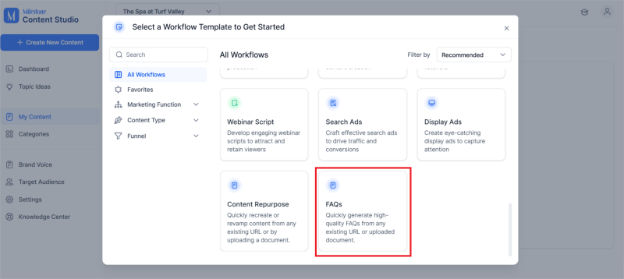
On the Content Studio dashboard, click on ‘Create New Content’ and under the templates, select ‘FAQs’.
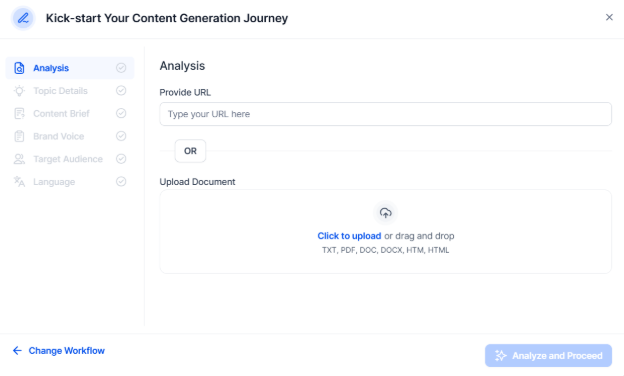
Drop in a URL or attach a document you wish to extract FAQs from.
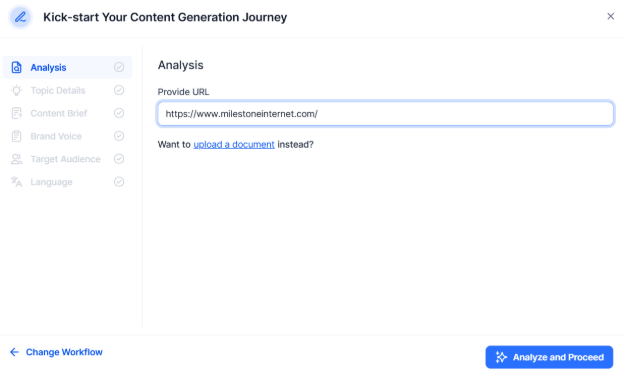
Click on ‘Analyze & Proceed’.
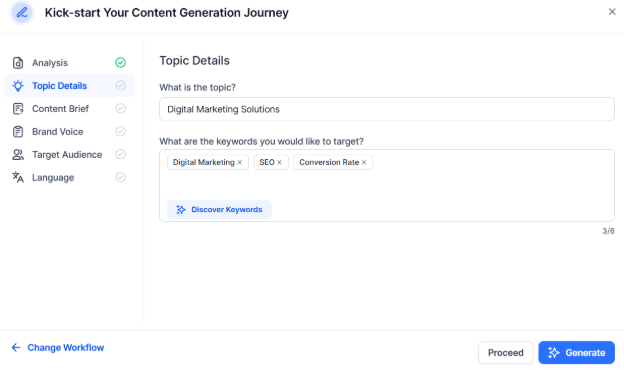
The Topic details and keywords will be auto populated based on the data with the URL/document. You can choose to discover additional keywords backed by data.
Now enter the content brief of question based on the content you’ve submitted. Answer the questions to improve the context and depth of the FAQs.
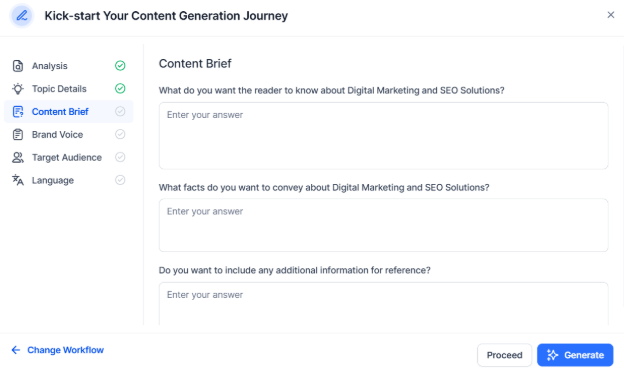
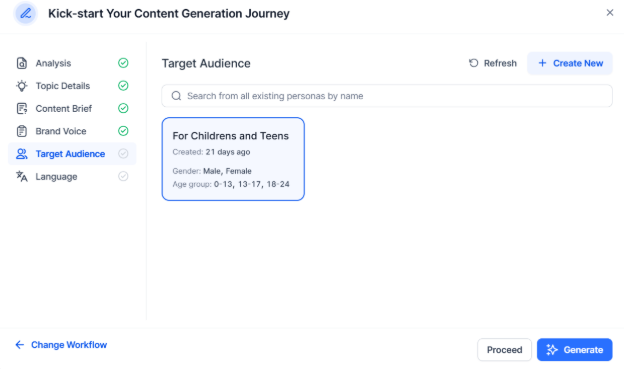
Now choose or add a brand voice and target audience as you would always do.
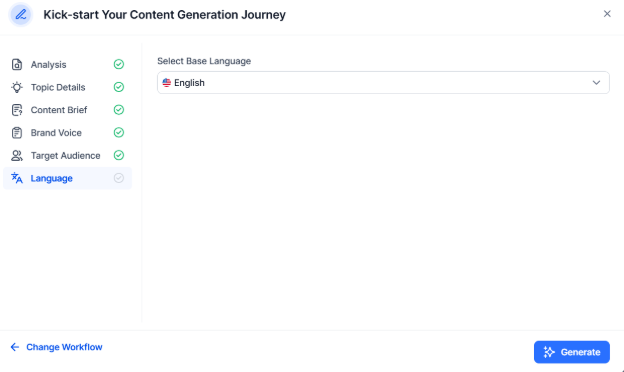
Finally choose the language and click on ‘Generate’.
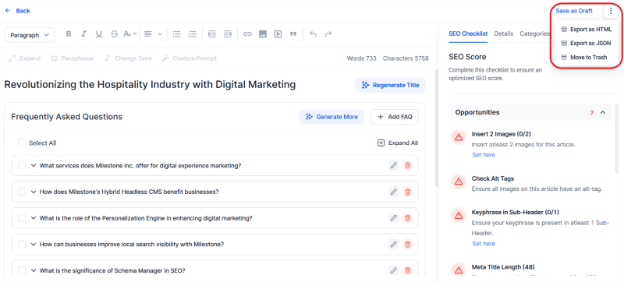
Once generated, you’ll see the FAQs on the editor. You can choose to carry out all the functions such as ‘expand’ all FAQs, improving the SEO and readability score, translate to different languages, and so on.
Lastly, you can ‘Save as Draft’ or export in the format you require.
Was this article helpful?
That’s Great!
Thank you for your feedback
Sorry! We couldn't be helpful
Thank you for your feedback
Feedback sent
We appreciate your effort and will try to fix the article