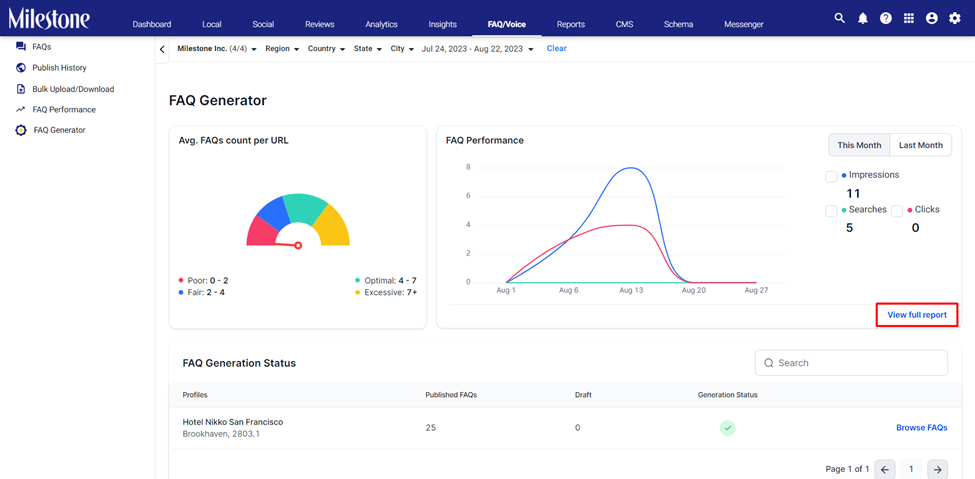
Milestone FAQ Generator displays the number of FAQs published on your pages and their performance in terms of impressions, searches, and clicks.
Please note: If you are interested in using Milestone FAQ Generator get in touch with your Customer Success Manager today!
Path: FAQ Manager > FAQ Generator
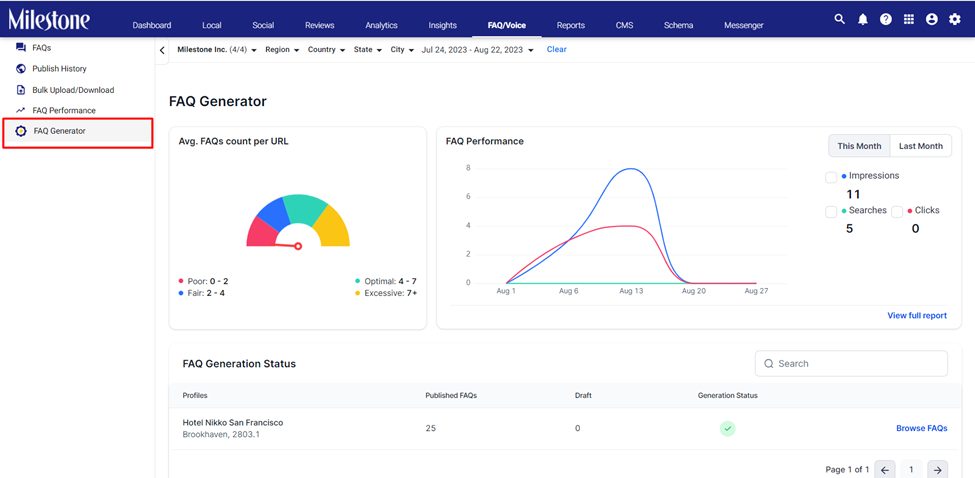
Step 1: Click on ‘FAQ Generator’ in the left navigation panel of Milestone FAQ Manager.
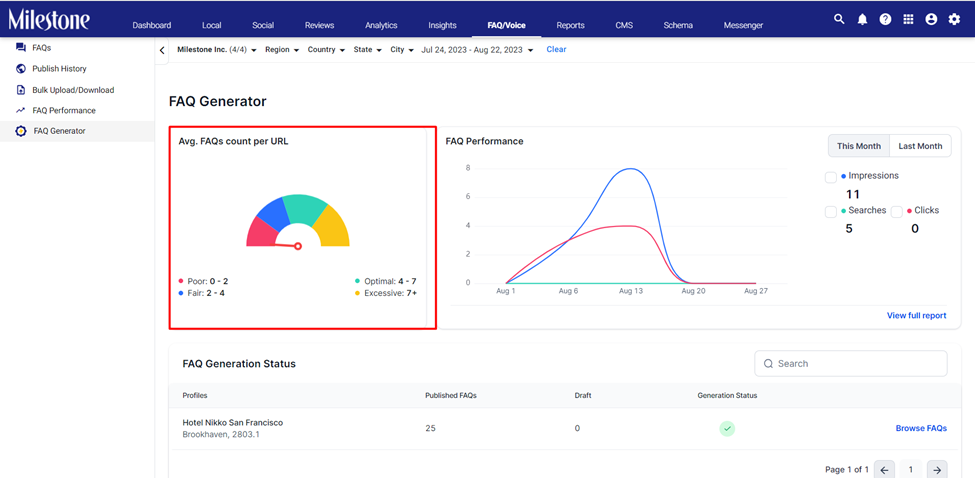
Step 2: The ‘Avg. FAQ Count Per URL’ displays the average number of FAQs published on each page of your website. 4 – 7 FAQs per URL is considered optimal.
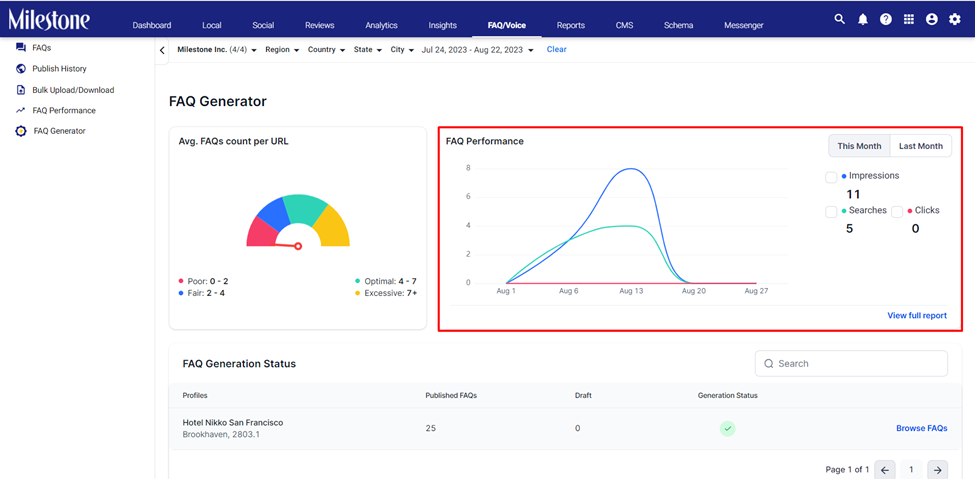
Step 3: The ‘FAQ Performance’ widget displays the performance of your FAQs in terms of impressions, searches, and clicks.
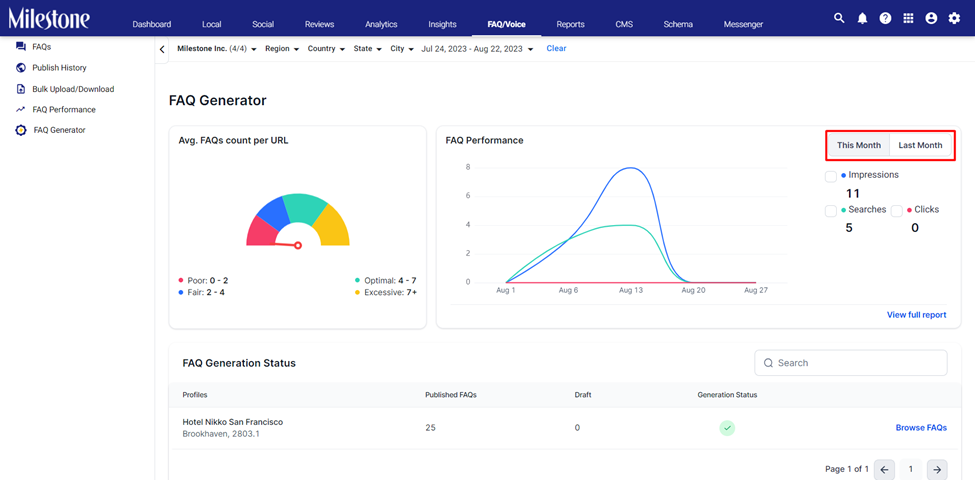
Step 4: You can view data for the current month or the previous month using the button to the right.
Step 5: To view more detailed performance information in the FAQ Performance section, click on ‘View Full Report’.
Was this article helpful?
That’s Great!
Thank you for your feedback
Sorry! We couldn't be helpful
Thank you for your feedback
Feedback sent
We appreciate your effort and will try to fix the article