You can now see how your FAQs pages are performing across search results on a number of devices with the FAQ Performance feature.
Path: MPC Dashboard > FAQ/Voice > Performance
Step 1: On the left navigation panel of the 'FAQ/Voice' section click on 'FAQ Performance'.
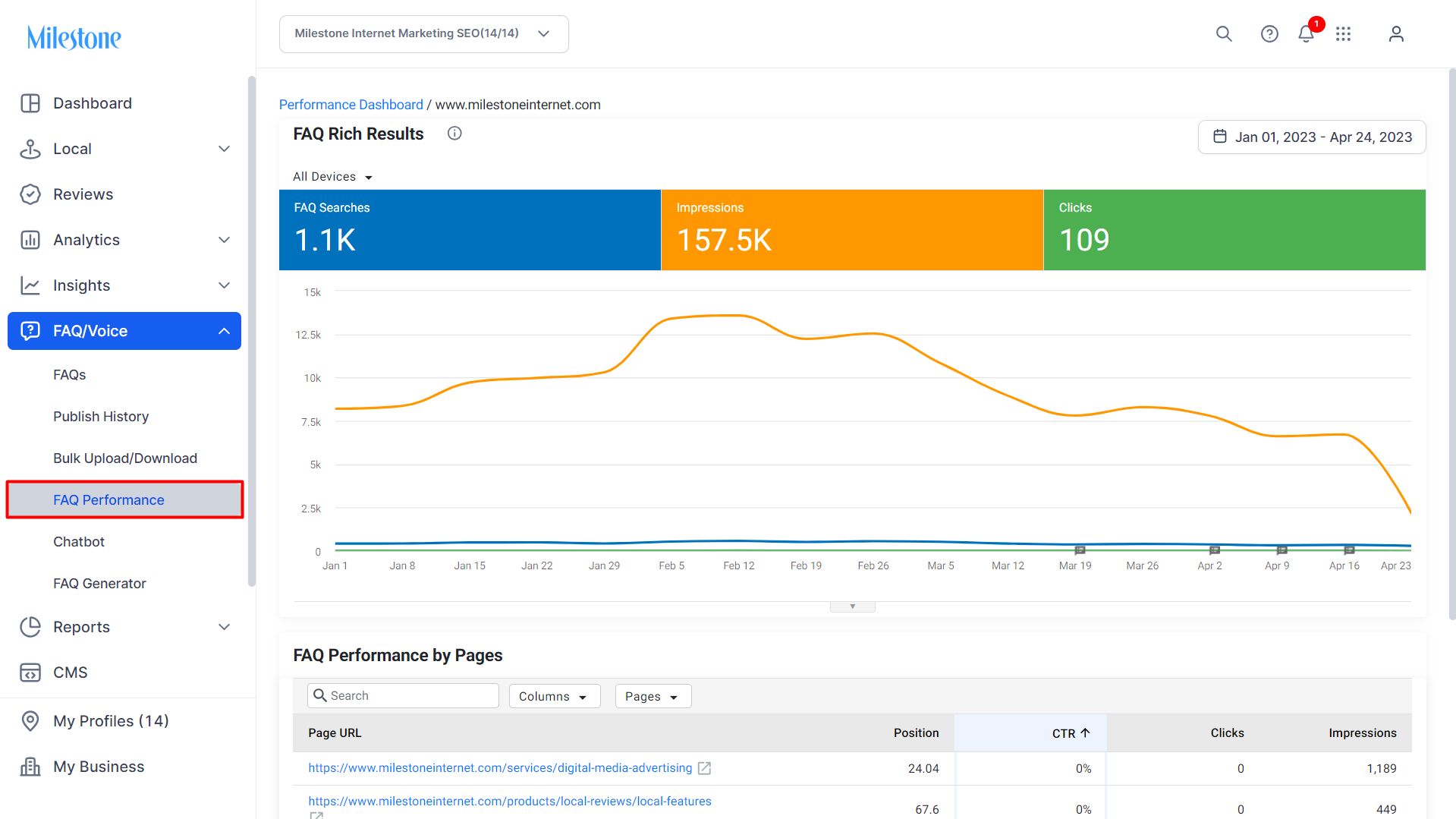
The first widget displays a graph with the performance of FAQs in rich results in terms of FAQ searches, impressions and clicks.
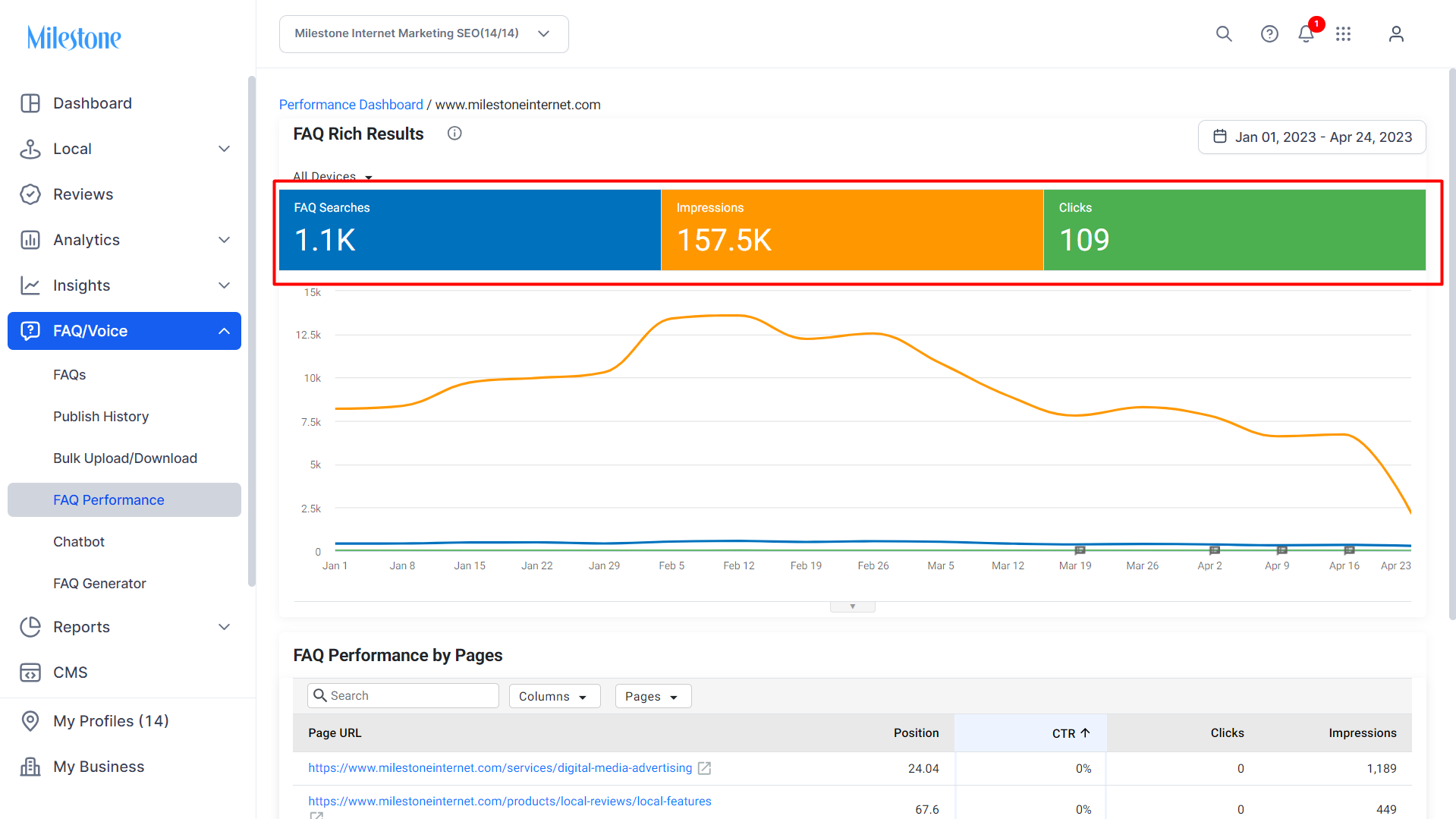
Step 2: Use the Device dropdown menu to select the device for which you want to view FAQ performance.
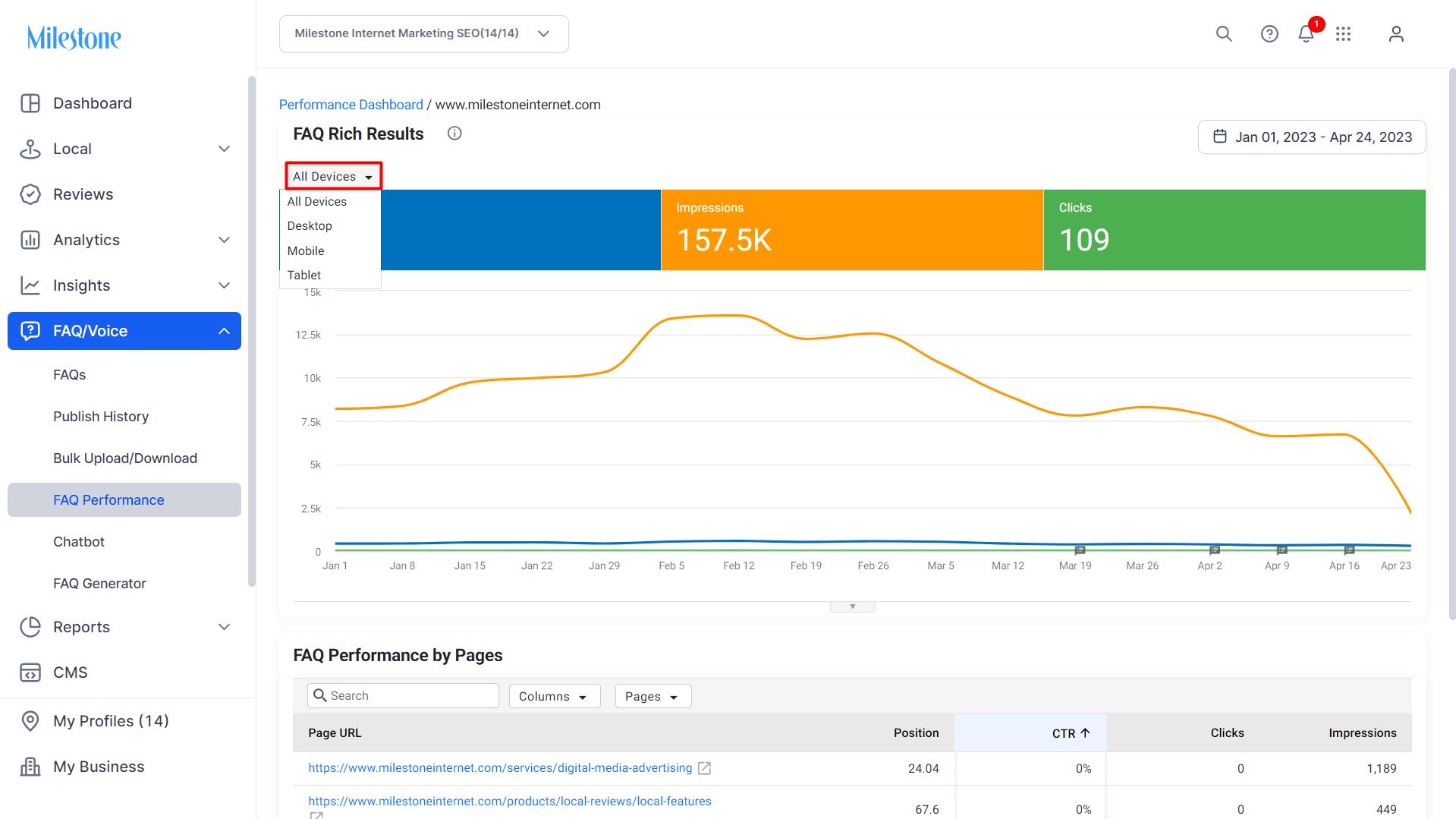
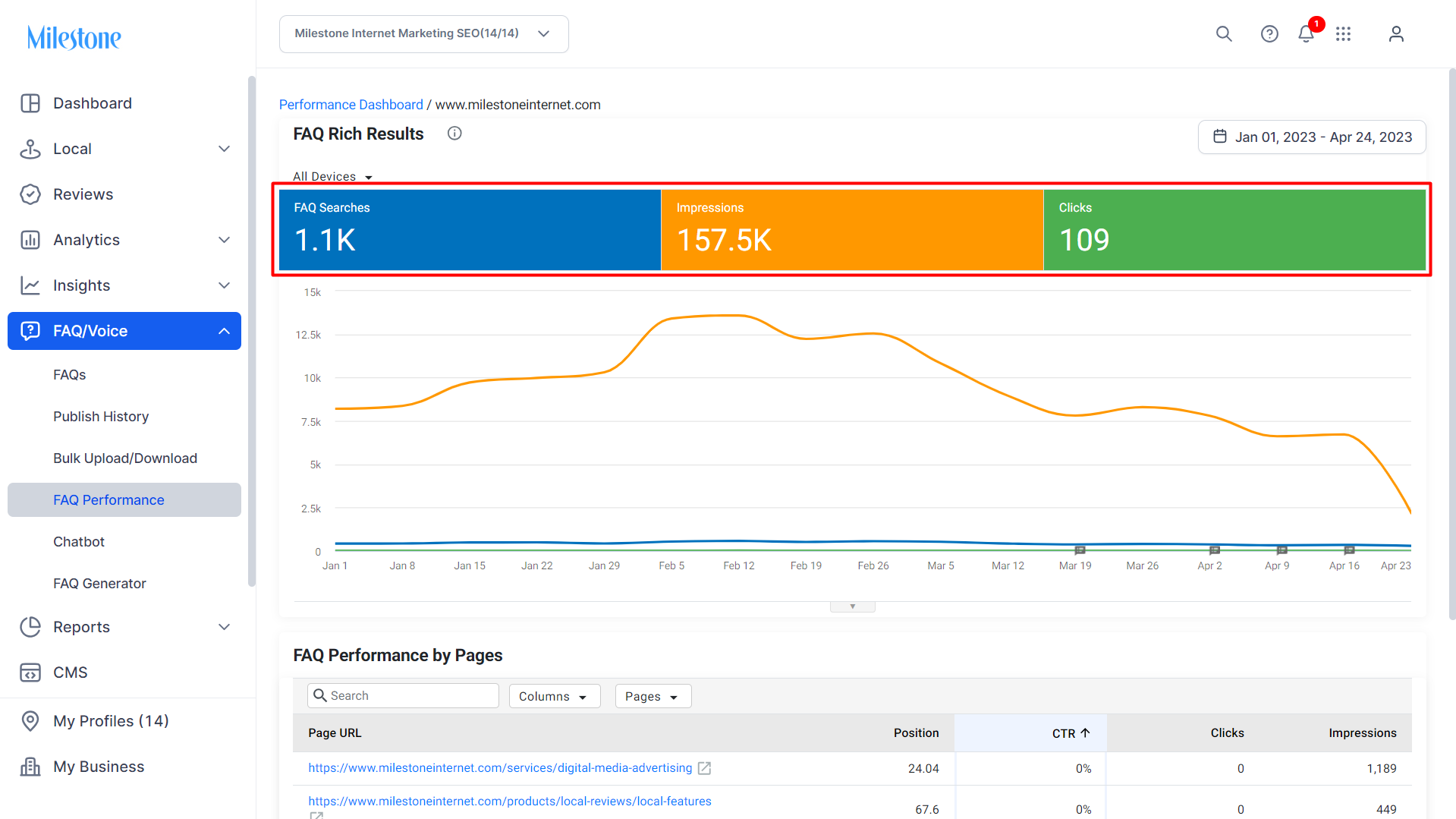
Step 3: View the 'FAQ Searches', 'Number of Impressions', and 'Clicks' for FAQ rich results. Select or deselect the data tiles to add or remove one of the KPIs
The section below displays the performance of FAQ pages.
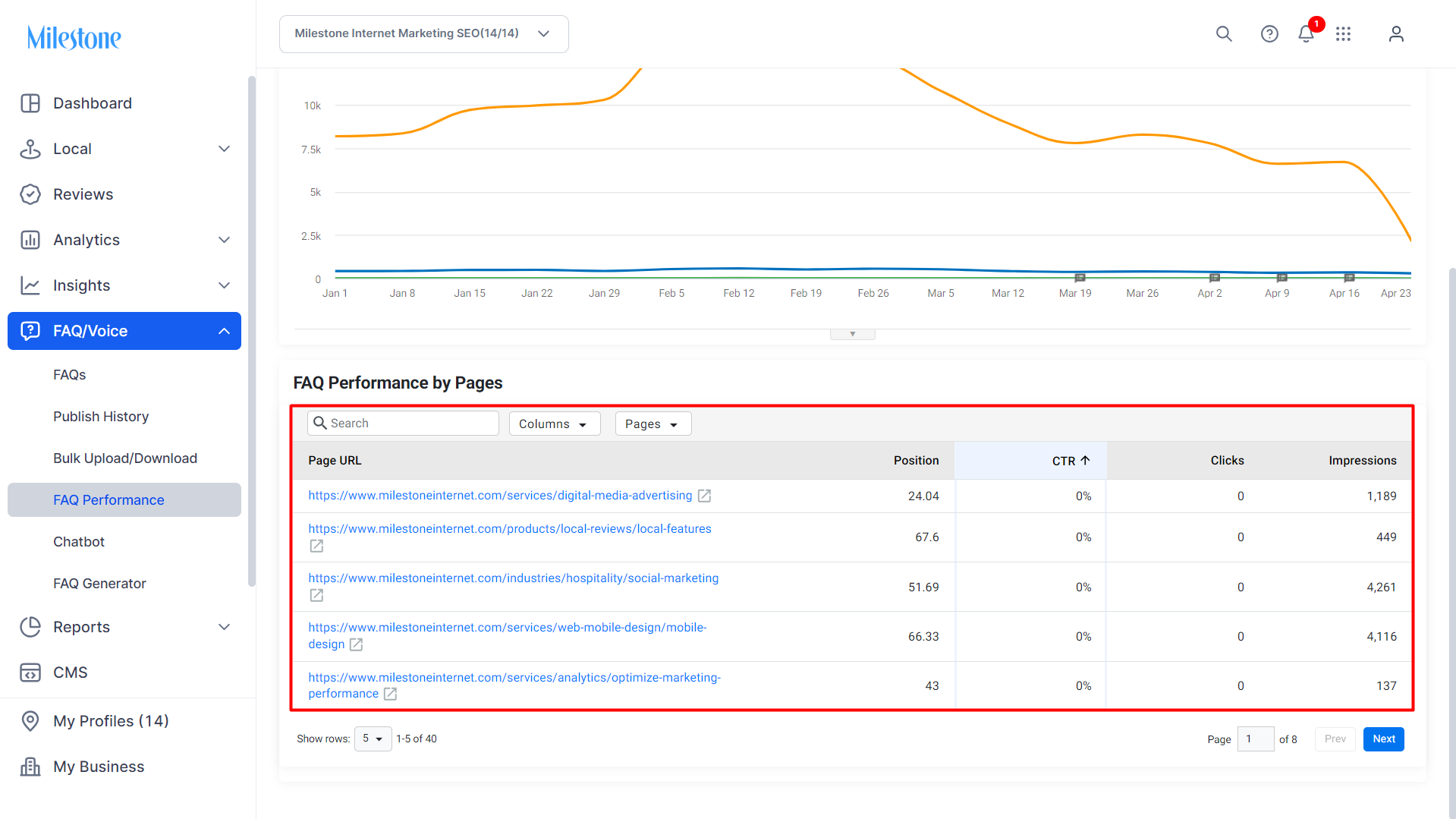
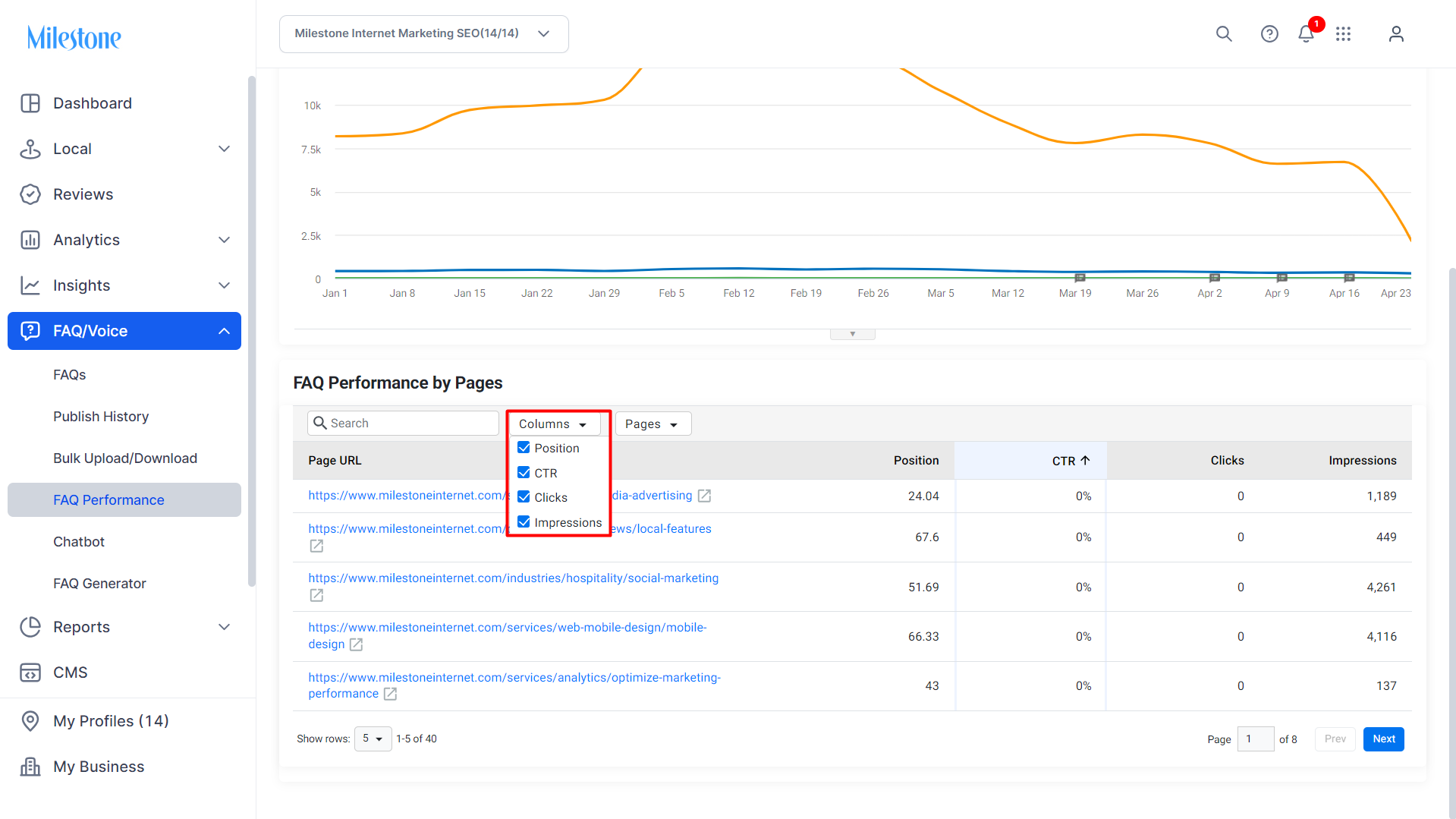
Step 4: Use the 'Columns' dropdown menu to add or remove data columns from the table.
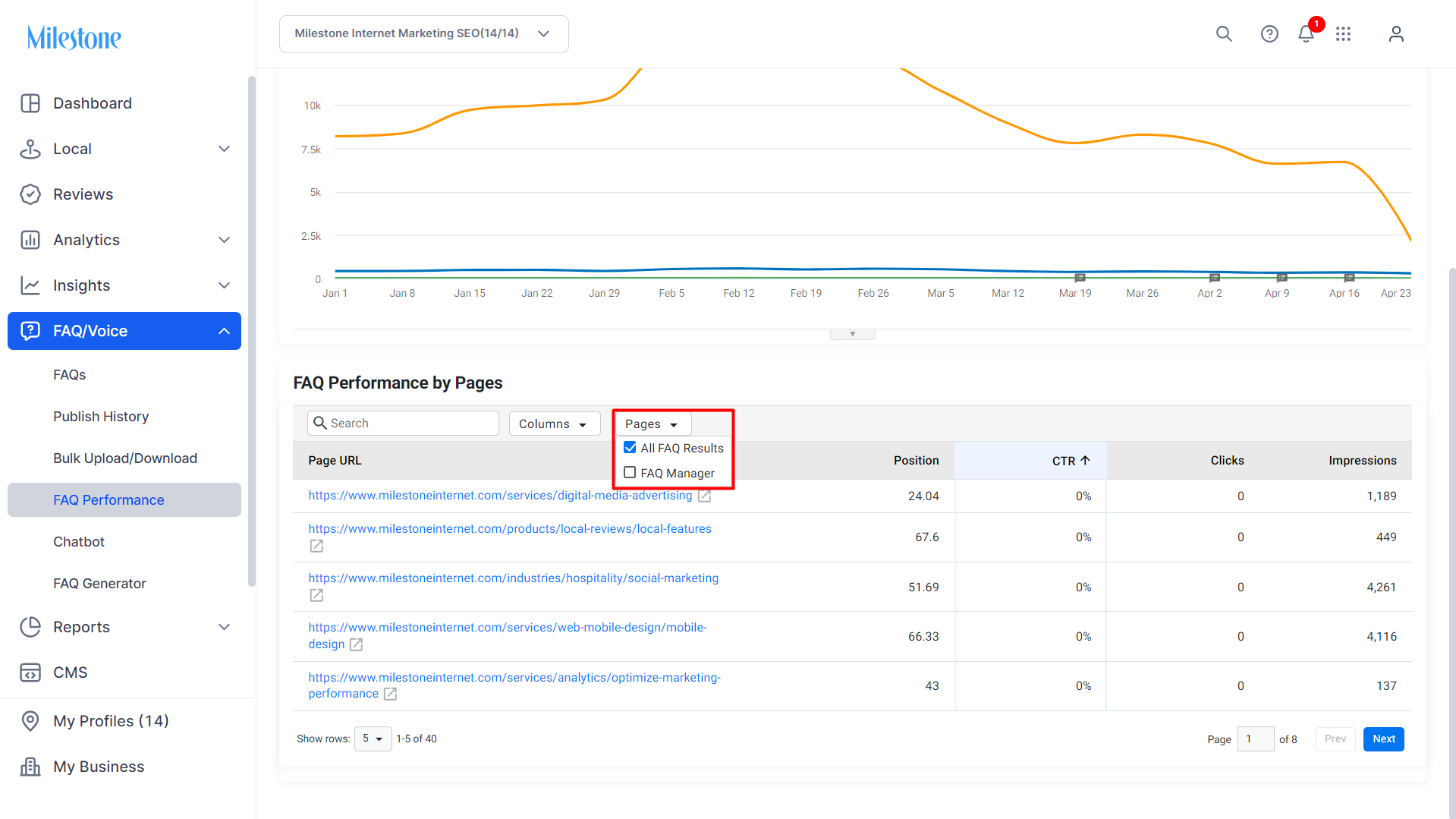
Step 5: Use the 'Pages' dropdown menu to separate FAQs published via Milestone's FAQ Manager from other FAQs.
Was this article helpful?
That’s Great!
Thank you for your feedback
Sorry! We couldn't be helpful
Thank you for your feedback
Feedback sent
We appreciate your effort and will try to fix the article