In the Source configuration page, a user can manage the connectivity of the sources enabled for the profile. These sources are enabled on the profile and can be connected to the business location using URLs, credentials, tokens, or unique IDs.
Enter the URL of the source and to add a source configuration manually click on the ‘+’ button.
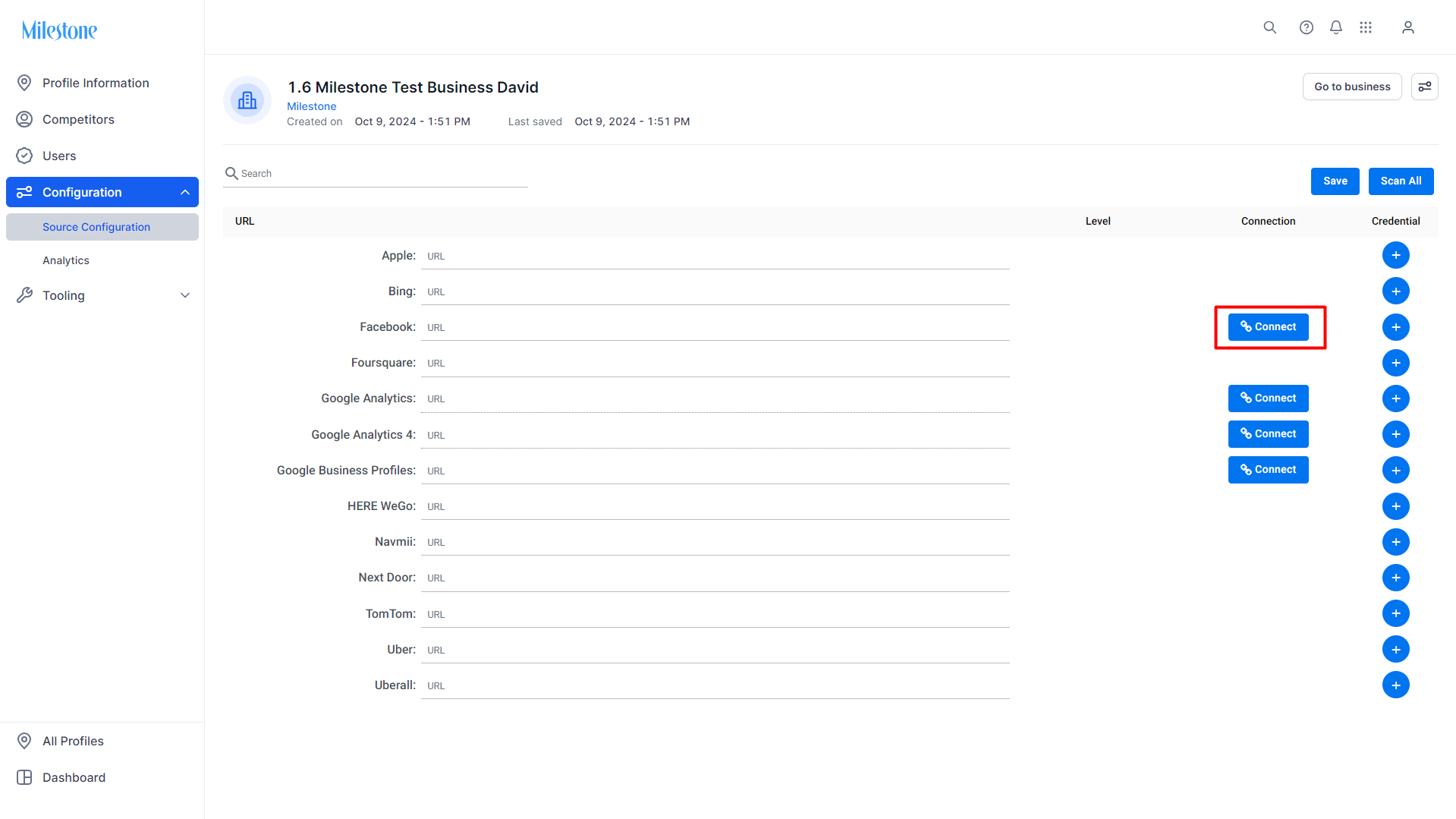
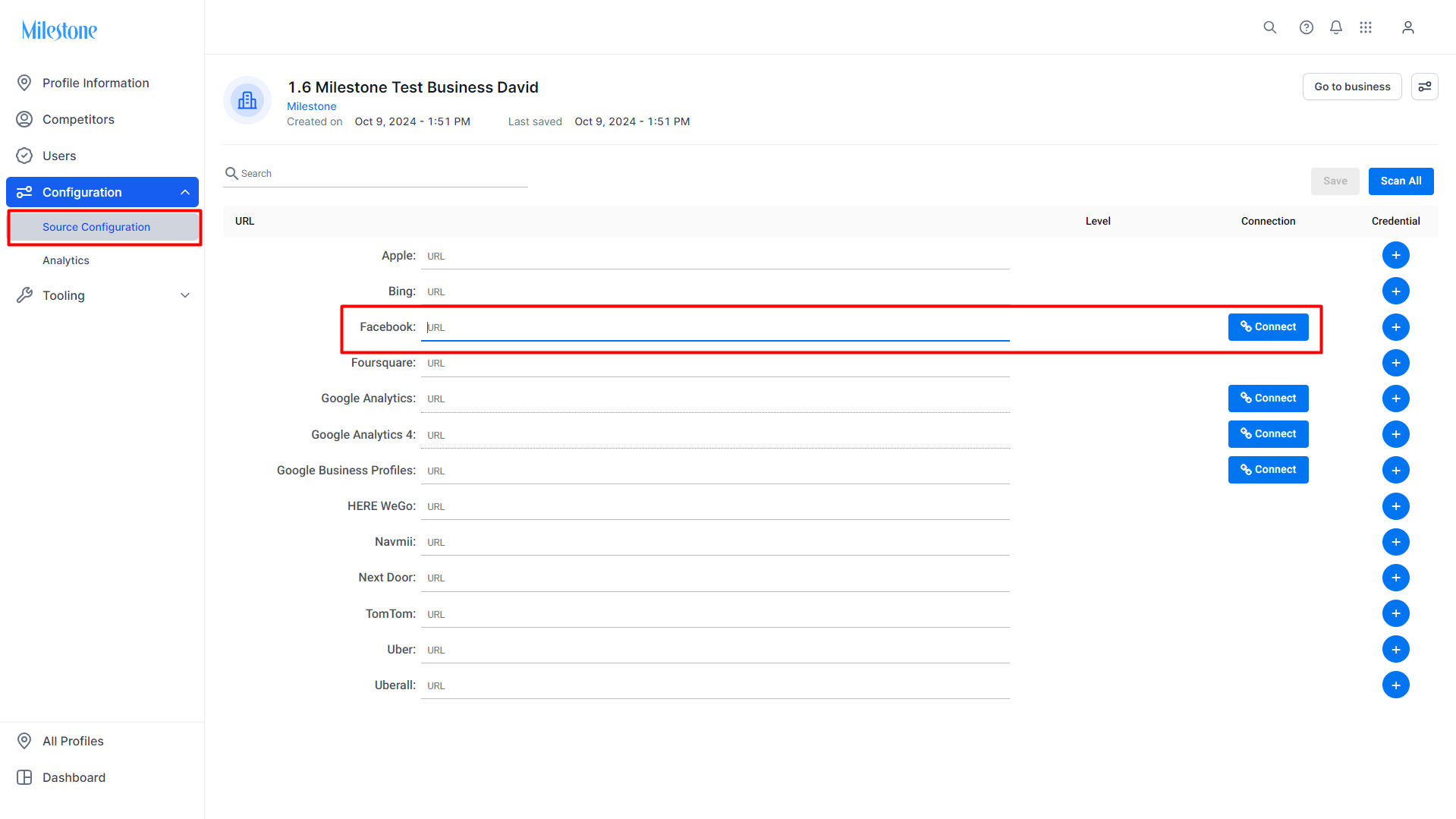 To reconnect a source, click on ‘Connect’ and enter the credentials.
Was this article helpful?
That’s Great!
Thank you for your feedback
Sorry! We couldn't be helpful
Thank you for your feedback
Feedback sent
We appreciate your effort and will try to fix the article