On the Profile Summary screen, all businesses functioning in the United States and non-US regions across the globe can now add services to their profile that will be reflected on their local panel and GMB - for them to be the pick of relevant ‘near-me' searches for the services on offer.
Based on the primary and business categories chosen by the business profile or location, they will have relevant services to choose from.
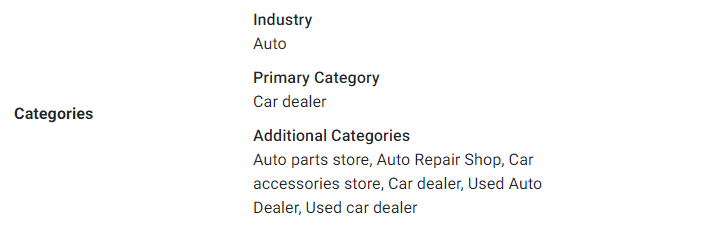
Here, the business location has added an auto repair shop, car dealer, auto parts shop, etc., as its primary and additional categories.
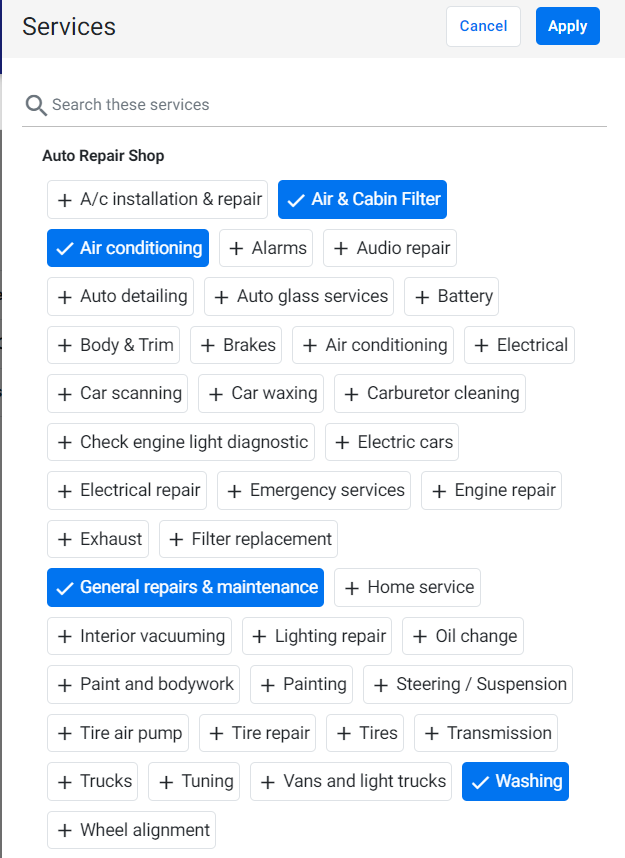
On the Local Profile Summary screen, click on ‘Edit’ by ‘Services’ and choose the most relevant services automatically displayed based on the category chosen. Click on the category till it is highlighted in blue and click on ‘Apply’.
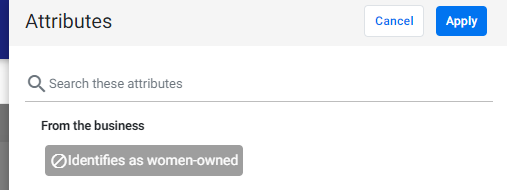
To remove an attribute, click on the attribute, and it will turn dark grey to signify it's been removed. Click on 'Apply'.
Was this article helpful?
That’s Great!
Thank you for your feedback
Sorry! We couldn't be helpful
Thank you for your feedback
Feedback sent
We appreciate your effort and will try to fix the article