

Knowledge base
Release Nov 20 2023
Schema Manager
Schema Warnings
Opportunity: If the structured data is incomplete, incorrect, or not following the standards set by search engines, schema warnings might be generated. These warnings can impact how effectively a website communicates its content to search engines and, consequently, its visibility in search results. Making updates can also provide you with content opportunities.
Solution: Milestone Schema Manager allows you to identify warnings that appear in schema across your web pages and update them. Ensuring your webpages are being discovered and understood by search engines.
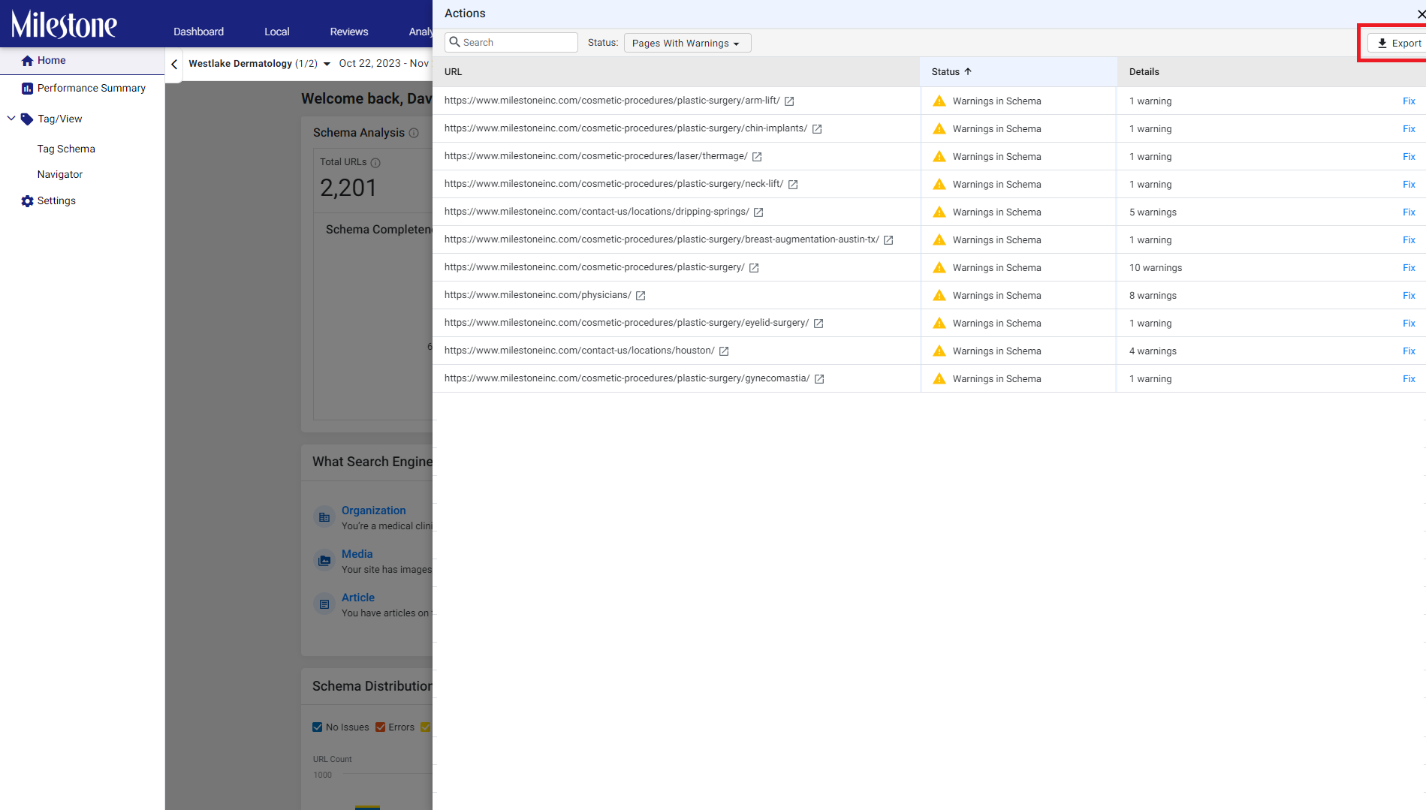
Path: Schema Manager Home > Warnings > View > Export
To view the warnings for individual pages, export a list of the pages with warnings to a spreadsheet using the ‘Export’ button.
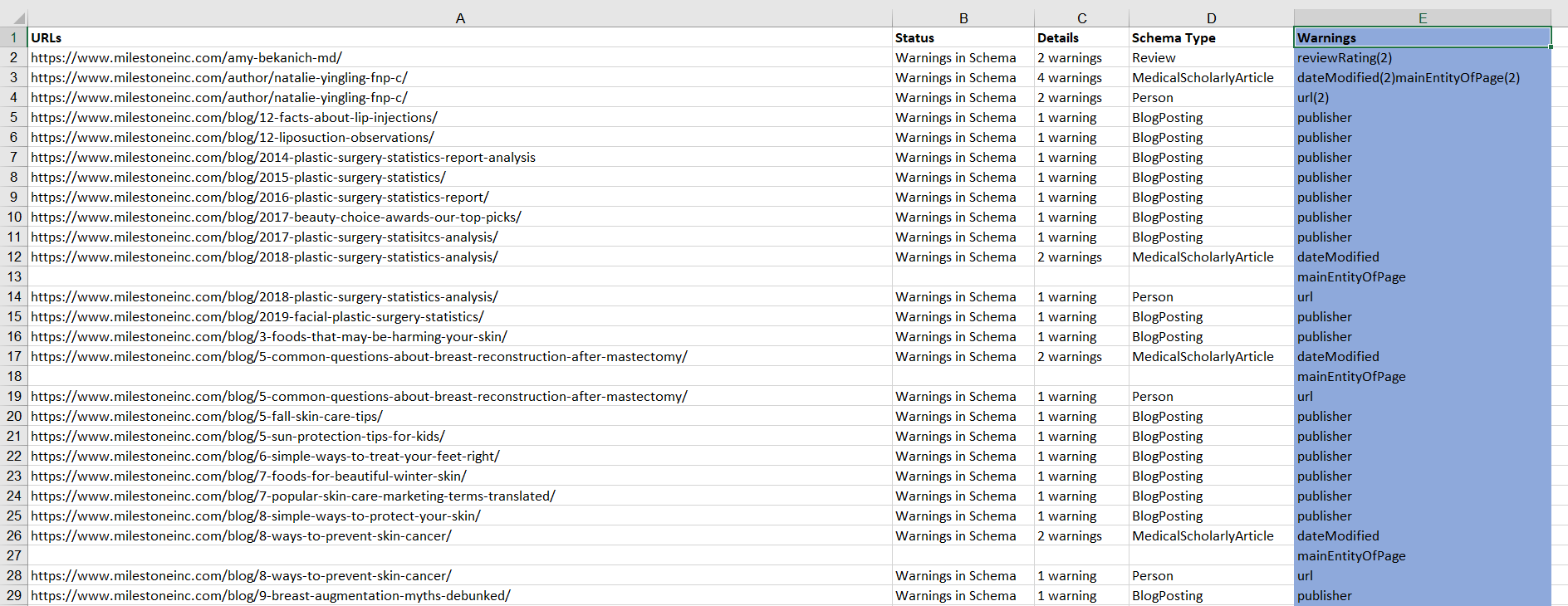
In the spreadsheet, you can now view Warnings for individual pages in the right column highlighted in blue here.
Was this article helpful?
That’s Great!
Thank you for your feedback
Sorry! We couldn't be helpful
Thank you for your feedback
Feedback sent
We appreciate your effort and will try to fix the article